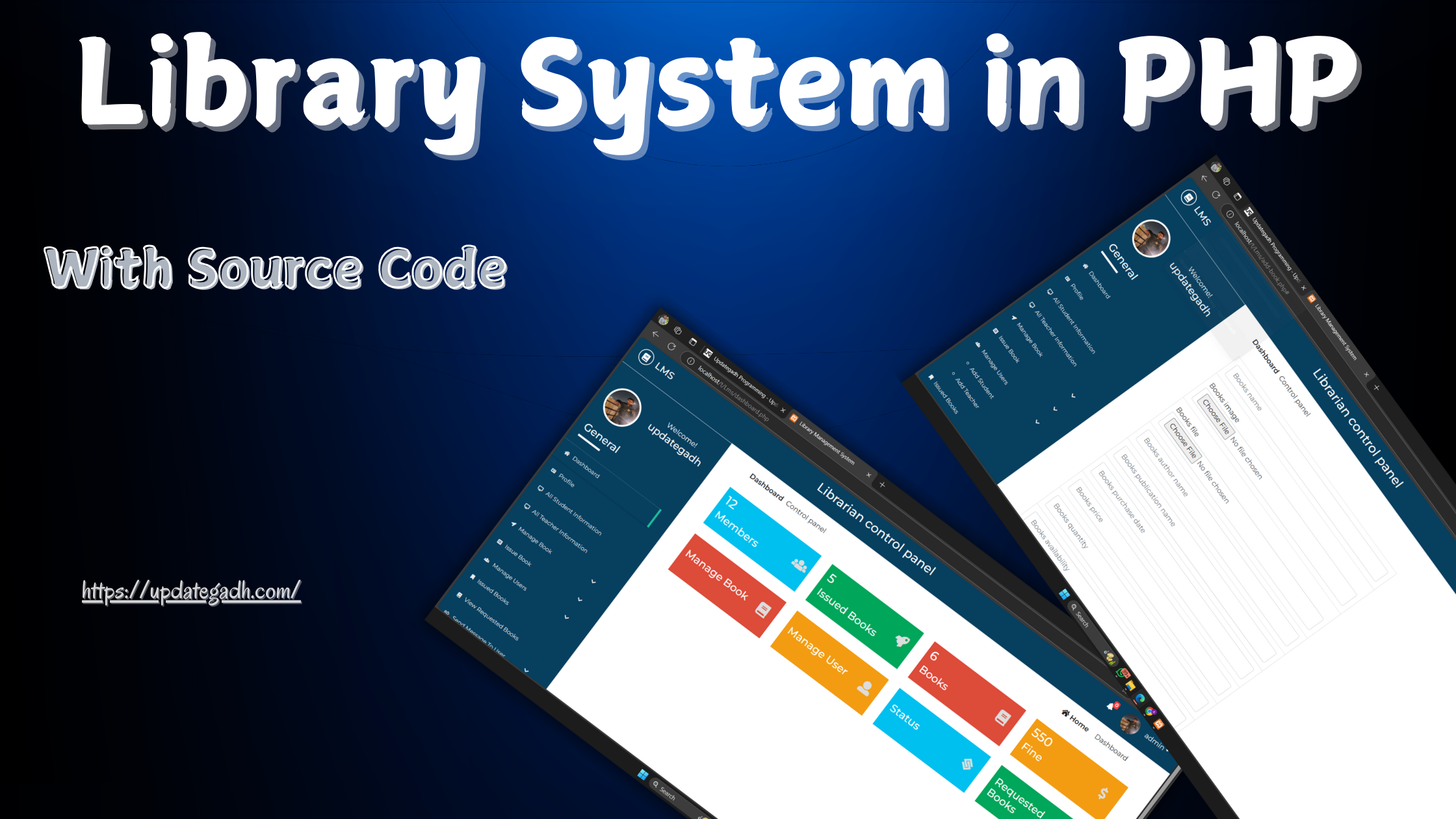
Library System in PHP
Managing a librarys vast inventory of books, users, and borrowing records can be daunting without the right tools. The Library System in PHP is a streamlined project designed to simplify and enhance library management using PHP, JavaScript, and CSS. The system is split into two sections: admin and user (for students and teachers), offering functionality that benefits both users and administrators.
Key Features of the Library System
The Library System in PHP project is ideal for libraries seeking a straightforward way to manage their inventory, borrowing history, and user accounts. Here are the main functionalities for each section:
Admin Section
Download New Real Time Projects :-Click here
- Category Management: Add, edit, or delete book categories.
- Author Management: Manage a list of authors with the option to edit or remove entries as needed.
- Book Inventory: Maintain a catalog of all available books. Admins can add new titles, update existing ones, and remove books no longer available.
- Issued Books Management: Keep track of books borrowed and returned by users.
- User Account Management: Manage accounts for both students and teachers, allowing the admin to monitor and support each users library activity.
User Section
For the User Section, users can register as either a student or a teacher. Each user has access to their own profile, enabling them to:
- View Issued Books: Easily check out a list of borrowed books and see their return status.
- Edit Profile: Update their personal information as needed.
How to Run the Library System Project
To get started with the Library System in PHP, follow these steps carefully. Ensure you have a virtual server installed, such as XAMPP (for Windows), which will host and run the project files.
Installation Instructions
- Download and Extract:
- Download the Library System in PHP project files.
- Extract the downloaded zip file to retrieve the project folder.
- Copy Project Folder:
- Copy the entire project folder.
- Paste it into the
xampp/htdocs/directory on your computer.
- Set Up the Database:
- Open a web browser and go to
. - Create a new database with the name project.
- Click on the Import tab in phpMyAdmin.
- Locate and select the
project.sqlfile found within theSQLfolder in the project files. - Click Go to complete the database import.
- Run the System:
- After creating the database, open a browser and access the user section at:
- To access the Admin Panel, go to:
Contact Us to Get the Source Code:
If you need the source code for the Library System in PHP with Source Code, feel free to reach out through any of the provided contact methods.
- Remotely Setup Project.
- The Full project files
- Database.
- Step-by-step configuration tutorial.
- library system in php with source code
- library-management-system project in php github
- library management system project in php with source code pdf
- library system in php example
- localhost/library management system
- library management system source code in htm