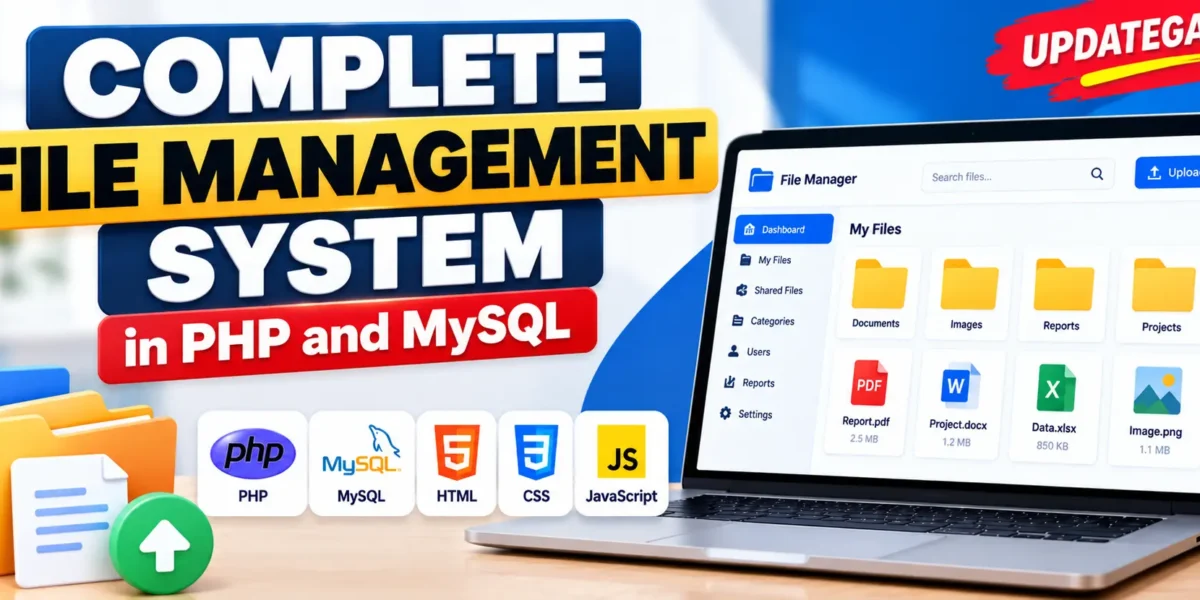
File Management System in PHP and MySQL
Complete File Management System in PHP and MySQL is a web-based application designed to help organizations store, organize, manage, and retrieve files efficiently. As organizations handle increasing amounts of digital documents, managing files manually can become difficult. This system provides a structured platform where administrators and employees can perform different file management operations according to their assigned roles.
Developed using PHP, MySQL, HTML, CSS, and JavaScript, the application includes features such as user management, file access control, file categorization, file sharing, activity monitoring, backup and restore, notifications, and report generation. It provides separate functionalities for administrators and employees to support organized document management.
Real Time Projects on YouTube:- DecodeIT
Project Overview
| Project Details | Description |
|---|---|
| Project Name | File Management System |
| Programming Language | PHP |
| Frontend | HTML, CSS, JavaScript |
| Database | MySQL |
| Web Server | Apache |
| Operating System | Windows, Linux, macOS |
| Project Type | Web-Based Application |
What Are the Main Features of File Management System?
The system provides separate features for administrators and employees. Administrators manage users, permissions, categories, activities, backups, and reports, while employees perform everyday file operations.
1. Administrator Features
The administrator is responsible for managing users, controlling file permissions, organizing documents, and monitoring system activities.
- User Management: Administrators can create, edit, and delete user accounts. They can also assign specific roles, including Admin and Employee, to manage access within the application.
- File Access Control: Administrators can define which users are allowed to view, edit, or download particular files. This helps control access to organizational documents according to assigned permissions.
- File Categorization: Administrators can organize files into different categories based on departments or file types. Categorization makes it easier to manage and locate documents.
- Activity Monitoring: Administrators can monitor user activities, including who uploaded, edited, or deleted files. This provides information about file-related operations performed within the system.
- Backup and Restore: The system provides backup and restore functionality. Administrators can perform regular data backups and restore files when data is lost or corrupted.
- Reports Generation: Administrators can generate reports containing information about file usage, access frequency, and overall storage status.
2. Employee Features
Employees can use the system to manage their available documents, share files with colleagues, and find required information.
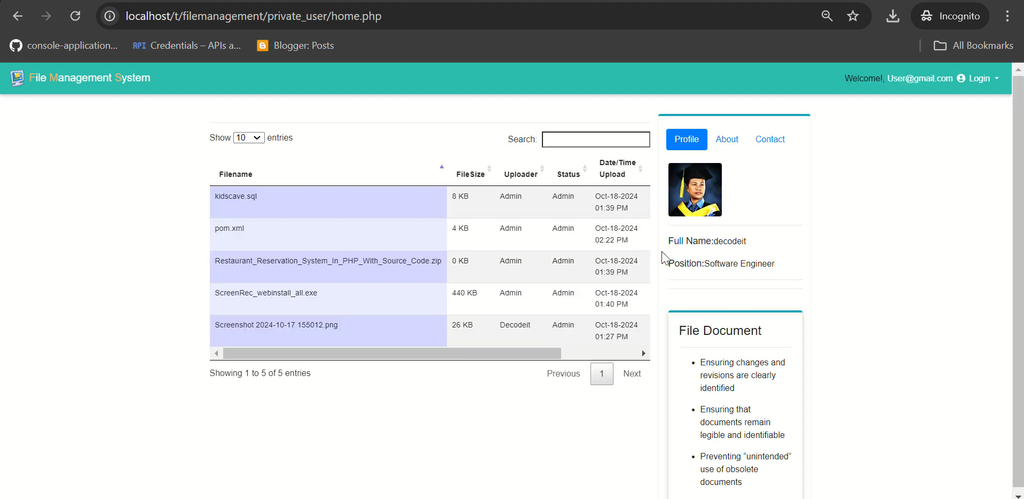
- File Upload and Download: Employees can upload files to the system and download documents available to them. This supports everyday document management activities.
- File Sharing: Employees can share files securely with colleagues within the system, making document exchange easier between team members.
- Search Functionality: Employees can search for documents using keywords or categories. This helps them locate required files without manually browsing through all available documents.
- File Editing and Version Control: Employees can edit files within the system. Version control maintains records of changes, allowing previous file versions to be tracked.
- Notifications: Employees receive notifications when files they have access to are changed. This helps them stay informed about updated documents.
How Does File Management System Work in the System?
The system organizes file management activities through administrator and employee roles. Administrators control user accounts, permissions, and file categories, while employees perform permitted file operations.
Employees can upload documents, download available files, search through categories, and share documents with colleagues. When files are edited, the version control functionality maintains a record of changes. Notifications inform employees about updates to files they can access.
Administrators can also monitor file-related activities, manage access permissions, and generate reports about file usage and storage status. The backup and restore functionality supports data recovery when files are lost or corrupted.
Which Technologies Are Used in This Project?
The project uses standard web development technologies and a custom PHP backend. Each technology contributes to the application’s development and operation.
| Technology | Purpose |
|---|---|
| PHP | Backend programming and application functionality |
| MySQL | Database management and data storage |
| HTML | Structure of web pages |
| CSS | Styling and presentation of the interface |
| JavaScript | Frontend interactivity |
| Apache | Web server for running the application |
Why Does the Project Use PHP and MySQL?
PHP is used for custom backend development and application functionality, while MySQL manages the database. HTML, CSS, and JavaScript support the frontend interface. The project does not use an additional PHP framework, as its development is based on custom PHP programming.
What Are the System Requirements?
Before installing the project, prepare a local or hosted server environment that supports PHP, MySQL, and Apache.
- Programming Language: PHP
- Database: MySQL
- Web Server: Apache
- Frontend Technologies: HTML, CSS, JavaScript
- Operating Systems: Windows, Linux, and macOS
File Sharing Website Using Python in Django :- Click Here
How to Download
The complete package is available so you can run, study, and submit it with confidence.
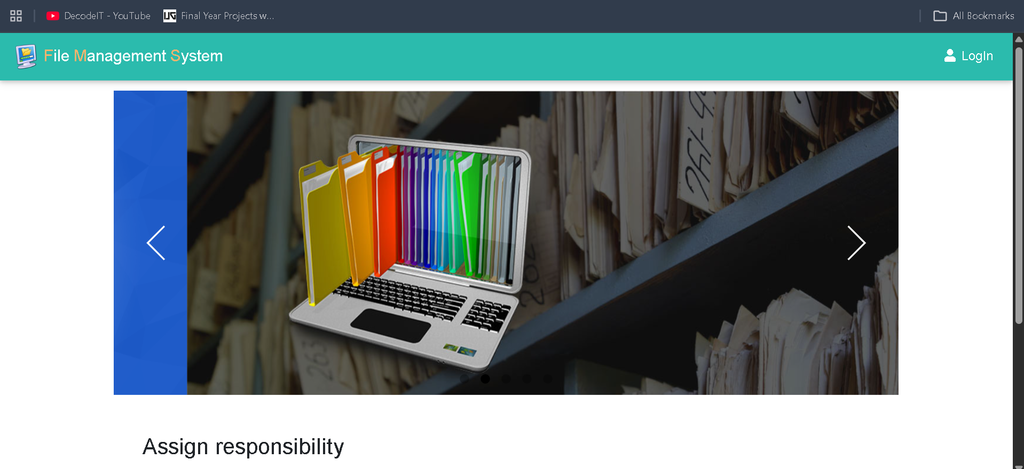
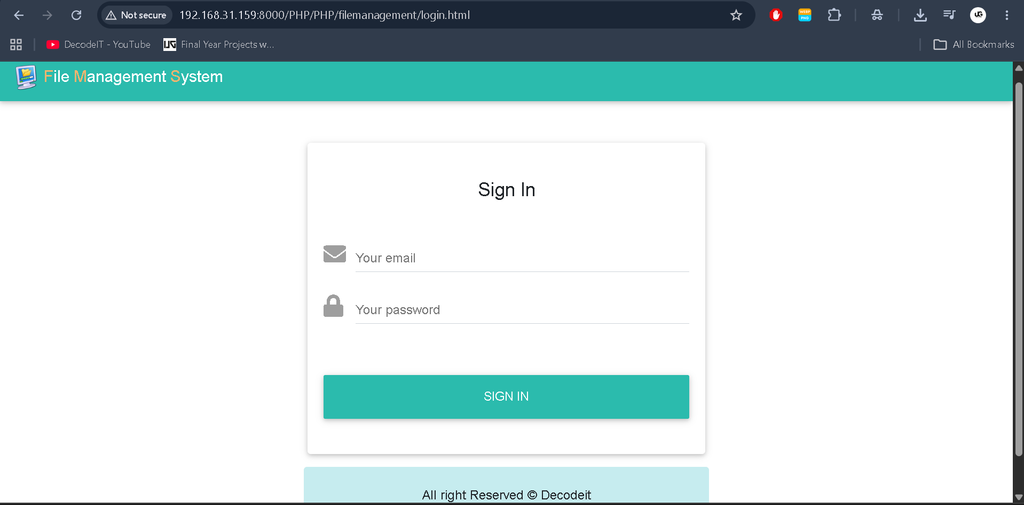
Screenshot

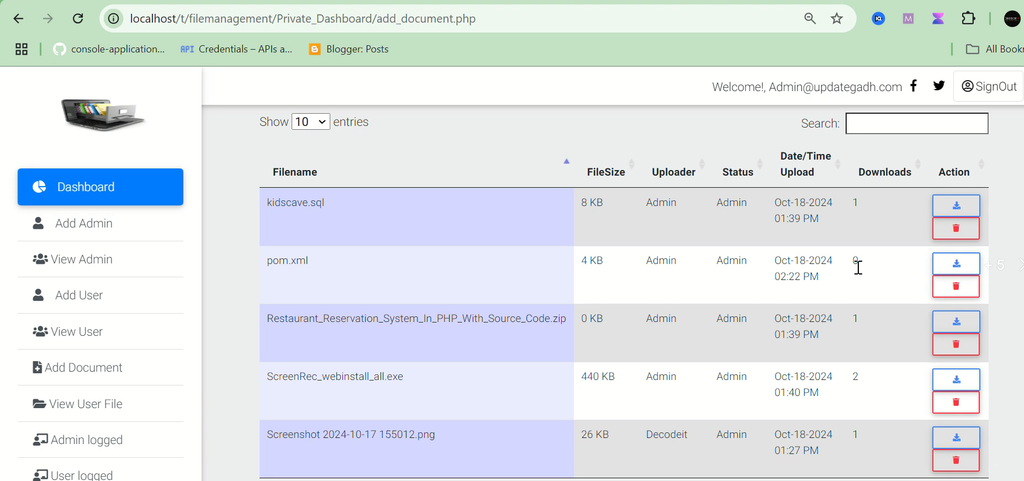
How to Install and Run the File Management System?
Follow the installation instructions below to configure and run the application on your local server.
Step 1: Download and Extract the Project
Download the project ZIP file and extract its contents into your local server directory. If you are using XAMPP, place the extracted project folder inside the htdocs directory.
Step 2: Configure the Database
Open the config.php file in your code editor. Update the database connection settings according to your local MySQL server configuration.
Step 3: Start the Local Server
Start the Apache and MySQL services through your local server environment. Make sure both services are running before opening the application.
Step 4: Launch the Application
Open your web browser and navigate to the project directory using your local server address.
Note: The supplied project information does not specify the database name, SQL import instructions, or exact localhost URL. Check the actual project files for these details before running the application.
What Are the Benefits of File Management System?
- Organized Document Management: File categorization helps organizations arrange documents according to departments or file types.
- Controlled File Access: Administrators can define permissions for viewing, editing, and downloading files.
- Easy File Retrieval: Employees can search for documents using keywords or categories.
- Activity Tracking: Administrators can monitor file uploads, edits, and deletions performed by users.
- Data Recovery Support: Backup and restore functionality helps recover files in case of loss or corruption.
- Better Collaboration: File sharing and notifications help employees exchange documents and stay updated about changes.
Frequently Asked Questions
1. What is Complete File Management System?
It is a web-based application developed using PHP and MySQL to manage, organize, store, share, and retrieve organizational files.
2. Which programming language is used in this project?
PHP is used for backend development, while HTML, CSS, and JavaScript are used for the frontend.
3. Which database is used?
The project uses MySQL for database management.
4. What user roles are available?
The system provides two roles: Administrator and Employee, each with different file management responsibilities.
5. Can employees share files?
Yes, employees can securely share files with their colleagues within the system.
6. Does the system support file version control?
Yes, employees can edit files, and the version control functionality maintains records of changes.
7. Can administrators monitor user activities?
Yes, administrators can track activities such as file uploads, edits, and deletions.
8. Does the project include backup and restore functionality?
Yes, administrators can perform backups and restore files in case of data loss or corruption.
Final Thoughts
Complete File Management System in PHP and MySQL is a useful web development project for understanding document organization, user role management, file access permissions, file sharing, and database-driven application development. Its administrator and employee functionalities provide a structured approach to handling organizational documents. With features such as activity monitoring, version control, backup and restore, notifications, and report generation, the project demonstrates how PHP and MySQL can be used to develop a complete file management application.