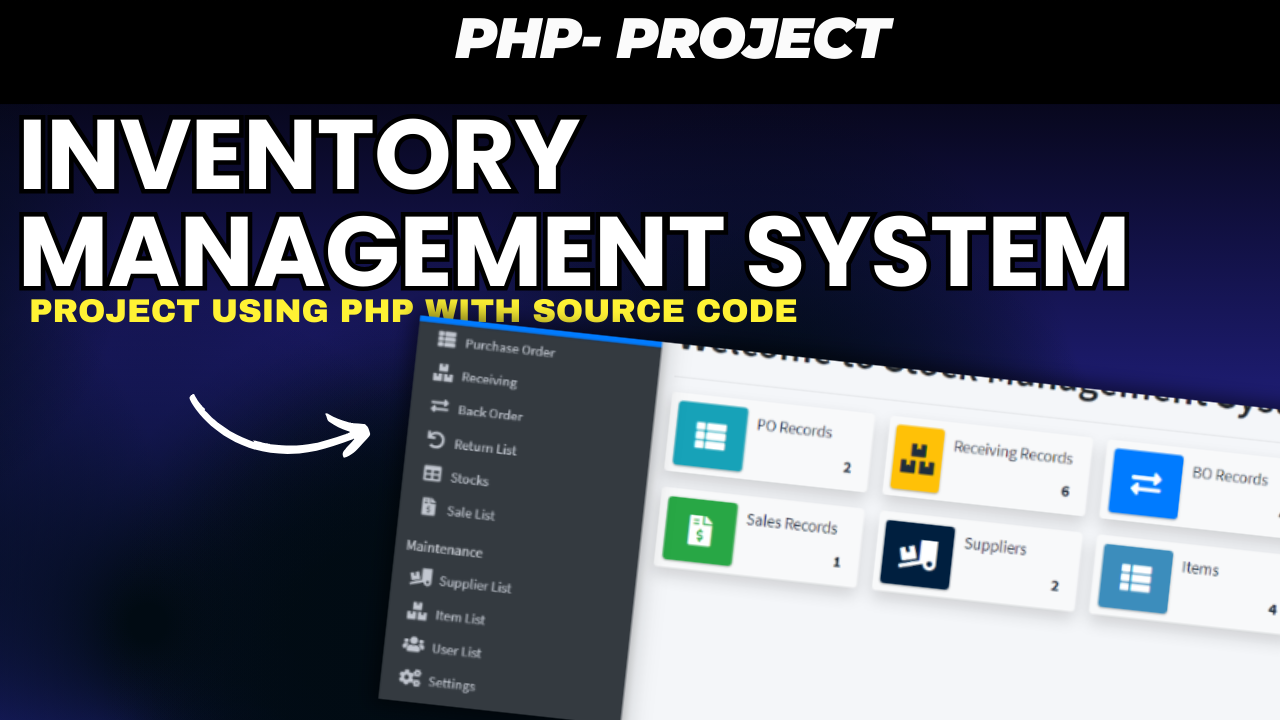
Inventory Management System Using PHP and MySQL
Introduction
Managing inventory efficiently is crucial for businesses of all sizes. With the rise of e-commerce and the need for accurate stock control, having an automated Inventory Management System (IMS) can streamline operations. In this post, we’ll explore how to build a PHP and MySQL-based IMS, complete with source code, that tracks inventory, generates reports, and sends stock alerts.
About
The Inventory Management System allows businesses to track inventory, sales, and purchases in real-time. It offers user-specific login credentials (Admin, Salesperson, Storekeeper), provides detailed stock reports, and integrates with external systems like barcode scanners. With the systems low stock alerts, order management, and invoicing tools, businesses can optimize their stock levels and reduce operational costs.
Features
- User Authentication: Multiple access levels for Admin, Salesperson, Storekeeper, etc.
- Dashboard: Overview of inventory levels, purchase orders, and stock alerts.
- Product Management: Add, edit, delete products with details like name, description, price, quantity, supplier, and expiry date.
- Search Functionality: Quickly search products by name or code.
- Stock Alerts: Notifications for low stock, expiry dates, and reorder points.
- Invoice and Billing: Generate invoices for sales and purchase orders.
- Reports: Profit and loss statements, stock analysis, inventory valuation.
- Backup and Restore: Secure data with backup options and disaster recovery.
- Integration: External systems like accounting software, barcode scanners, and RFID tags can be integrated.
Setup
Install PHP & MySQL Environment
- PHP Version: Ensure you have PHP Version 8.0.7 installed.
- Download XAMPP from Apache
- Open PHPMyAdmin via your web browser by typing
. - Create a new database named sms_db.
- Import the
sms_db.sqlfile located inside the project folder under SQL file. - Open your browser and navigate to:
. - Use the following login credentials to access the system:
- Username:
admin - Password:
admin12
Project Screenshots
Here are some screenshots showcasing the Inventory Management System’s interface:
- Login Page: Simple and user-friendly login interface.
- Dashboard: Provides an overview of stock levels, sales data, and stock alerts.
- Product Management: Manage product details, including name, quantity, and supplier.
- Invoices: Generate and download invoices for sales and purchases.
Download
The Inventory Management System PHP and MySQL project is available for Purchase . This project is intended for educational purposes and is a great tool for learning web development with PHP and MySQL.
To Buy this Project [ Price Details Click Below ( ) ]
- Once purchased, I quickly set up the project on your system [remotely].
- We Save Your time and effort both .
Tags: PHP Inventory Management, Stock Management System, Inventory Tracking, PHP Projects, MySQL, Bootstrap, Inventory Control, Web Development.