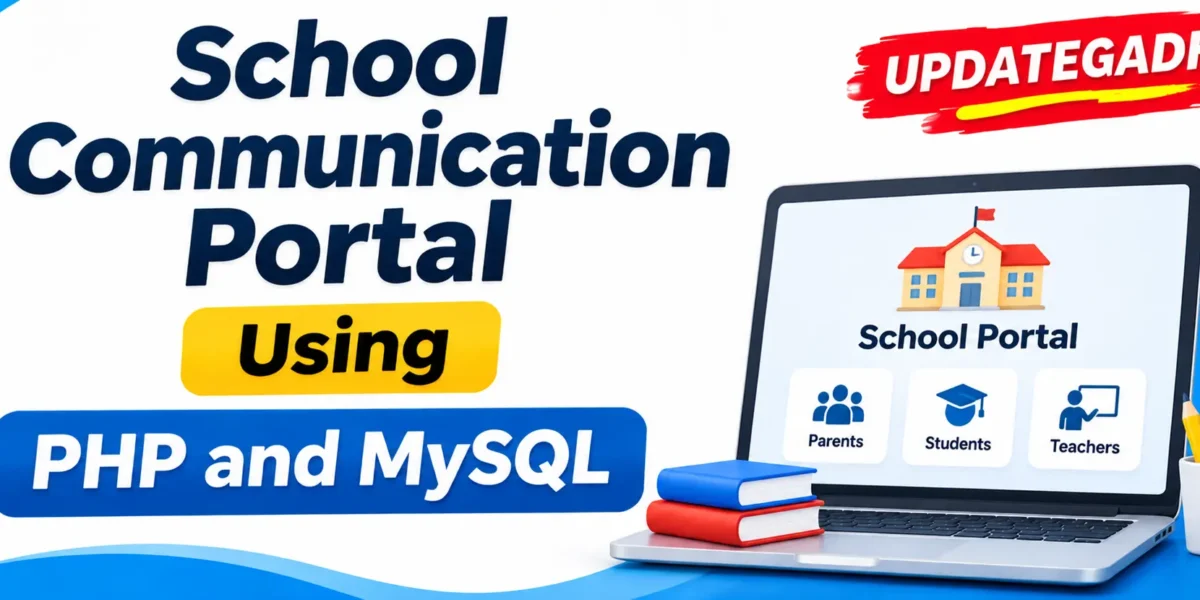
School Communication Portal Using PHP and MySQL
Introduction
School Communication Portal Using PHP and MySQL is a web-based application designed to improve communication between schools, teachers, and parents. It provides a centralized platform where users can communicate, exchange messages, and stay informed about school-related activities.
The portal uses PHP for backend development and MySQL for database management. It includes user authentication, messaging functionality, a centralized dashboard, and different access levels for administrators, teachers, students (on demand), and parents.
Advanced School Management System Using Python Django :- Click Here
Real Time Projects on YouTube:- DecodeIT
Project Overview
The School Communication Portal provides an organized communication environment for educational institutions. Its main purpose is to connect parents and teachers through a centralized messaging platform.
| Project Details | Information |
|---|---|
| Project Name | School Communication Portal |
| Programming Language | PHP |
| Database | MySQL |
| Frontend | HTML, CSS, JavaScript |
| Additional Technologies | jQuery |
| Development Environment | VS Code, Sublime Text |
| Local Server | XAMPP / WAMP |
| Database Management | phpMyAdmin |
| Project Type | Web-Based School Communication Portal |
What Are the Main Features of the School Communication Portal?
The portal includes communication and account management functionalities designed for different types of users. Its main features are explained below.
1. User Authentication
The system provides secure login and registration functionality for students, teachers, and parents. Users can access the portal through their accounts.
2. Messaging System
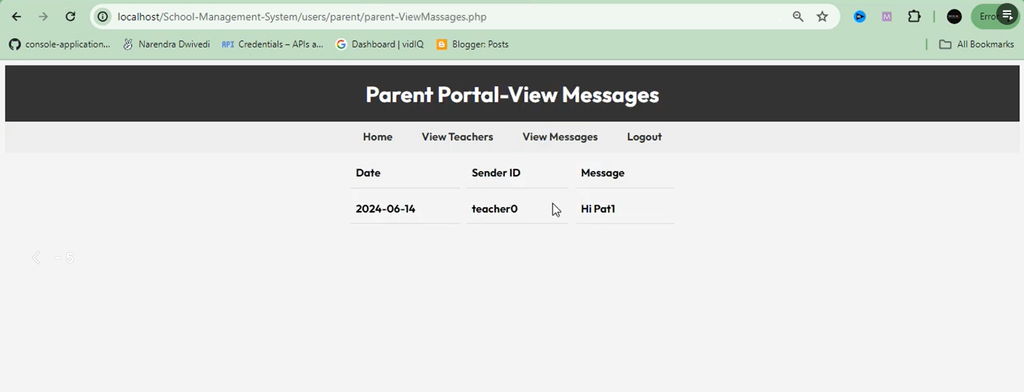
The messaging system allows users to communicate directly with each other. Parents can send messages to teachers, while teachers can receive and respond to those messages.
3. Centralized Dashboard
The dashboard provides a central location for displaying recent activities and updates. It helps users access important portal information.
4. User Role Management
The portal supports different access levels for administrators, teachers, parents, and students on demand. Each user category has its own communication-related functionality.
What Are the Parent Features?
The Parent module allows parents to find teachers and communicate with them through the portal.
- View Teachers: Parents can view the list of available teachers.
- Search Teachers: Parents can search for specific teachers.
- Send Messages: Parents can send messages directly to teachers.
School Management System Using MERN Stack :- Click Here
What Are the Teacher Features?
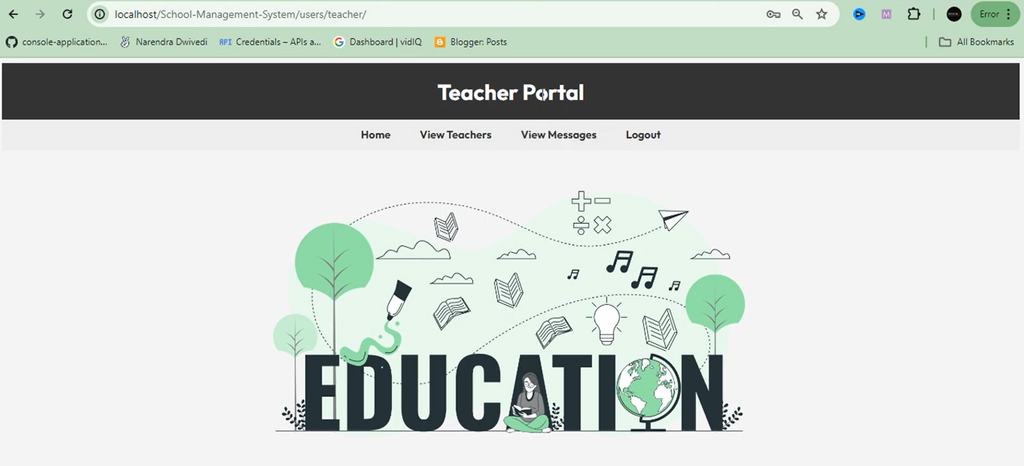
The Teacher module allows teachers to communicate with parents and respond to their messages.
- Receive Messages: Teachers can receive messages sent by parents.
- Respond to Messages: Teachers can reply to messages and communicate with parents.
How to Develop a School Communication Portal Using PHP?
Developing a School Communication Portal involves planning the application structure, designing the database, creating the user interface, and implementing the required functionality.
Step 1: Set Up the Project Directory
Create a new directory for the project. Organize the application files into separate folders for includes, CSS, JavaScript, and uploaded files.
project/
├── includes/
├── css/
├── js/
└── uploads/
Step 2: Design the Database
Use MySQL to design the database schema. Create tables for users, messages, notifications, and other required information.
Step 3: Design the Frontend
Use HTML, CSS, and JavaScript to create the portal interface. Make the design responsive and easy to navigate for different users.
Step 4: Develop the Application
Use PHP to develop the backend functionality and connect the application with the MySQL database. Implement the required authentication and messaging features.
Step 5: Test the Portal
Test the available functionalities to check that the portal works correctly and users can access their respective features.
School Management System Using PHP :- Click Here
How to Download
The complete package is available so you can run, study, and submit it with confidence.
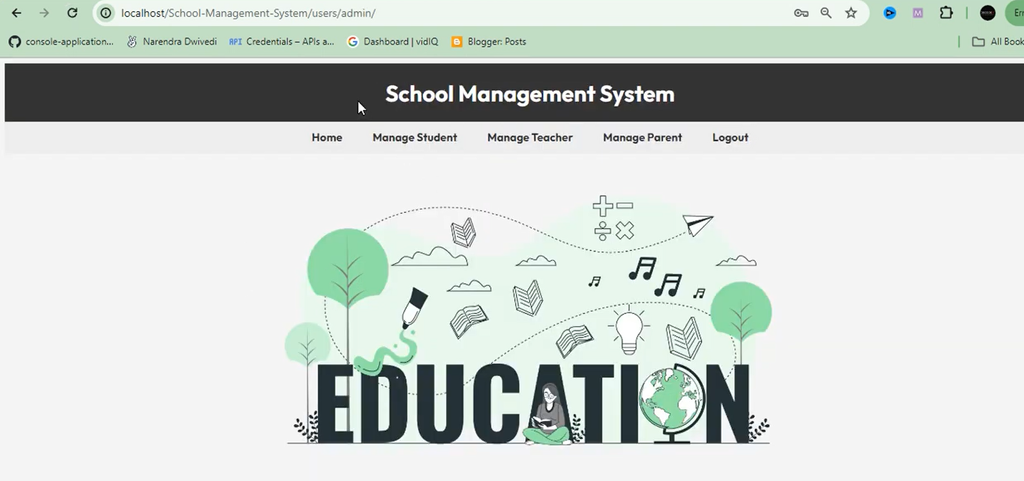
Screenshot



Which Software and Tools Are Required?
The following software and tools are required for developing the School Communication Portal using PHP and MySQL.
| Software or Tool | Purpose |
|---|---|
| XAMPP / WAMP | Local server environment for PHP and MySQL. |
| PHP | Backend development. |
| MySQL | Database management. |
| HTML | Frontend structure. |
| CSS | Frontend styling. |
| JavaScript | User interaction. |
| jQuery | Frontend interaction. |
| phpMyAdmin | Database management interface. |
| Visual Studio Code | Code editing and development. |
| Sublime Text | Code editing. |
How to Run the Project?
- Install XAMPP and start Apache and MySQL.
- Extract the project ZIP file into
C:\xampp\htdocs\. - Open
http://localhost/phpmyadmin/and create a new database. - Import the project’s SQL file into the database.
- Update database credentials in the project’s PHP connection file.
- Open
http://localhost/PROJECT_FOLDER_NAME/in your browser.
Frequently Asked Questions
1. What is a School Communication Portal?
It is a web-based application that provides a centralized platform for communication between parents, teachers, and other school users.
2. Which programming language is used?
PHP is used for backend development, while HTML, CSS, and JavaScript are used for the frontend.
3. Which database is used in this project?
MySQL is used for database management.
4. What are the main features of this portal?
The main features include user authentication, messaging, a centralized dashboard, and different user access levels.
5. Can parents send messages to teachers?
Yes, parents can view and search for teachers and send them messages through the portal.
6. Can teachers respond to parents?
Yes, teachers can receive messages from parents and respond to them.
Final Thoughts
School Communication Portal Using PHP and MySQL is a practical web development project focused on improving communication between parents and teachers. It provides important functionalities such as user authentication, direct messaging, teacher search, and a centralized dashboard.