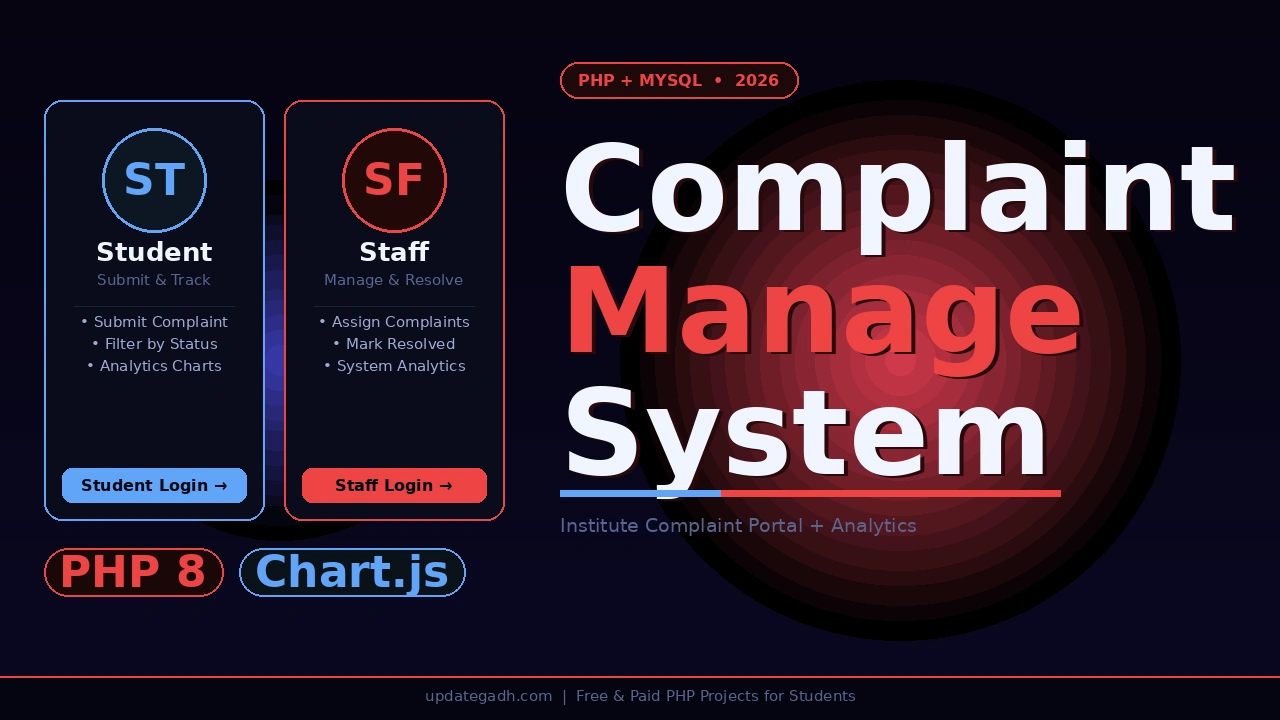
If you want a PHP and MySQL final year project that stands out from every other management system your classmates submit, the ComplainHome Complaint Management System for Institutes is exactly that project. Built with PHP 8, MySQL, and Chart.js 4.4, this system lets students submit complaints categorised by type, location, and priority while staff members manage, assign, and resolve them. An admin panel protected by a master code gives full control over staff and complaint data.
Also Explore on UpdateGadh:
What makes ComplainHome exceptional is its built-in analytics dashboard powered by Chart.js monthly trends, status donut charts, priority distribution, category breakdowns, staff performance tracking, and average resolution time, all rendered live from the MySQL database. For BCA, MCA, and B.Tech CS students in 2026, this project demonstrates bcrypt password hashing, CSRF tokens, prepared statements, XSS protection, session regeneration, and role-based access every security concept that separates a good project from a great one.
Complaint Management System in PHP and MySQL
Project Overview
| Project Name | Complaint Management System in PHP and MySQL |
| Language | PHP 8.x |
| Database | MySQL / MariaDB (updategadh_complain) |
| Frontend | HTML5, CSS3, JavaScript |
| Charts | Chart.js 4.4 (bar, donut, horizontal bar) |
| Icons | Font Awesome 6 |
| Fonts | Google Fonts Inter |
| Security | Bcrypt, CSRF tokens, prepared statements, XSS protection |
| Local Server | XAMPP / WAMP / PHP built-in server |
| Type | Web Application Three-Role Institute Portal with Analytics |
| Best For | BCA, MCA, B.Tech CS/IT Final Year Students Globally |
Key Features
- Student complaint submission with full categorisation students submit complaints with category, location, priority level (High / Medium / Low), and a detailed description; each submission is timestamped and stored securely in the database
- Complaint status tracking and filtering students view all their submitted complaints and filter them by status All, Pending, or Resolved giving full transparency over every complaint from submission to resolution
- Staff complaint management and resolution staff members log in with credentials plus a staff code, view all complaints assigned to them, and mark them as resolved with a resolution timestamp recorded for analytics
- Admin complaint assignment admin can assign any complaint to any specific staff member, ensuring complaints are routed to the right person and never left unattended
- Admin staff management admin adds or deletes staff members from the system; the admin panel is protected by a secondary master code on top of staff login, adding a second layer of access control
- Student personal analytics dashboard each student sees their own analytics powered by Chart.js including total, resolved, and pending complaint counts, average resolution time, monthly trend chart, status donut chart, priority bar chart, and category breakdown
- Staff system-wide analytics dashboard staff analytics shows all summary stats across the entire system including staff performance (assigned vs resolved per staff), top 10 complaint locations, monthly trends, and status, priority, and category charts
- Production-grade security passwords hashed with bcrypt, CSRF tokens on all forms, prepared statements with MySQLi on every query, XSS protection via htmlspecialchars() on all output, and session regeneration on login
- One-click database setup via browser visiting setup.php in the browser creates the database, all tables, and the default admin account automatically no manual SQL import needed for initial setup
Watch the Full Project Tutorial Complaint Management System in PHP and MySQL
We have built this project step by step on our YouTube channel. Watch the full video, like, and subscribe for daily project tutorials. https://www.youtube.com/@Decodeit2
Technologies Used
| Layer | Technology | Purpose |
|---|---|---|
| Backend Language | PHP 8.x | Authentication, form processing, session management, analytics queries |
| Database | MySQL / MariaDB | Store users, staff, complaints, assignments, and resolution timestamps |
| Frontend | HTML5 + CSS3 + JavaScript | Student and staff panel layouts, complaint forms, filter controls |
| Charts | Chart.js 4.4 | Bar, donut, and horizontal bar charts for analytics dashboards |
| Icons | Font Awesome 6 | UI icons across all pages and panels |
| Fonts | Google Fonts Inter | Clean modern typography across the portal |
| Security Layer | MySQLi prepared statements + bcrypt + CSRF | SQL injection prevention, password hashing, form security |
| Local Server | XAMPP / WAMP / PHP built-in server | Run locally for development and live viva demo |
Database Schema
| Table | Key Columns | Description |
|---|---|---|
| users | id, email, upassword (bcrypt), joining_date | Student accounts with hashed passwords and registration timestamp |
| staff | id, Name, Email, Password (bcrypt) | Staff accounts with bcrypt hashed passwords |
| complaints | C_Id, email, Category, Location, Priority, Description, status, staff, resolved_at | Full complaint record tracks submission, assignment, status, and resolution time |
Get This Project
This is a complete, ready-to-run paid project. It includes the full PHP source code across all three panels, the updategadh_complain.sql database file, a browser-based one-click setup script, default credentials for student, staff, and admin access, and remote setup support from our team.
ComplainHome PHP 8 + MySQL + Chart.js Analytics
Full source code + SQL database + credentials + remote support included
Need help after purchase? Contact us on WhatsApp or via our support page
How to Run This Project
Step 1 Copy the project folder
# For XAMPP:
C:\xampp\htdocs\complaint-management-system\
Step 2 Start MySQL and run database setup
# Start XAMPP MySQL, then start the PHP server from the project folder:
php -S localhost:8000

# Open setup.php in your browser  this creates the DB, all tables, and default admin:
localhost:8000/setup.php
Step 3 (Optional) Load dummy data for testing
# Adds 5 sample students, 3 extra staff, and 20 complaints with varied data:
localhost:8000/seed.php
Step 4 Open the app and log in
localhost:8000

# Student login
Email    : alice@student.com
Password : password123

# Staff login
Email    : admin@complainhome.com
Password : admin123
Staff Code (required) : 5t@11

# Admin panel (log in as staff first, then click Admin Access)
Master Code : 5261
How It Works
Student complaint flow
- Student visits the portal, registers with their email and password the password is hashed with bcrypt before being saved to the database
- Student logs in and lands on the dashboard showing a summary of their total, pending, and resolved complaints at a glance
- Student opens Submit Complaint selects a category, enters the location, chooses a priority level (High, Medium, or Low), and writes a detailed description before submitting
- Student opens All Complaints to see every submission in a table; uses the filter tabs All, Pending, Resolved to track each complaint’s current status
- Student opens the Analytics page to view personal Chart.js charts monthly trend, status donut, priority bar, category breakdown, and average resolution time all built from their own complaint data
Staff management flow
- Staff member logs in with email, password, and the staff code the two-factor entry ensures only authorised staff access the panel
- Staff lands on the dashboard showing all complaints currently assigned to them, split into pending and resolved views
- Staff opens a complaint, reviews the details, and clicks Mark Resolved the resolved_at timestamp is recorded automatically for analytics
- Staff views the system-wide analytics page sees monthly trends, status and priority charts, staff performance comparison (assigned vs resolved), and the top 10 complaint locations across the institute
Admin management flow
- Admin logs in as staff then clicks Admin Access and enters the master code the two-layer protection ensures only designated admins reach this panel
- Admin opens Assign Complaint selects any unassigned or reassignable complaint and assigns it to a specific staff member from the dropdown
- Admin opens Staff Management adds new staff members with name, email, and password; deletes inactive or removed staff accounts
- Admin views all complaints system-wide from the admin panel and monitors overall complaint volume, categories, and resolution rates from the analytics dashboard
Analytics Dashboard What Charts Are Included
| Chart | Type | Available In |
|---|---|---|
| Monthly complaint trend (last 12 months) | Bar chart | Student + Staff |
| Status overview Pending / Resolved / In Progress | Donut chart | Student + Staff |
| Priority distribution High / Medium / Low | Bar chart | Student + Staff |
| Category breakdown | Horizontal bar chart | Student + Staff |
| Staff performance assigned vs resolved | Bar chart | Staff only |
| Top 10 complaint locations | Horizontal bar chart | Staff only |
| Average resolution time | Stat card | Student + Staff |
User Roles and Access
| Role | Login Method | Access Level |
|---|---|---|
| Student | Email + Password | Register, submit complaints, filter by status, personal analytics dashboard |
| Staff | Email + Password + Staff Code | View and resolve assigned complaints, system-wide analytics with staff performance data |
| Admin | Staff login + Master Code | All staff access plus assign complaints, add or delete staff, full system oversight |
Why This is a Great Final Year Project
- Chart.js analytics dashboard seven different live charts rendered from real MySQL data make this project visually impressive in ways that basic CRUD systems simply cannot match during viva presentations and project expos
- Bcrypt password hashing using password_hash() instead of plain text or MD5 demonstrates proper PHP security knowledge that interviewers and examiners directly test; it is the single most asked security question in PHP viva sessions
- CSRF tokens + prepared statements + XSS protection having all three production-grade security layers implemented in a student project is rare and immediately distinguishes this submission from every other project in the room
- Two-layer admin access with master code implementing a second verification step (staff code + master code) shows understanding of layered security design, a concept directly taught in cybersecurity modules and asked in placement interviews
- Browser-based one-click database setup via setup.php demonstrates dynamic PHP database provisioning a concept used in real CMS and SaaS products like WordPress and Laravel installers
- Resolution timestamp analytics calculating average resolution time from resolved_at timestamps requires GROUP BY, TIMESTAMPDIFF, and aggregate SQL functions; explaining this query in viva shows advanced MySQL knowledge
- Three-role architecture with complaint routing a system where complaints flow from student submission to staff assignment to admin oversight mirrors real enterprise ticketing systems like Jira and ServiceNow, giving you a strong professional parallel to draw during interviews
complaint management system in php & mysql
complaint management system in php github
complaint management system project in php
complaint management system project in php source code
complaint management system project in php report pdf
complaint management system project in php github
localhost complaint management system php
complaint management system open source php


![E-Learning Management System (LMS) [Udemy Clone ]](https://updategadh.com/wp-content/uploads/2026/05/auto-thumb-8366-800x450.webp)