Bike Rental Management System
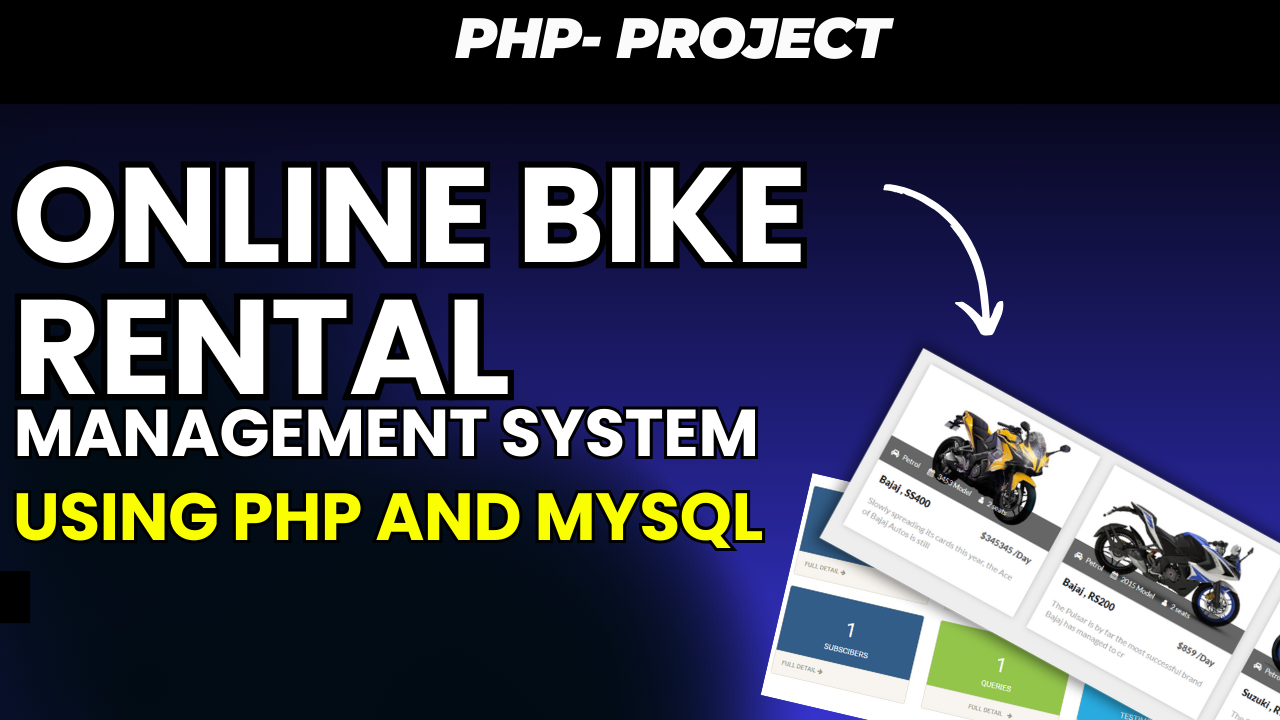
The Online Bike Rental Management System Using PHP and MySQL is a web-based application designed to simplify the process of renting bikes online. The system provides a digital platform where users can register, log in, browse available bikes, rent bikes, manage their profiles, view rental history, and make payments for their rentals.
On the management side, the system provides an admin section through which administrators can manage bike listings, registered users, bike rentals, and payment information. This provides a centralized platform for handling the major activities related to the bike rental process.
The project is developed using PHP as the main programming language and MySQL as the database. The interface uses Bootstrap, JavaScript, HTML, AJAX, and jQuery to provide the required design and functionality.
The Online Bike Rental Management System provides separate functionality for administrators and users. The admin can manage the system, while users can use the website to register, browse bikes, rent bikes, and manage their rental-related information.
Online Bike Rental Management System in PHP
The Online Bike Rental Management System in PHP provides an online solution for managing bike rentals. Instead of handling bike rental information manually, the system allows the main activities to be performed through a web-based platform.
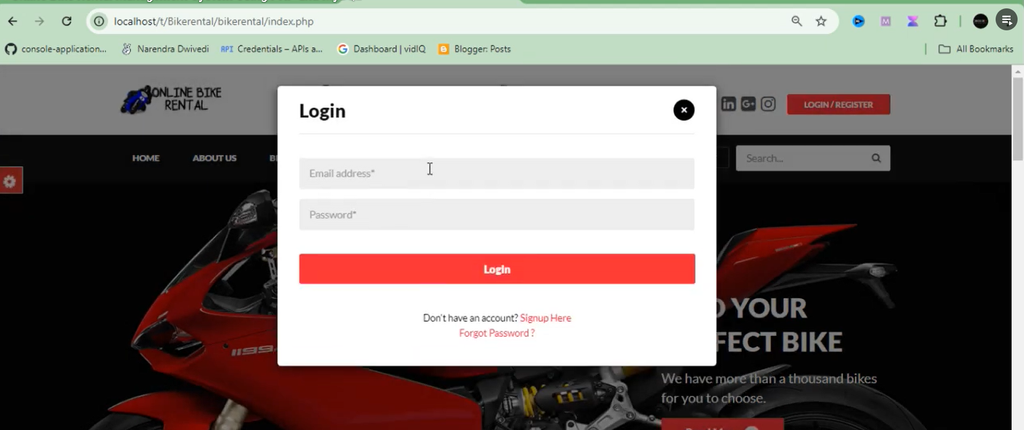
Users can create their accounts and log in using their registered email and password. After logging in, they can browse the available bikes and rent the bike they need.
The system also provides a profile management section where users can update their personal details. Users can access their previous rental information through the rental history section and can also view their payment-related information.
Administrators have access to a separate management section. Through the admin panel, they can add, update, and remove bike listings, manage registered users, track rentals, and monitor payments made by users.
Project Overview
The Online Bike Rental Management System is designed to provide a simple and efficient way to manage the complete bike rental process through an online application.
The project contains two major sides: the Admin Side and the User Side. The admin side focuses on managing the rental platform, while the user side focuses on bike browsing, rental activities, account management, and payments.
The application uses MySQL for storing the required information. PHP is used to process the application functionality and communicate with the database.
The interface is created using Bootstrap, JavaScript, HTML, AJAX, and jQuery. These technologies work together to provide the website interface and interactive functionality.
Admin Features
1. Admin Login
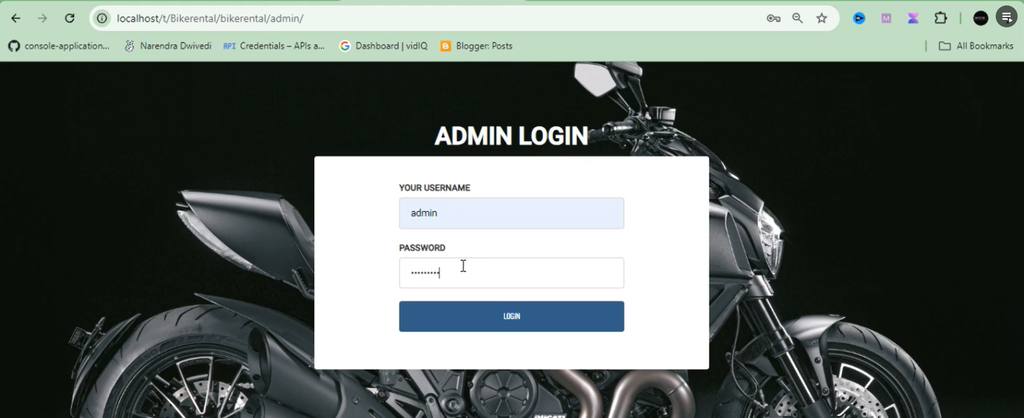
The Admin Login feature allows the administrator to access the management section of the Bike Rental Management System.
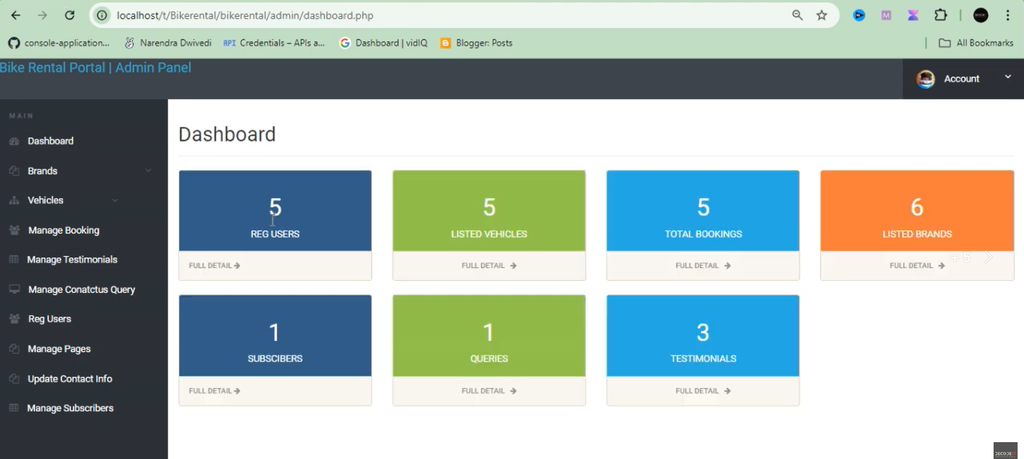
After successfully logging in, the admin can access the available management options. The admin area provides control over bike listings, users, rentals, and payment information.
This keeps the management functionality within the dedicated administrative section of the application.
2. Bike Management
The Bike Management section allows administrators to maintain the bike listings available in the system.
The admin can add new bike listings whenever required. Existing bike information can also be updated, and bike listings that are no longer required can be removed from the system.
The bike management functionality includes:
- Add bike listings.
- Update bike listings.
- Remove bike listings.
This provides the administrator with a centralized way to maintain the bikes available for rental.
3. User Management
The User Management section allows the administrator to view and manage registered users.
Users who create accounts through the registration section become part of the system’s registered user records. The admin can access and manage these users through the administrative interface.
This provides the management side with a centralized view of the users who are using the bike rental platform.
4. Rental Management
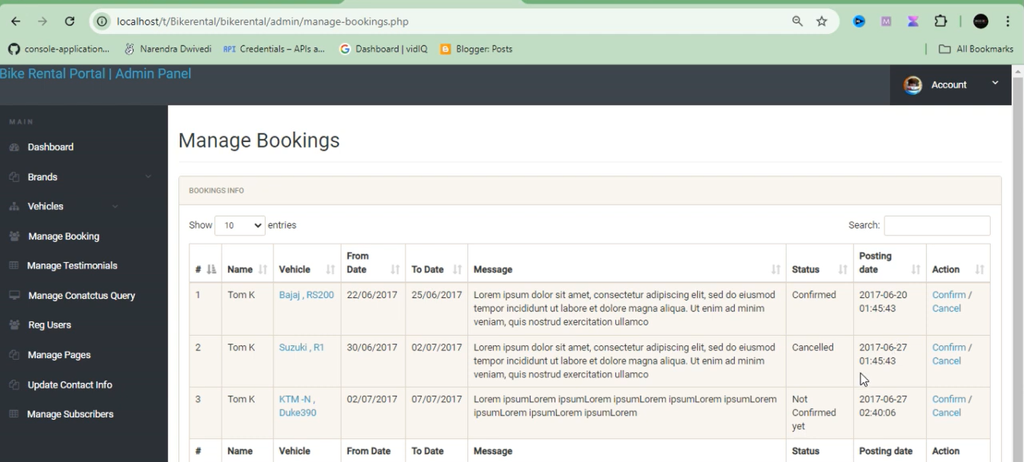
The Rental Management feature allows administrators to track and manage bike rentals made by users.
When users rent bikes through the platform, the related rental information can be accessed from the admin section. This allows administrators to monitor the rentals being handled through the system.
The rental management section provides the admin with an organized way to track bike rental activities.
5. Payment Tracking
The Payment Tracking feature allows administrators to monitor payments made by users for their bike rentals.
Payment-related information can be accessed from the management section, allowing the administrator to keep track of payments associated with rentals.
This provides a centralized location for monitoring the payment information recorded through the system.
User Features
1. User Registration and Login
The User Registration and Login feature allows new users to create an account and existing users to access the system using their registered credentials.
During registration, users provide their required details. After registration, they can log in using a valid email address and password.
The login functionality provides users with access to the bike rental features available within their account.
2. Profile Management
The Profile Management section allows users to update their personal information.
Users can access their profile through the system and modify their personal details whenever necessary. This provides users with control over the information associated with their accounts.
The profile management functionality keeps user information manageable through the online platform.
3. Browse and Rent Bikes
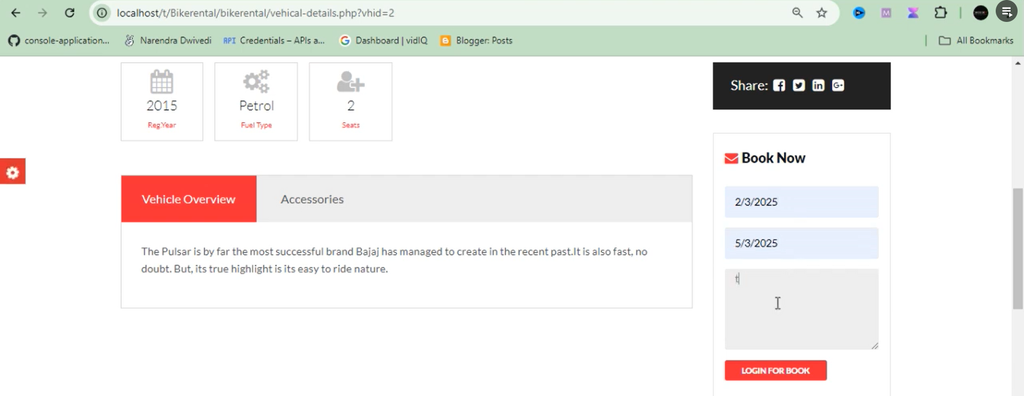
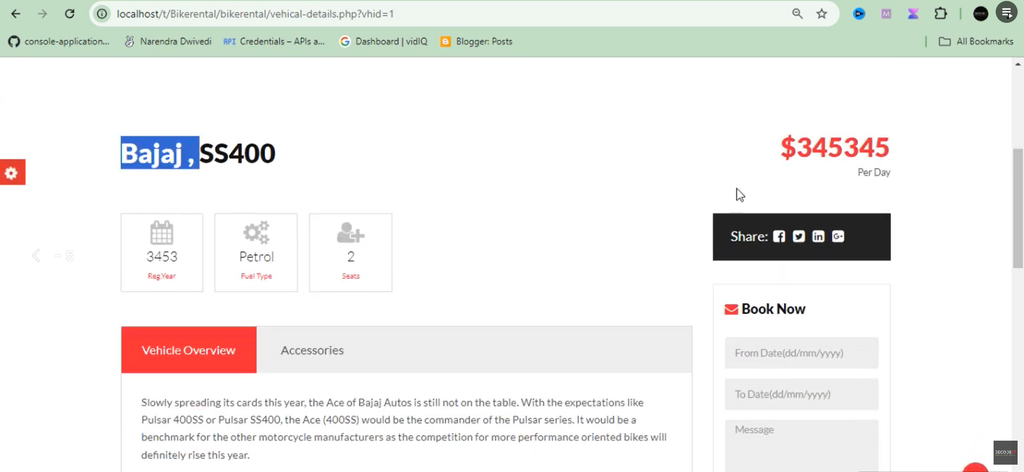
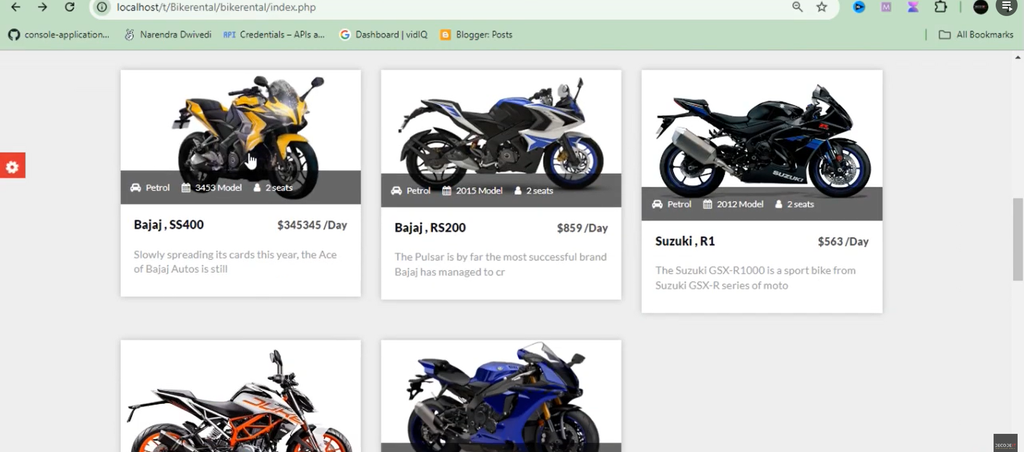
The Browse and Rent Bikes feature allows users to view the bikes available through the rental system.
After browsing the available bikes, users can select the bike they need and proceed with the rental process.
This provides a convenient way for customers to search for and rent bikes online without requiring the rental process to be handled separately.
4. View Rental History
The Rental History section allows users to view their previous rental information and transactions.
Users can access their rental history through their account and review the rental activities associated with their profile.
This provides users with a convenient way to keep track of their previous bike rentals through the system.
5. Payments
The Payments feature allows users to make payments for their bike rentals and track the payment status.
Users can access payment-related information through the rental system and check the status of their payments.
This keeps rental payment information connected with the user’s bike rental activities.
Bike Rental Process
The bike rental process begins with user registration. A new user first creates an account by providing the required details. After successfully registering, the user can log in using their email and password.
After logging in, the user can browse the bikes available for rental. The user can select the bike they need and proceed with the rental process.
Once the rental is made, the related rental information can be accessed through the user’s account. Users can also view their rental history and payment information.
On the administrative side, the admin can monitor the rental activity and payment information through the management section.
Rental Management for Administrators
The admin section provides a dedicated area for managing bike rentals. Administrators can track rentals made by users and access the related information through the rental management section.
This makes it easier for the admin to maintain an overview of the rentals being processed through the platform.
Because bike listings, registered users, rentals, and payments are managed through the same administrative section, the system provides a centralized environment for handling bike rental activities.
Payment Management
Payment information is an important part of the bike rental process. The system provides payment functionality for users and payment tracking for administrators.
Users can make payments for their rentals and track the status of their payments. Administrators can monitor the payments made by users from the admin section.
This provides both users and administrators with access to the payment-related information associated with bike rentals.
Technologies Used
The Online Bike Rental Management System uses several web development technologies to create its interface and functionality.
- PHP: Used as the main programming language for developing the web application.
- MySQL: Used for storing and managing the application’s database information.
- Bootstrap: Used for creating the website interface and responsive design.
- JavaScript: Used for additional client-side functionality.
- HTML: Used for creating the structure of the website pages.
- AJAX: Used as part of the web application’s interactive functionality.
- jQuery: Used for additional JavaScript-based functionality.
The combination of these technologies provides the foundation for the online bike rental application.
Database Used
The project uses MySQL as its database management system. The database stores the information required for users, bikes, rentals, and payments.
The database required by the project is named:
bikerentalThe provided bikerental.sql file can be imported into the database through phpMyAdmin during the setup process.
Software Requirements
The project can be run using a local server environment. The original project supports WAMP, XAMPP, LAMP, and MAMP as the required software environment.
For a Windows-based local setup, XAMPP can be used to run Apache and MySQL and provide the required environment for the PHP application.
The project can be accessed using commonly supported web browsers, including Opera, Mozilla Firefox, Google Chrome, and Internet Explorer 8 as listed in the original project information.
How to Run Online Bike Rental Management System in PHP
Step 1: Download and Install XAMPP
First, download and install XAMPP on your computer.
After installing XAMPP, open the XAMPP Control Panel and start the Apache and MySQL services.
Step 2: Install a Text Editor
A text editor can be used when modifications are required in the project files. Editors such as Notepad++, Sublime Text, or VS Code can be used for working with the PHP project files.
Step 3: Download the Project
Download the Online Bike Rental Management System project files and extract the downloaded ZIP package using WinRAR or another archive manager.
Step 4: Copy the Project Folder
After extracting the project, locate the bikerental folder and copy it.
For XAMPP, paste the folder inside the following directory:
C:/xampp/htdocsAfter placing the folder inside htdocs, the PHP files can be accessed through the local Apache server.
Step 5: Create the Database
Open your browser and access phpMyAdmin through your local XAMPP installation.
Create a new MySQL database named:
bikerentalStep 6: Import the SQL File
Select the newly created bikerental database and open the Import section.
Locate the bikerental.sql file inside the SQL folder of the extracted project package.
Select the SQL file and start the import process. After the import is completed, the database information required by the project will be available.
Step 7: Open the Project
After completing the project and database setup, open your browser and access the local project through the configured localhost address.
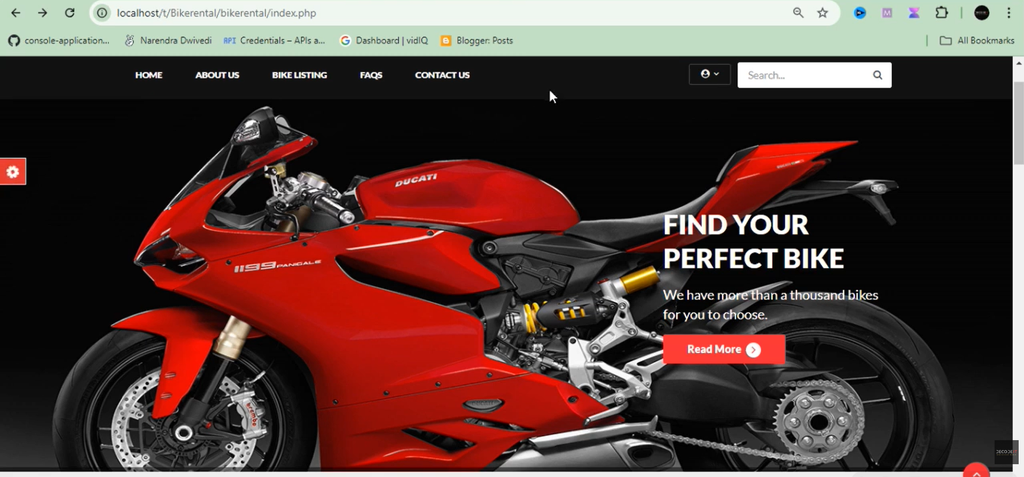
The Online Bike Rental Management System homepage will then load, allowing users to register or log in and access the available bike rental functionality.
Project File Structure
The project follows a simple file structure that separates CSS, JavaScript, SQL, user pages, and admin functionality.
- /bikerental/ – Main project directory.
- /css/ – Contains CSS files used for styling the pages.
- /js/ – Contains JavaScript files for additional functionality.
- /sql/ – Contains the bikerental.sql database file.
- index.php – Main landing page of the project.
- login.php – User login page.
- register.php – User registration page.
- dashboard.php – User dashboard for viewing rentals.
- admin/ – Admin panel for managing bikes, users, and rentals.
This organization keeps the different parts of the project separated and makes the application structure easier to understand.
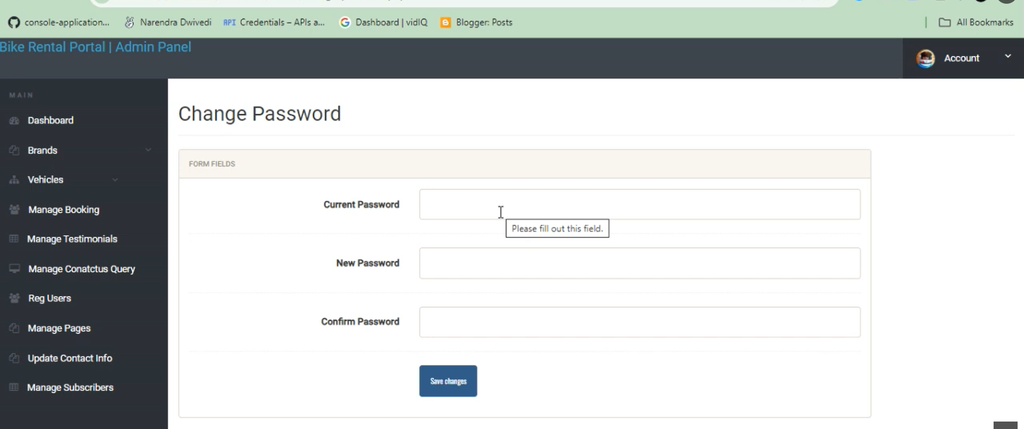
Screenshot:-
How to Download
Get This Project
The complete package is available so you can run, study, and submit it with confidence. It includes:
- Full Source Code
- Project Report
- Synopsis
- PPT Presentation
For any queries or a quick response, reach out on WhatsApp: +91 79834 34684
Bike Rental Management System for Students
The project can be useful for students who are learning PHP and MySQL and want to work with a practical web-based management system.
It demonstrates important concepts such as user registration, login, profile management, bike management, rental management, payment tracking, database connectivity, and separate admin and user sections.
Students can study the project structure and understand how PHP, MySQL, HTML, CSS, JavaScript, AJAX, jQuery, and Bootstrap can be combined to create an online rental application.
Conclusion
The Online Bike Rental Management System Using PHP and MySQL provides a web-based platform for managing bike rentals and related activities. Users can register and log in, manage their profiles, browse available bikes, rent bikes, view their rental history, and make payments.
Administrators can manage bike listings, registered users, rentals, and payment information through the admin section. This provides a centralized management system for the main activities involved in bike rentals.
Developed using PHP, MySQL, Bootstrap, JavaScript, HTML, AJAX, and jQuery, the project provides a practical example of a PHP-based online rental application. The project can be installed using XAMPP, WAMP, LAMP, or MAMP according to the available environment.
With its separate admin and user functionality, organized file structure, and MySQL database, the system provides a straightforward example of how an online bike rental platform can be developed using PHP.
Keywords:-
- bike rental management system using php github
- bike rental management system using php pdf
- bike rental management system using php and mysql
- bike rental management system project source code
- bike rental management system using php free download
- bike rental system project report pdf
- bike rental system project in php with source code
- online bike rental system project documentation
- bike rental management system project
- bike rental management system project source code
- bike rental management system ppt
- bike rental management system pdf
- electric bike rental management system
- bike rental management system free
- bike rental system project report pdf
- bike rental software free