Travel Management System in PHP and MySQL
The Travel Management System in PHP and MySQL is a web-based application designed to simplify travel planning and package management. It connects travel agencies with customers by providing online travel package browsing, booking, and enquiry facilities. The system helps customers explore travel options while allowing administrators to manage packages, categories, advertisements, and customer enquiries from a centralized panel.
Developed using PHP and web technologies, this project provides separate functionality for customers and administrators. It is suitable for students who want to understand how a travel agency management application works.
Complete Advance AI Topics: Click Here
Real Time Projects on YouTube:- DecodeIT
What Is a Travel Management System in PHP?
A Travel Management System in PHP is a web application that helps travel agencies manage travel packages and customer enquiries online. Customers can browse package categories, submit enquiries, and book travel packages, while administrators manage the information displayed on the website.
Project Overview
| Project Details | Description |
|---|---|
| Project Name | Travel Management System in PHP |
| Programming Language | PHP |
| Frontend Technologies | HTML, CSS, JavaScript |
| Project Type | Web-Based Application |
| Main Modules | Admin Panel, Travel Packages, Enquiries, Online Booking |
What Are the Available Features of the Travel Management System?
The system provides tools for managing travel packages, organizing categories, processing customer enquiries, and maintaining advertisements.
- Online Package Enquiry: Customers can browse travel packages and submit enquiries.
- Package Categories and Subcategories: Travel packages are organized into categories and subcategories for easier browsing.
- Admin Panel: Administrators can manage users, categories, subcategories, and travel packages.
- Travel Package Management: Admins can add, update, and delete travel packages.
- Enquiry Management: Administrators can view enquiries submitted by customers.
- Advertisement Management: Admins can add, update, and delete website advertisements.
- Online Booking: Customers can book travel packages through the website.
- User-Friendly Interface: The application is designed to make navigation easier for customers and administrators.
Which Technologies Are Used in This Project?
PHP is the primary programming language identified in the supplied description. The project also requires a web server and database configuration to run locally.
- PHP: Used for server-side application functionality.
- HTML and CSS: Used to structure and style web pages.
- JavaScript: Supports interactive interface elements.
- MySQL or another configured database: The exact database must be confirmed from the supplied SQL file and project configuration.
What Software and Tools Are Required?
You can use XAMPP or WAMP Server to set up the local environment for this PHP project.
- XAMPP or WAMP Server
- Visual Studio Code
- Web Browser
How to Download
The complete package is available so you can run, study, and submit it with confidence. It includes:
- Full Source Code
- Project Report
- Synopsis
- PPT Presentation
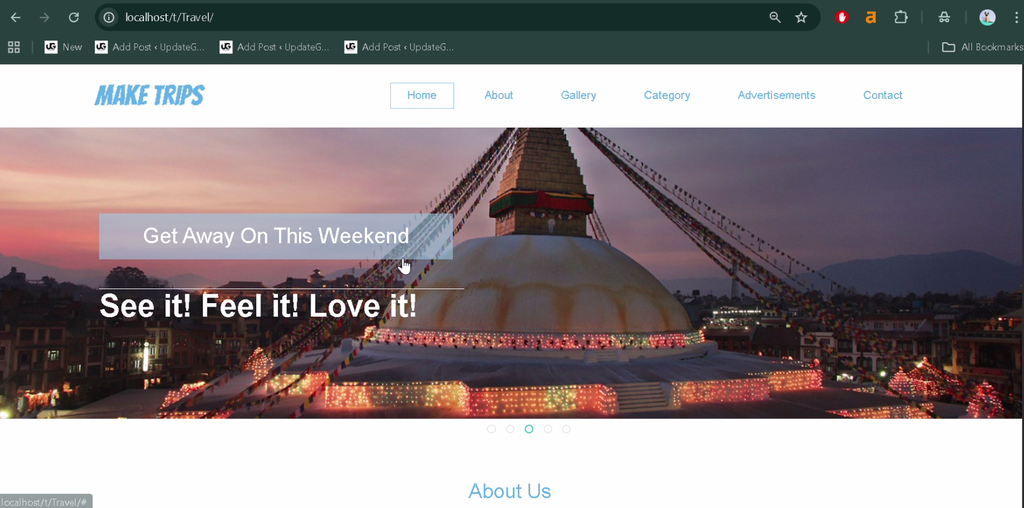
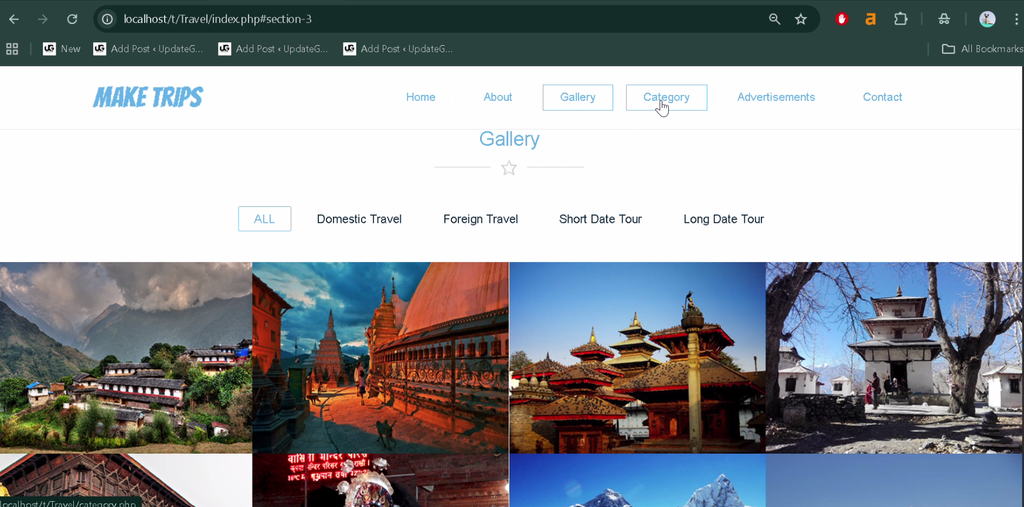
Screenshot
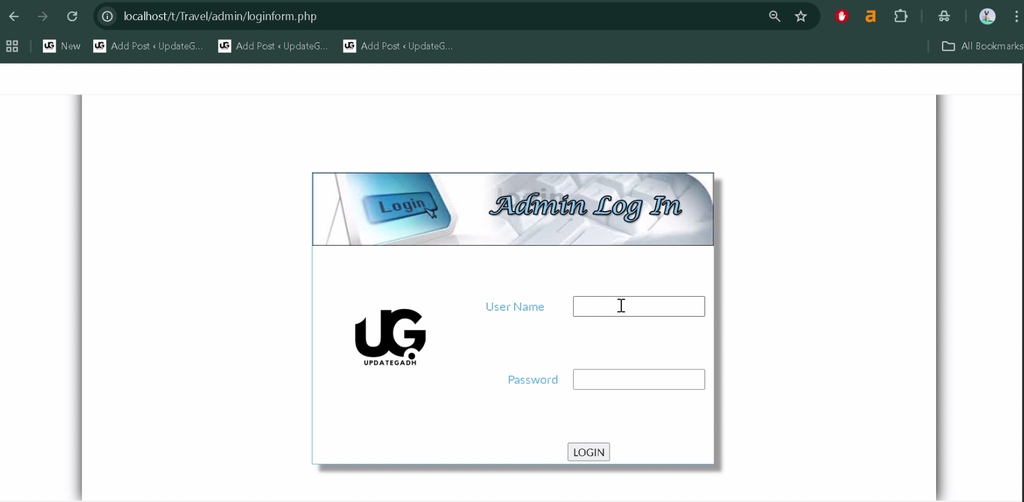
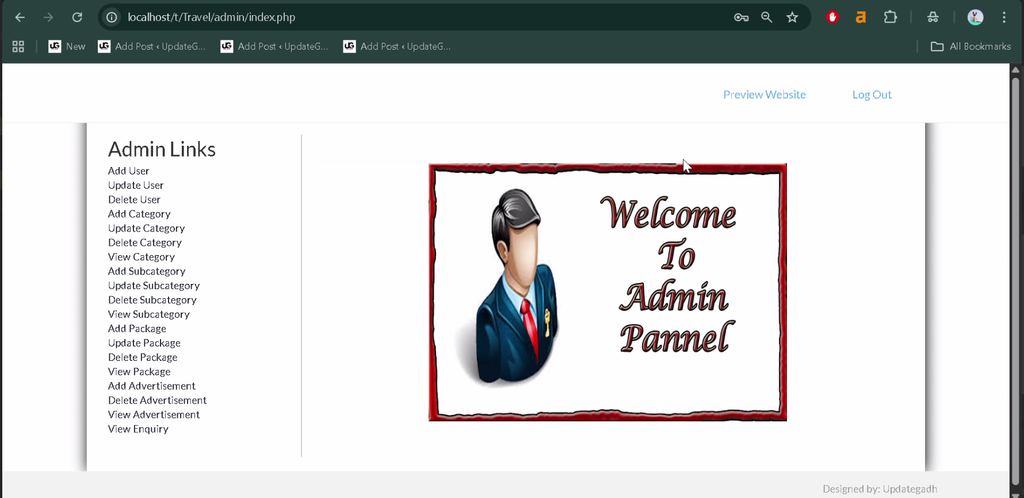
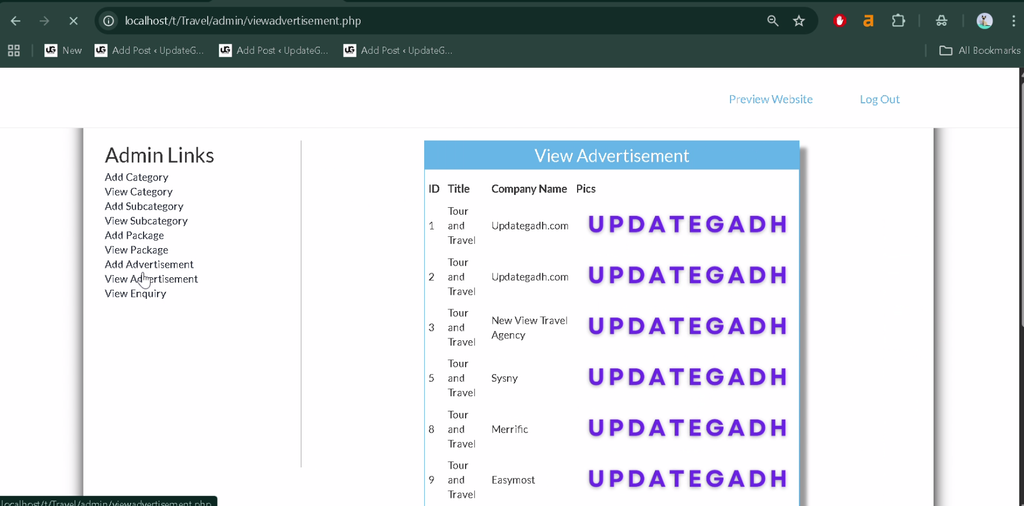
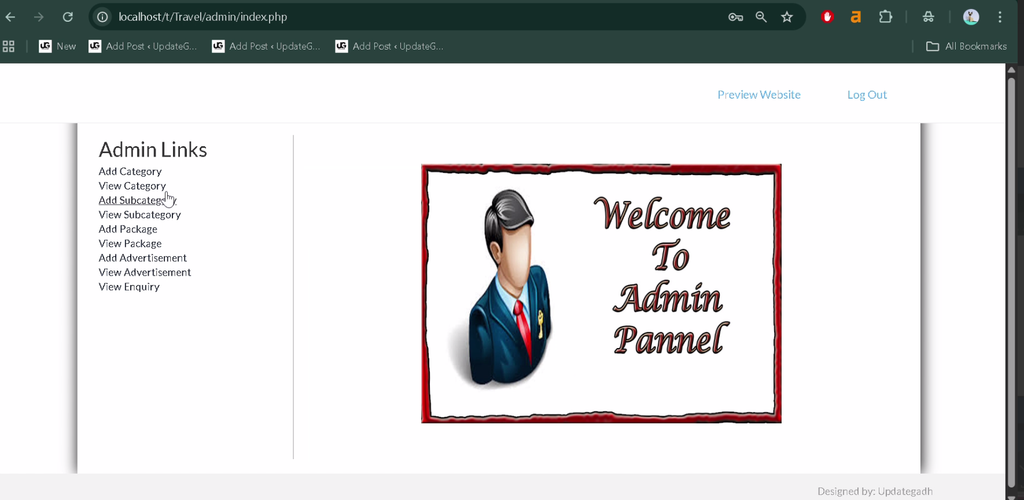
How to Install and Run the Travel Management System in PHP?
To run the project locally, place the project files in your server’s web directory, configure the database, and open the application through your local server.
Step 1: Install the Required Software
Install XAMPP or WAMP Server on your computer. Start the required web server and database services.
Step 2: Copy the Project Files
Extract the project archive and copy the project folder into the appropriate directory.
XAMPP: C:\xampp\htdocs\
WAMP:  C:\wamp\www\
Step 3: Create the Database
For XAMPP, open phpMyAdmin in your browser:
http://localhost/phpmyadmin/Create a database using the name specified in the project SQL file or configuration. The supplied description does not specify the database name.
Step 4: Import the SQL File
Select the database you created, open the Import tab, choose the SQL file supplied with the project, and run the import.
Step 5: Configure the Database Connection
Check the project’s PHP configuration file and ensure its database name, username, password, and connection settings match your local environment.
Step 6: Open the Project
Open the project folder in Visual Studio Code. Then use the appropriate local URL in your browser.
http://localhost/project_folder_name/Replace project_folder_name with the actual folder name. If the application requires a specific PHP entry file, follow the project’s file structure and configuration.
How Does the Travel Management System Work?
The system provides different functions for customers and administrators to manage travel-related activities.
- Customer: Browses travel packages, submits enquiries, and books packages online.
- Administrator: Manages users, package categories, travel packages, enquiries, and advertisements.
Why Is This Project Useful for Students?
This project helps students practise PHP development, database integration, CRUD operations, and the organization of customer-facing and administrative modules. It also demonstrates how a web application can support travel package management and online enquiries.
Final Thoughts
The Travel Management System in PHP is a practical academic project for students interested in web development and travel agency applications. Its package management, online booking, enquiry handling, and advertisement management features provide a useful foundation for learning how PHP-based management systems work.
Frequently Asked Questions
1. What is a Travel Management System in PHP?
It is a web application that helps travel agencies manage packages, customer enquiries, and online bookings.
2. What are the main features of this project?
The main features include package management, categories and subcategories, online enquiries, booking, user management, and advertisement management.
3. Which programming language is used?
PHP is the primary programming language specified in the project description.
4. Can I run the project using XAMPP?
Yes. Place the project inside the XAMPP htdocs directory, configure the database, and open it through localhost.
5. What is the database name for this project?
The original description does not provide the database name. Check the supplied SQL file and project configuration before creating the database.
SEO Details
Keywords: Travel Management System in PHP, Travel Management System Project, PHP Travel Booking System, Travel Package Management System, Travel Agency Management System, PHP Project for Students