
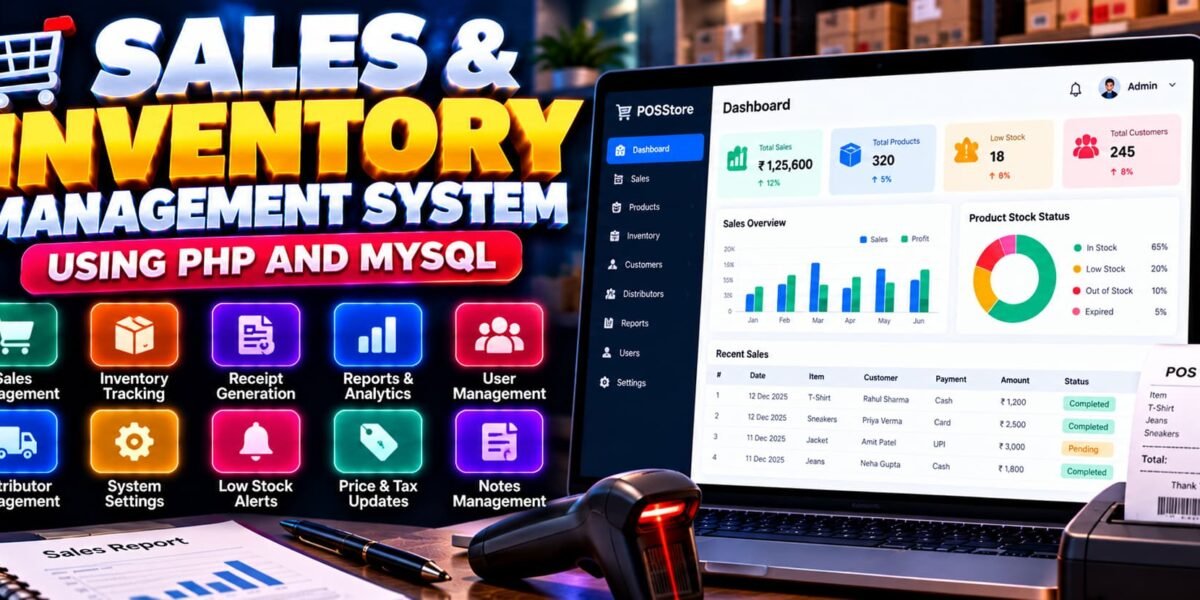
Sales and Inventory Management System Using PHP and MySQL
The Sales and Inventory Management System Using PHP and MySQL is a web-based application designed to simplify sales transactions, product inventory tracking, and business reporting. It provides separate access for administrators and cashiers, helping businesses manage products, monitor stock levels, generate receipts, and review sales performance through a centralized platform.
The system combines PHP and MySQL with frontend technologies such as HTML5, SCSS, JavaScript, and AJAX. It also uses Chart.js for sales visualizations and FPDF for generating PDF reports. This project is suitable for students learning database-driven web development and for developers exploring point-of-sale and inventory management applications.
Complete Advance AI Topics: Click Here
Real Time Projects on YouTube:- DecodeIT
What Is a Sales and Inventory Management System?
A Sales and Inventory Management System is a web application that helps businesses record sales transactions, manage product stock, and monitor inventory changes. It connects sales activities with inventory records so users can review transactions, generate receipts, and track stock levels.
This project also includes reporting, distributor and cashier management, product expiration notifications, and system settings for managing business operations.
Sales and Inventory Management System Project Overview
| Project Details | Description |
|---|---|
| Project Name | Sales and Inventory Management System |
| Languages Used | PHP, HTML5, SCSS, JavaScript |
| Database | MySQL |
| Recommended PHP Versions | 5.6.3, 7.4.12 |
| Type | Web Application |
| Frontend Libraries | AJAX, Chart.js |
| Additional Tools | NPM, FPDF |
What Are the Available Features?
The project includes sales processing, inventory management, reporting, user administration, notifications, and configurable system settings.
1. User Authentication
- Login and logout functionality for administrators and cashiers.
- Administrator control over user management.
2. Receipt Generation
- Generate receipts after successful sales transactions.
- Display transaction details in a structured receipt format.
3. Sales Reports and Analytics
- View sales charts for daily, weekly, monthly, and yearly transactions.
- Generate PDF and CSV reports.
- Review cashier details, sale time, purchased items, and payment methods in available reports.
4. Inventory and Product Management
- Monitor stock levels and identify low-stock products.
- Restock products when required.
- Maintain a UDO list for unsold, destroyed, or otherwise used products.
5. Distributor and Cashier Management
- Add or remove distributor records.
- Manage cashier accounts through the administrative interface.
6. System Settings and Notifications
- Configure product expiration countdowns and stock threshold levels.
- Receive notifications when products approach expiration or become out of stock.
- Update administrator login credentials.
7. Price and Tax Updates
The system allows users with the appropriate access to update product prices and tax values through the available interface.
8. Notes Management
Users can add and store business-related notes within the application for reference.
Which Technologies Are Used in This Project?
- PHP: Handles server-side application logic and sales operations.
- MySQL: Stores product, inventory, user, and transaction information.
- HTML5 and SCSS: Structure and style the application interface.
- JavaScript and AJAX: Support interactive functionality and asynchronous requests.
- Chart.js: Displays sales charts and visual summaries.
- FPDF: Supports PDF report generation.
- NPM: Manages frontend-related packages where configured by the project.
What Software Is Required?
- XAMPP: Provides Apache and MySQL for local development.
- Visual Studio Code: Used to view and edit project files.
- Web Browser: Used to access the application.
- NPM: Required if the project’s package configuration uses it for dependency installation.
How to Download
The complete package is available so you can run, study, and submit it with confidence. It includes:
- Full Source Code
- Project Report
- Synopsis
- PPT Presentation
Screenshot
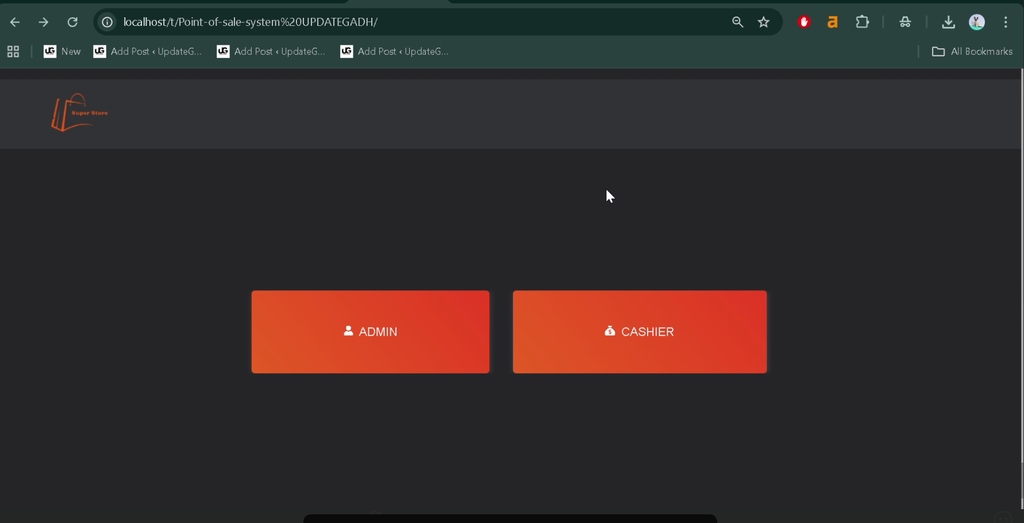
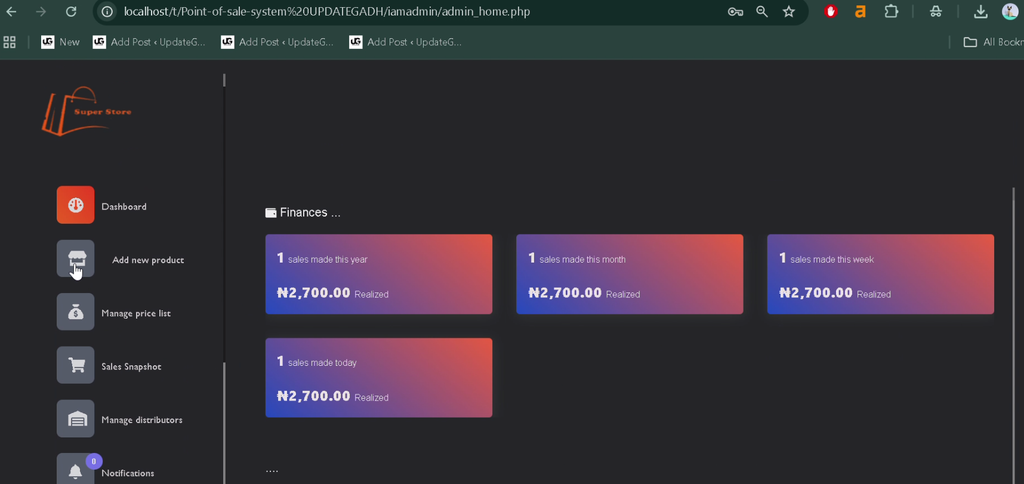
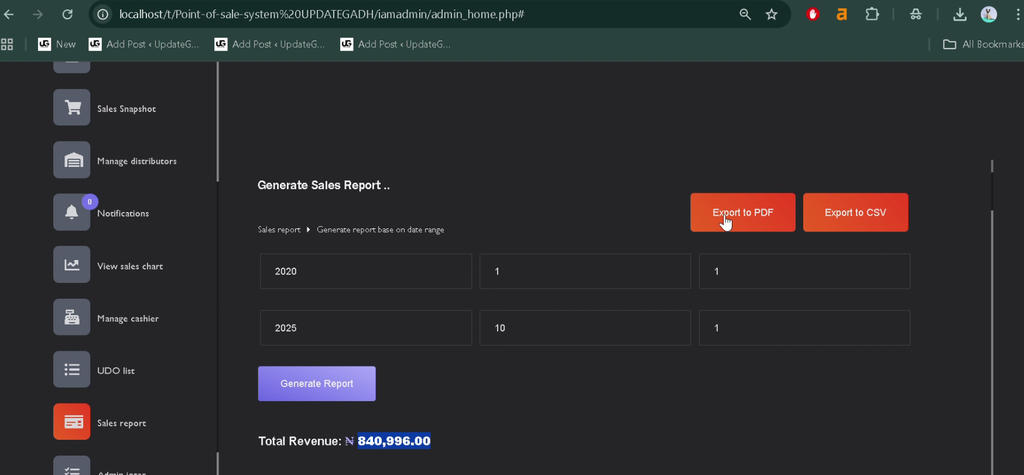
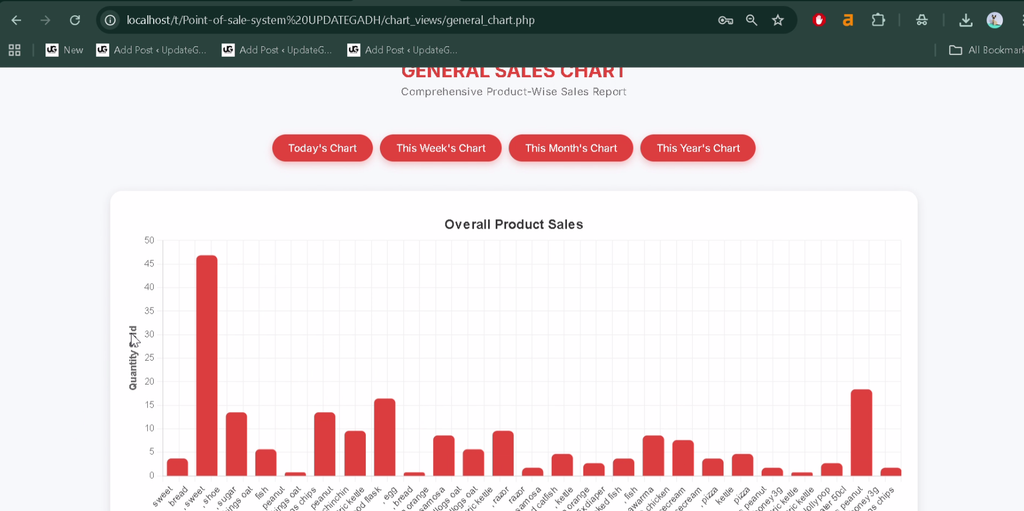
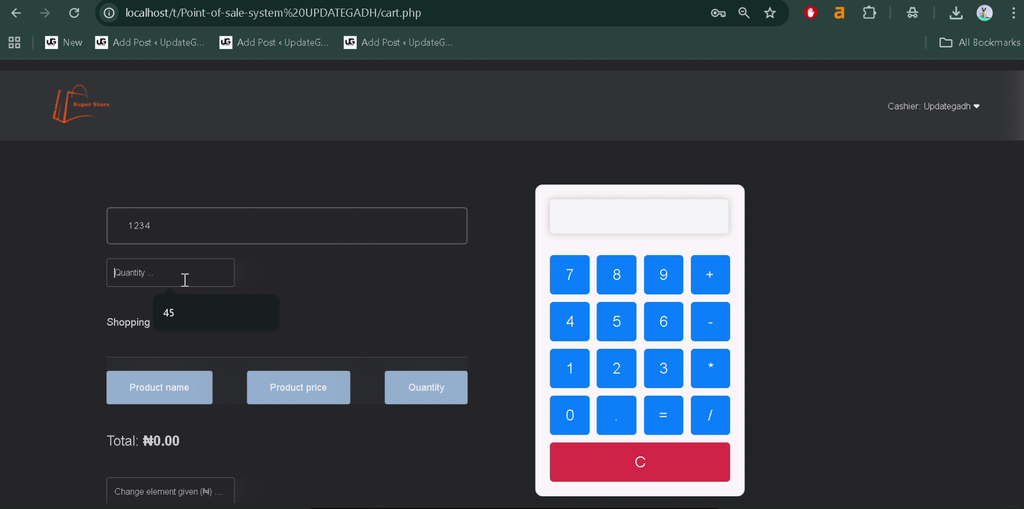
How to Install the Sales and Inventory Management System in VS Code
Follow these general steps to configure the PHP and MySQL project locally. The exact database filename and setup commands should be checked in the supplied project files.
- Install XAMPP: Install XAMPP on your computer.
- Start Services: Open the XAMPP Control Panel and start Apache and MySQL.
- Extract the Project: Extract the downloaded project ZIP file.
- Copy the Project Folder: Place the extracted folder inside the XAMPP
htdocsdirectory. - Open in VS Code: Open the project folder in Visual Studio Code.
- Create the Database: Open
http://localhost/phpmyadmin/and create the database specified in the project’s configuration or documentation. - Import the SQL File: If the project includes a database SQL file, import it into the database you created.
- Configure the Connection: Check the PHP database connection settings and update the database name, username, and password to match your local environment.
- Install Frontend Dependencies: If a
package.jsonfile is provided, open the terminal in the project folder and run:
npm install- Run the Application: Open the project through its local URL. For example, if the folder is named
SalesInventory, visithttp://localhost/SalesInventory/.
How to Use the Sales and Inventory Management System?
For Administrators
Administrators can manage users, products, distributors, stock settings, prices, taxes, and system configuration. They can also review sales charts and generate reports to monitor business activity.
For Cashiers
Cashiers can use the available sales interface to process transactions, generate receipts, and access permitted functions according to their assigned access.
For Inventory Management
Authorized users can review stock levels, identify low-stock products, record relevant inventory information, and monitor expiration-related notifications.
Why Is This Project Useful for Students?
This project provides practical experience with PHP programming, MySQL database connectivity, authentication, CRUD operations, transaction processing, and report generation. It also demonstrates how sales and inventory information can be organized within a single web application.
Students can explore the relationship between sales transactions and stock records, learn how charts present business information, and understand how different user roles access administrative and cashier functions.
Final Thoughts
The Sales and Inventory Management System Using PHP and MySQL is a practical project for learning the fundamentals of point-of-sale operations and inventory control. Its features include receipt generation, sales analytics, product and stock management, distributor and cashier management, notifications, and PDF and CSV reports.
From a student’s perspective, this project offers a useful opportunity to strengthen PHP, MySQL, and frontend development skills while learning how software can support everyday business operations.
Frequently Asked Questions
1. What is a Sales and Inventory Management System?
It is a web application that helps businesses process sales, manage product stock, generate receipts, and review inventory and sales reports.
2. Which technologies are used in this project?
The project uses PHP, MySQL, HTML5, SCSS, JavaScript, AJAX, Chart.js, NPM, and FPDF.
3. Can the system generate sales reports?
Yes. The project supports PDF and CSV reports and provides sales charts for daily, weekly, monthly, and yearly transactions.
4. Does the project support low-stock notifications?
Yes. It includes stock monitoring, configurable stock thresholds, and notifications for out-of-stock products and products approaching expiration.
5. Which user roles are supported?
The supplied project description identifies two main roles: administrator and cashier.
Keywords: Sales and Inventory Management System Using PHP and MySQL, PHP Inventory Management Project, PHP MySQL POS System, Sales Management System PHP, Inventory Tracking System, Point of Sale Project, Stock Management System PHP


[…] Sales and Inventory Management System Using PHP and MySQL :- Click Here […]