Online Bus Reservation System Using PHP and MySQL
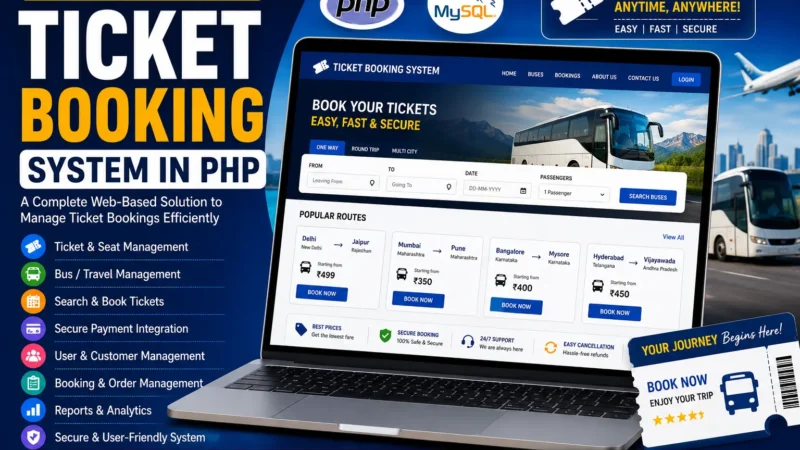
The Online Bus Reservation System Using PHP and MySQL is a web-based application designed to simplify bus ticket booking and reservation management. It uses PHP for server-side processing, MySQL for database management, and HTML, CSS, and JavaScript for the frontend interface.
The system provides separate functionalities for passengers and administrators. Passengers can search for buses, check seat availability, book tickets, view reservations, and cancel bookings. Administrators can manage buses, routes, schedules, and passenger reservations through a dedicated admin panel.
This project helps students understand how web technologies work together to build a reservation application. It demonstrates database operations, user authentication, booking management, and the development of interfaces for different user roles.
Complete Advance AI Topics: Click Here
Real Time Projects on YouTube:- DecodeIT
Project Overview
| Project Details | Description |
|---|---|
| Project Name | Online Bus Reservation System |
| Language/s Used | PHP, HTML, CSS, JavaScript |
| Database | MySQL |
| Type | Web Application |
Available Features
1. Admin Panel
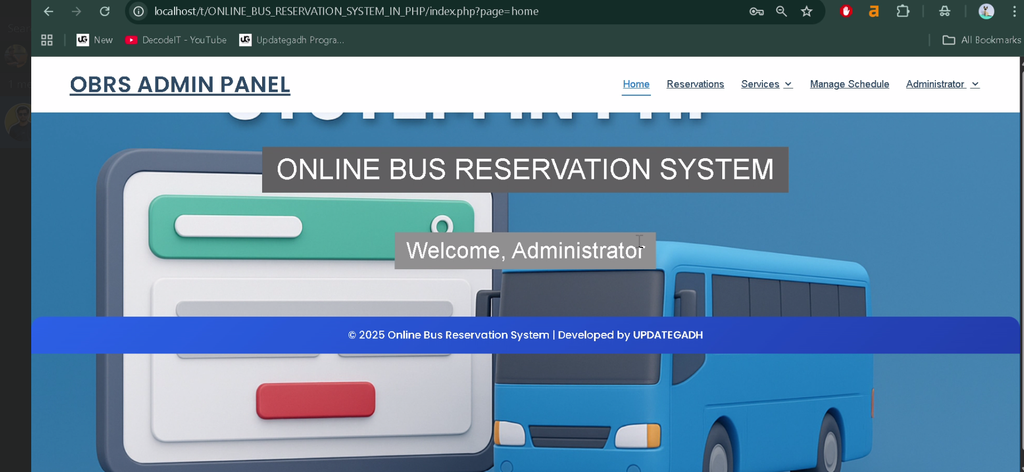
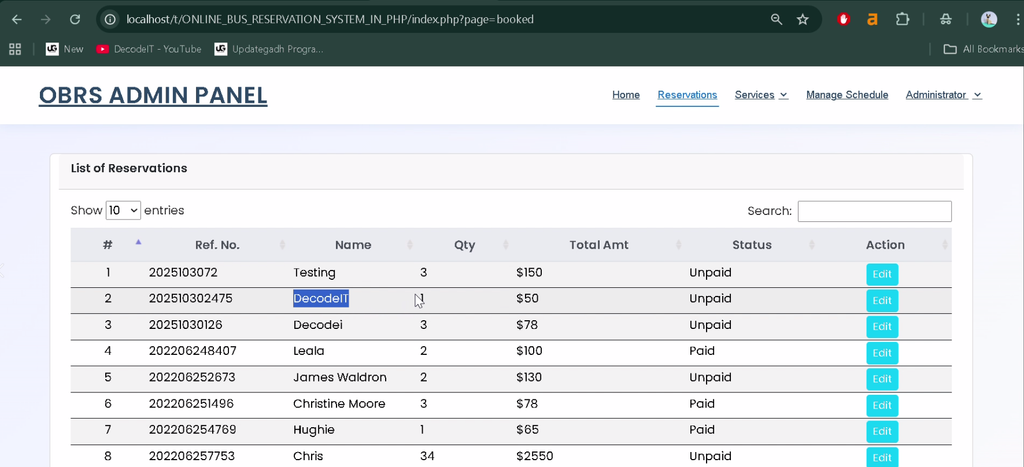
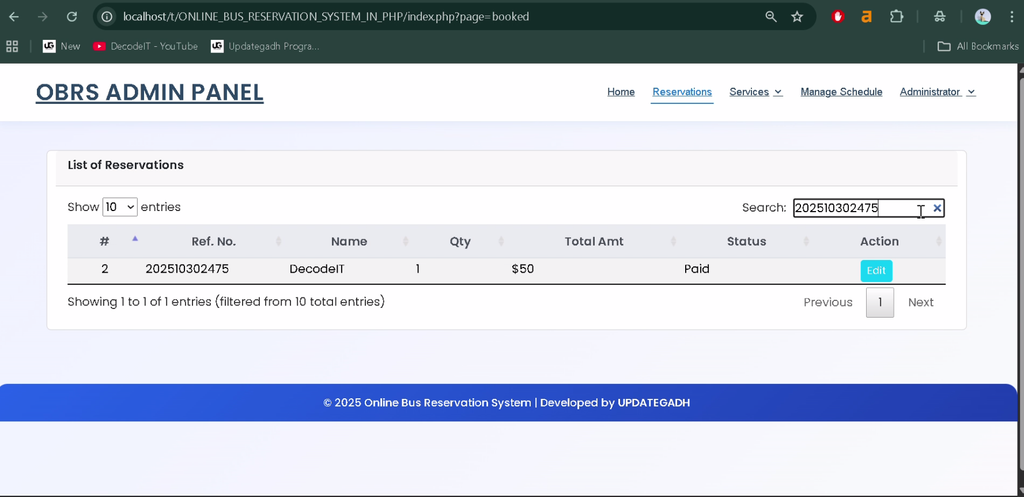
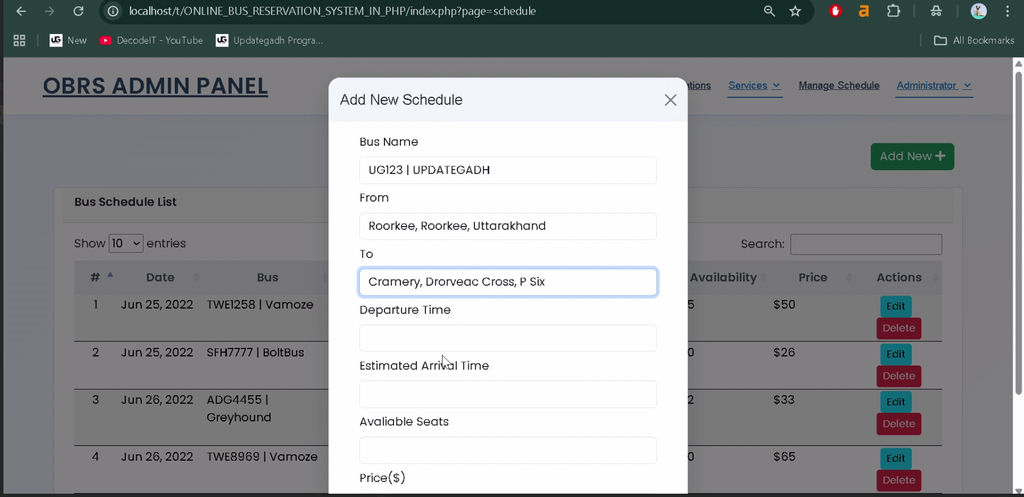
The system provides a dedicated admin panel for managing buses, routes, schedules, and passenger bookings.
2. Bus Management
Administrators can add new buses, update existing bus details, and remove buses when required. Bus information includes the bus name, type, total seats, and operational timings.
3. Route Management
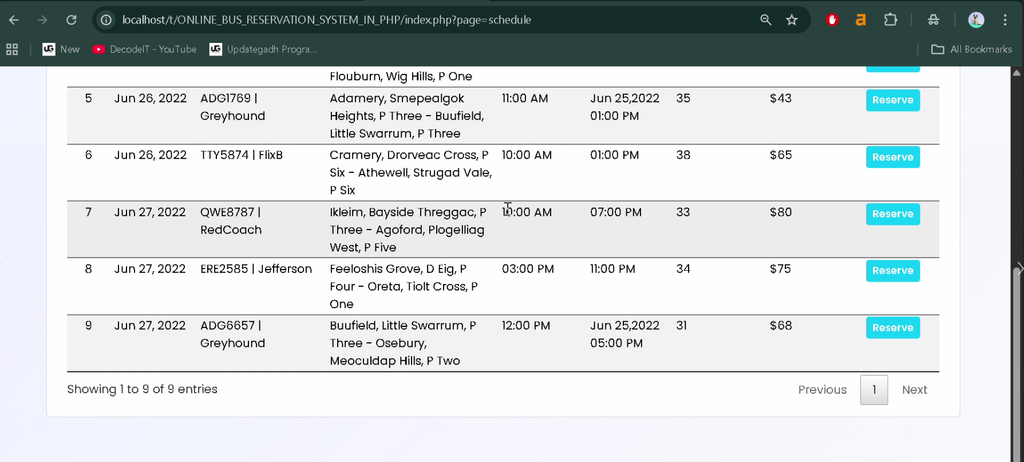
Administrators can define routes by specifying the origin, destination, stops, and travel timings. Route information can be updated to keep journey details organized.
4. Bus Search
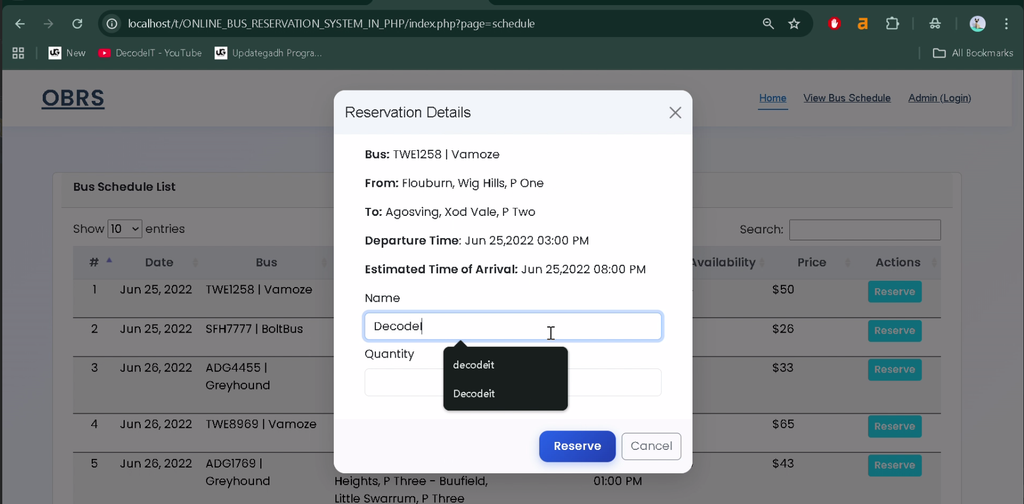
Passengers can search for available buses according to their source, destination, and travel date.
5. Seat Selection and Booking
Passengers can view available seats, select their preferred seats, and confirm reservations. Seat availability is updated during the booking process to help prevent duplicate reservations.
6. Booking Records
Passengers can view their reservations, while administrators can access booking records and passenger information to monitor reservation activity.
7. Ticket Cancellation
Passengers can cancel their bookings when required. Cancelled seats can become available for other passengers according to the system’s booking logic.
8. MySQL Database Connectivity
The application uses MySQL to store and retrieve user, bus, route, and reservation information. Database operations support booking management and record updates.
11. Input Validation and Error Handling
Validation and error handling help prevent invalid inputs and booking-related data inconsistencies.
12. Responsive User Interface
The frontend uses HTML, CSS, and JavaScript to provide an interface for passenger and administrative activities.
Technology Stack
| Technology | Purpose |
|---|---|
| PHP | Server-side processing |
| MySQL | Database management |
| HTML | Webpage structure |
| CSS | Interface styling |
| JavaScript | Frontend interactions |
| XAMPP | Local PHP and MySQL environment |
Software and Tools Required
- XAMPP with Apache and MySQL
- Visual Studio Code
- Web Browser
How to Download
The complete package is available so you can run, study, and submit it with confidence. It includes:
- Full Source Code
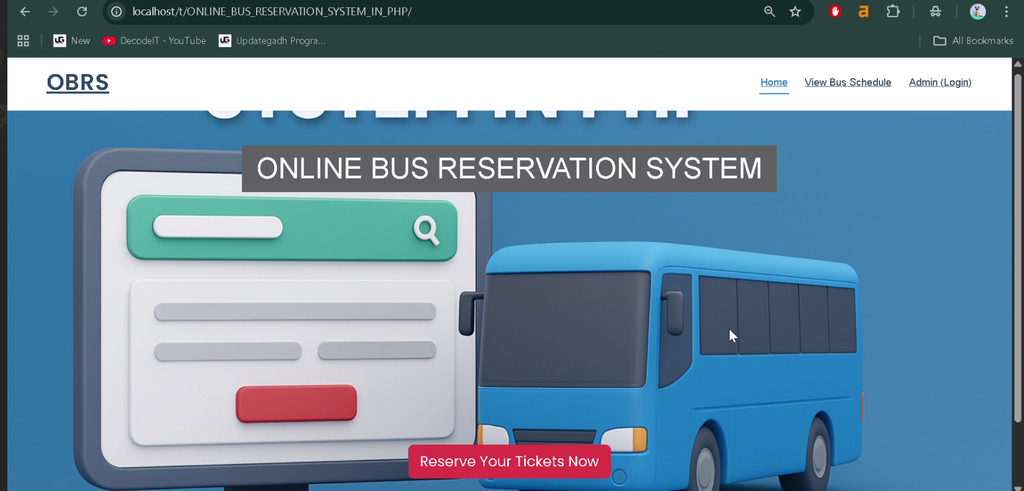
Screenshot
Installation Guide for VS Code
Step 1: Install the Required Software
Install XAMPP and Visual Studio Code on your computer.
Step 2: Extract the Project
Extract the project ZIP file and place the project folder inside the XAMPP htdocs directory. For example:
C:\xampp\htdocs\ONLINE_BUS_RESERVATION_SYSTEM_IN_PHPStep 3: Open the Project in VS Code
Open the extracted project folder in Visual Studio Code.
Step 4: Start Apache and MySQL
Open the XAMPP Control Panel and start both Apache and MySQL.
Step 5: Create and Import the Database
Open phpMyAdmin, create a database named bus_reservation, and import the SQL file supplied with the project.
Step 6: Configure the Database Connection
Locate the project’s database configuration file, commonly named db_connect.php or config.php. Update the connection settings to match your database configuration.
<?php
$servername = "localhost";
$username = "root";
$password = "";
$dbname = "bus_reservation";

$conn = mysqli_connect(
    $servername,
    $username,
    $password,
    $dbname
);

if (!$conn) {
    die("Connection failed: " . mysqli_connect_error());
}
?>
Use the actual configuration file and database connection format provided by your project. Update the database credentials if your local setup differs.
Step 7: Run the Project
Open your browser and visit the local URL for the extracted project folder:
http://localhost/ONLINE_BUS_RESERVATION_SYSTEM_IN_PHP/The exact URL may vary depending on the folder name and the project’s directory structure. Open the appropriate page to access the passenger interface or admin panel.
How to Use the Online Bus Reservation System?
- Search for buses by source, destination, and travel date.
- Check available seats and select preferred seats.
- Confirm bookings and view reservation records.
- Cancel existing bookings when required.
Admin Role
- Log in through the admin panel.
- Add, update, and delete bus records.
- Manage routes, stops, and schedules.
- View bookings and passenger information.
- Monitor and maintain reservation records.
Why Is This Project Useful for Students?
This project provides practical experience with PHP and MySQL application development. Students can learn how to create database tables, implement authentication, perform CRUD operations, manage user sessions, validate inputs, and connect frontend forms with backend processing.
It also demonstrates how a reservation workflow can be organized around bus searches, seat selection, booking records, cancellations, and administrative controls.
Frequently Asked Questions
1. Which programming language is used in this project?
The project uses PHP, HTML, CSS, and JavaScript.
2. Which database is used?
MySQL is used to store user accounts, bus details, routes, and booking information.
3. What are the main user roles?
The system supports two main roles:Admin.
4. Can passengers cancel their bookings?
Yes. The project includes a ticket cancellation feature.
5. Which software is required to run the project locally?
XAMPP, Visual Studio Code, and a web browser are required for the described local setup.
Final Thoughts
The Online Bus Reservation System Using PHP and MySQL is a practical web development project that demonstrates how passenger bookings and bus administration can be managed through a centralized application.
Online Bus Reservation System in PHP, Bus Reservation System, PHP MySQL Project, Online Bus Ticket Booking System, Bus Booking Project, BCA Project, MCA Project, UPDATEGADH,Online Bus Reservation System Using PHP and MySQL,Online Bus Reservation System Using PHP ,Online Bus Reservation System,Online Bus Reservation System Using PHP and MySQL