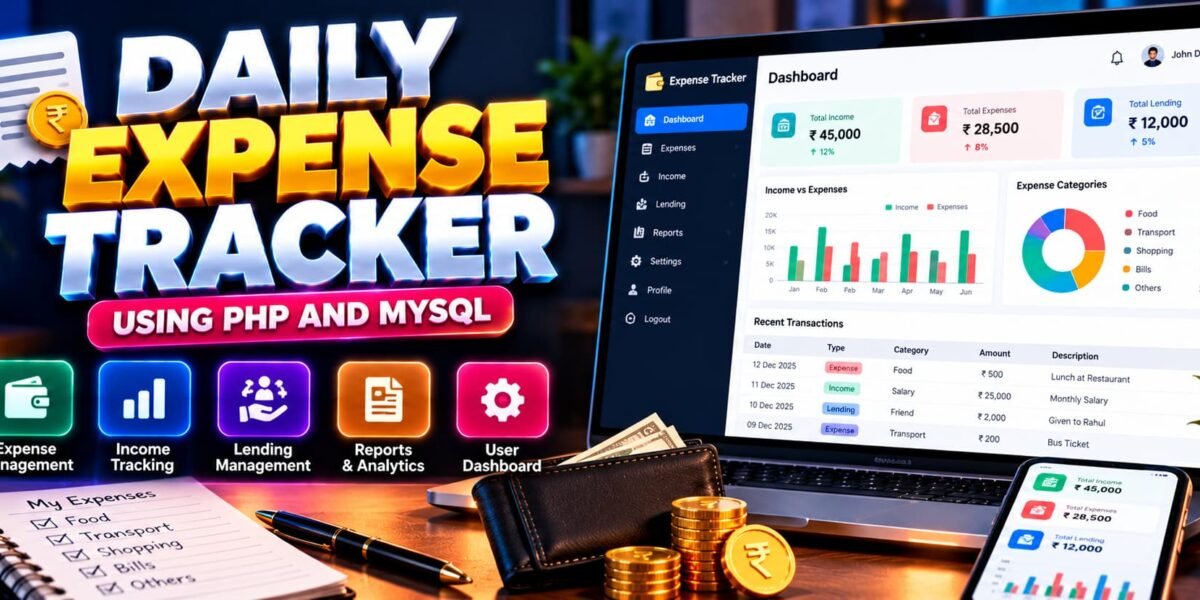
Daily Expense Tracker Using PHP and MySQL
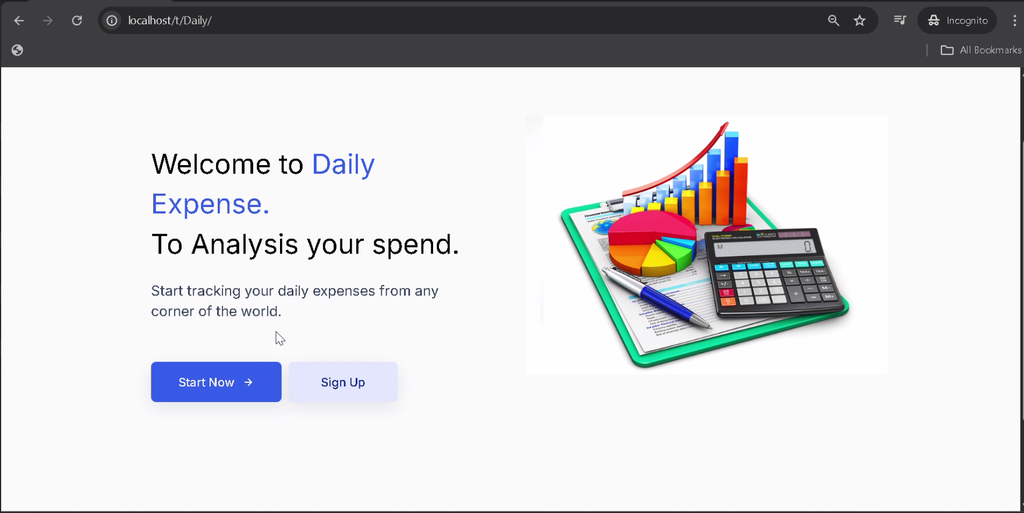
The Daily Expense Tracker Using PHP and MySQL is a web-based application designed to help users manage their daily finances in an organized way. Developed using PHP, MySQL, HTML, CSS, and JavaScript, the system allows users to record income, track expenses, manage lending transactions, and review their financial activity through a centralized dashboard.
Manually maintaining financial records can become confusing and time-consuming. This application simplifies the process by storing financial transactions digitally and providing graphical summaries and reports. Each user has a separate account, helping keep their expense, income, and lending records organized.
This project is suitable for students learning PHP development, MySQL database management, authentication, and CRUD operations through a practical financial management application.
Complete Advance AI Topics: Click Here
Real Time Projects on YouTube:- DecodeIT
What Is a Daily Expense Tracker System?
A Daily Expense Tracker System is a web application that helps users record and monitor their income and spending. It provides tools to add, edit, delete, and review financial transactions while presenting useful summaries through a dashboard, graphs, and reports.
The project also includes lending management, allowing users to maintain records of money lent to other people alongside their regular financial transactions.
Daily Expense Tracker Project Overview
| Project Details | Description |
|---|---|
| Project Name | Daily Expense Tracker Using PHP and MySQL |
| Languages Used | PHP, HTML, CSS, JavaScript |
| Recommended PHP Versions | 5.6.3, 7.4.12 |
| Database | MySQL |
| Type | Web Application |
What Are the Available Features?
The project includes user authentication, income and expense tracking, lending records, financial graphs, reports, and account settings.
1. User Registration and Login
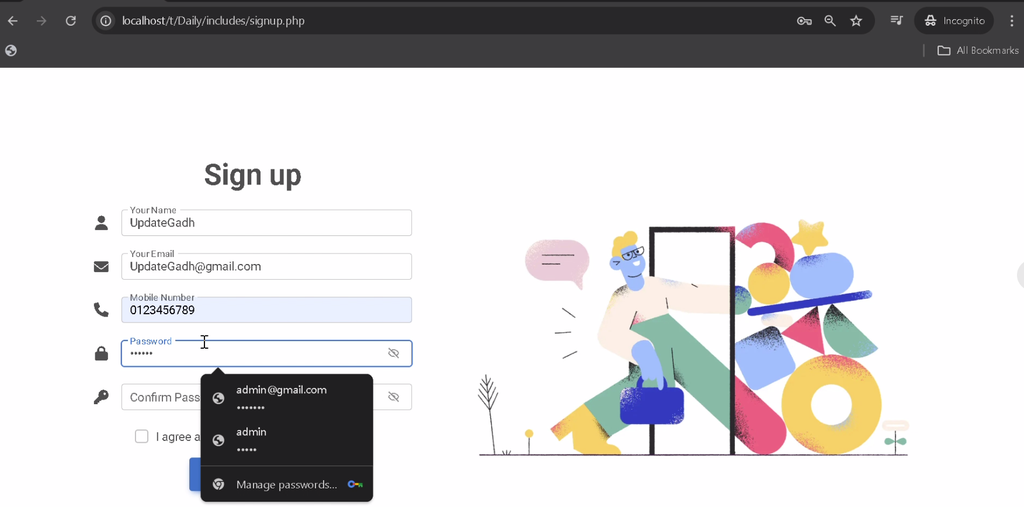
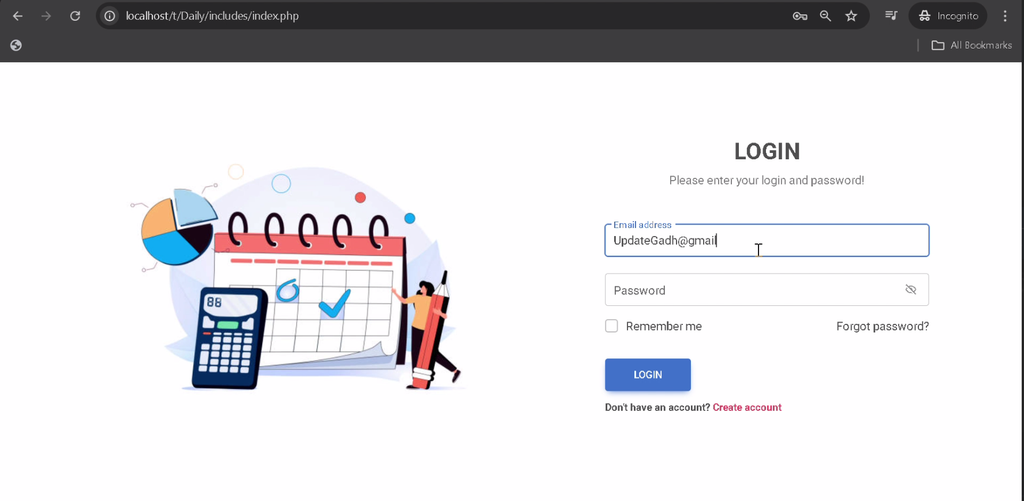
The signup form allows new users to create accounts, while the login form provides access to the application. Separate user accounts help keep financial records organized for individual users.
2. User Dashboard
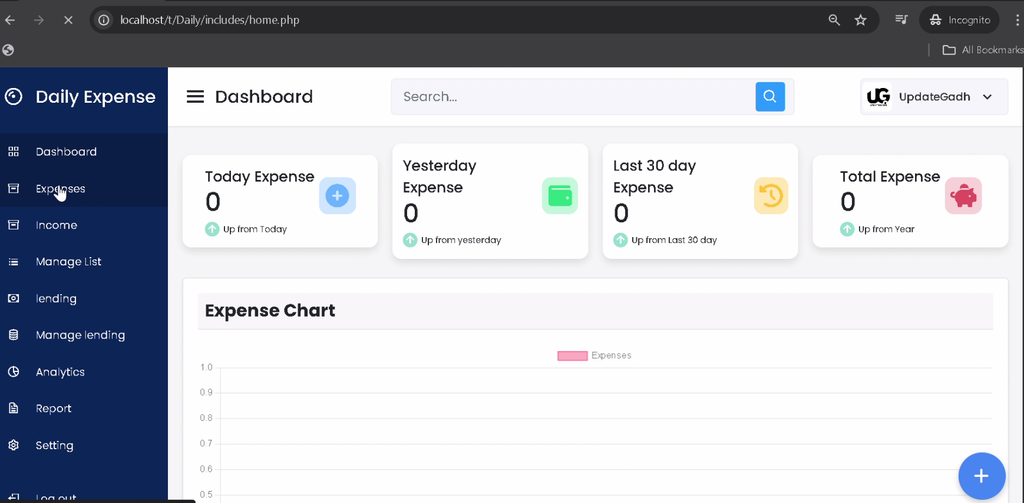
The dashboard provides an overview of the user’s financial information, including income, expenses, and lending records. It offers a central location for accessing the application’s main functions.
3. Add Expenses
Users can record expenses by entering details such as the amount, category, date, and remarks. This helps maintain a structured record of daily spending.
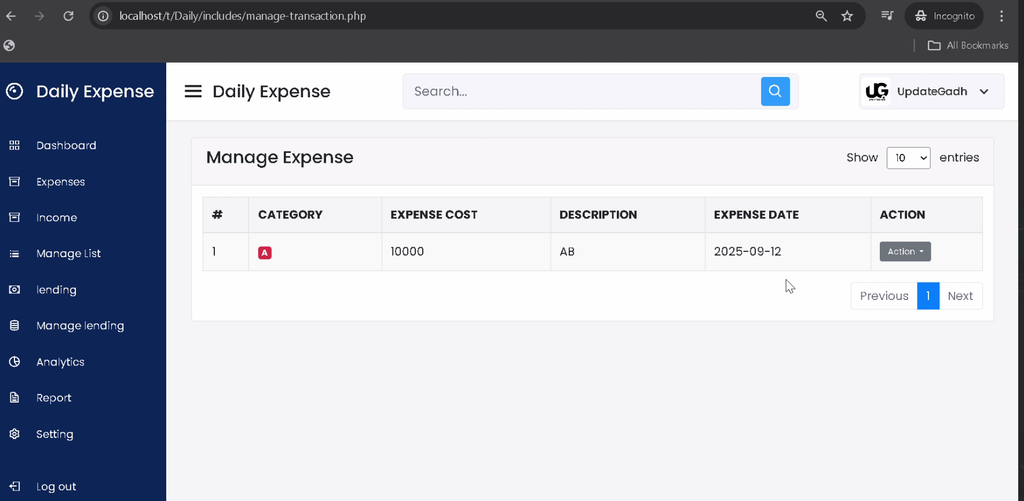
4. Manage Expenses
The expense management module allows users to review, edit, and delete existing expense records when corrections or updates are required.
5. Add Income
Users can enter income transactions with a description and date to maintain a record of money received.
6. Manage Income
The system allows users to update or delete existing income records, helping keep financial information accurate.
7. Add Lending Records
Users can record money lent to other people, including information about the recipient and the transaction date.
8. Manage Lending
The lending management module allows users to edit or delete lending records to maintain updated information about money lent.
9. Financial Analytics and Graphs
The application provides graphical representations of income and expenses, helping users visualize financial patterns and understand how their money is being used.
10. Financial Reports
Users can generate structured reports based on categories, time periods, or transaction totals. These reports make it easier to review financial activity.
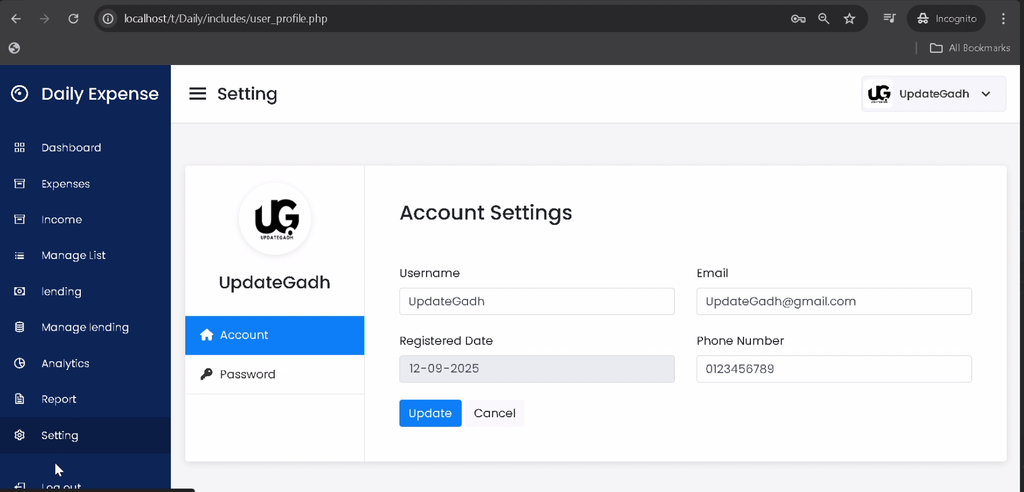
11. Account Settings
The settings module provides account and profile-related options, including user detail management and password updates.
Which Technologies Are Used in This Project?
- PHP: Handles server-side functionality and transaction management.
- MySQL: Stores user accounts and financial records.
- HTML: Structures the application’s web pages.
- CSS: Styles the user interface.
- JavaScript: Supports client-side interactions.
What Software Is Required?
- XAMPP or WAMP: Provides a local PHP and MySQL development environment.
- Visual Studio Code: Used to view and edit project files.
- Web Browser: Used to access the application.
How to Download
The complete package is available so you can run, study, and submit it with confidence. It includes:
- Full Source Code
- Project Report
- Synopsis
- PPT Presentation
Screenshot
How to Install the Daily Expense Tracker in VS Code
Follow these steps to set up the project locally using XAMPP or WAMP.
- Install the Local Server: Install XAMPP or WAMP on your computer.
- Start Services: Start Apache and MySQL from the server control panel.
- Extract the Project: Extract the downloaded project ZIP file.
- Copy the Project Folder: For XAMPP, place the folder inside
htdocs. For WAMP, place it inside thewwwdirectory. - Open in VS Code: Open the extracted project folder in Visual Studio Code.
- Create the Database: Open
http://localhost/phpmyadmin/in your browser and create the database required by the project configuration. - Import the SQL File: Locate
database/expenditure.sqlin the project files and import it into the appropriate database. - Check Database Settings: Verify the database connection file and update the database name, username, and password according to your local configuration.
- Run the Application: Open the project using its local URL, replacing the folder name with the actual extracted directory name.
Example: If your project folder is named DailyExpenseTracker, open http://localhost/DailyExpenseTracker/.
Note: The original instructions do not specify the exact database name or project folder name. Check the database connection settings and extracted files before running the application.
How to Use the Daily Expense Tracker?
Manage Daily Expenses
Log in to your account and add each expense with its amount, category, date, and remarks. Use the expense management section to update or remove existing records.
Record Income
Add income transactions with their descriptions and dates. Review the saved records to keep track of money received.
Track Lending
Enter lending transactions with recipient details and dates. Use the lending management module to update or delete existing entries.
Review Financial Reports
Use the dashboard, graphs, and reporting functionality to review income, expenses, and lending records over relevant periods.
Why Is This Project Useful for Students?
This project provides practical experience with PHP programming, MySQL database connectivity, user authentication, form handling, and CRUD operations. It also demonstrates how financial records can be stored, summarized, and presented through graphs and reports.
Students can explore the different modules to understand how a database-driven application handles separate user accounts and organizes income, expenses, and lending transactions.
Final Thoughts
The Daily Expense Tracker Using PHP and MySQL is a practical project for learning the fundamentals of personal finance management and web application development. Its features include expense tracking, income records, lending management, graphical analytics, reports, and account settings.
Frequently Asked Questions
1. What is a Daily Expense Tracker?
It is a web application that helps users record daily expenses, manage income, track lending transactions, and review financial activity.
2. Which technologies are used in this project?
The project uses PHP, MySQL, HTML, CSS, and JavaScript.
3. Can users manage income and expenses separately?
Yes. The application includes separate modules for adding, reviewing, editing, and deleting income and expense records.
4. Does the project support financial reports?
Yes. It includes reports based on categories, time periods, or transaction totals, along with graphical representations of income and expenses.
5. Which SQL file is used during installation?
The supplied installation instructions identify database/expenditure.sql as the database file to import.
Keywords: Daily Expense Tracker Using PHP and MySQL, Daily Expense Tracker PHP Project, Expense Management System in PHP, Personal Expense Tracker Project, PHP MySQL Income Management System, Daily Expense Management Web Application