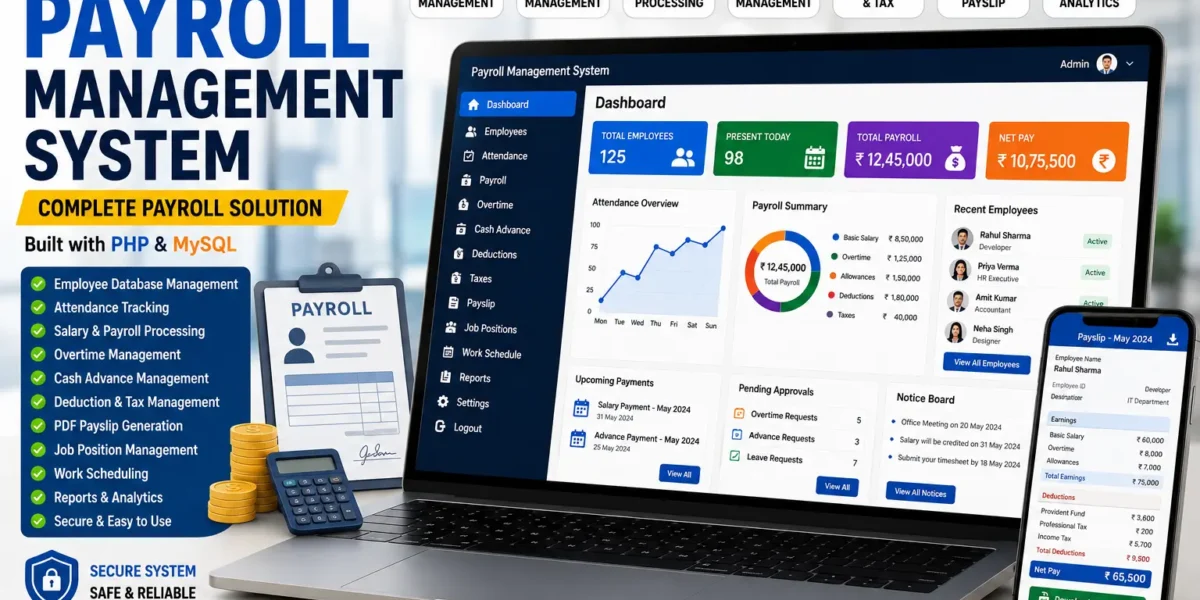
Online Payroll Management System
Payroll is one of those business functions where mistakes are expensive and trust is everything — employees notice immediately if a payslip is late, miscalculated, or missing a deduction. As teams grow past a handful of people, spreadsheets and manual calculations stop scaling, and that’s usually the point where organizations start looking at an Online Payroll Management System.
This post covers what a payroll management system typically does, the features worth expecting from one, and how to think about deploying it.
What Is an Online Payroll Management System?
An Online Payroll Management System is a web application that automates the process of calculating and distributing employee salaries. Instead of manually tracking attendance, computing overtime, applying deductions, and generating payslips by hand, the system handles the calculations centrally and consistently, pulling from the same underlying employee and attendance data every pay cycle.
Beyond just running the numbers, a good payroll system also gives HR and finance teams an auditable record — who was paid what, when, and why — which matters both for internal accountability and for compliance purposes.
Core Features to Expect
A functional payroll system usually covers the entire pay cycle, from tracking time worked to generating the final payslip:
- Employee Database Management — a central record of employee details, roles, and employment terms
- Attendance Management System — tracking days worked, absences, and leave that feed directly into salary calculations
- Payroll Processing and Salary Generation — automated computation of gross and net pay for each employee, each cycle
- Cash Advance & Overtime Module — handling salary advances and overtime pay without manual recalculation
- Deduction & Tax Management — applying statutory and organizational deductions consistently across the payroll run
- PDF Payslip Generation — producing downloadable, shareable payslips for every employee automatically
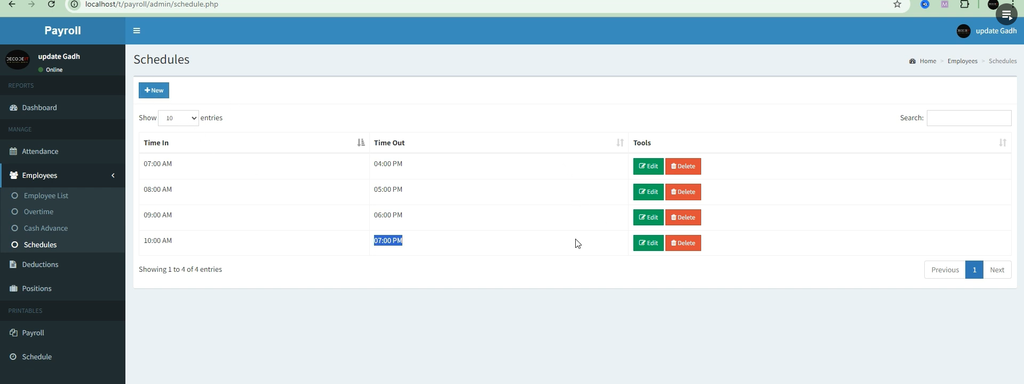
- Job Position & Work Scheduling — managing roles and shift or work schedules tied to pay calculations
- Admin Authentication — secure login and logout for the staff responsible for running payroll
- Admin Dashboard — a central view of payroll status, employee records, and system activity
- Responsive, User-Friendly Interface — usable across devices for HR staff who need to check or process payroll on the go
Together, these modules turn payroll from a monthly scramble into a repeatable, largely automated process.
Typical Technology Stack
Payroll systems built for small and mid-sized organizations commonly use a lightweight, well-understood stack:
| Layer | Common Choice |
|---|---|
| Backend language | PHP |
| Database | MySQL |
| Local development | XAMPP or WAMP |
| Output format | PDF payslip generation |
This stack keeps hosting costs low and setup straightforward — most implementations can run on a single shared server, with the database imported directly through a tool like phpMyAdmin.
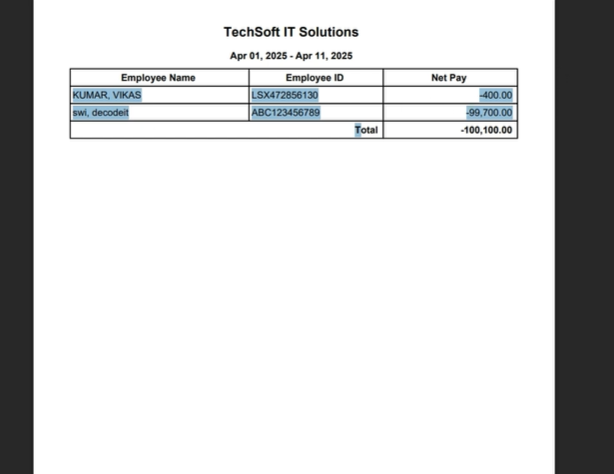
Screenshot:
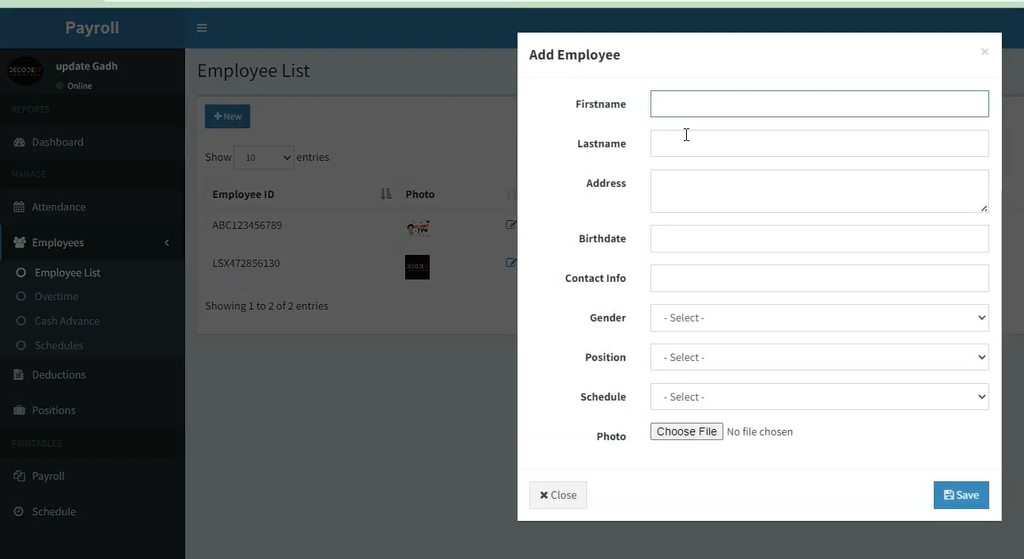
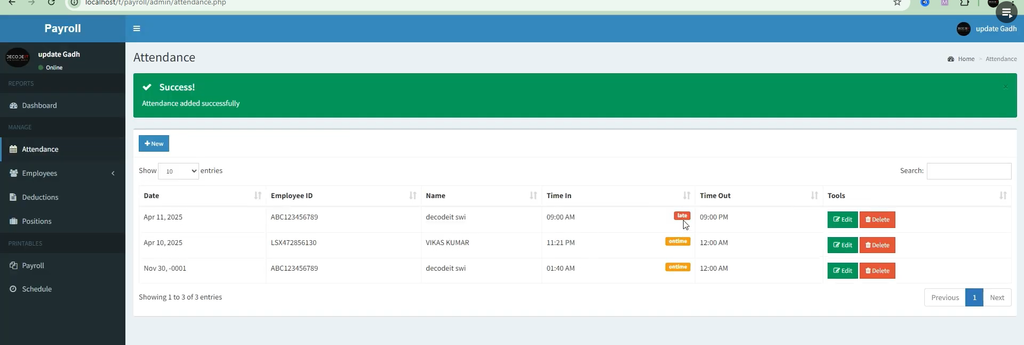
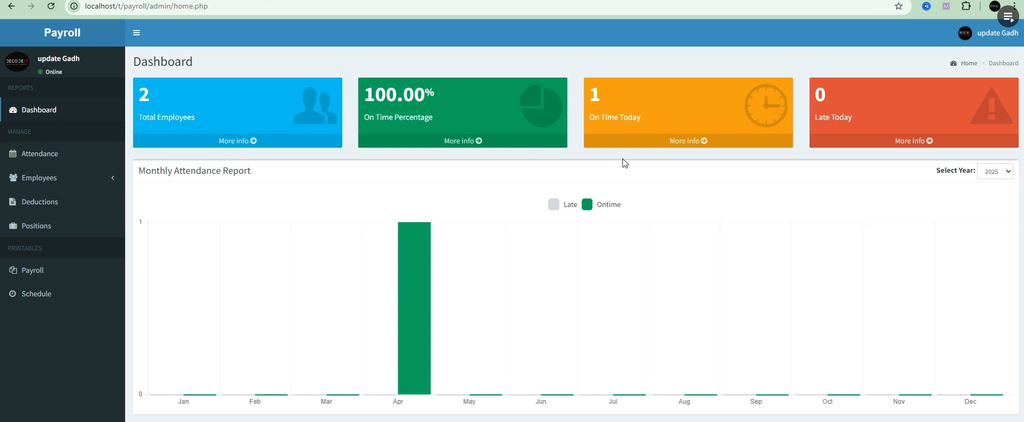
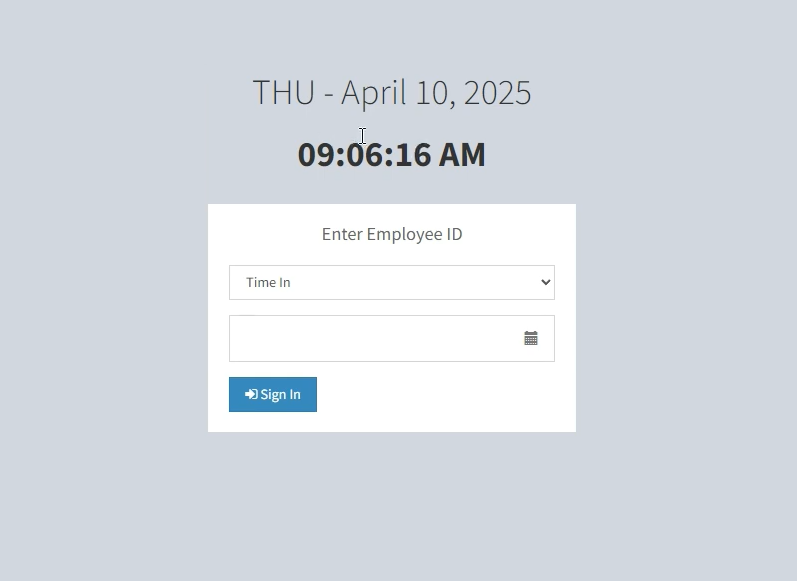
How to Download
Get This Project
The complete package is available so you can run, study, and submit it with confidence. It includes:
- Full Source Code
- Project Report
- Synopsis
- PPT Presentation
For any queries or a quick response, reach out on WhatsApp: +91 79834 34684
A Typical Setup Process
Deploying a self-hosted payroll system generally follows a similar pattern regardless of the specific codebase:
- Import the database schema (a
.sqlfile) into MySQL - Place the application files into the server’s web root directory
- Update the database connection settings to match your environment
- Launch the application in a browser and log in through the admin dashboard
For testing or small-scale internal use, this can be done locally with XAMPP or WAMP before moving to a production server.
Why Organizations Automate Payroll
- Accuracy — salary, overtime, and deductions are calculated the same way every time, removing manual arithmetic errors
- Time savings — what used to take days of manual computation can run in a fraction of the time
- Consistent records — every payslip and calculation is stored and retrievable, which simplifies audits and disputes
- Employee trust — timely, accurate, professionally generated payslips reduce friction between staff and HR
Is It Worth It for Smaller Teams?
Payroll automation isn’t only for large enterprises. Even a small business with a dozen employees benefits from removing manual calculation errors and having a documented, repeatable process — especially once overtime, advances, or variable deductions enter the picture. The real question isn’t organization size so much as how much manual payroll work is currently eating into someone’s time each month.
Final Thoughts
A payroll system won’t fix a broken compensation policy, but it will make whatever policy you have run consistently, on time, and with a clear paper trail. For organizations still doing payroll by hand or in spreadsheets, a PHP/MySQL-based system is one of the more accessible ways to automate the process without a heavy upfront investment.
If you’re evaluating one, start by mapping out your actual pay cycle — attendance, overtime, deductions, payslip delivery — and check that each step is covered before rolling it out organization-wide.
Keywords:
online payroll management system using php github
online payroll management system using php free download
online payroll management system using php pdf
online payroll management system using php free
online payroll management system using php and mysql
payroll management system project in php github
payroll management system php source code
payroll management system project with source code