
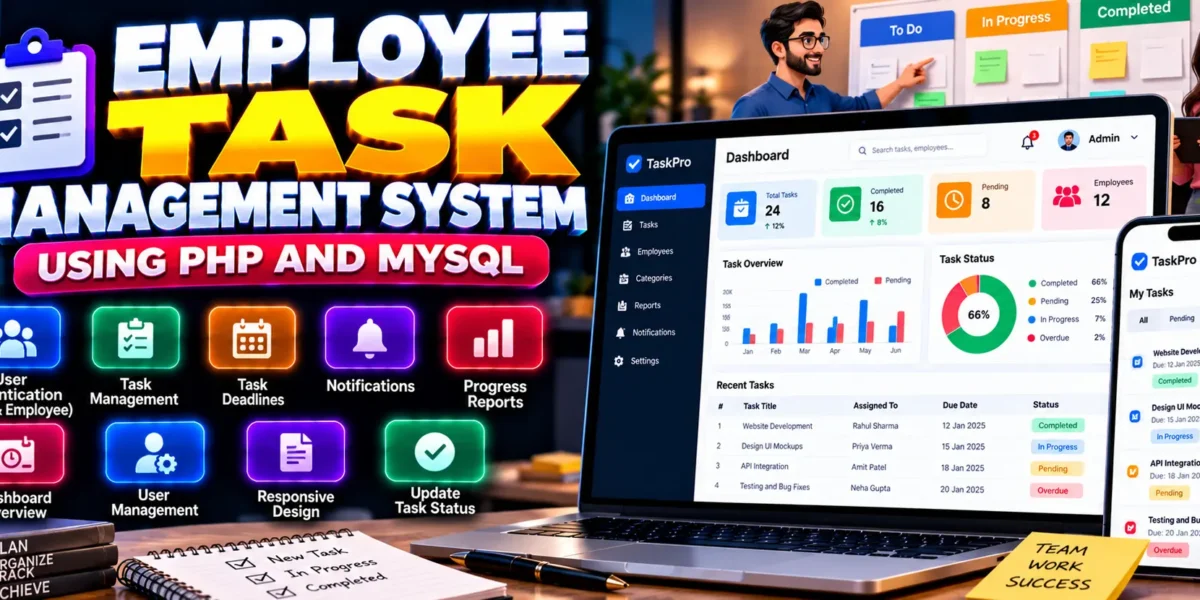
Employee Task Management System Using PHP and MySQL
The Employee Task Management System Using PHP and MySQL is a web-based application designed to simplify employee task assignment, progress tracking, and task monitoring. It provides separate access for administrators and employees, helping organizations organize work responsibilities, manage deadlines, and monitor task completion through a centralized platform.
Developed using PHP, MySQL, HTML, CSS, JavaScript, and Bootstrap, the system demonstrates how a database-driven application can support workplace task management. Administrators can assign tasks, update task details, and monitor progress, while employees can view assigned tasks and update their completion status.
This project is suitable for students learning PHP development, MySQL database management, authentication, and CRUD operations through a practical management application.
Complete Advance AI Topics: Click Here
Real Time Projects on YouTube:- DecodeIT
What Is an Employee Task Management System?
An Employee Task Management System is a web application that helps organizations distribute work among employees and monitor task progress. It provides a structured way to assign responsibilities, manage deadlines, review completed work, and track pending tasks.
This project uses separate administrator and employee roles to organize task-related activities and improve visibility into ongoing work.
Employee Task Management System Project Overview
| Project Details | Description |
|---|---|
| Project Name | Employee Task Management System |
| Programming Language | PHP |
| Frontend | HTML, CSS, JavaScript, Bootstrap |
| Database | MySQL |
| Type | Web Application |
What Are the Available Features?
The supplied project description identifies features for user authentication, task management, dashboards, notifications, reporting, and responsive design.
1. User Authentication
- Separate role-based access for administrators and employees.
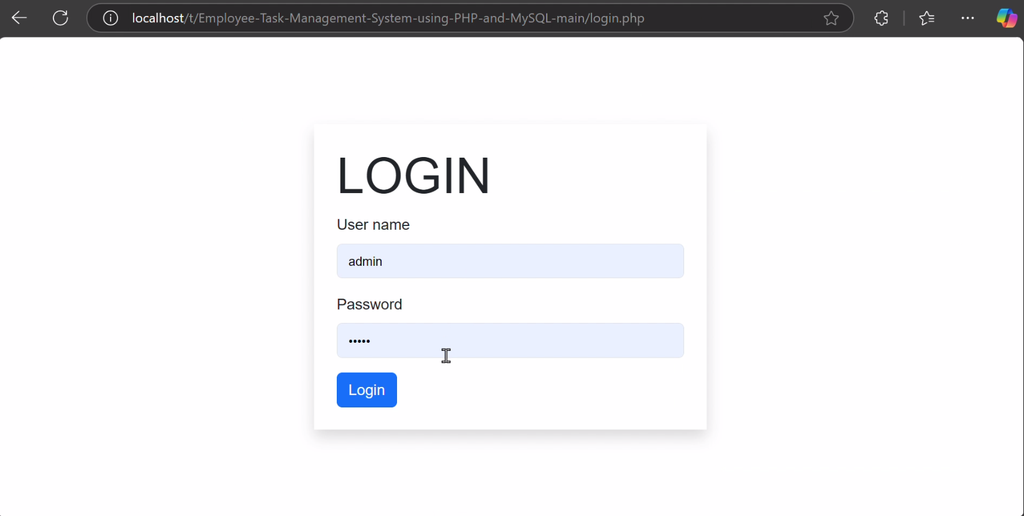
- Login functionality and session management.
2. Task Management
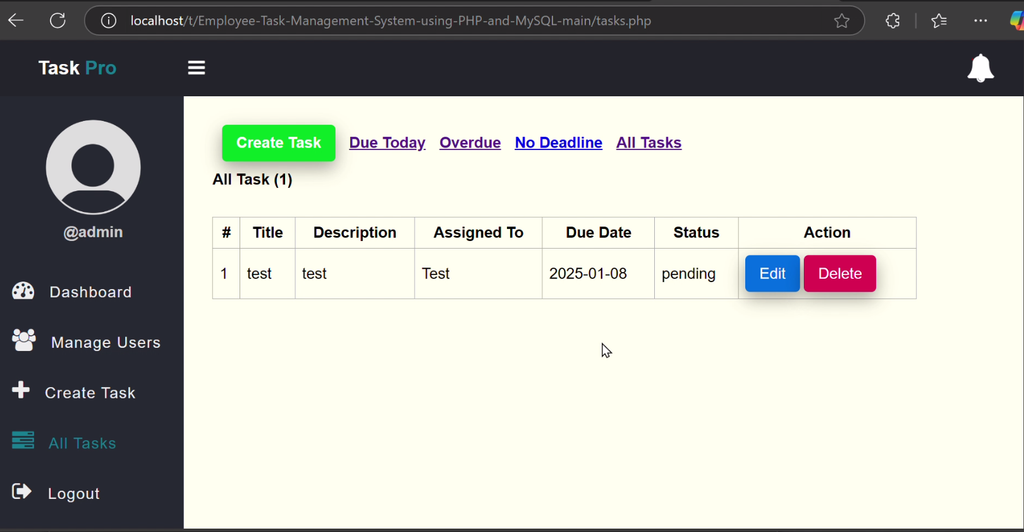
- Administrators can assign, update, and delete tasks.
- Employees can view their assigned tasks.
- Employees can mark tasks as completed.
- Task deadlines can be managed as part of task assignment.
3. Dashboard Overview
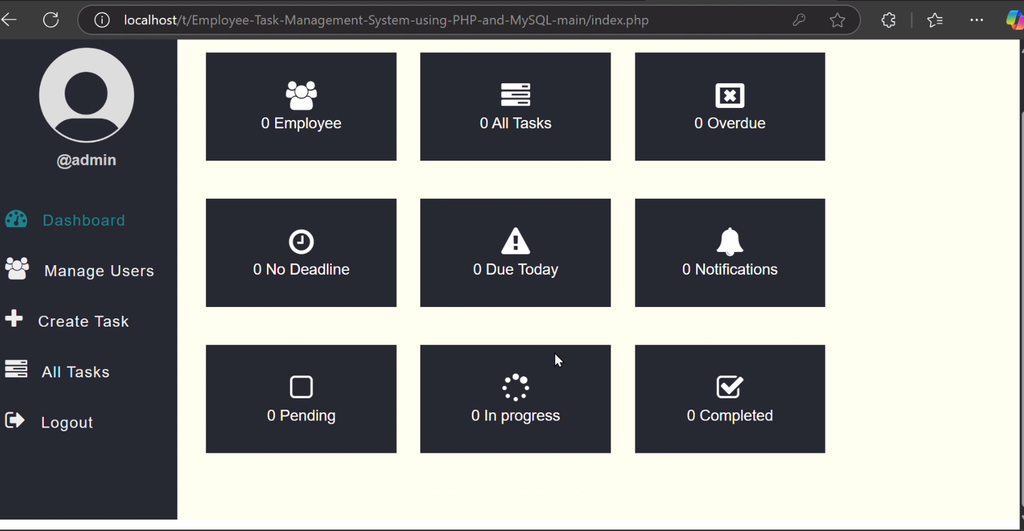
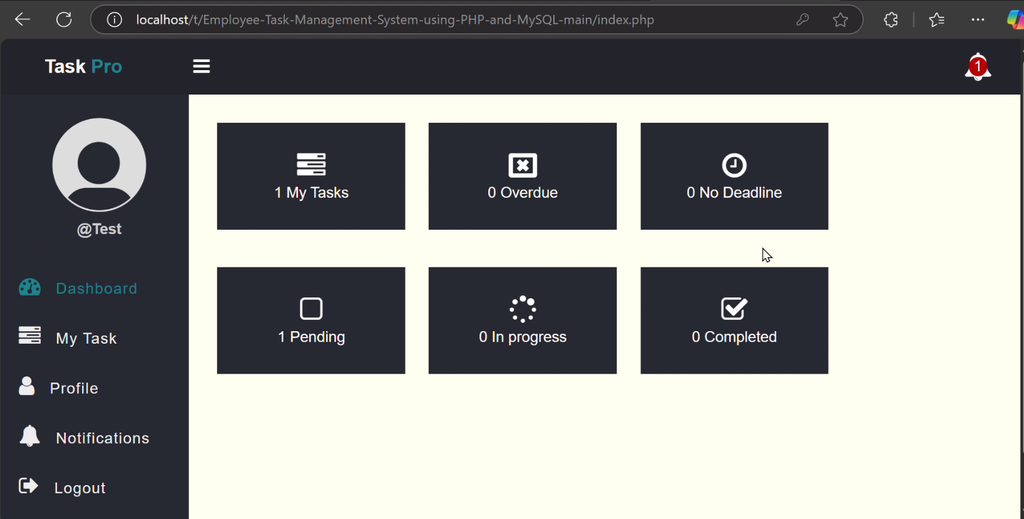
The dashboard provides a summarized view of pending and completed tasks, helping users review task progress through a centralized interface.
4. Notifications
The system includes notifications for newly assigned or updated tasks, helping users stay informed about task changes.
5. Task Progress Reports
Reporting functionality allows task progress to be reviewed, supporting monitoring and work tracking.
6. Responsive Design
The interface uses Bootstrap to support a responsive layout that can be accessed on desktop and mobile devices.
Which Technologies Are Used in This Project?
- PHP: Handles server-side logic and task management operations.
- MySQL: Stores employee, user, and task-related information.
- HTML: Structures application pages.
- CSS: Styles the user interface.
- JavaScript: Supports client-side interactions.
- Bootstrap: Helps create a responsive interface.
What Software Is Required?
- XAMPP or WAMP: Provides a local PHP and MySQL environment.
- Visual Studio Code: Used to view and edit project files.
- Web Browser: Used to access the application.
How to Download
The complete package is available so you can run, study, and submit it with confidence. It includes:
- Full Source Code
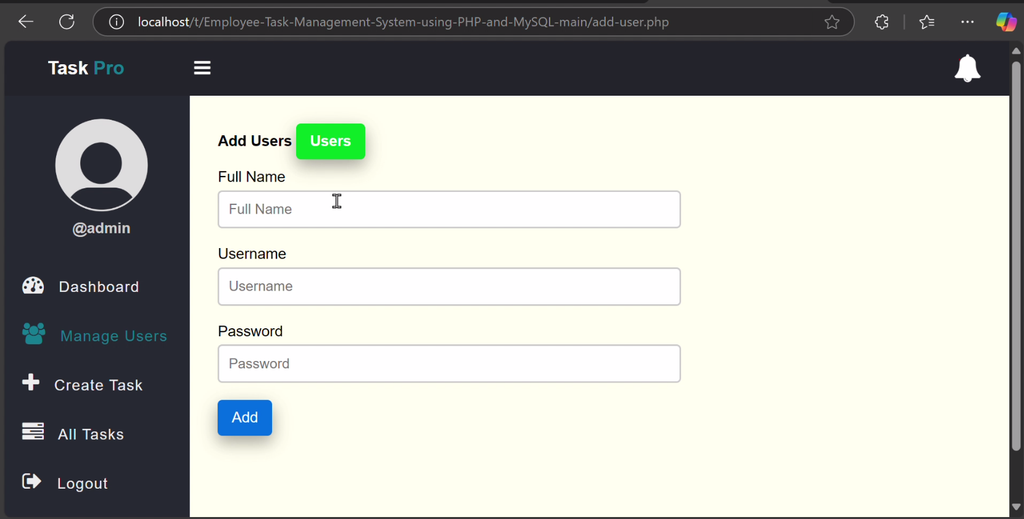
Screenshot
How to Install the Employee Task Management System in VS Code
Follow these steps to configure and run the project locally using XAMPP or WAMP.
- Download and Extract: Extract the ZIP file named
Employee-Task-Management-System-using-PHP-and-MySQL-.zip. - Copy the Project Folder: For XAMPP, place the extracted folder inside
htdocs. For WAMP, use its web root directory. - Start Services: Open the server control panel and start Apache and MySQL.
- Open in VS Code: Open the extracted project folder in Visual Studio Code.
- Create the Database: Visit
http://localhost/phpmyadmin/and create a database namedtask_management, as specified in the supplied instructions. - Import the SQL File: Locate
task_management.sqlin the project folder and import it into the database. - Configure the Database Connection: Find
dbconfig.phpand check the connection settings.
The supplied configuration example is:
<?php
$host = "localhost";
$username = "root";
$password = "";
$database = "task_management";
?>
Leave the password blank only if that matches your local MySQL configuration. Update the credentials if your environment uses a different username or password.
- Run the Application: Open the project using its local URL, replacing
PROJECT_FOLDER_NAMEwith the actual extracted folder name. For example,http://localhost/PROJECT_FOLDER_NAME/. - Log In: Use the administrator or employee credentials provided in the project documentation or README file.
Note: The supplied description does not provide the exact entry-point URL or default login credentials. Check the extracted project files before attempting to log in.
How to Use the Employee Task Management System?
For Administrators
Log in to the administrator panel to assign tasks, update task details, manage task records, set deadlines, and review progress reports.
For Employees
Log in to the employee panel to view assigned tasks, check deadlines, review task updates, and mark tasks as completed.
Monitor Task Progress
Use the dashboard and reporting functionality to review pending and completed tasks and monitor work progress across the system.
Why Is This Project Useful for Students?
This project provides practical experience with PHP programming, MySQL database connectivity, role-based authentication, CRUD operations, and responsive web design. It also demonstrates how task assignment, employee access, and progress reporting can be combined in a single management application.
Students can explore how task records are stored and updated, how different user roles access functionality, and how dashboards help present operational information.
Final Thoughts
The Employee Task Management System Using PHP and MySQL is a useful academic project for learning the fundamentals of workplace task management. Its features include role-based login, task assignment, employee task updates, deadlines, notifications, dashboards, and progress reports.
From a student’s perspective, this project offers a practical way to strengthen PHP, MySQL, and frontend development skills while understanding how a database-driven application supports everyday organizational work.
Frequently Asked Questions
1. What is an Employee Task Management System?
It is a web application that helps administrators assign employee tasks and monitor progress while employees view and update their assigned work.
2. Which technologies are used in this project?
The project uses PHP, MySQL, HTML, CSS, JavaScript, and Bootstrap.
3. What are the main user roles?
The supplied project description identifies two roles: Administrator and Employee.
4. Can employees mark tasks as completed?
Yes. Employees can view their assigned tasks and mark them as completed.
5. Which database is used by the project?
The project uses MySQL, and the supplied installation instructions identify task_management as the database name and task_management.sql as the SQL file.
Keywords: Employee Task Management System Using PHP, Employee Task Management System Using PHP and MySQL, PHP Task Management Project, Employee Task Tracking System, Task Management System Project in PHP, Employee Management Web Application

Thanks for the great content and the constant updates.