Online Gas Booking System in PHP
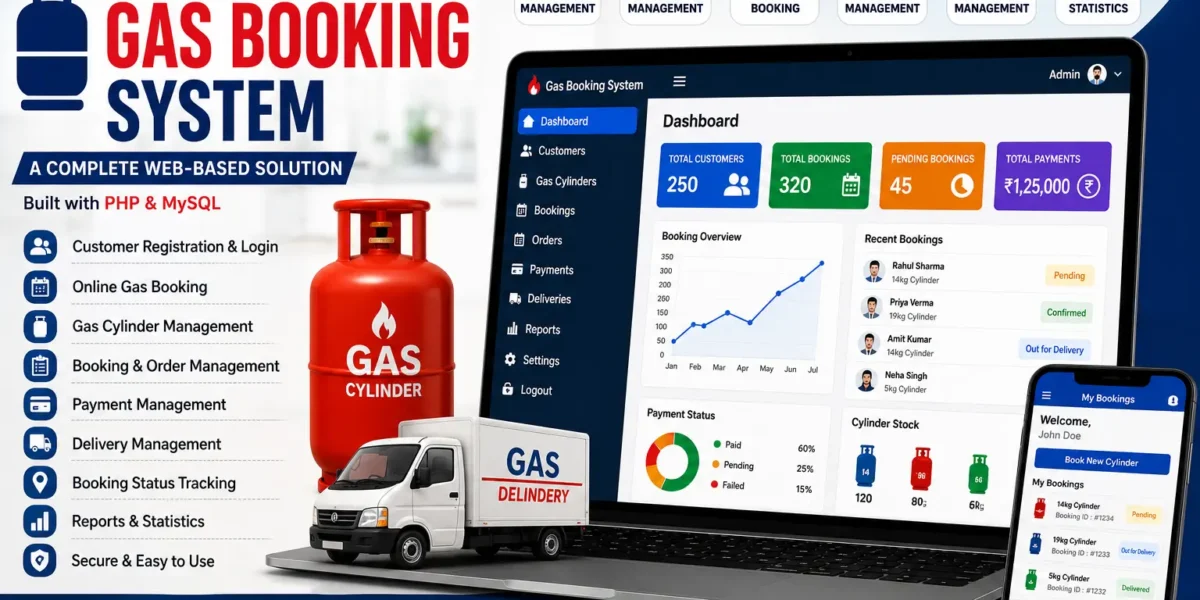
The Online Gas Booking System in PHP is a complete, multi-role web application that lets consumers book LPG refills online, lets distributors manage those bookings, and gives an administrator full control over the entire network. It is one of the most practical final year projects you can pick, because the workflow is something every examiner already understands from daily life.
This post walks you through the full feature set, the technology stack, the database design, the setup steps, and how to get the complete source code with report, synopsis and PPT for your submission in 2026.
Table of Contents
Project Overview
| Project Name | Online Gas Booking System |
|---|---|
| Language Used | PHP, HTML, CSS, JavaScript, jQuery, AJAX |
| Framework / Library | Bootstrap |
| Database | MySQL |
| Project Type | Web Application |
| Difficulty | Intermediate |
| Best For | BCA, MCA, B.Tech CS/IT, Diploma final year |
About the Project
Booking a gas cylinder through an agency counter is still a slow, paper-driven process in many areas. Consumers call or visit the agency, the request is written into a register, and there is no reliable way to check status, raise a complaint, or keep a record of past bookings. Distributors, on their side, have no consolidated view of pending refills, and agency administrators have no easy way to monitor distributor performance or resolve consumer grievances.
The Online Gas Booking System in PHP replaces that register with a structured, role-aware web platform. Consumers register once and can then raise refill requests from any device, track them, and submit feedback or complaints. Distributors log into a dedicated dashboard listing every booking assigned to them along with consumer details. The administrator sits above both, managing distributor records, reviewing complaints, and keeping the whole booking chain visible in one place.
Key Features
Consumer Module
- Self Registration: Consumers create their own account with contact and connection details.
- Online Refill Booking: A simple booking form to raise a gas refill request in a few clicks.
- Booking History: Every past and pending request is stored and viewable from the dashboard.
- Feedback and Complaints: Consumers can submit grievances directly instead of visiting the agency.
- Profile Management: Update address, phone number and personal details at any time.
Distributor Module
- Distributor Dashboard: A dedicated login showing all bookings routed to that distributor.
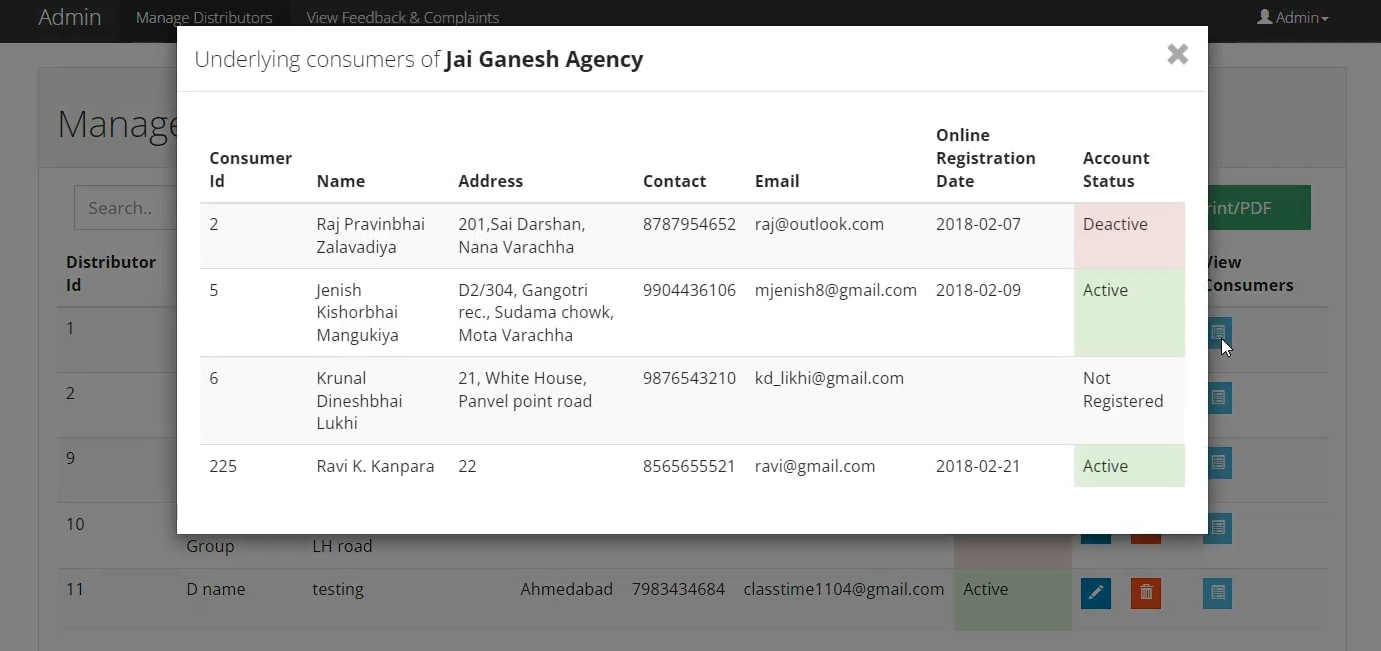
- Consumer Records: View registered consumer details linked to each booking request.
- Order Tracking: Monitor which refill requests are pending and which are completed.
Administrator Module
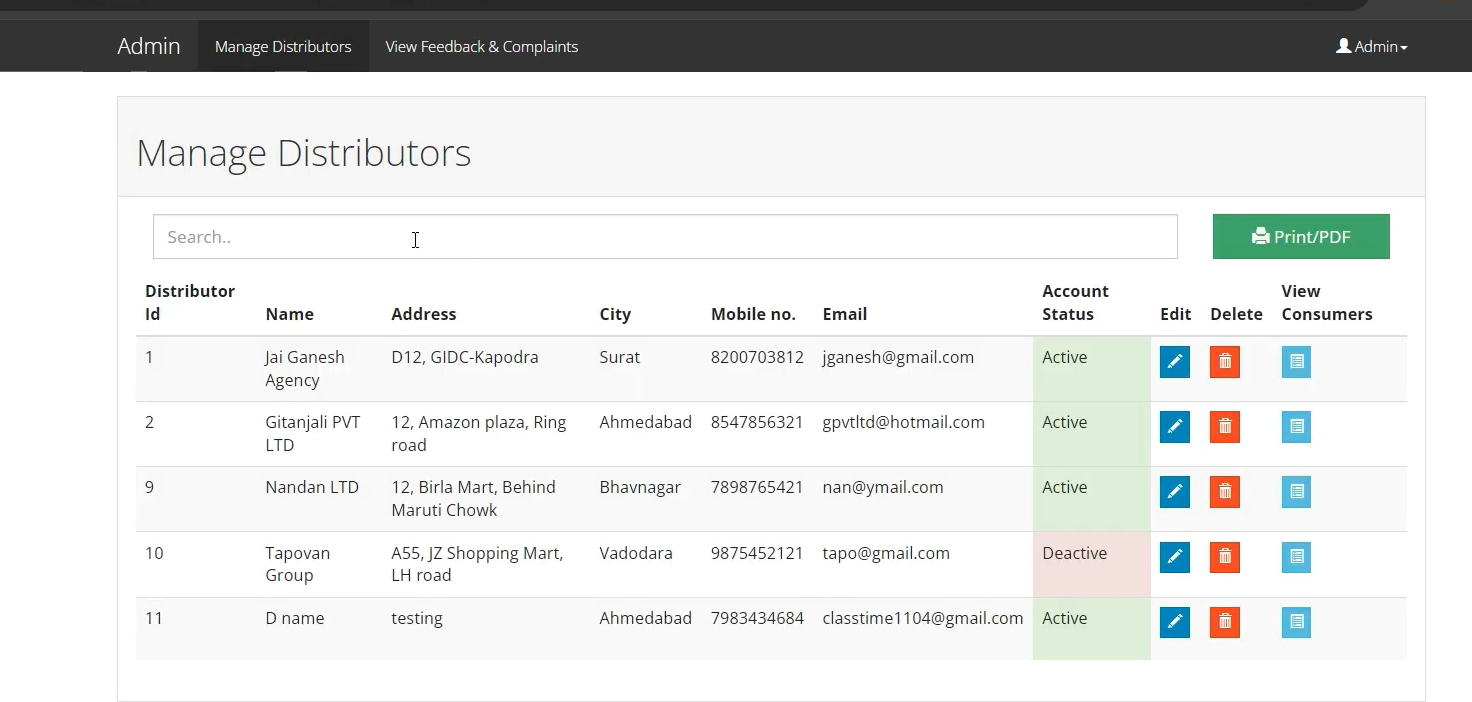
- Distributor Management: Add, edit and remove distributor accounts across the network.
- Complaint Review: Read and act on every feedback entry submitted by consumers.
- System Oversight: Full visibility of consumers, distributors and booking activity.
Common Features
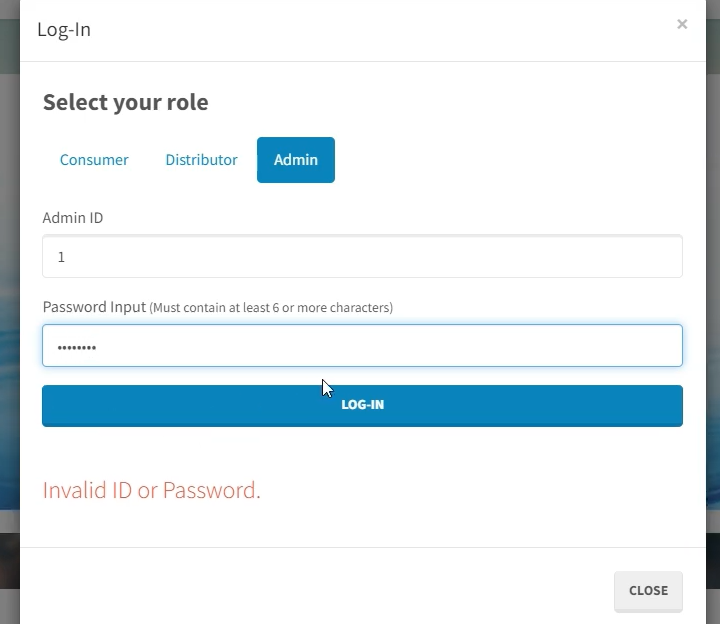
- Multi-Role Login: Three separate authentication portals for admin, distributor and consumer.
- Password Recovery: A forgot-password flow is implemented for all three user types.
- Session-Based Access Control: Sessions ensure each role only reaches its own dashboard.
- Ready Database: A pre-structured MySQL file is included so setup takes minutes.
- Responsive Interface: Bootstrap layout works on desktop, tablet and mobile.
Technologies Used
- Frontend: HTML5, CSS3, Bootstrap
- Client-side Scripting: JavaScript, jQuery, AJAX
- Backend: PHP (7.4 recommended, works on 5.6 and above)
- Database: MySQL
- Server Environment: XAMPP, WAMP or any Apache stack
- Browser Support: Chrome, Firefox, Edge
How It Works
- A new consumer registers on the portal with their connection and contact details.
- The consumer logs in and lands on a personal dashboard showing booking options and history.
- The consumer submits a refill booking request through the online form.
- The request is stored in MySQL and becomes visible in the assigned distributor’s dashboard.
- The distributor reviews consumer details and processes the refill accordingly.
- If there is any issue, the consumer files feedback or a complaint from their panel.
- The administrator reviews complaints, manages distributor accounts, and oversees the full booking flow.
How to Run This Project
Step 1 – Prerequisites
Install XAMPP or WAMP on your machine. You need Apache, PHP and MySQL running, plus any code editor such as VS Code.
Step 2 – Place the Project Files
Extract the downloaded folder and move it into your web root directory.
C:\xampp\htdocs\gasbookingStep 3 – Create the Database
Open phpMyAdmin, create a new database, then import the supplied SQL file.
Database name: gas_book_db
Import file: gas_book_db.sql
Step 4 – Configure the Connection
Open the database configuration file and update the credentials to match your local setup.
<?php
$conn = mysqli_connect("localhost", "root", "", "gas_book_db");
if (!$conn) {
    die("Connection failed: " . mysqli_connect_error());
}
?>
Step 5 – Launch the Application
Start Apache and MySQL from the control panel, then open the project in your browser.
http://localhost/gasbooking/Step 6 – Log In
Use the admin, distributor and consumer credentials provided in the setup guide to test each role separately.
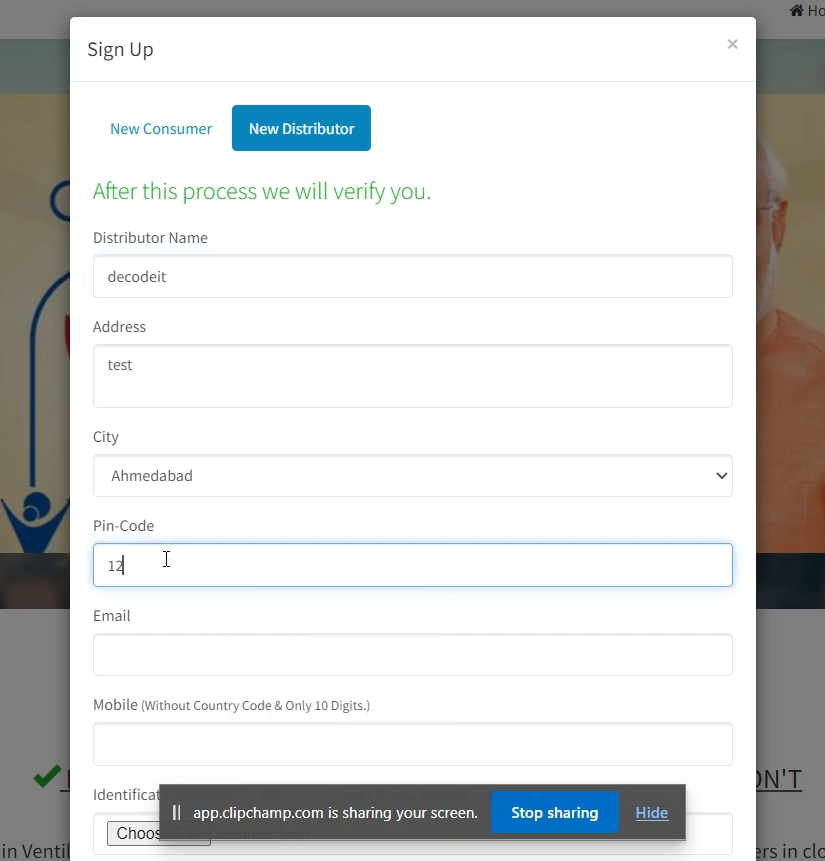
Screenshots
Get This Project
The complete package includes the full source code, the MySQL database file, a step-by-step setup guide, project report, synopsis and PPT. Delivery is instant.
WhatsApp: +91 79834 34684
Why This Is a Great Final Year Project
- Familiar Domain: Examiners instantly understand LPG booking, so your viva time goes into explaining logic rather than explaining the problem.
- Three User Roles: Multi-role access control is exactly the kind of complexity that separates a strong submission from a basic CRUD project.
- Complete CRUD Coverage: Registration, booking, complaint handling and admin management give you plenty of database operations to demonstrate.
- Placement Relevant: PHP with MySQL, AJAX and Bootstrap is a stack that still appears in service company interviews and internship tasks.
- Report Friendly: The workflow maps cleanly to ER diagrams, DFDs and use case diagrams for your documentation.
- Easy to Extend: You can add payment, SMS alerts or delivery tracking to make the project distinctly yours.
Future Enhancements
- Online payment gateway integration for prepaid refill booking
- SMS and email alerts on booking confirmation and delivery
- Delivery agent module with live status updates
- Subsidy tracking and consumer-wise billing history
- Admin analytics dashboard with monthly booking charts
- Automatic booking eligibility check based on last refill date
- Android or React frontend consuming a PHP REST API
- Multi-language interface for regional users
Watch More Projects on YouTube
Full demos, walkthroughs and setup videos for this and many other final year projects are available on our channel.
Subscribe to DecodeIT2 on YouTube
Keywords :
online gas booking system in php github
online gas booking system in php and mysql
online gas booking system in php pdf
online gas booking system in php using php
online gas booking system project report pdf
online gas booking system project in php free download
online gas booking system php mysql free download with source code
gas agency software free download