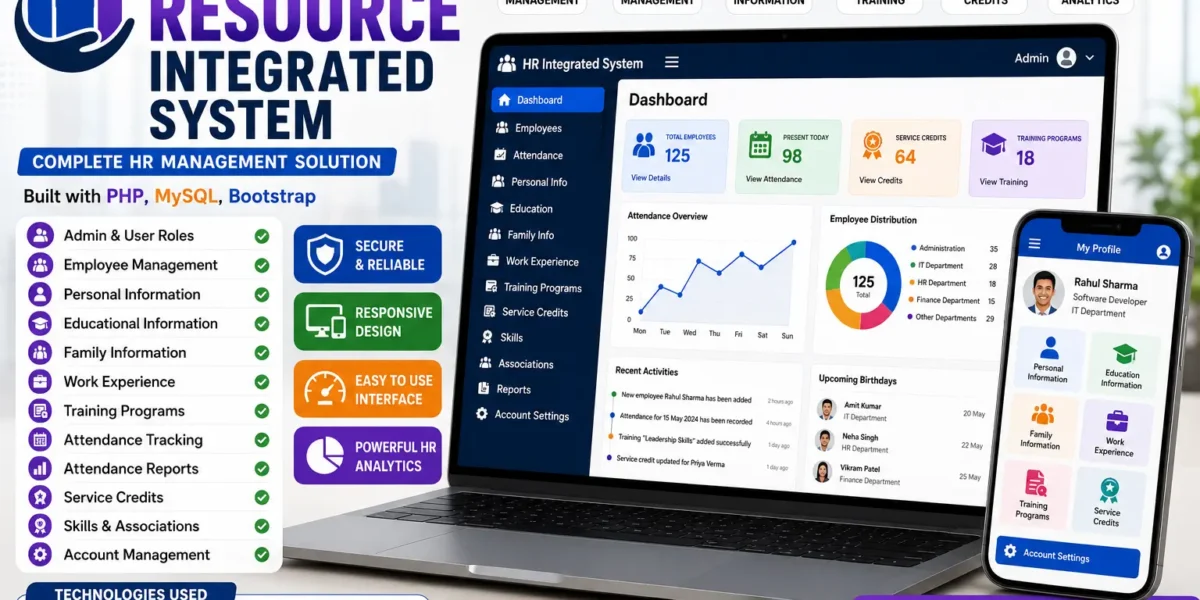
Human Resource Integrated System
Every organization ends up managing the same core set of HR data — who works there, what their background is, when they showed up, and how their employment has progressed. As headcount grows, keeping this scattered across paper files, spreadsheets, and email threads turns into a liability rather than just an inconvenience. A Human Resource Integrated System (HRIS) exists to pull all of that into one place, with clear boundaries around who can see and edit what.
This post covers what an HRIS typically includes, how access is usually split between administrators and employees, and what a basic deployment looks like.
Table of Contents
What Is a Human Resource Integrated System?
An HRIS is a web-based platform that centralizes employee data and the processes built around it — records, attendance, service history, and account management — under a single system instead of scattered files. Rather than every department keeping its own version of employee information, the HRIS becomes the single source of truth that both HR staff and employees interact with, each through a view suited to their role.
Core Features to Expect
A well-rounded HRIS generally covers the following ground:
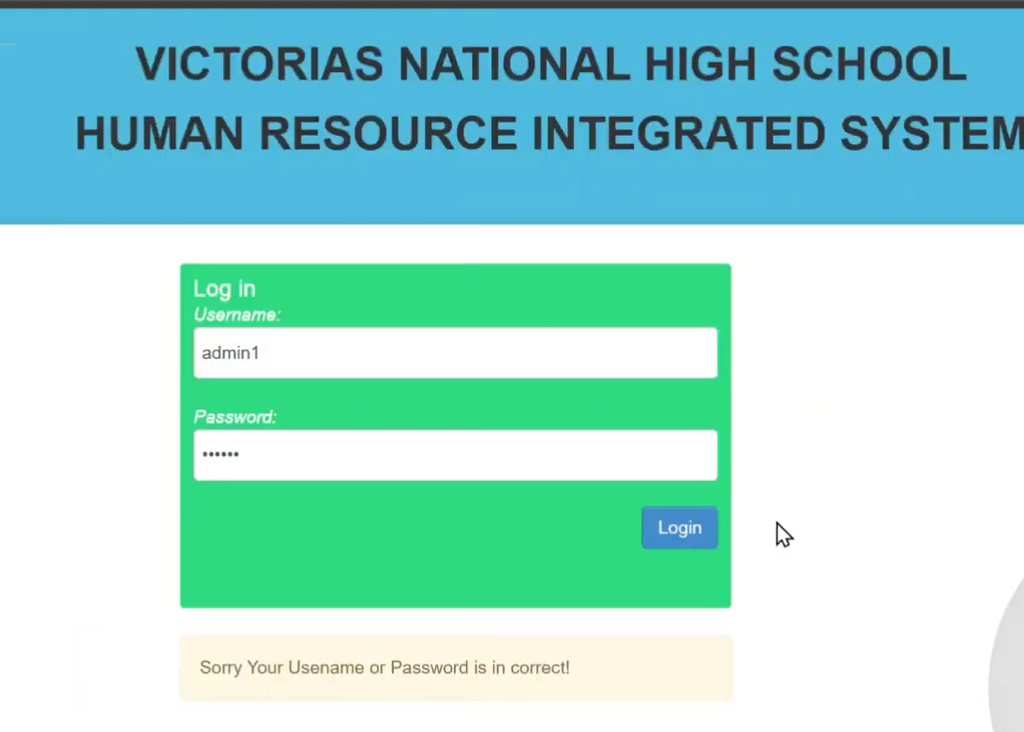
- Login System — secure authentication for both administrators and regular users
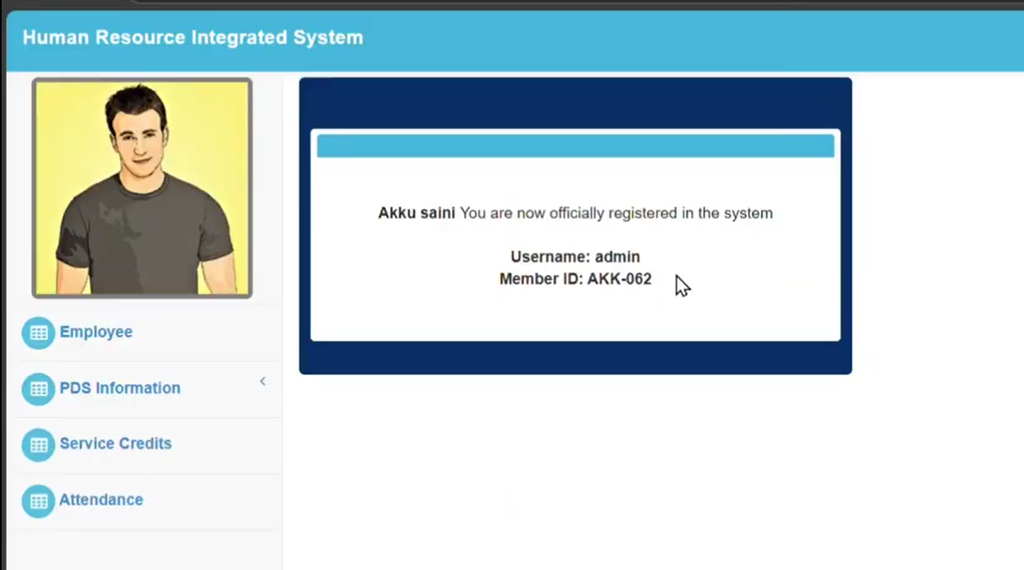
- Admin Panel — a centralized control point for managing all HR operations
- Employee Management — adding, viewing, and maintaining employee details
- Service Credits — tracking and accessing accumulated service credit records
- Attendance Tracking — recording and managing daily attendance reports
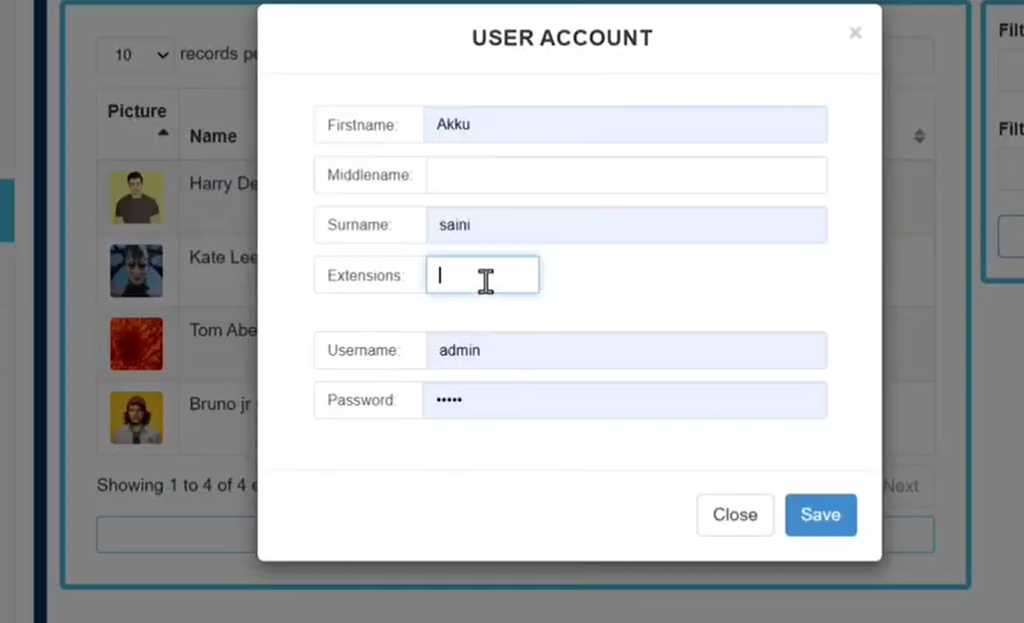
- Account Management — setting up user credentials and maintaining profiles
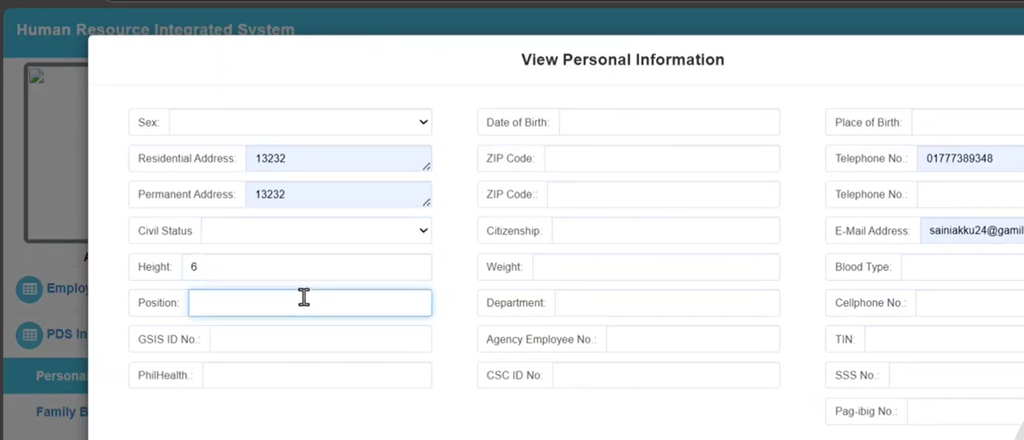
- Comprehensive Personal Information — tracking educational background, family details, work experience, and related records
How Roles Are Typically Divided
A defining feature of a proper HRIS is the separation between what administrators and regular employees can do.
Admin Role
- Full access to employee data, including personal details, work history, educational background, and training records
- Ability to generate and print attendance reports
- Management of service credits, skills records, and association memberships
- Control over user credentials and system-wide settings
User Role
- Ability to manage their own profile — educational background, work experience, and account details
- No access to add or edit other employees’ records
This split keeps sensitive organization-wide data under administrative control while still letting employees maintain their own information, cutting down on the back-and-forth of routine profile updates.
Typical Technology Stack
Systems like this are commonly built with a lightweight, widely supported stack:
| Layer | Common Choice |
|---|---|
| Backend language | PHP |
| Database | MySQL |
| Frontend | CSS, JavaScript, Bootstrap |
| Local development environment | XAMPP |
A Typical Setup Process
Deploying a self-hosted HRIS generally follows a familiar pattern:
- Install a local server environment such as XAMPP (Apache and MySQL)
- Extract the application files into the server’s web root directory
- Create a new database and import the provided database schema
- Launch the application in a browser and log in with admin or user credentials
This kind of setup is common for small-to-mid-sized organizations that want to run HR software on their own infrastructure rather than a third-party SaaS platform.
Key Functional Areas
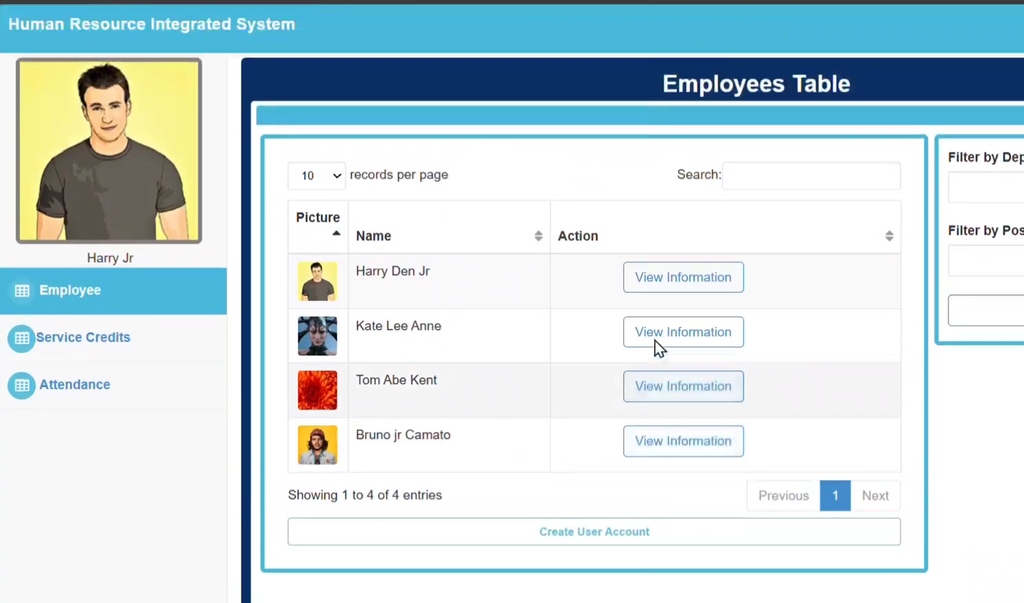
Employee management covers family and educational details, work experience, training history, service credits, and attendance logs — effectively a full employment record in one place.
Attendance tracking lets daily attendance be recorded, reviewed, and exported for reporting.
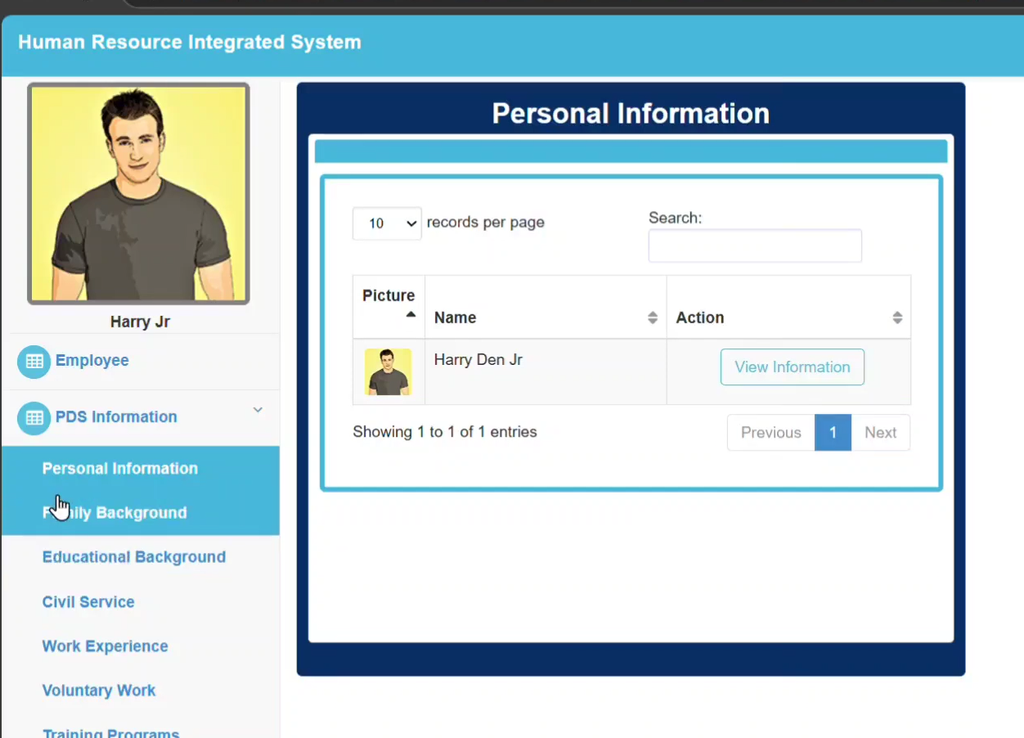
Personal information management allows both users and admins to keep family background, educational history, skills, and association memberships current.
Account management gives administrators control over credentials, so access stays secure as staff join, change roles, or leave.
Screenshot:
How to Download
Get This Project
The complete package is available so you can run, study, and submit it with confidence. It includes:
- Full Source Code
- Project Report
- Synopsis
- PPT Presentation
For any queries or a quick response, reach out on WhatsApp: +91 79834 34684
Why Organizations Adopt Systems Like This
- Single source of truth — no more reconciling conflicting versions of an employee’s record across departments
- Faster reporting — attendance and service history are available on demand instead of compiled manually
- Reduced admin overhead — employees can maintain their own basic profile information
- Clear access control — sensitive HR data stays restricted to admin roles by design
Final Thoughts
An HRIS won’t replace good HR policy, but it gives that policy a consistent place to live — one record per employee, clear role-based access, and reporting that doesn’t require chasing down spreadsheets. For organizations still managing HR data manually, a PHP/MySQL-based system is a practical, low-cost starting point for centralizing that data properly.
If you’re evaluating one, start with the records and reports your HR team pulls together most often — attendance, service history, personal records — and confirm the system handles those cleanly before rolling it out more broadly.
Keywords:
human resource integrated system using php with source code
human resource integrated system using php github
human resource integrated system using php pdf
human resource management system php source code github
php hr management system
fully completed project of employee management system in php
employee performance evaluation system php
employee record management system in php and mysql
human resource information system pdf
human resource information system (hris course)
what are the top 5 hris systems
human resource information system pdf notes
human resource information system in hrm
human resource information system notes
human resources information system
hris vs hr