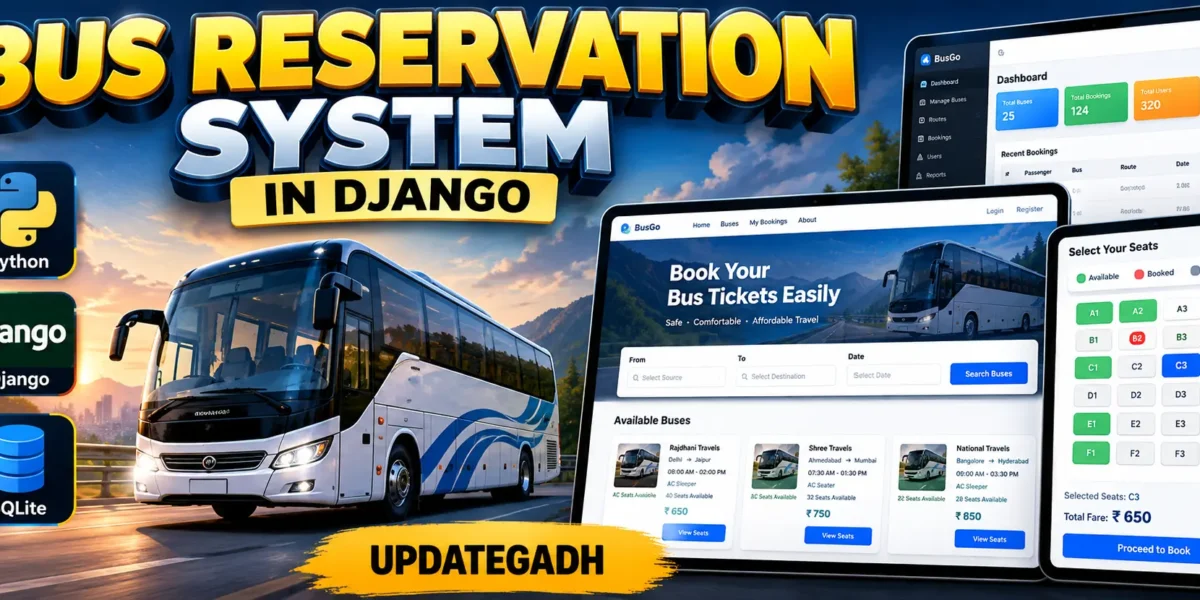
Bus Reservation System using Python Django
The Bus Reservation System in Django is a medium-level college web application designed to organize bus routes, passenger accounts, seat reservations, fares, and booking records in one connected system. Developed with Python, Django, and SQLite, the project provides a practical workflow that is easy for students to understand while still offering more functionality than a basic CRUD demonstration.
The system gives passengers a clear way to create an account, browse active buses, check seat availability, reserve a selected seat, review booking history, and cancel a confirmed reservation. Staff users can maintain bus information through management screens. The interface uses a modern transport-focused dashboard with route cards, statistics, filters, booking tables, and responsive layouts.
Table of Contents
Complete Advance AI Topics: Click Here
Real Time Projects on YouTube:- DecodeIT
Project Overview
| Project Detail | Information |
|---|---|
| Project Name | Bus Reservation System |
| Language and Framework | Python with Django |
| Database | SQLite |
| Application Type | Web Application |
| Project Level | Medium College Project |
Key Features
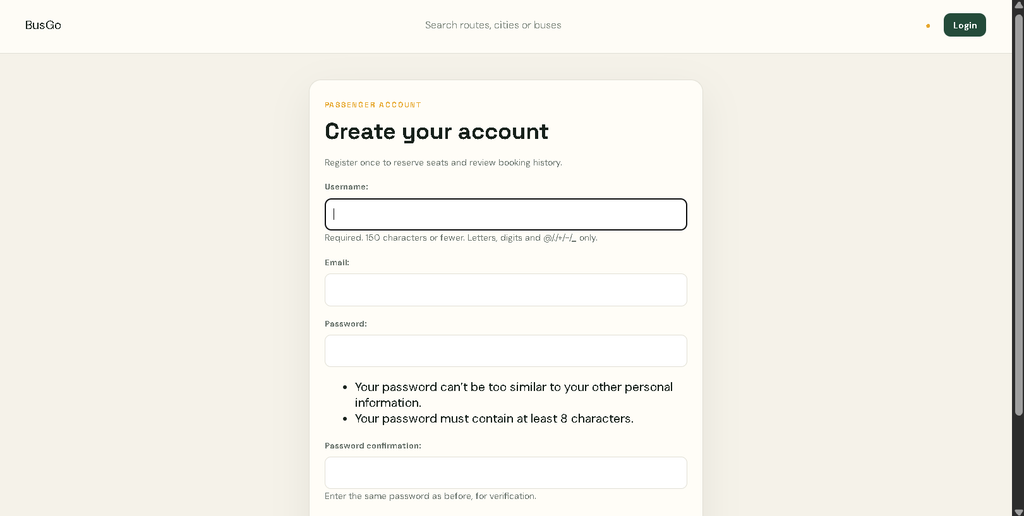
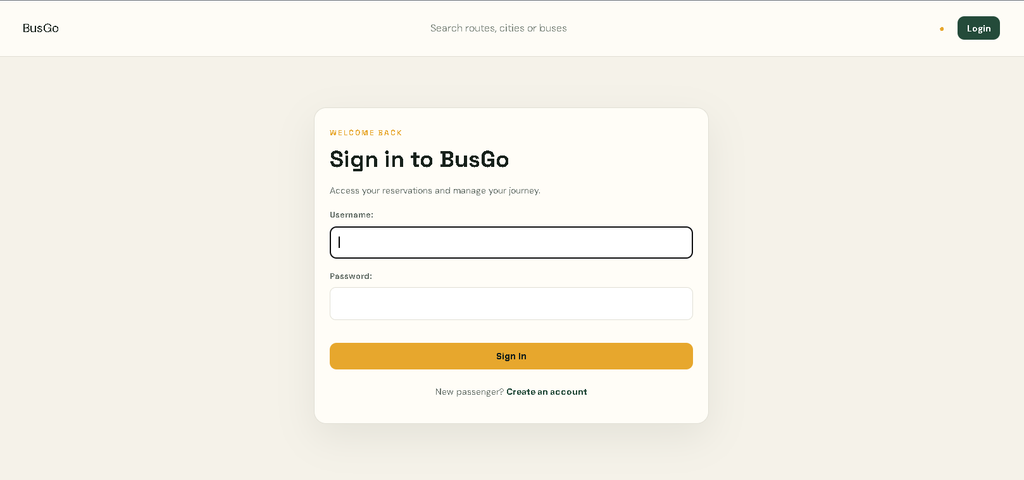
- User Authentication: Passengers can register, sign in, and access their own reservation dashboard.
- Bus Management: Staff users can add, edit, and delete bus records, including route, bus type, seat capacity, timing, and fare details.
- Route Search and Filtering: Users can search buses by route or bus information and filter available buses by type.
- Seat Reservation: A passenger can select a journey date and seat number. The system validates the seat range and checks whether that seat has already been reserved.
- Booking History: Passengers can review confirmed and cancelled reservations with route, date, seat, fare, and status information.
- Fare Display: The configured bus fare is automatically used when a reservation is created, keeping the booking amount connected to the selected route.
- Booking Cancellation: A confirmed passenger booking can be cancelled from the booking history page.
User Roles
Passenger
The passenger is the main booking user. After registration and login, the passenger can view the dashboard, search available buses, choose a route, enter passenger information, reserve a seat, view previous bookings, and cancel a confirmed reservation.
Staff or Administrator
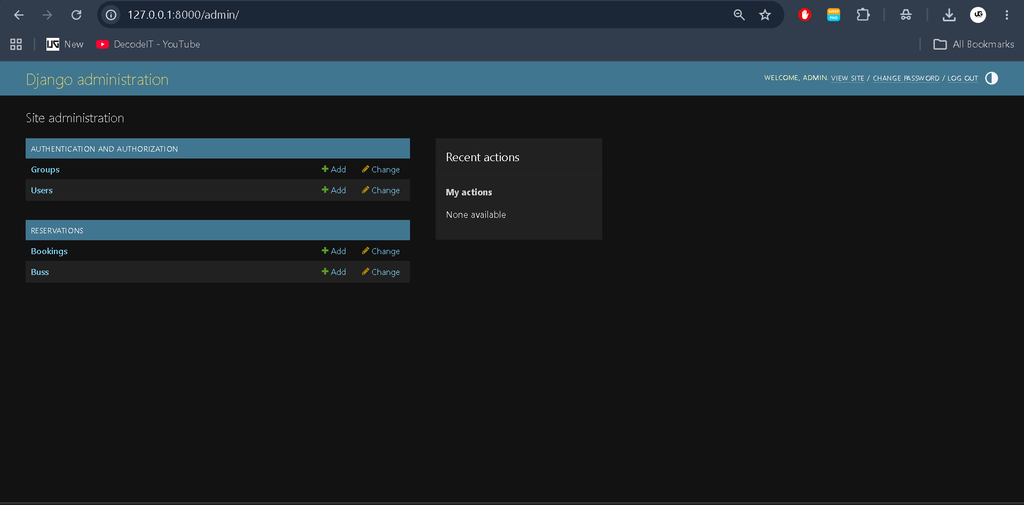
Staff users have additional management access. They can maintain bus records, update route information, control active bus availability, and use Django’s administration interface for database-backed management. The role remains intentionally simple so the project stays understandable for college-level development.
Technologies Used
- Python: Main programming language.
- Django: Web framework used for routing, authentication, forms, models, templates, and administration.
- SQLite: Lightweight relational database used for buses, users, and bookings.
- HTML and CSS: Used to create the responsive interface and professional dashboard screens.
- JavaScript: Used on the reservation page to display seat availability and provide an interactive seat selection experience.
Download complete source code
Screenshot
Project Modules
The project is organized around a connected reservation workflow. The authentication module handles account creation and login. The bus module stores route and service information. The reservation module connects passengers with buses, journey dates, seats, and fares. The booking history module presents reservation records and provides cancellation for confirmed bookings. Staff management is supported through dedicated bus forms and the Django admin panel.
Professional Dashboard and UI
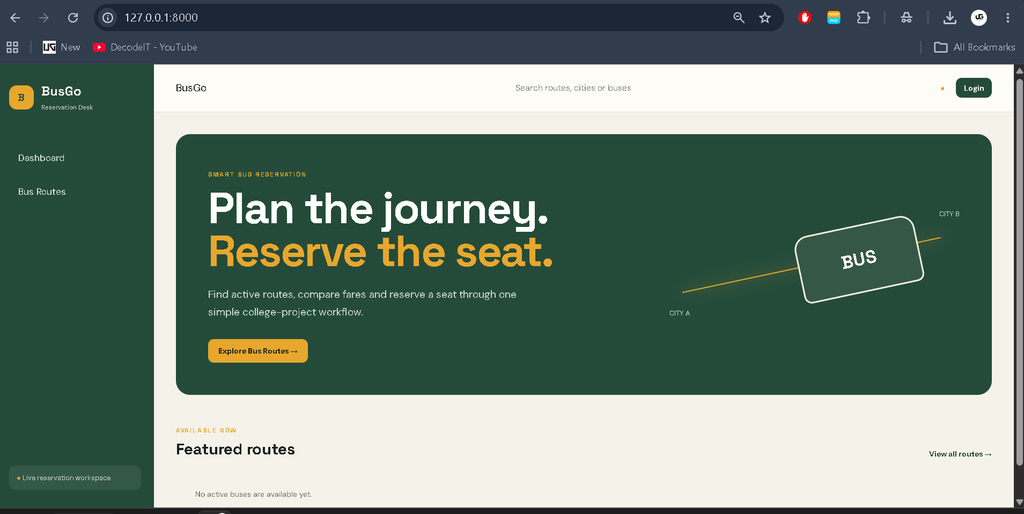
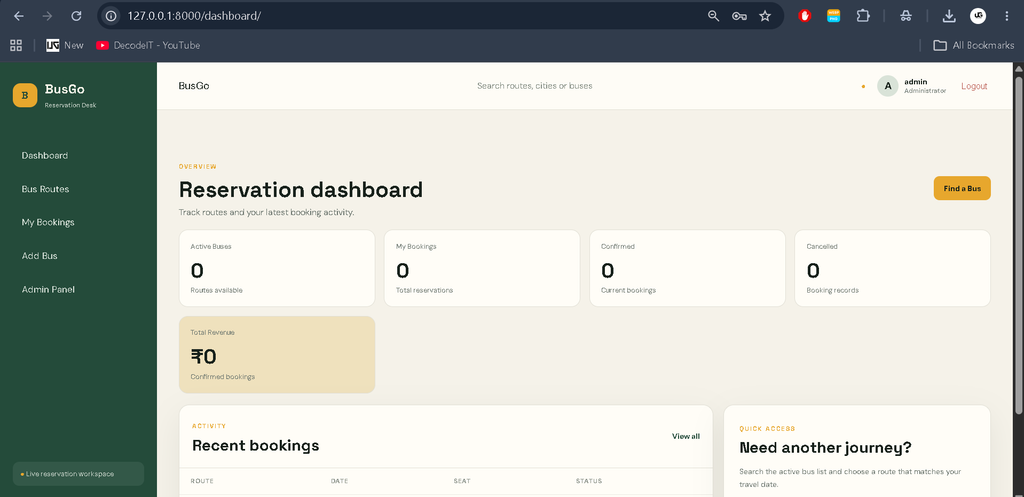
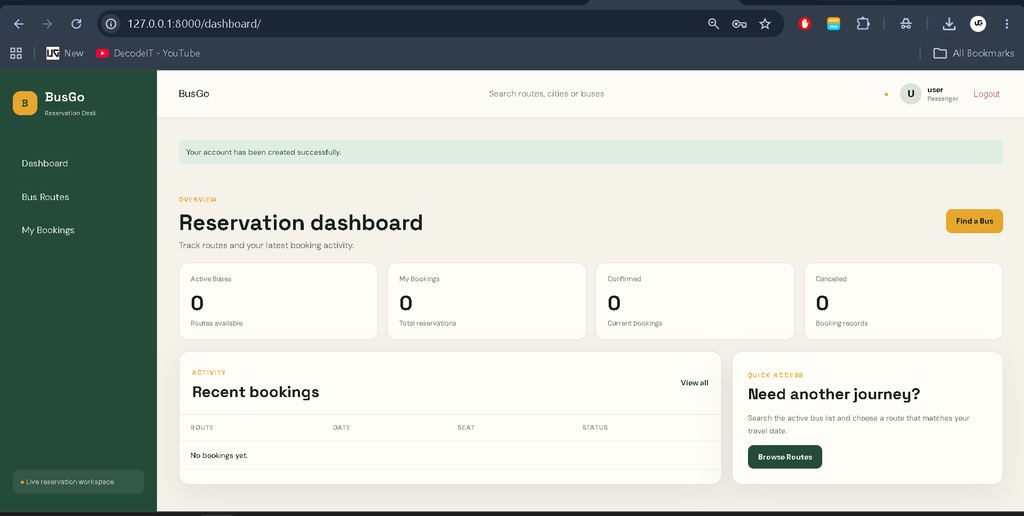
The project uses a distinct transport-oriented visual identity instead of a plain student form layout. The dashboard contains a dark green navigation area, warm cream workspace, amber highlights, KPI cards, recent booking tables, route cards, and clear status badges. The route directory includes search and filter controls, while the booking page presents an interactive seat grid. Forms use consistent labels, validation feedback, buttons, and spacing.
The layout is responsive so the sidebar, cards, tables, and booking interface can adapt to smaller screens.
How the System Works
The workflow begins when a passenger creates an account and signs in. The dashboard summarizes available buses and the user’s booking records. From the route directory, the passenger can search for a suitable bus and open its reservation page. The selected bus provides the route, timing, seat capacity, and configured fare.
The passenger enters their name, email, journey date, and seat number. Django validates the information and checks the database for an existing confirmed reservation for the same bus, date, and seat. If the seat is available, the booking is saved with the bus fare as its amount. The passenger can later review the record from booking history or cancel a confirmed booking.
Database and Validation
The database structure keeps the main reservation information connected through Django model relationships. A bus can have multiple booking records, while each booking belongs to one authenticated passenger and one bus. The booking record stores the journey date, selected seat, fare, and current status. This structure makes it possible to display a passenger’s own history without mixing it with another user’s records.
Validation is handled at the form and database levels. The booking form checks that a seat number falls within the configured capacity and checks whether the selected seat is already confirmed for the chosen journey date. Required fields and email input are also handled through Django forms. These checks make the reservation workflow more reliable while keeping the implementation straightforward enough for students to study and modify.
College Project Learning Value
This project gives students practice with several important Django concepts in one application. It demonstrates URL routing, models, model relationships, ModelForms, authentication, decorators, template inheritance, static files, messages, database constraints, and the Django admin panel. Students can also understand how a real workflow moves from a browser form to server-side validation and finally into a database record.
Installation and Setup
Install Python and open the extracted project folder in VS Code. Create a virtual environment and activate it before installing the required package.
python -m venv venv
venv\Scripts\activate
pip install -r requirements.txt
python manage.py migrate
python manage.py seed_data
python manage.py createsuperuser
python manage.py runserver
After the server starts, open http://127.0.0.1:8000/ in a browser. The sample-data command creates example buses for demonstration. A superuser can use the Django administration area to manage records and staff access.
Usage
For a passenger demonstration, register a new account, open the bus directory, search a route, select a bus, choose a journey date and seat, and submit the reservation form. Then open booking history to confirm the stored record. For management demonstration, sign in with a staff account and use the bus management controls to add or update route information.
Frequently Asked Questions
What is the purpose of this project?
It provides a practical web-based workflow for managing buses and making passenger seat reservations.
Which database is used?
The project uses SQLite, which is included with Python and works well for a college-level Django application.
Can users see booking history?
Yes. Authenticated passengers can view their reservation records, including route, journey date, seat, fare, and status.
How is a duplicate seat reservation prevented?
The booking form checks the selected bus, journey date, and seat before saving. The database also contains a constraint for confirmed reservations.
Can staff manage buses?
Yes. Staff users can add, edit, and delete bus records and can also access the Django administration panel.
Does the project use an online payment gateway?
No. The provided project scope uses the configured route fare as the booking amount and does not implement online payment processing.
Future Scope
- Integrate a payment gateway for online fare collection.
- Add email or SMS notifications for reservation and cancellation events.
- Introduce printable booking receipts for passengers.
- Add more detailed date-wise and route-wise reporting for staff.
- Provide additional passenger profile management options.
Conclusion
The Bus Reservation System in Django demonstrates how Python and Django can be used to build a complete, database-driven college project around a realistic transportation workflow. It combines authentication, bus management, search and filtering, seat validation, fare handling, reservation history, and cancellation in a single application. The professional interface also gives students a useful foundation for presenting the project as a practical web application while keeping the underlying implementation clear and manageable.
Bus Reservation System
Bus Reservation System – Google Search
bus reservation system project
bus reservation system project in java
bus reservation system er diagram
bus reservation system project pdf
bus reservation system project in python
bus reservation system project report pdf
bus reservation system github
bus reservation system in c
bus reservation system use case diagram