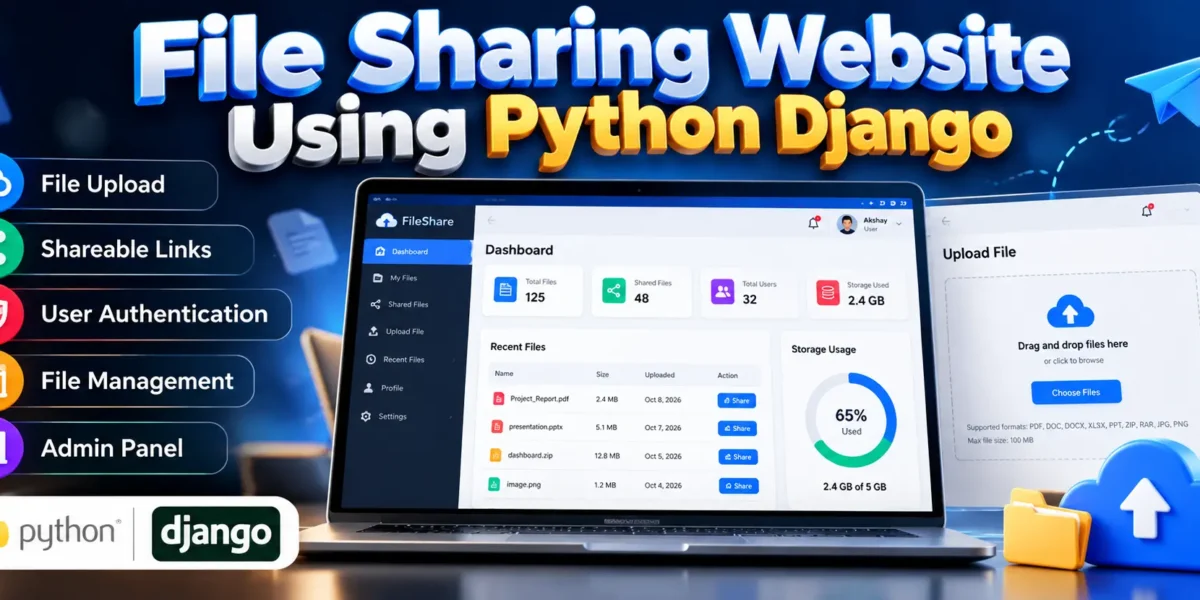
File Sharing Website Using Python Django
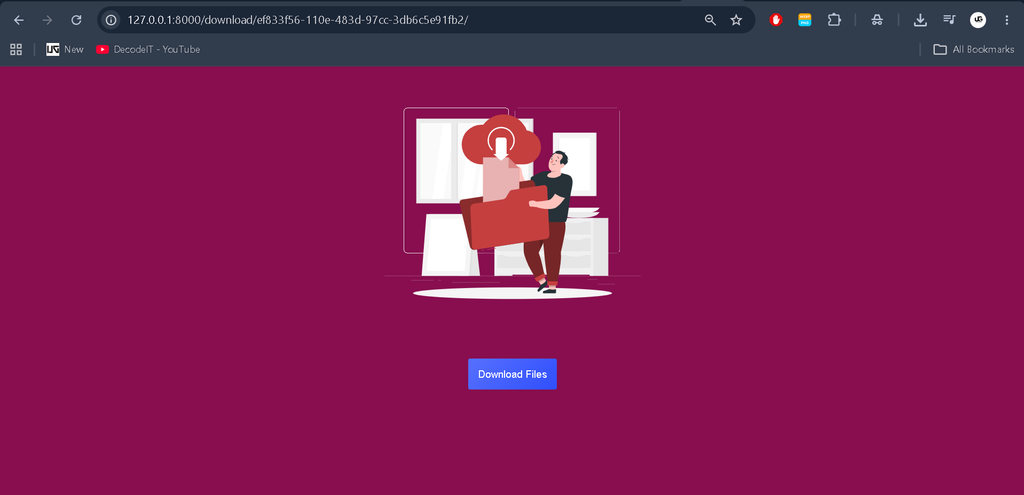
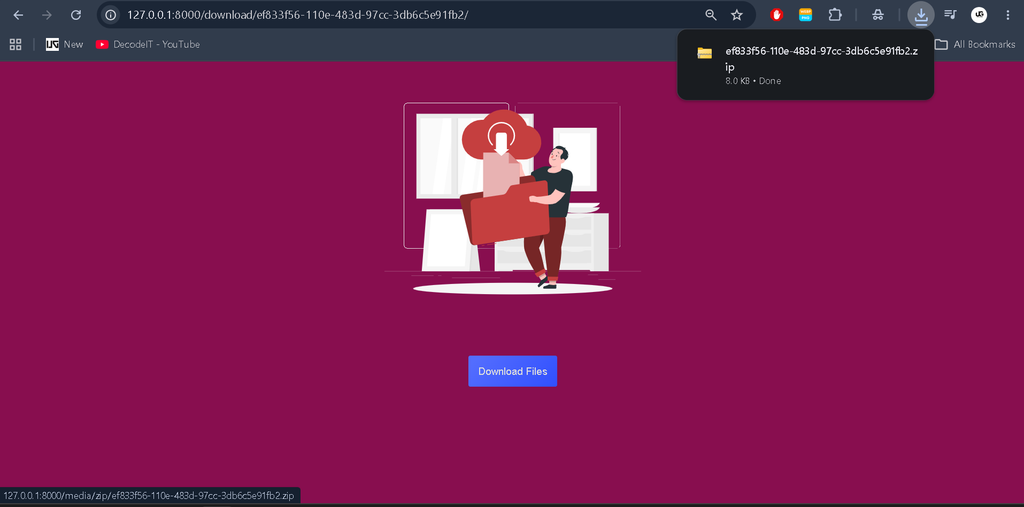
The File Sharing Website Using Python Django is a web-based application designed to make uploading, storing, and sharing files easier. It provides a centralized platform where users can upload files and share them through links instead of relying on traditional file transfer methods.
Developed using Python and the Django framework, this project demonstrates how a web application can handle file uploads, user authentication, file privacy, and database operations. It is suitable for students who want to understand Django development and build a practical web application for academic projects.
The system includes user authentication, file management, shareable links, privacy options, and an administrative interface. These features help organize uploaded files and provide a convenient way to access shared content.
Complete Advance AI Topics: Click Here
Real Time Projects on YouTube:- DecodeIT
Project Details
| Attribute | Description |
|---|---|
| Project Name | File Sharing Website |
| Languages Used | Python, HTML, CSS, JavaScript |
| Framework | Django |
| API Framework | Django REST Framework |
| Database | SQLite |
| Project Type | Web Application |
Project Overview
The main objective of this project is to simplify file transfers through an organized web interface. Users can upload files, manage their uploaded content, and generate shareable links where supported by the application. The privacy options help control how files are made available to others.
Django handles the application’s backend functionality, including authentication, database operations, and file-processing requests. SQLite stores the application’s structured information, while the frontend provides an interface for interacting with the system.
The administrative interface helps authorized administrators manage users and oversee file-related activities. This project also provides practical experience with file handling, web security concepts, and database integration.
Available Features
1. User Authentication
The system uses Django’s authentication mechanism to support secure user login and access to protected functionality.
2. File Uploading
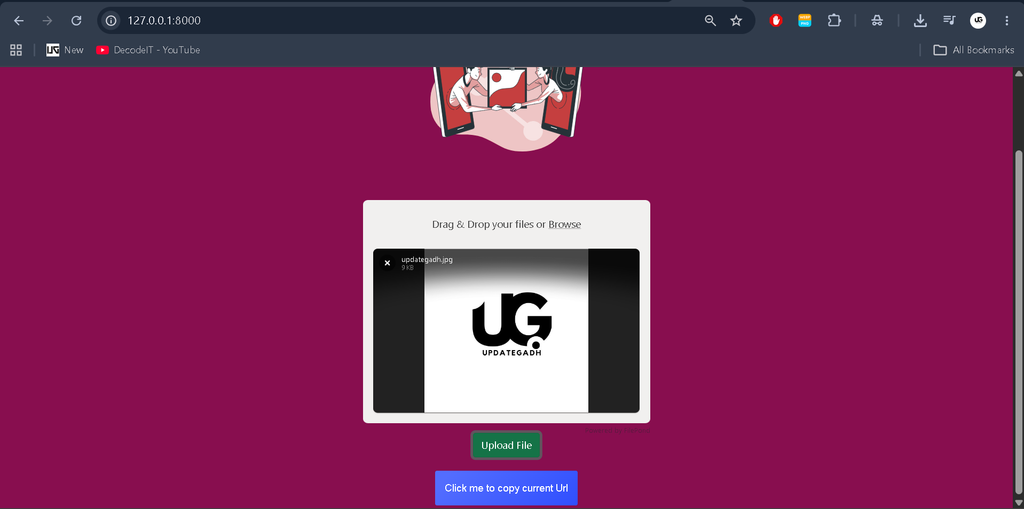
Users can upload supported files through the website. File upload validation and server configuration should be considered to manage file types and sizes safely.
3. Shareable File Links
The application supports generating links for sharing uploaded files, making file access more convenient than transferring files individually.
4. File Privacy Options
Privacy controls help manage file visibility and access according to the functionality implemented in the application.
5. Administrative Panel
Administrators can manage users and oversee file-related information through the administrative interface.
6. Report Management
The project includes report-management functionality for reviewing system usage and file statistics, depending on the available reporting implementation.
User Roles
Admin
- Manage user accounts.
- Oversee uploaded files and file-related information.
- Review available reports and usage statistics.
- Manage administrative operations.
Registered User
- Log in to the website.
- Upload supported files.
- Manage uploaded files where supported.
- Generate and share file links.
- Use available privacy options.
Technology Stack
- Python: Implements backend application logic.
- Django: Handles routing, authentication, database operations, and request processing.
- Django REST Framework: Supports API development where used by the application.
- SQLite: Stores structured application data.
- HTML and CSS: Build and style the website interface.
- JavaScript: Adds client-side interactivity where implemented.
- WhiteNoise: Can help serve static files in supported deployment configurations.
- Gunicorn: Can serve the Django application in compatible production environments.
System Requirements
- Python version compatible with the project’s Django release.
- Django and the packages listed in requirements.txt.
- Django REST Framework, if required by the project.
- SQLite database.
- Visual Studio Code or another Python-compatible code editor.
- A modern web browser.
How to Download
The complete package is available so you can run, study, and submit it with confidence. It includes:
- Full Source Code
- Project Report
- Synopsis
- PPT Presentation
Demo Video
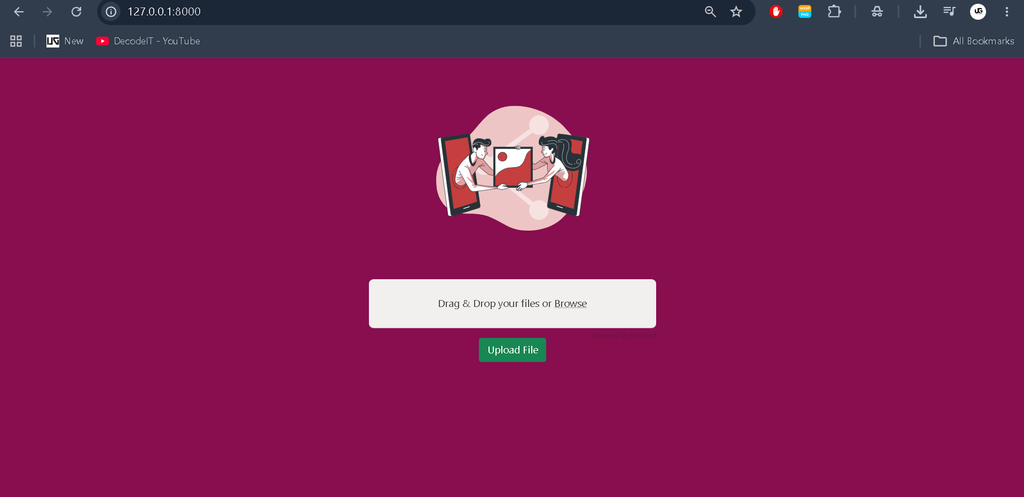
Screenshot
Installation Guide for VS Code
Step 1: Extract the Project
Extract the project ZIP file into a folder and open that folder in Visual Studio Code.
Step 2: Check Python
Open the VS Code terminal and run:
python --versionStep 3: Create a Virtual Environment
Create an isolated environment for the project’s dependencies:
python -m venv venvOn Windows, activate it using:
venv\Scripts\activateStep 4: Install Dependencies
If the project contains a requirements.txt file, install the required packages:
python -m pip install -r requirements.txtStep 5: Apply Database Migrations
Run the following command to prepare the database:
python manage.py migrateStep 6: Start the Development Server
Run the Django development server:
python manage.py runserverStep 7: Open the Website
Open your browser and visit:
http://127.0.0.1:8000/If the application uses a different URL configuration, follow the routes defined in its Django project files. Additional configuration may be necessary before running the project.
Project Benefits
- Helps students understand file handling in Django.
- Demonstrates authentication and access-control concepts.
- Provides practical experience with database integration.
- Introduces API development through Django REST Framework.
- Offers a foundation for developing more advanced file management applications.
Frequently Asked Questions (FAQs)
1. What is a File Sharing Website using Python?
It is a web application that allows users to upload files and share them with others through supported sharing mechanisms.
2. Which framework is used in this project?
The project uses Django, a Python web framework for developing database-driven web applications.
3. Which database does the project use?
SQLite is listed as the default database. Other databases may require additional configuration.
4. Can users share files through links?
Yes, shareable file links are listed as an available feature. Access restrictions depend on the application’s implementation and privacy settings.
5. Is this project suitable for BCA and computer science students?
Yes. It is a practical academic project for learning Django, authentication, file uploads, database integration, and web application development.
6. Can the project be deployed online?
Yes, with suitable hosting, dependency configuration, file storage, security settings, and production server configuration.
Conclusion
The File Sharing Website Using Python Django is a useful project for students who want to develop practical web development skills. It brings together file uploads, authentication, sharing links, privacy controls, and administrative functionality in one application.
Keywords: File Sharing Website Using Python, Python Django File Sharing Project, File Sharing App Using Python, Django File Upload Project, Python File Transfer Website, File Sharing Web Application, Django Projects for Student,File Sharing Website Using Python and Django ,File Sharing Website Using Python ,File Sharing Website