Alumni Management System Using Python
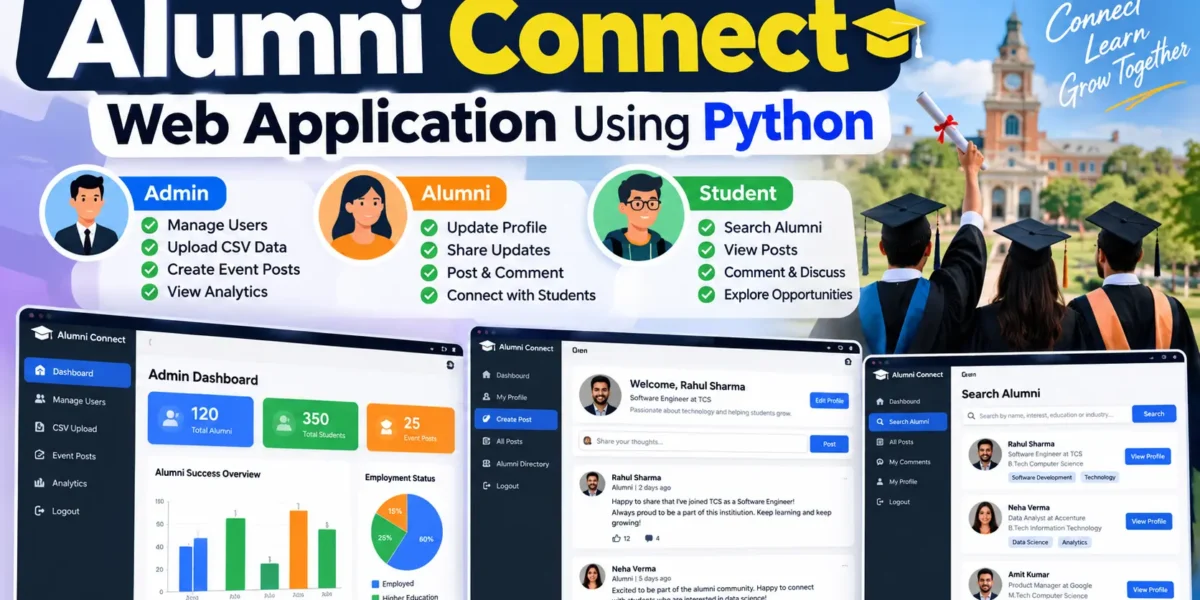
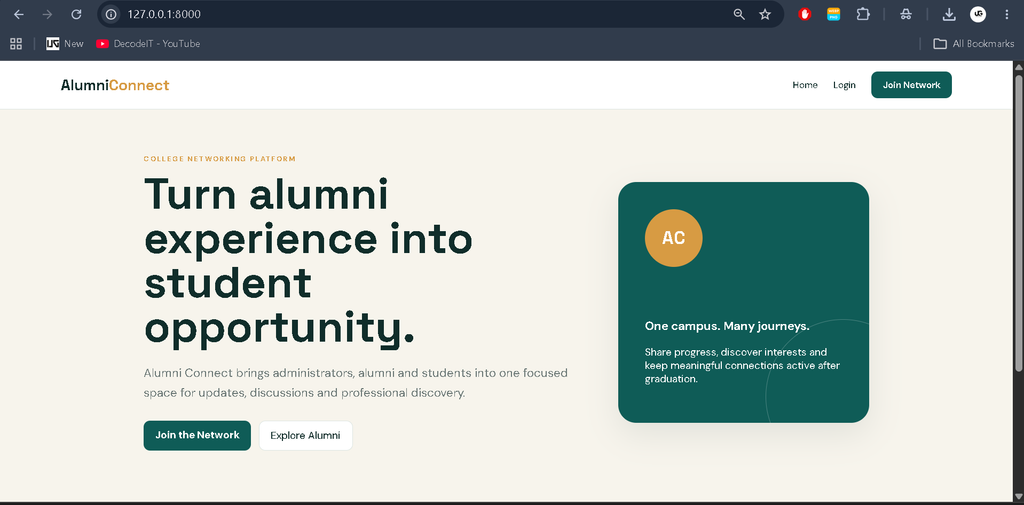
The Alumni Web Application Using Python is a web-based platform designed to connect alumni and current students within an educational institution. The system provides separate access for administrators, alumni, and students so that each user can perform activities according to their role. Alumni can share their professional and educational updates, while students can explore alumni profiles, discover people according to their interests, and participate in discussions.
The application is developed using Python with the Django web framework and provides a structured environment for managing profiles, posts, comments, CSV data, and alumni-related information. The project is suitable for college-level development because it combines authentication, role-based access, database operations, searching, profile management, and a practical community-based workflow.
Complete Advance AI Topics: Click Here
Real Time Projects on YouTube:- DecodeIT
Project Overview
| Project Name | Alumni Web Application |
|---|---|
| Programming Language | Python |
| Framework | Django |
| Database | SQLite |
| Application Type | Web Application |
| User Roles | Admin, Alumni, Student |
Key Features
- Role-Based Access: Separate functionality is provided for administrators, alumni, and students.
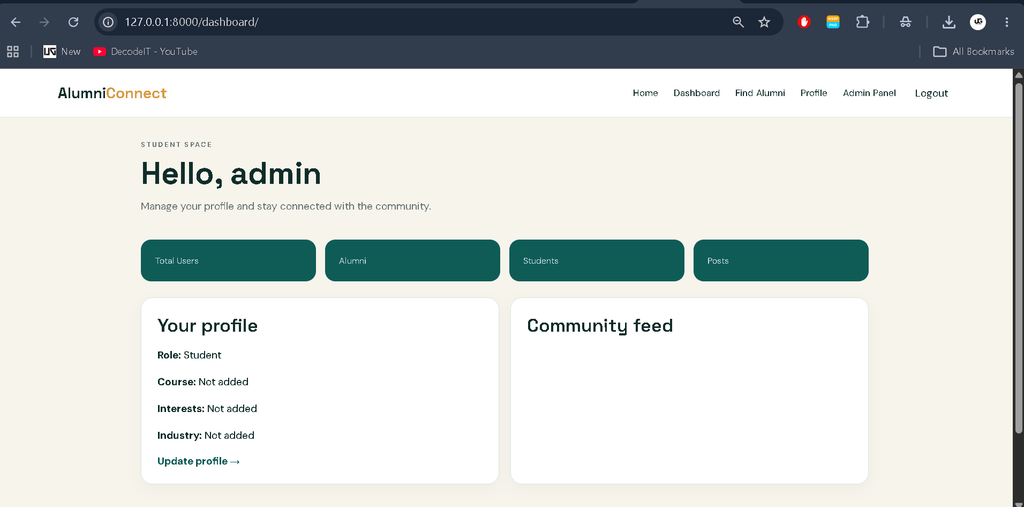
- Profile Management: Administrators can manage alumni and student profiles, while alumni can maintain their educational and employment information.
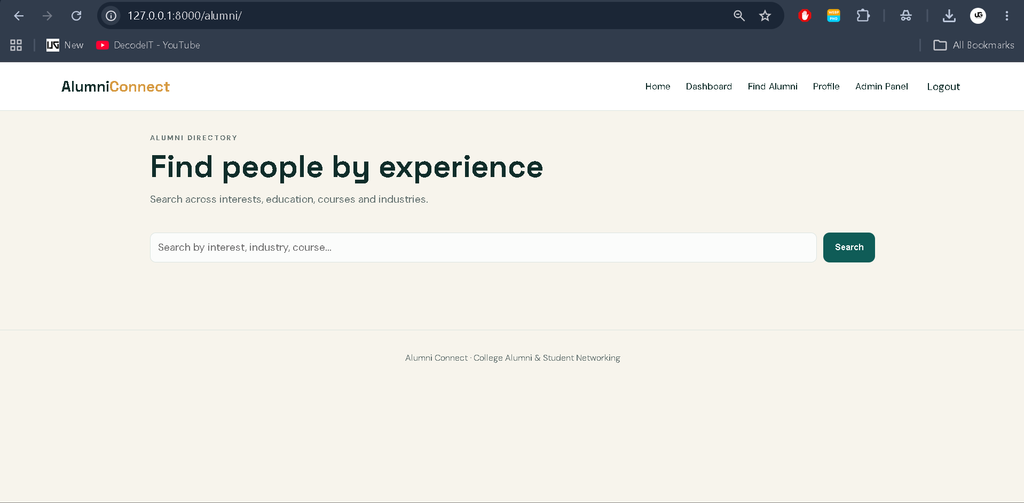
- Alumni Directory: Students can search for alumni according to interests, education, or industry.
- Community Posts: Alumni can create posts that can be viewed and discussed by students and other alumni.
- Comments: Users can participate in discussions by commenting on relevant posts.
- CSV Upload: Administrators can upload CSV data for bulk management of alumni and student information.
- Event Posts: Administrators can create and manage posts related to institutional events.
- Alumni Status: Alumni can update higher-education and employment information.
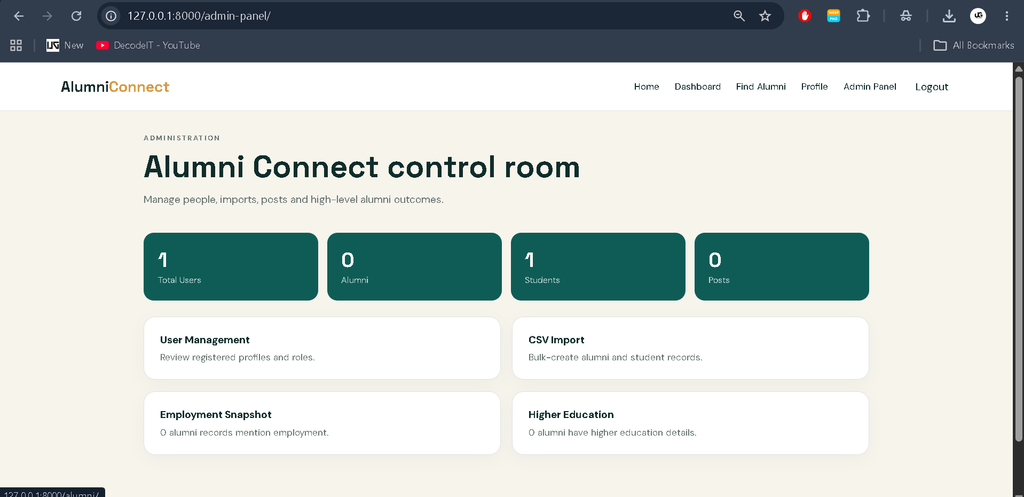
- Basic Analytics: Administrators can view information related to employment and higher-education status.
Download Source Code
Screenshot
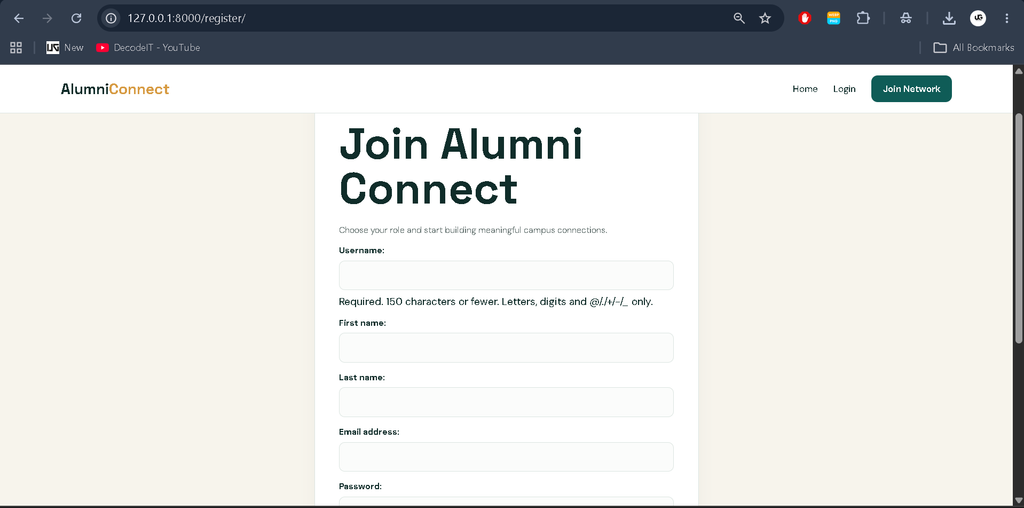
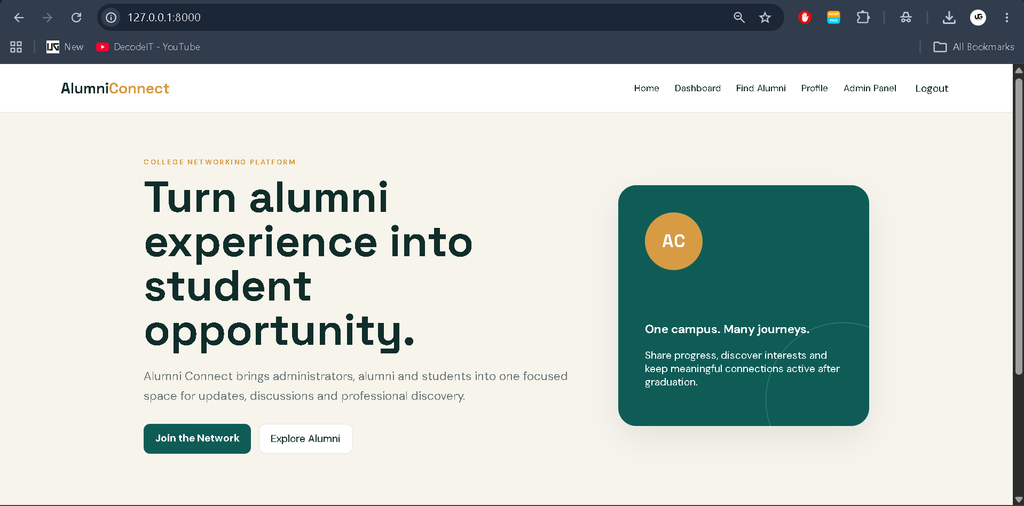
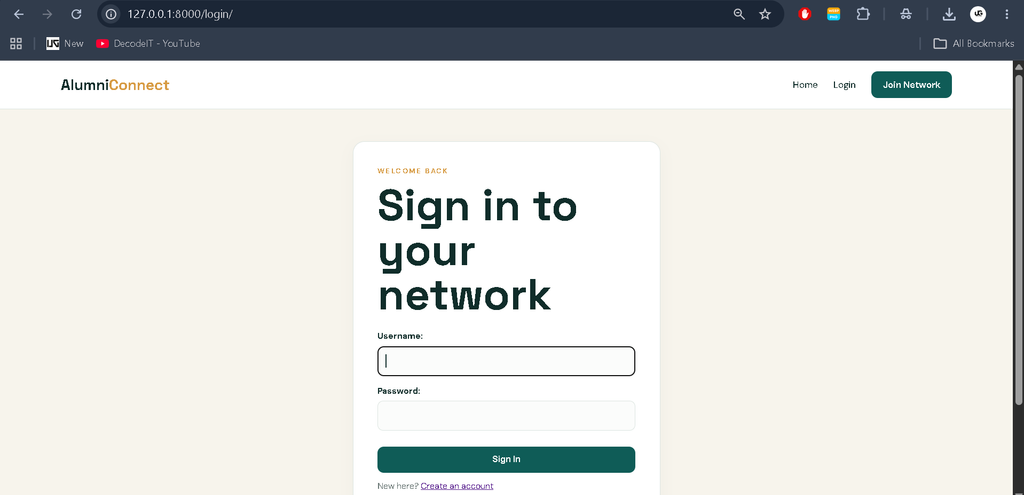
User Roles
Administrator
The administrator manages the overall platform and maintains the information stored in the system. Admin users can manage alumni and student profiles, import information through CSV files, create event-related posts, and view available alumni success information such as employment and higher-education status.
Alumni
Alumni users can maintain their profiles by updating employment and higher-education details. They can also publish posts and take part in discussions. Their posts allow students and other alumni to interact with information shared by them.
Student
Students can explore alumni information through the directory and search for alumni according to specific interests, educational backgrounds, or industries. They can also view alumni posts and participate in discussions through comments.
Project Modules
The project is organized around several connected modules. The User Management Module handles role-based accounts and profiles. The Alumni Profile Module maintains employment and higher-education information. The Student Module provides access to alumni discovery and community content. The Post and Comment Module manages posts and discussions. The CSV Management Module allows administrators to process bulk user information. The Analytics Module presents available employment and higher-education information to administrators.
Technologies Used
- Python: Main programming language.
- Django: Web framework used for application development.
- SQLite: Database used for storing application information.
- HTML and CSS: Used to create the web interface.
- JavaScript: Used where frontend interaction is required.
- CSV: Used for bulk data import.
How the System Works
The application starts with a role-based authentication process. After accessing the system, users work within the permissions associated with their account type. Administrators manage the platform’s user information and event posts. Alumni can update their professional or educational information and publish content. Students can browse the available alumni directory, apply searches based on relevant information, read posts, and participate in discussions.
The database keeps user profiles, posts, comments, and related information organized. CSV upload provides the administrator with a practical method for handling bulk records instead of entering every profile individually. The analytics area uses the available alumni information to provide a structured view of employment and higher-education status.
Installation and Setup
First, create or open the project folder and create a Python virtual environment. Activate the environment and install the dependencies using the project’s requirements file.
python -m venv venv
venv\Scripts\activate
pip install -r requirements.txt
Next, prepare the Django database by running the migration commands:
python manage.py makemigrations
python manage.py migrate
Create an administrator account using Django’s standard management command:
python manage.py createsuperuserFinally, start the development server:
python manage.py runserverOpen the local Django server in a web browser to access the Alumni Web Application.
Usage
After installation, the administrator can manage profiles, upload CSV records, and publish event information. Alumni can log in, update their employment or higher-education details, create posts, and participate in discussions. Students can access the alumni directory, search profiles by relevant information, read community posts, and comment on discussions. This role-based workflow keeps the activities of each user group organized.
Frequently Asked Questions
What is the Alumni Web Application?
It is a Python-based web application designed to connect alumni and students through profiles, posts, searches, and discussions.
Which framework is used?
The project uses Django as the Python web framework.
Which users can access the system?
The application supports three main roles: Administrator, Alumni, and Student.
Can administrators upload multiple records?
Yes. The administrator can use CSV upload functionality for bulk alumni and student data.
Can students search for alumni?
Yes. Students can search for alumni according to interests, education, or industry.
Future Scope
- Improve the alumni search with additional profile filters.
- Expand the analytics available to administrators.
- Improve CSV validation and bulk-data handling.
- Enhance the profile and discussion interfaces for larger alumni communities.
- Add further role-specific profile management options while keeping the existing workflow intact.
Conclusion
The Alumni Web Application Using Python provides a practical platform for connecting students and alumni through structured profiles and community interaction. Its three-role system gives administrators control over management activities while allowing alumni and students to communicate through posts, comments, and alumni discovery. Features such as CSV data upload, profile management, search, and basic analytics make the project more complete than a basic CRUD application while keeping the implementation suitable for a college-level Python Django project.
Keywords: Alumni Web Application Using Python, Python Alumni Connect, Alumni Management System Python, Alumni Student Interaction System, Django Alumni Portal, Alumni Project in Python, Student Alumni Portal ,alumni management system alumni management system project alumni management system github alumni management system website alumni management system project report pdf alumni management system project class 12 alumni management system research paper alumni management system project source code alumni management system project ppt
alumni