Smart Chess AI with Advanced Features Using Python
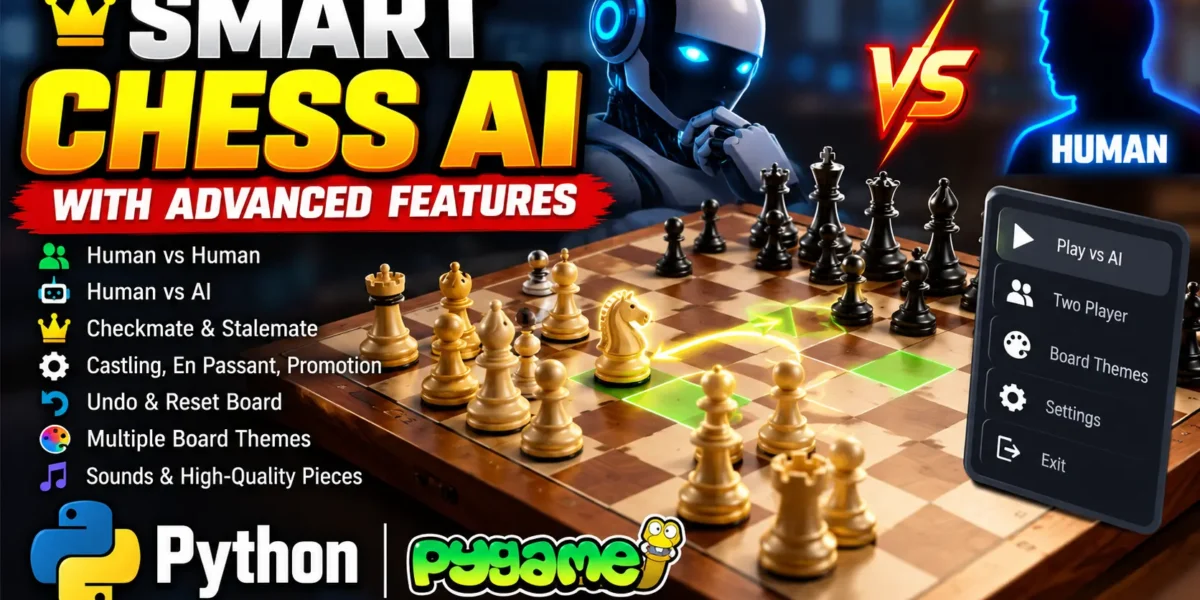
The Smart Chess AI with Advanced Features is a Python-based chess game developed using the Pygame library. It provides a graphical user interface (GUI) that allows players to enjoy chess against another human player or an AI opponent. The project combines chess rules, interactive gameplay, and artificial intelligence to create an engaging chess-playing experience.
The AI opponent uses the Negamax algorithm with Alpha-Beta pruning to evaluate possible moves and select suitable moves during gameplay. The application also includes legal move highlighting, checkmate and stalemate detection, pawn promotion, en passant, castling, undo functionality, board reset, different chessboard themes, and sound effects.
Project Overview
| Project Detail | Description |
|---|---|
| Project Name | Smart Chess AI with Advanced Features |
| Programming Language | Python |
| Library | Pygame |
| AI Algorithm | Negamax with Alpha-Beta Pruning |
| Interface | Graphical User Interface (GUI) |
Complete Advance AI Topics: Click Here
Real Time Projects on YouTube:- DecodeIT
Features of Smart Chess AI
1. Graphical User Interface
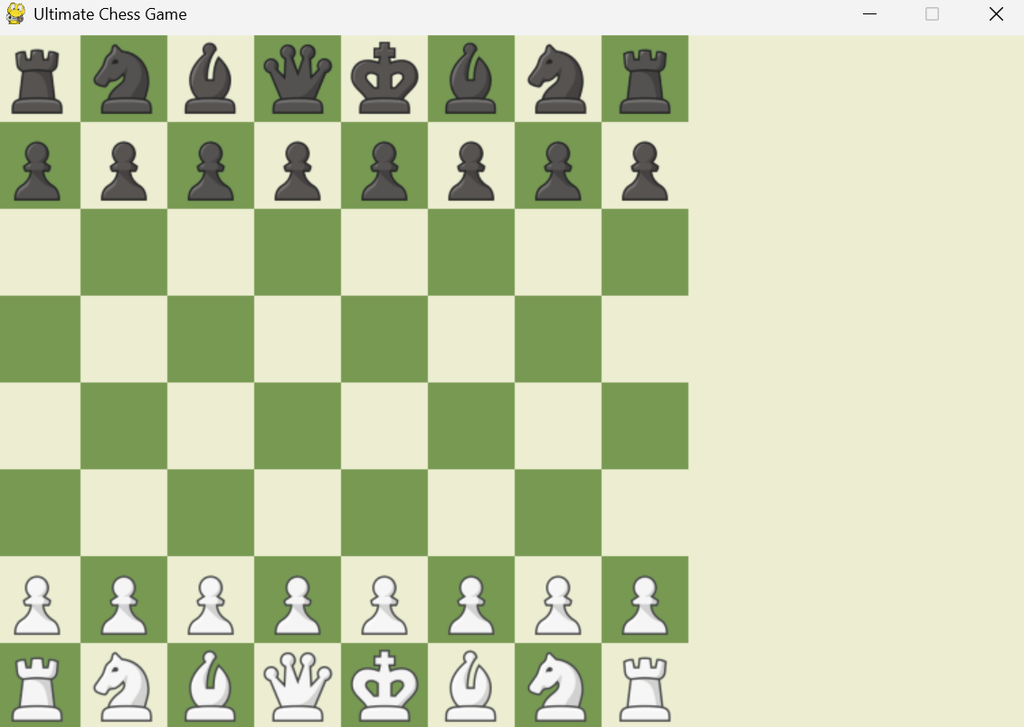
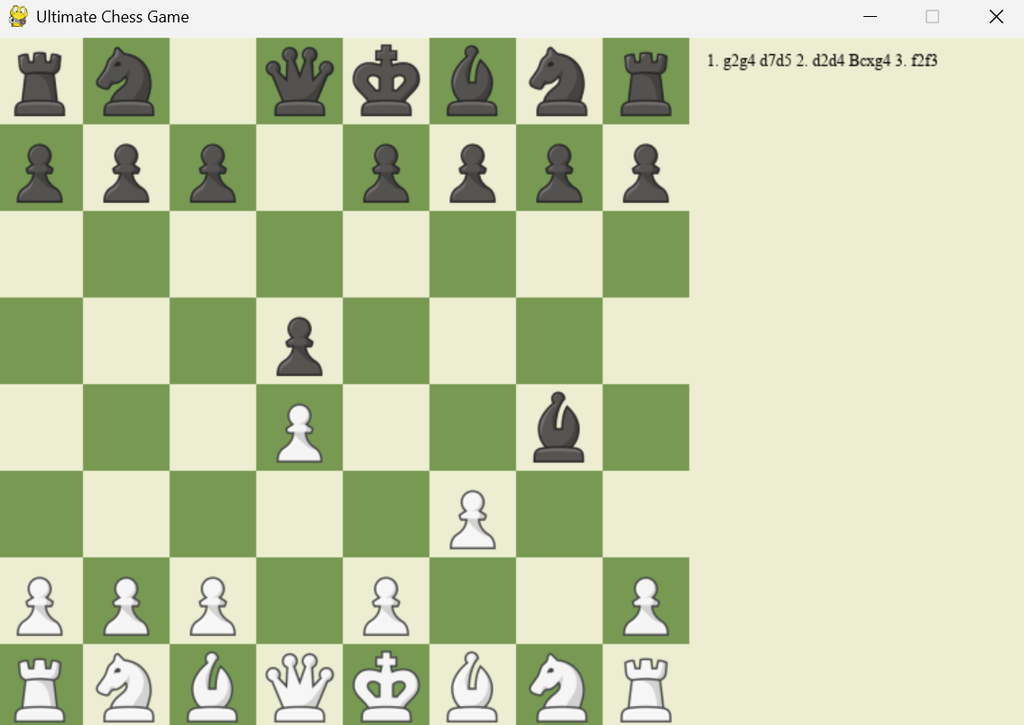
The application provides an interactive chessboard created using Pygame. Chess pieces are displayed visually, allowing players to select and move pieces using mouse clicks. The interface updates dynamically as the game progresses, making the gameplay easier to understand.
2. Two-Player Mode
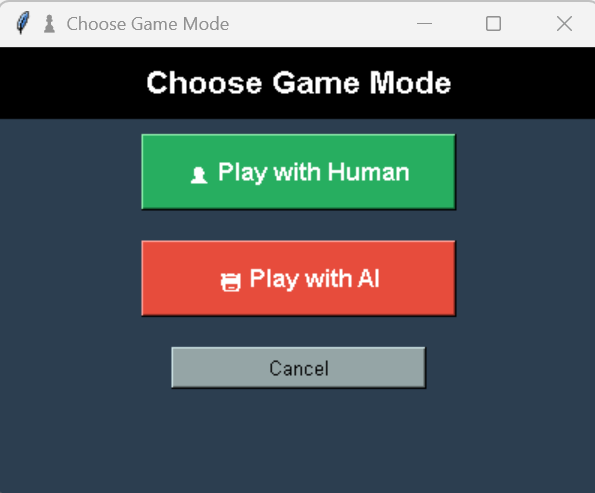
The game supports human-versus-human gameplay on the same device. Both players take turns moving their pieces according to standard chess rules, allowing them to enjoy a traditional chess match.
3. AI Opponent
The project includes an AI opponent for single-player gameplay. It uses the Negamax algorithm with Alpha-Beta pruning to examine possible moves and improve move selection. Alpha-Beta pruning reduces unnecessary calculations, helping the AI search possible moves more efficiently.
4. Legal Moves and Game-End Detection
The game validates moves according to the supported chess rules. It detects checkmate and stalemate conditions and highlights legal moves to help players identify valid destinations for their selected pieces.
5. Advanced Chess Mechanics
The application supports several important chess mechanics:
- Pawn Promotion: A pawn reaching the last rank is automatically promoted to a queen.
- En Passant: Supports the special pawn capture allowed after an opponent’s pawn moves two squares forward from its starting position.
- Castling: Supports the special move involving the king and rook when the required chess rules permit it.
6. Undo and Reset Board
Players can press the Z key to undo the last move. The R key resets the chessboard, allowing players to start a new game without manually restarting the application.
7. Variety of Chessboard Themes
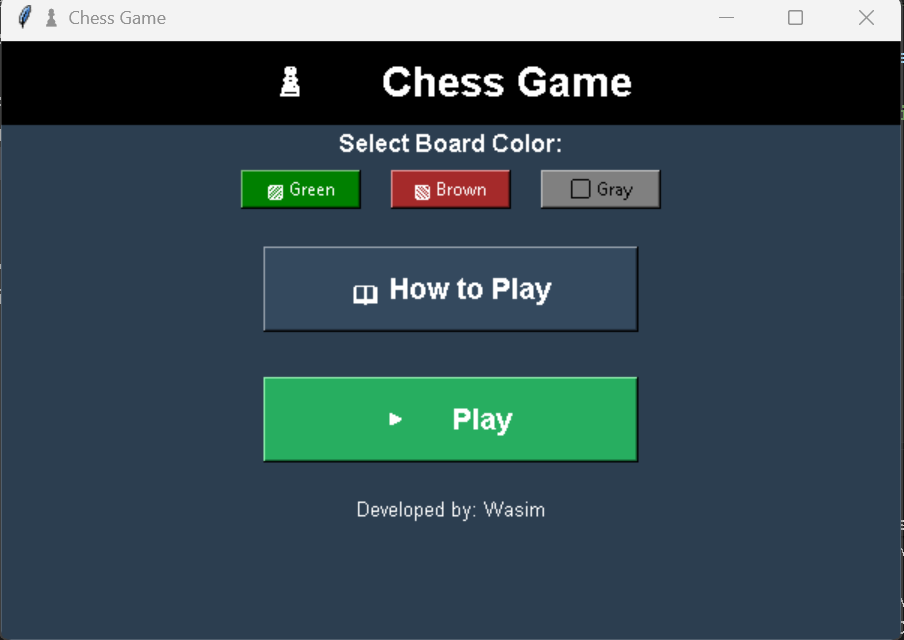
The game provides different chessboard colors and themes. Players can customize the board’s appearance to enjoy a more personalized playing experience.
8. Sound Effects and Chess Piece Images
The application includes sound effects for piece movement and captures. Chess piece images improve the visual presentation and help players distinguish the different pieces on the board.
How to Download
The complete package is available so you can run, study, and submit it with confidence. It includes:
- Full Source Code
Demo Video
Screenshot
How the Project Works
1. Game Logic and Rules
The engine.py module manages move validation, piece movement, and chess rule enforcement. It handles the game’s underlying logic and ensures that moves follow the implemented rules.
2. AI Decision-Making
The AI uses the Negamax algorithm to evaluate possible moves and choose a move for its turn. Alpha-Beta pruning eliminates branches that do not require further evaluation, reducing the number of calculations needed during the search.
3. User Interaction and GUI
Players interact with the application through the Pygame interface. They select chess pieces and move them using mouse clicks. The board updates after human or AI moves, providing a visual representation of the current game position.
Installation Guide
Follow these steps to set up and run the Smart Chess AI project in Visual Studio Code.
Step 1: Install Python
Install a compatible Python version on your computer. Open the terminal and verify the installation using the following command:
python --versionStep 2: Open the Project in VS Code
Extract the project files and open the project folder in Visual Studio Code. Make sure the main Python file and the required project resources are available in their expected locations.
Step 3: Create a Virtual Environment
Run the following command in the VS Code terminal to create a virtual environment:
python -m venv envActivate the environment on Windows using:
env\Scripts\activateStep 4: Install Pygame
Install the Pygame library required by the application:
python -m pip install pygameStep 5: Run the Project
If the main Python file is located inside a folder named Code, execute the following command:
python Code/main.pyIf your project uses a different folder structure, run the main Python file from its actual location. Ensure that the required images, sound files, and other project resources remain in the correct directories.
How to Use the Project
- Open the extracted project folder in Visual Studio Code.
- Activate the virtual environment.
- Install Pygame if it is not already installed.
- Run the main Python file from the terminal.
- Select chess pieces and move them using the graphical interface.
- Play against another human player or the AI opponent using the available game mode.
- Press Z to undo the last move or R to reset the board.
- Use the available chessboard themes to customize the board’s appearance.
Frequently Asked Questions (FAQs)
1. What is the Smart Chess AI with Advanced Features project?
It is a Python-based chess game that provides a graphical interface and supports human-versus-human and human-versus-AI gameplay.
2. Which programming language and library are used?
The project uses Python for its implementation and Pygame for the graphical user interface and player interactions.
3. Which algorithm is used by the chess AI?
The AI uses the Negamax algorithm with Alpha-Beta pruning to evaluate possible moves and reduce unnecessary calculations.
4. Does the project support advanced chess rules?
Yes. The listed features include pawn promotion to a queen, en passant, castling, legal move validation, checkmate detection, and stalemate detection.
5. How can I undo a move or restart the game?
Press the Z key to undo the last move and the R key to reset the chessboard and start a new game.
Final Thoughts
The Smart Chess AI with Advanced Features project combines chess gameplay, graphical programming, and artificial intelligence in a single Python application. Its AI opponent, two-player mode, advanced chess mechanics, board customization, and interactive interface make it a useful project for students learning Python game development. It also provides practical exposure to search algorithms and the implementation of chess rules.
Keywords: Smart Chess AI with Advanced Features, Smart Chess AI Python Project, Chess Game Using Python, Chess AI Using Pygame, Negamax Algorithm, Alpha-Beta Pruning, Python Chess Game,Smart Chess AI with Advanced Features Using Python,Smart Chess AI with Advanced Features