Car Rental System Using Python and Django
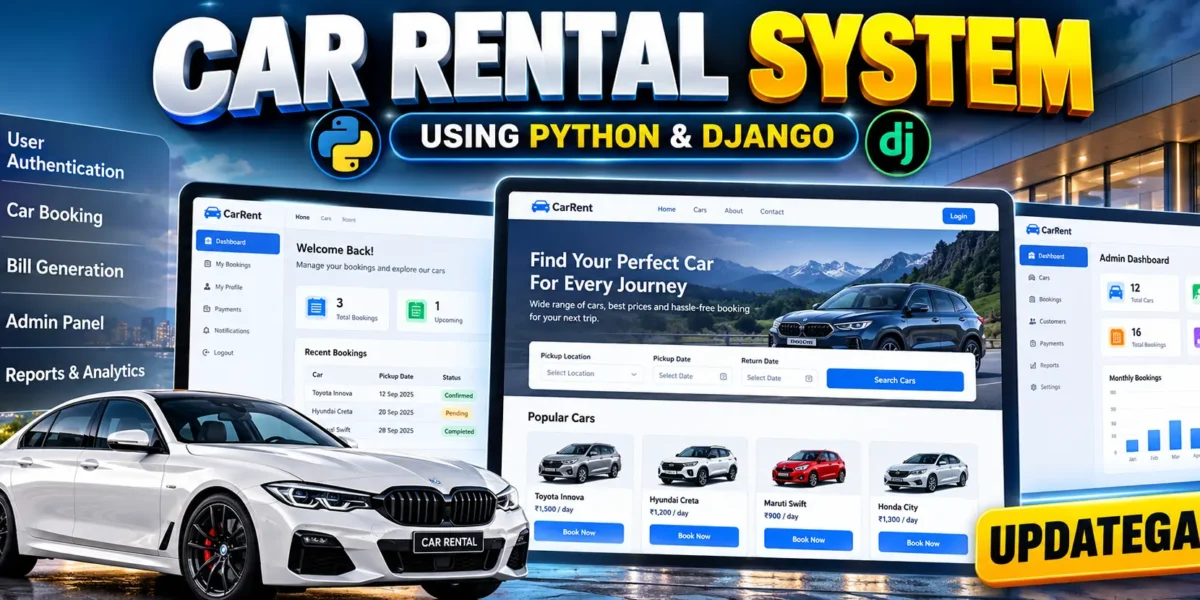
The Car Rental System is a complete web-based vehicle rental management application designed with Python and Django. Instead of limiting the system to a basic login, car list, and booking form, the project is structured around the wider workflow of a real rental operation. Customers can create accounts, browse vehicles, check availability, reserve a car, review booking information, and access a rental invoice. Staff and managers can work with fleet status, monitor reservations, and review operational reports. The original project concept focuses on online vehicle rental, authentication, booking, and downloadable billing, while the expanded design organizes those functions into a connected management workflow.
Complete Advance AI Topics: Click Here
Real Time Projects on YouTube:- DecodeIT
Project Overview
This project uses Django as the backend framework, HTML and CSS for the interface, and SQLite3 as the development database. Django provides authentication, routing, database models, form processing, sessions, and administrative capabilities. The system is suitable for an advanced college project because its modules are connected rather than being isolated CRUD screens.
| Project Name | Car Rental System |
|---|---|
| Languages | Python, HTML, CSS |
| Framework | Django |
| Database | SQLite3 |
| Type | Web Application |
User Roles
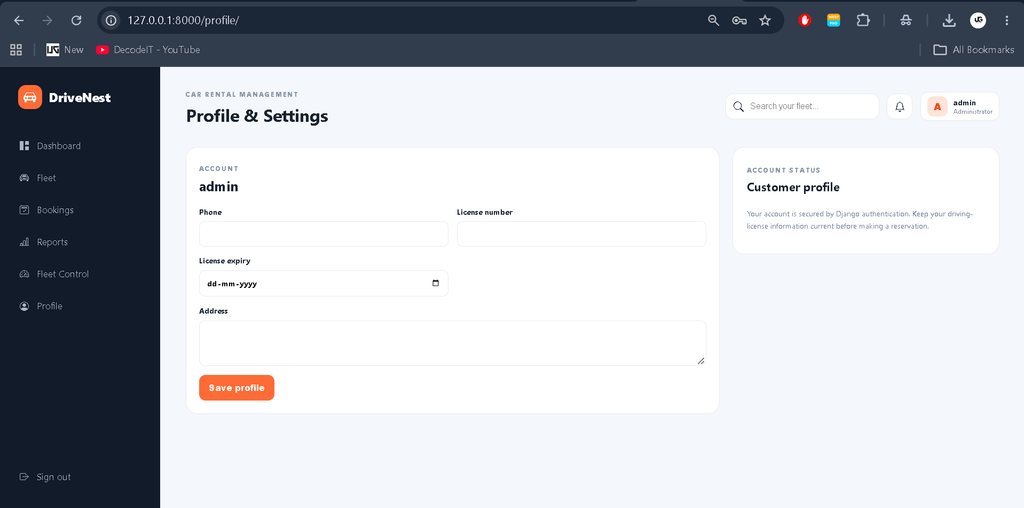
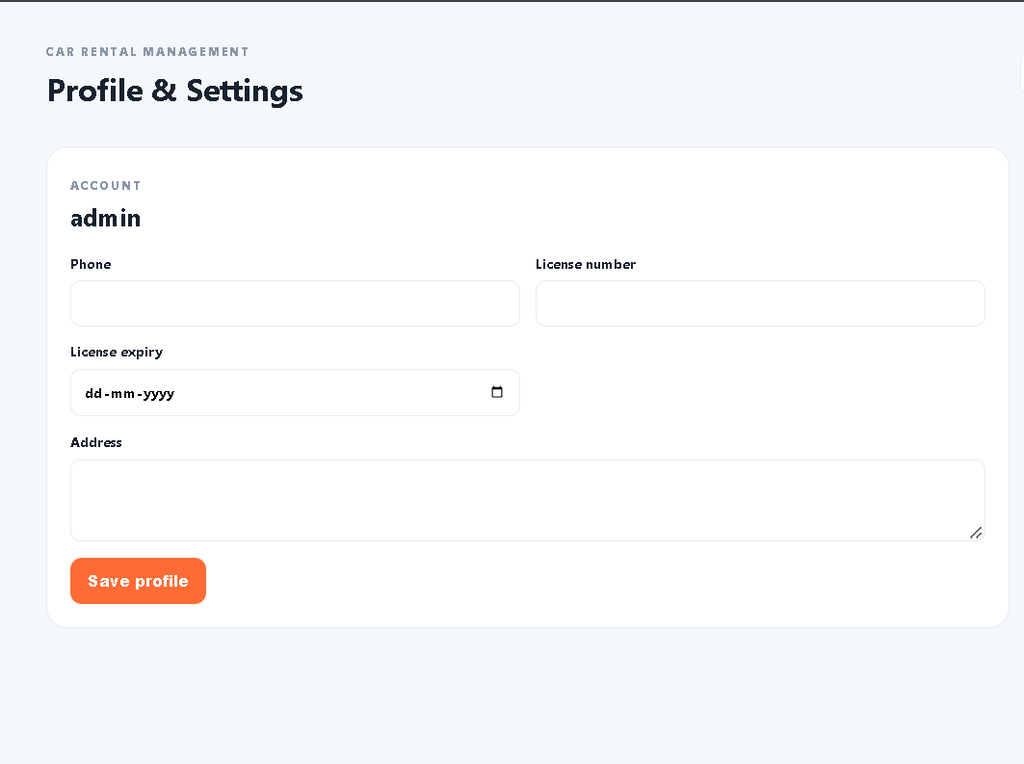
The application separates customer activity from operational management. Customers can register, sign in, maintain their profile, browse available cars, create reservations, review booking details, cancel eligible bookings, and access invoices. Staff can work with operational fleet information and booking records. Managers receive the same operational foundation with access to reporting and fleet-control functions. Django administration can also be used for controlled back-office data management. Role-aware navigation keeps operational options away from ordinary customer accounts.
Key Features
- User registration, login, logout, and profile management.
- Vehicle catalog with category, transmission, fuel, seats, year, registration, mileage, rate, and status information.
- Availability-aware car browsing with search and filters.
- Online reservation workflow with pickup and return dates.
- Automatic rental-day, subtotal, tax, discount, and total calculations.
- Booking references and booking-status tracking.
- Invoice view and downloadable HTML rental bill.
- Fleet status control for available, reserved, rented, and maintenance vehicles.
- Payment records, notifications, maintenance records, and audit-log models for operational expansion.
- Management dashboard with fleet, availability, active-rental, and revenue indicators.
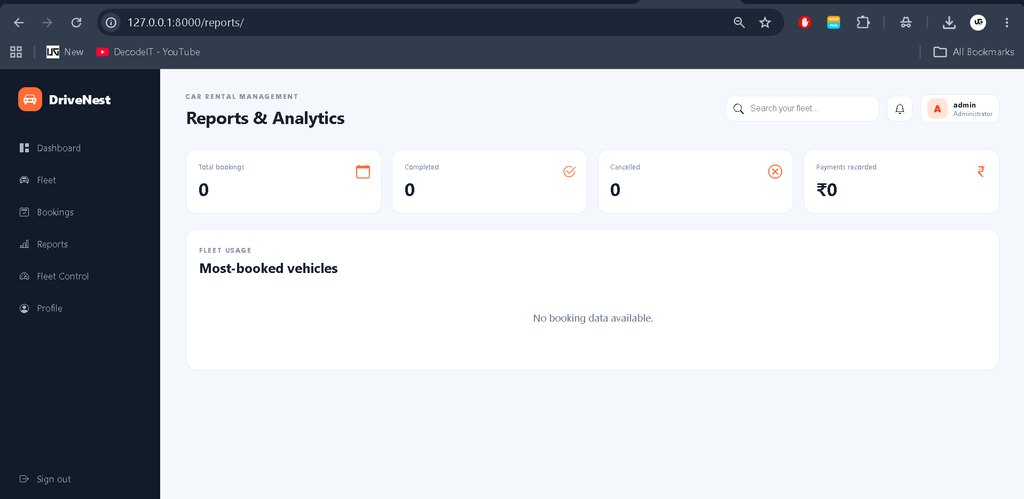
- Reports showing booking totals, completed and cancelled rentals, recorded payments, and frequently booked vehicles.
- Responsive interface for desktop, tablet, and mobile screens.
Project Modules
The Fleet Management module stores vehicle identity and operational status. Categories allow vehicles to be grouped with appropriate daily rates. The Customer Management module connects Django users with rental-specific information such as phone number and driving-license details. The Booking Management module connects a customer with a vehicle and rental period. It also maintains status and payment state so the rental lifecycle can be tracked.
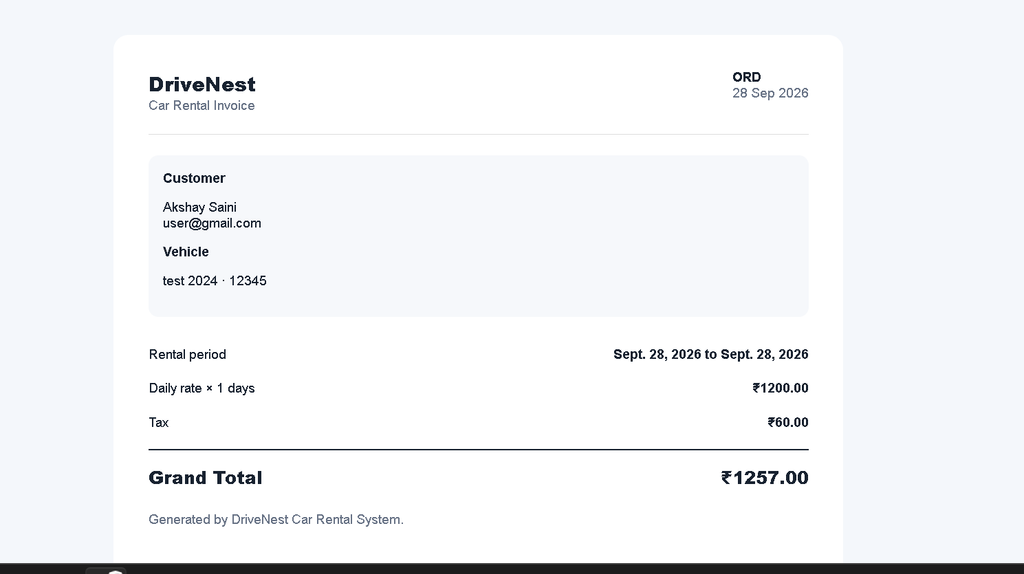
The Billing and Invoice module calculates the rental amount and presents an invoice containing customer, vehicle, rental period, tax, and total information. The Fleet Control module lets authorized operational users change vehicle status. The Reports module provides summary information for managers. Additional database entities support payments, maintenance, notifications, and audit history, allowing the project to grow into a broader rental-management product without introducing unrelated technologies.
Professional Dashboard
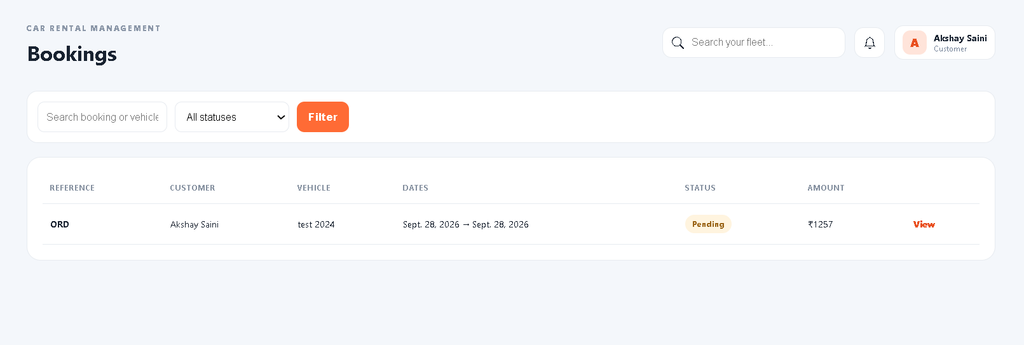
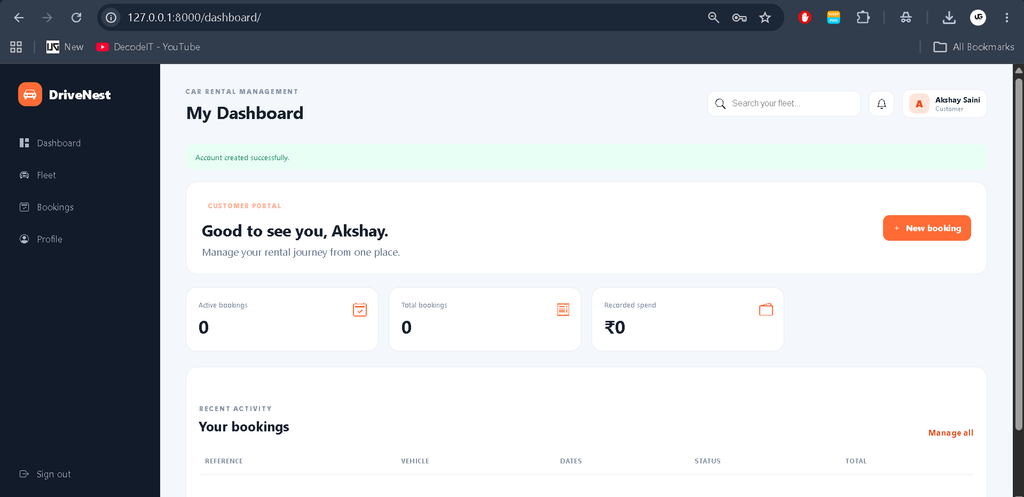
The interface uses a distinct mobility-oriented visual identity instead of the default Django administration appearance. The main layout contains a dark navigation sidebar, modern top header, search field, profile area, notification access, KPI cards, data tables, status badges, quick actions, and responsive forms. Customer dashboards emphasize personal bookings and spending, while staff and manager dashboards emphasize fleet availability, active rentals, and recorded revenue. Fleet pages use filters and structured vehicle cards, while booking pages present operational information in responsive tables.
How the System Works
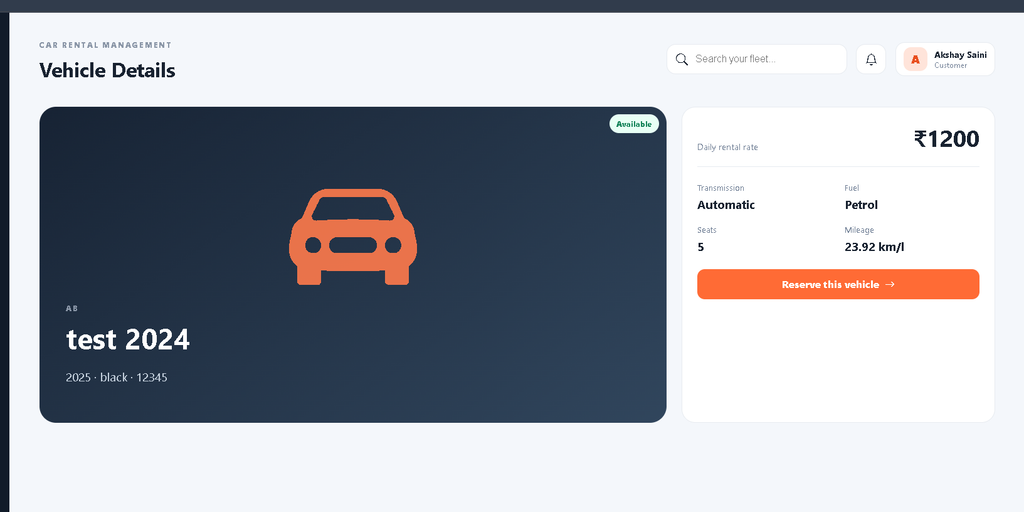
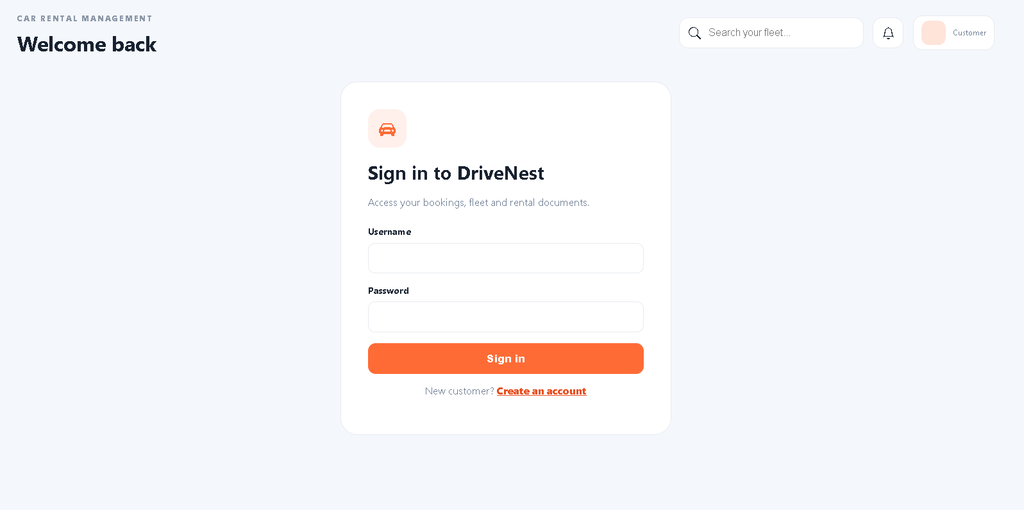
A typical customer workflow begins with account creation and authentication. After signing in, the customer opens the fleet catalog and searches for a suitable available vehicle. A vehicle detail page presents important specifications and the current daily rate. When the customer chooses a vehicle, the reservation form collects pickup date, return date, pickup location, and optional notes. Server-side validation checks that the return date follows the pickup date. The booking receives a unique reference, calculates its rental total, and moves the selected vehicle into a reserved state.
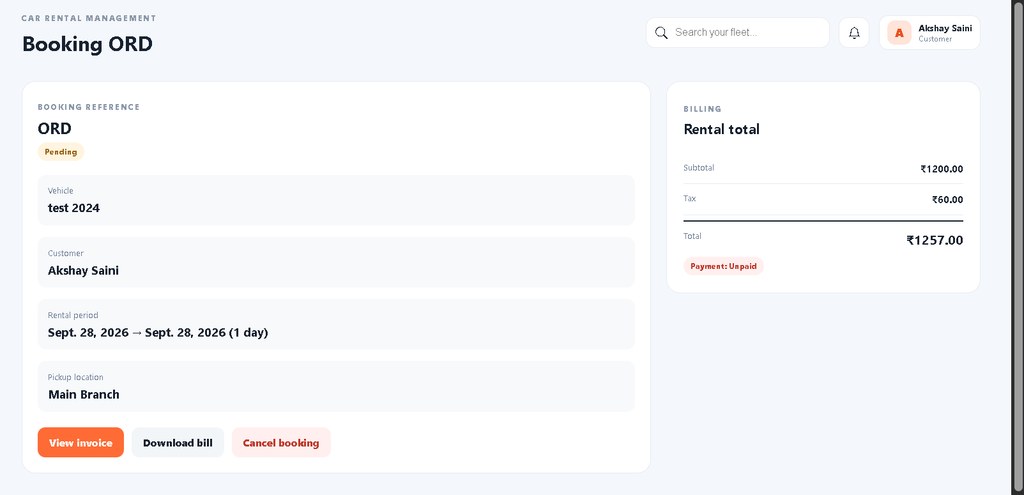
The customer can then open the booking detail page to review dates, vehicle information, payment status, subtotal, tax, and total amount. The invoice page provides a rental document, while the download action saves the bill as an HTML document. Authorized staff can later control fleet status and review reports.
Technology Stack
Python powers the application logic, while Django manages URL routing, authentication, forms, models, sessions, templates, and administrative functions. SQLite3 is used as the default development database and is convenient. HTML defines the page structure, and CSS provides the responsive visual system. Bootstrap Icons are referenced for interface icons. The project also includes Pillow as a dependency for optional vehicle image uploads.
Database Design
The database is organized around the rental workflow. Profile records extend Django users with rental-specific information. Categories group vehicles, while Car records store fleet details and status. Booking records connect customers and vehicles and store dates, pricing, status, and payment state. Payment records are linked to bookings, while Maintenance records connect service information to individual vehicles. Notification and AuditLog records provide supporting operational history. Foreign keys and protected relationships help maintain consistent connections between customers, cars, and bookings.
Installation and Setup
Download the project ZIP and extract it into a suitable development directory. Open the extracted folder in VS Code and create a virtual environment. Install the dependencies using the requirements file, then create the database migrations and apply them. Create a Django superuser if administrative access is required. Finally, start the development server and open the local address shown by Django.
python -m venv venv
venv\Scripts\activate
pip install -r requirements.txt
python manage.py makemigrations
python manage.py migrate
python manage.py createsuperuser
python manage.py runserver
After starting the server, use the Django admin to create vehicle categories and fleet records. Customer accounts can be created from the registration page. Operational users can be assigned their appropriate profile role through the administration interface.
Usage
Customers use the public fleet pages to discover vehicles and the dashboard to manage their reservations. Staff and managers use the operational dashboard, booking tables, fleet-control screen, and reports to maintain day-to-day rental information. Administrators can use Django administration for controlled database management.
Download complete source code
Screenshots
Frequently Asked Questions
What is the purpose of this project?
It provides a connected web application for vehicle browsing, rental reservations, billing, and rental operations.
Which database is used?
SQLite3 is used for the development setup.
Can customers download a bill?
Yes. A booking has an invoice page and an HTML download action.
Does the project support different user roles?
Yes. Customer, staff, and manager roles are represented through the user profile model, with operational views restricted to authorized roles.
Can vehicle availability be managed?
Yes. Vehicles have available, reserved, rented, and maintenance states, and authorized staff can update those states.
Is payment processing through a live gateway included?
No. The project includes a payment-record model, but it does not claim to provide a live third-party payment gateway.
Future Scope
- Add secure production payment-gateway integration.
- Add PDF invoice generation with a production-ready document library.
- Add email or SMS notifications for booking reminders and status changes.
- Add advanced date-range availability conflict checking across overlapping reservations.
- Add branch-wise fleet and pickup-location management.
- Add richer analytics and exportable operational reports.
Conclusion
The Car Rental System provides a practical Django foundation for understanding how a real rental workflow can be modeled as a complete software product. It goes beyond a simple booking page by connecting authentication, fleet management, reservations, billing, operational controls, reports, and supporting records. For students, the project demonstrates database relationships, role-based access, form validation, server-side business rules, responsive interface design, and an end-to-end Django workflow in one application.
Keywords:
Car Rental System
Car Rental System – Google Search
car rental system project
car rental system Ild
car rental system project github
car rental system design
car rental system project in java
car rental system er diagram
car rental system project report pdf
car rental system website
car rental system github