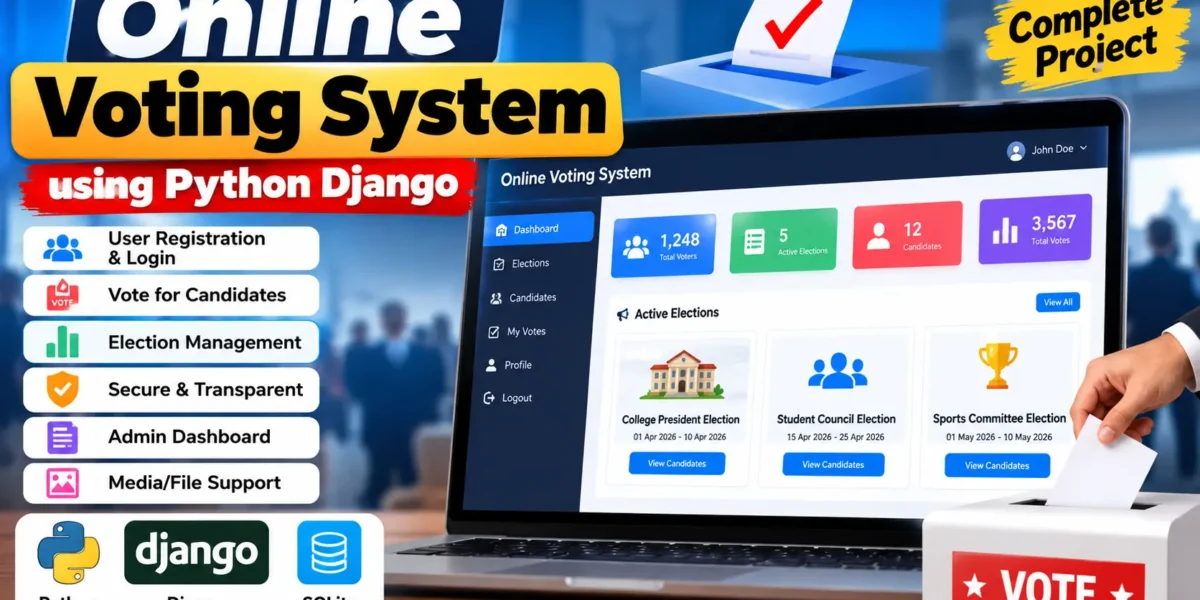
Online Voting System Using Python Django
The Online Voting System is a medium-level college web application developed with Python and the Django framework. The project provides a structured workflow for managing elections, displaying candidates, authenticating voters, and recording votes. The application connects user accounts, elections, candidates, voting records, and database operations into one practical system.
VotingApp uses Django for the application layer and SQLite for data storage. The project also supports media file handling so candidate images can be uploaded and displayed with their ballot information. The interface is designed as a modern management portal with a responsive layout, dashboard statistics, searchable election records, status indicators, and clear voting screens. This makes the project suitable for students demonstrating authentication, database relationships, administration, validation, and a complete Django workflow.
Complete Advance AI Topics: Click Here
Real Time Projects on YouTube:- DecodeIT
Project Overview
| Attribute | Details |
|---|---|
| Project Name | Online Voting System |
| Language/s Used | Python with Django |
| Database | SQLite |
| Type | Web Application |
Project Purpose
The main purpose of VotingApp is to demonstrate how an election workflow can be organized through a web application. A voter can create an account, sign in, view available elections, inspect candidate information, and submit a vote when an election is active. The system records the selected candidate against the authenticated voter and prevents the same account from submitting another vote for the same election.
On the management side, Django administration can be used to create elections, add candidates, change election status, and review stored voting records. This keeps the project understandable for a college student while still providing a connected and practical application rather than a simple form demonstration.
Key Features
- Django Web Framework: The project uses Django to organize URLs, views, templates, forms, models, authentication, and administration.
- User Authentication: Voters can register and log in before accessing protected voting pages.
- Election Management: Elections contain a title, description, schedule, and status such as draft, active, or closed.
- Candidate Management: Each election can have multiple candidates with names, party information, manifesto text, and an optional image.
- One Vote Per Election: A database constraint and application-level check prevent one authenticated voter from recording multiple votes in the same election.
- Voting History: Logged-in users can review the elections in which they have submitted votes.
- Search and Filtering: Election records can be searched by title and filtered by status.
- Dashboard: The voter dashboard displays active election count, submitted vote count, upcoming elections, and recent activity.
- Media Handling: Candidate images are stored through Django media configuration and can be displayed on election pages.
- Responsive Interface: The UI adapts the navigation, cards, tables, forms, and ballot screens for desktop, tablet, and mobile layouts.
User Roles
The project keeps roles straightforward. The primary application user is the voter, who registers, signs in, views elections, selects a candidate, and checks voting history. The Django administrator provides the management role through the built-in admin panel. Administrators can maintain election and candidate data and inspect recorded votes without requiring a separate complicated permission architecture.
Project Modules
1. Authentication Module
The registration page collects basic voter details and creates a Django user account. Login is handled through Django authentication, while protected pages require an authenticated session. This creates a clear registration-to-dashboard workflow.
2. Election Module
The election module stores election titles, descriptions, start and end dates, and status. The election listing page provides search and filtering controls, while the detail page displays the ballot and candidate information.
3. Candidate Module
Candidates belong to a specific election. Their profile can contain a name, party, manifesto, and optional image. This relationship ensures that candidates are displayed only for the election to which they belong.
4. Voting Module
When an election is active and within its configured time range, an authenticated voter can select one candidate and submit the ballot. The system verifies the election, candidate relationship, voter identity, and previous voting status before recording the vote.
5. Voting History Module
The history page shows the current user’s recorded votes, including the election, selected candidate, and submission date and time. It provides a simple way to confirm that a submitted ballot has been stored.
6. Administration Module
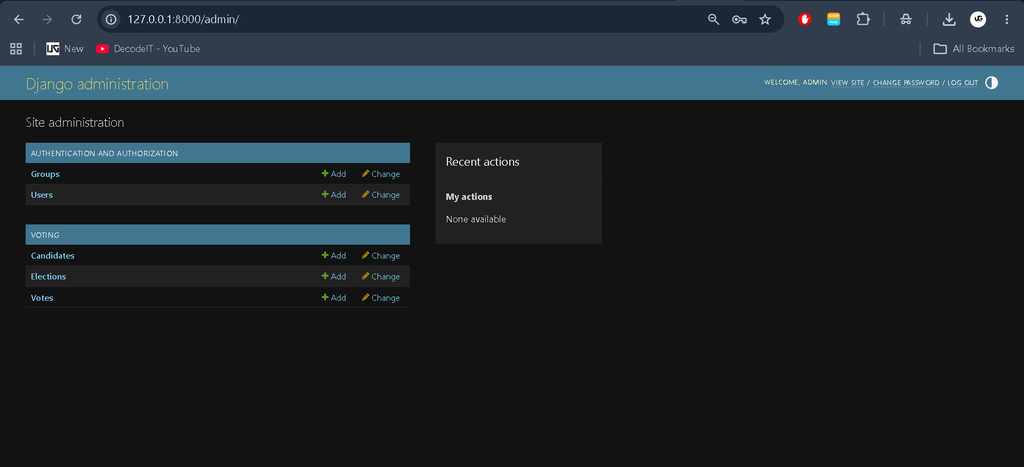
Django Admin provides a practical management interface for elections, candidates, and votes. Search and filtering options help administrators locate records without adding an unnecessary custom enterprise administration system.
Download complete source code
Screenshot
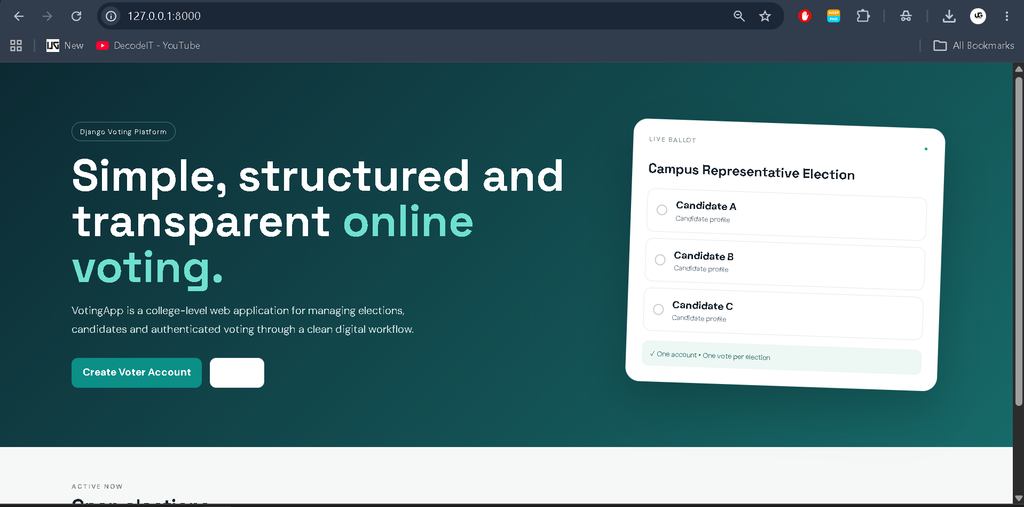
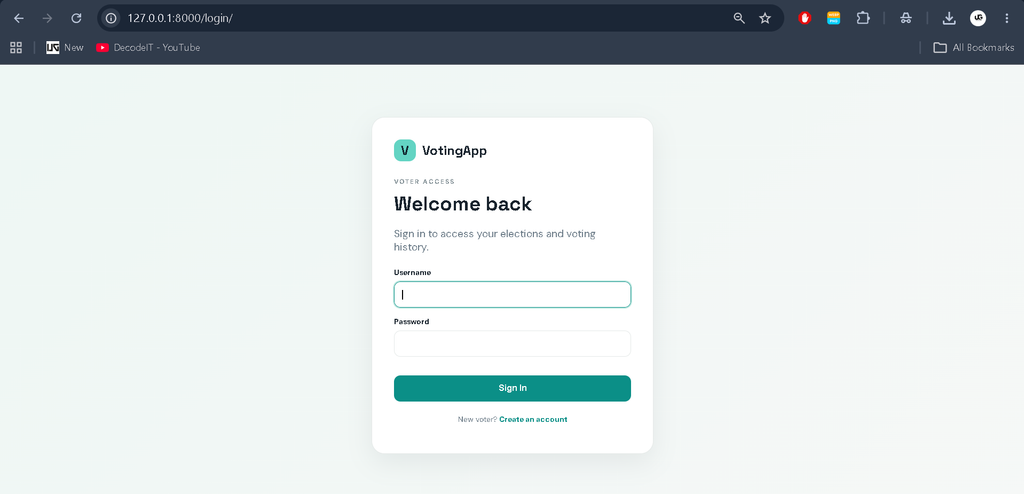
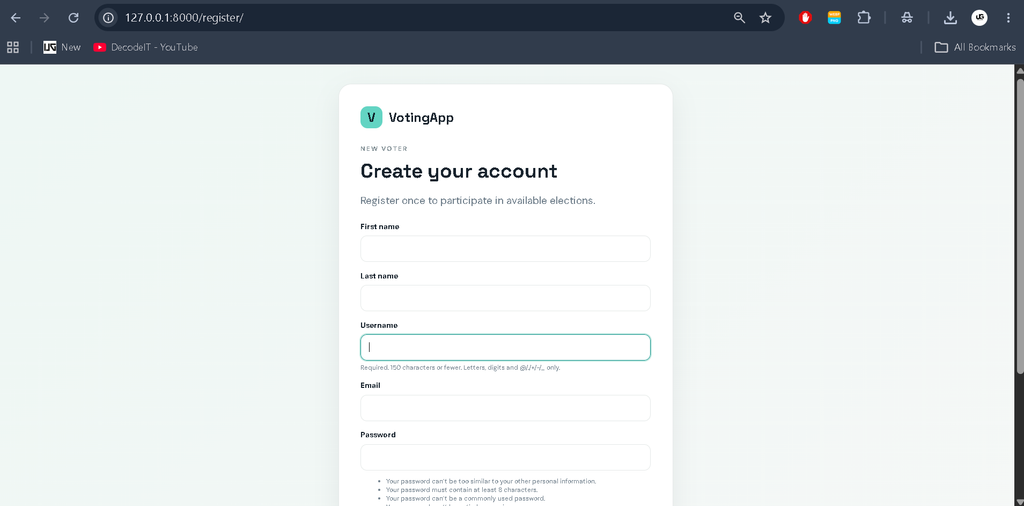
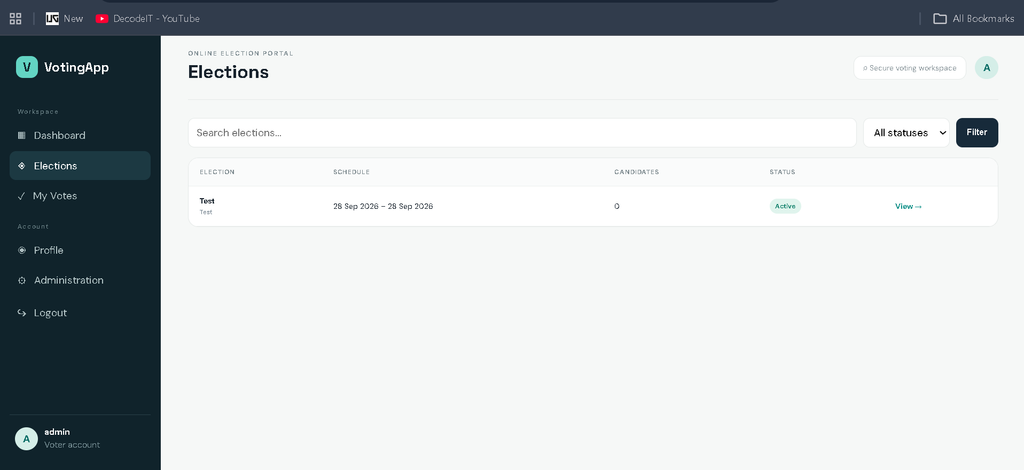
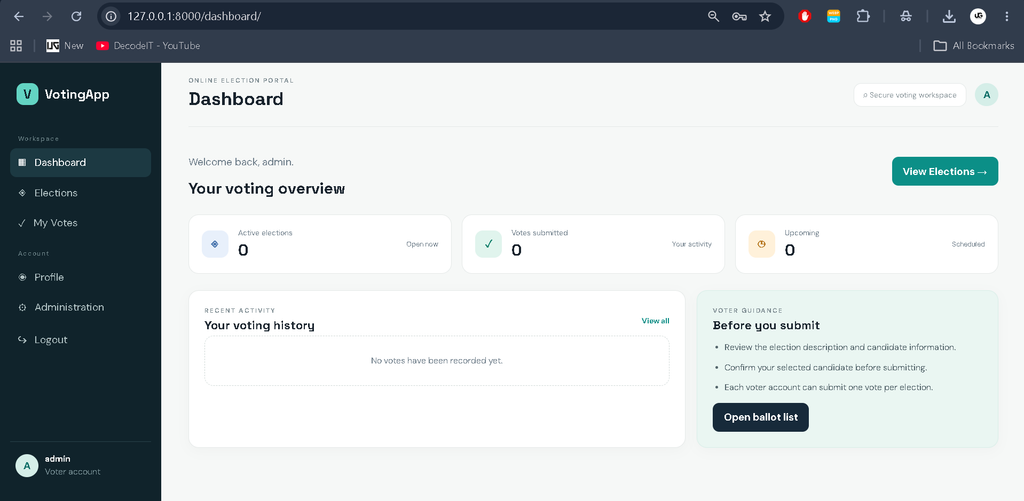
Professional Dashboard UI
The dashboard uses a distinct voting-focused visual identity instead of a generic student-project layout. A dark teal sidebar provides navigation, while the main workspace uses clean cards, soft borders, compact status badges, and a spacious top header. Statistics highlight active elections, submitted votes, and upcoming elections. A recent-activity panel shows recent voting records, and a guidance panel gives users simple instructions before they open a ballot.
The election pages use professional tables for record discovery and dedicated ballot cards for candidate selection. Candidate images, party information, manifesto text, and election status are presented together so that the voter can review the available information before submitting a choice. The design also uses responsive CSS so the interface remains usable on smaller screens.
How the System Works
The normal workflow starts when a new voter opens the registration page and creates an account. After login, the user reaches the dashboard and can open the Elections section. The election list can be searched or filtered by status. Selecting an election opens its details and candidate ballot.
If the election is active and the voter has not already voted, the system allows one candidate to be selected. After submission, the vote is saved with the voter, election, candidate, and timestamp. A database uniqueness constraint provides an additional protection against duplicate voting for the same voter and election. The user is then redirected to voting history with a confirmation message.
Installation and Setup
Download and extract the project, then open the project folder in VS Code or a terminal. Create and activate a virtual environment before installing the dependencies.
python -m venv venv
venv\Scripts\activate
pip install -r requirements.txt
python manage.py makemigrations
python manage.py migrate
python manage.py createsuperuser
python manage.py runserver
After the development server starts, open http://127.0.0.1:8000/ in a browser. The Django administration area is available at /admin/. Create an election from the admin panel, add its candidates, set an appropriate status and schedule, then register a voter account to test the complete workflow.
Frequently Asked Questions
What technology is used?
The project is developed with Python and Django, with SQLite used as the default database.
Does a voter need an account?
Yes. Voting pages are protected and require an authenticated Django user account.
Can a voter submit multiple votes for one election?
No. The application checks for an existing vote and the database includes a unique constraint for the voter and election combination.
Can candidate images be uploaded?
Yes. Candidate records include optional image upload support through Django media configuration.
How are elections managed?
Elections and candidates can be managed through Django’s administration interface.
Can elections be searched?
Yes. The election page supports title-based search and filtering by election status.
Future Scope
- Add richer election reports for administrators.
- Introduce additional voter verification methods when required by a future project specification.
- Add export options for authorized administrative records.
- Provide more detailed election analytics and visual summaries.
- Extend profile management for voters.
- Improve deployment configuration for production environments.
Conclusion
The Online Voting System using Python Django is a practical medium-level college project that combines authentication, database relationships, candidate management, election scheduling, media handling, and controlled vote recording in one application. Its connected workflow gives students an opportunity to understand how a real web application moves from registration and login to database-backed voting and history. The professional dashboard and responsive interface also make the project suitable for demonstrating both backend development and frontend presentation skills while keeping the implementation understandable and maintainable.
Keywords:
Online Voting System
Online Voting System – Google Search
online voting system project
online voting system mini project
online voting system project with source code
online voting system images
online voting system website
online voting system project github
online voting system free
online voting system github
online voting system app