AES-256 Encryption Using Python
Protecting confidential information is an important requirement for modern software applications. Encryption converts readable information into a protected form so that unauthorized users cannot directly understand the original content. One commonly used encryption standard for this purpose is AES-256.
In Python, AES-256 encryption can be implemented with the help of the PyCryptodome library. This guide demonstrates how to encrypt and decrypt a message using a password, generate a secure key with scrypt, use AES in GCM mode, and store the encrypted information in a JSON file.

What is AES-256 Encryption?
AES, or Advanced Encryption Standard, is a symmetric encryption algorithm. Symmetric encryption uses the same secret key for protecting and recovering the original data.
AES-256 works with a 256-bit key. In this implementation, AES is used with GCM (Galois/Counter Mode), which provides authenticated encryption and allows the application to verify whether the encrypted data has been altered.
Step-by-Step Implementation
1. Set Up the Environment
Before running the encryption program, install the required cryptographic packages. PyCryptodome provides the AES implementation used by the program.
pip install pycryptodome
pip install pycryptodomex
2. Create the Encryption Function
The encrypt() function receives a message and password. It creates a random salt and uses the password together with that salt to derive a 32-byte key through hashlib.scrypt.
The generated key is then supplied to AES-GCM. After encryption, the function returns the cipher text together with the salt, nonce, and authentication tag.
def encrypt(plain_text, password):
    if not password:
        raise ValueError("Password cannot be empty.")

    salt = get_random_bytes(AES.block_size)

    private_key = hashlib.scrypt(
        password.encode(),
        salt=salt,
        n=2**14,
        r=8,
        p=1,
        dklen=32
    )

    cipher_config = AES.new(private_key, AES.MODE_GCM)

    cipher_text, tag = cipher_config.encrypt_and_digest(
        bytes(plain_text, "utf-8")
    )

    return {
        "cipher_text": b64encode(cipher_text).decode("utf-8"),
        "salt": b64encode(salt).decode("utf-8"),
        "nonce": b64encode(cipher_config.nonce).decode("utf-8"),
        "tag": b64encode(tag).decode("utf-8"),
    }
3. Create the Decryption Function
The decrypt() function reconstructs the encryption key using the supplied password and stored salt. It then uses the saved nonce to recreate the AES-GCM cipher and verifies the encrypted content with the authentication tag.
def decrypt(enc_dict, password):
    if not password:
        raise ValueError("Password cannot be empty.")

    salt = b64decode(enc_dict["salt"])
    cipher_text = b64decode(enc_dict["cipher_text"])
    nonce = b64decode(enc_dict["nonce"])
    tag = b64decode(enc_dict["tag"])

    private_key = hashlib.scrypt(
        password.encode(),
        salt=salt,
        n=2**14,
        r=8,
        p=1,
        dklen=32
    )

    cipher = AES.new(
        private_key,
        AES.MODE_GCM,
        nonce=nonce
    )

    decrypted = cipher.decrypt_and_verify(
        cipher_text,
        tag
    )

    return decrypted.decode("utf-8")
4. Save and Load Encrypted Data
After encryption, the generated information can be stored in a JSON file. This makes it possible to retrieve the encrypted content later instead of keeping it only in memory.
Save Data
def save_to_file(data, filename="encrypted_data.json"):
    with open(filename, "w") as file:
        json.dump(data, file)

    print(f"\nEncrypted data saved to {filename}")
Load Data
def load_from_file(filename="encrypted_data.json"):
    if not os.path.exists(filename):
        raise FileNotFoundError(
            f"No file found at {filename}"
        )

    with open(filename, "r") as file:
        return json.load(file)
5. Main Program
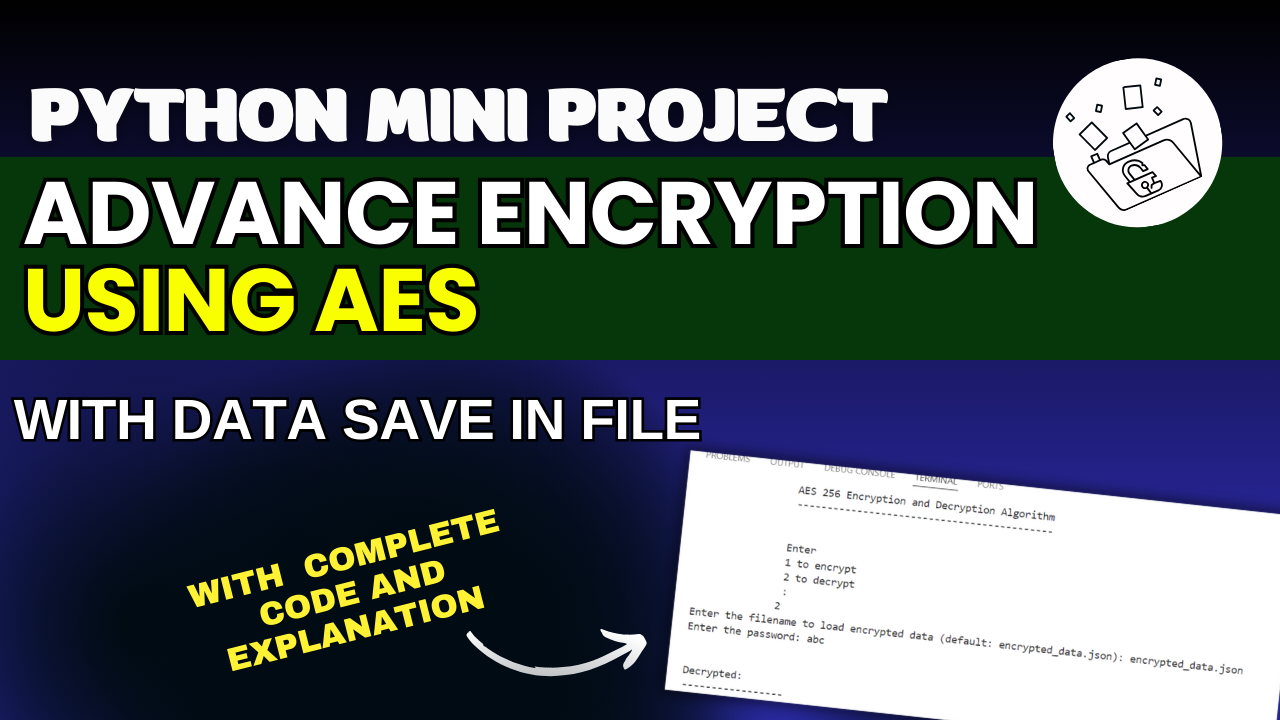
The main program provides two choices. The first option encrypts a secret message and saves the resulting data. The second option reads the saved encrypted file and attempts to recover the original message using the password.
def main():
    print("AES 256 Encryption and Decryption Algorithm")

    x = input("""
Enter
1 to encrypt
2 to decrypt
:
""")

    if x == "1":
        password = input("Enter the Password: ")
        secret_mssg = input(
            "\nEnter the Secret Message: "
        )

        encrypted = encrypt(
            secret_mssg,
            password
        )

        print("\nEncrypted Data:")

        for k, v in encrypted.items():
            print(f"{k}: {v}")

        save_to_file(encrypted)

    elif x == "2":
        filename = input(
            "Enter the filename to load encrypted data "
            "(default: encrypted_data.json): "
        ) or "encrypted_data.json"

        encrypted = load_from_file(filename)

        password = input("Enter the password: ")

        decrypted = decrypt(
            encrypted,
            password
        )

        print("\nDecrypted Message:")
        print(decrypted)
Running the Code
Save the Python program in a file such as AES256.py. After installing the required package, execute the script from the terminal.
python3 AES256.pyThe program will display a menu where you can select whether you want to encrypt a message or decrypt previously saved encrypted information.
Output Example
Encryption
Enter 1 to encrypt and 2 to decrypt: 1
Enter the Password: mysecurepassword
Enter the Secret Message: Hello, World!

Encrypted Data:
cipher_text: a1b2c3...
salt: x4y5z6...
nonce: 123abc...
tag: pqr456...

Encrypted data saved to encrypted_data.json
Decryption
Enter 1 to encrypt and 2 to decrypt: 2
Enter the filename to load encrypted data
(default: encrypted_data.json):
Enter the password: mysecurepassword

Decrypted Message:
Hello, World!
Why Use AES-256?
- Strong Key Size: AES-256 uses a 256-bit key, providing a large key space against brute-force attempts.
- Data Integrity: GCM mode provides authentication that helps detect changes to encrypted data.
- Practical Python Support: Libraries such as PyCryptodome make AES-based encryption accessible within Python applications.
Complete Advance AI Topics: Click Here
SQL Tutorial: Click Here
YT:- DecodeIT
FAQs
1. What is AES-256 encryption in Python?
AES-256 is a symmetric encryption method that uses a 256-bit key to encrypt and decrypt data. Python can implement it using libraries such as PyCryptodome.
2. Which Python library is used for AES-256 encryption?
The example uses the PyCryptodome library, which provides the AES implementation required for encryption and decryption.
3. Why is AES-GCM used in this Python example?
AES-GCM provides encryption along with an authentication mechanism. The authentication tag can be used to verify the integrity of the encrypted data.
4. What is the purpose of hashlib.scrypt()?hashlib.scrypt() derives a cryptographic key from the user’s password and a randomly generated salt. In this example, it produces a 32-byte key for AES-256.
5. Can encrypted data be saved in a JSON file?
Yes. The example stores the cipher text, salt, nonce, and authentication tag in a JSON file so the encrypted data can be loaded later for decryption.
6. What happens if the wrong password is used?
The key derived from an incorrect password will not match the original encryption key, so AES-GCM verification will fail rather than producing the original message.
Conclusion
AES-256 can be used in Python to protect sensitive messages through strong symmetric encryption. By combining scrypt for password-based key derivation with AES-GCM, the program can generate an encryption key, protect a message, verify encrypted data, and restore the original content when the correct password is supplied.
The addition of JSON file storage also makes the example practical by allowing encrypted information to be saved and loaded whenever required. This provides a useful foundation for understanding encryption and secure data handling in Python applications.
Keywords: AES-256 Encryption Using Python, AES 256 Python, Python AES encryption, AES encryption Python example, AES GCM Python, Python encryption and decryption, PyCryptodome AES, Python secure encryption, AES 256 encryption, Python cryptography,AES-256 Encryption Using Python, AES 256 Python, Python AES encryption, AES encryption Python example, AES GCM Python, Python encryption and decryption, PyCryptodome AES, AES-256 encryption, Python cryptography, AES 256 encryption and decryption, Python secure encryption, AES GCM encryption Python, Python encrypt decrypt message, Python encryption project, AES encryption example,AES-256 Encryption Using Python