Python assert Keyword
The Python assert keyword is a useful debugging feature that allows developers to test assumptions and verify that specific conditions are satisfied while a program is running. Assertions act as internal checkpoints in a program. When the expected condition is true, execution continues normally. When the condition is false, Python raises an AssertionError.
Assertions are especially useful during development and testing because they can quickly identify unexpected conditions and logical problems. For example, if a function is designed to work only when a divisor is not zero, an assertion can check that requirement before the calculation continues.

What is assert and How Does it Work?
The assert keyword evaluates a Boolean condition. If the condition evaluates to True, Python continues executing the next statement. If the condition evaluates to False, Python raises an AssertionError and stops normal execution at that point.
This behavior makes assert useful as an internal checkpoint. It allows developers to verify that assumptions made while writing the program are still valid during execution.
For example, suppose a program expects a value to be greater than zero. An assertion can verify this expectation before the program continues with the remaining operations.
Assertions are particularly useful for quality assurance and debugging because they immediately indicate when an expected condition has not been satisfied.
Download New Real Time Projects: Click here
Syntax of the assert Keyword
The basic syntax of the Python assert keyword is:
assert condition, "optional_error_message"Here, condition is the Boolean expression that Python evaluates. If the condition is True, the program continues. If it is False, Python raises an AssertionError.
The second part is optional. It allows developers to provide a custom message explaining why the assertion failed.
Simple Example
x = 10

assert x > 0, "Value must be greater than zero"

print("Condition satisfied")
Since x > 0 is true, the assertion succeeds and the program continues to the print() statement.
Why Use Assertions?
Assertions provide several benefits during software development and debugging. They allow developers to verify assumptions directly inside their programs and receive immediate feedback when an unexpected condition occurs.
- Confirm expected conditions: Assertions verify that a particular condition remains true.
- Detect problems early: They can identify unexpected states before later operations create additional problems.
- Provide internal checks: Assertions work as checkpoints that help developers locate logical errors.
- Improve debugging: A custom assertion message can explain what assumption failed.
By placing assertions at appropriate points in a program, developers can identify problems during development and testing more quickly.
Common Use Cases for assert
The assert keyword can be useful in several programming situations. Some common uses include checking function results, validating expected input conditions, and testing code behavior.
- Testing Function Outputs: Assertions can verify that a function produces an expected result.
- Input Validation: They can check whether function arguments or inputs satisfy expected conditions.
- Code Testing: Assertions can be placed inside test cases to verify that particular conditions are met.
Examples of assert in Python
The following examples demonstrate how assertions can be used to check conditions and identify unexpected situations.
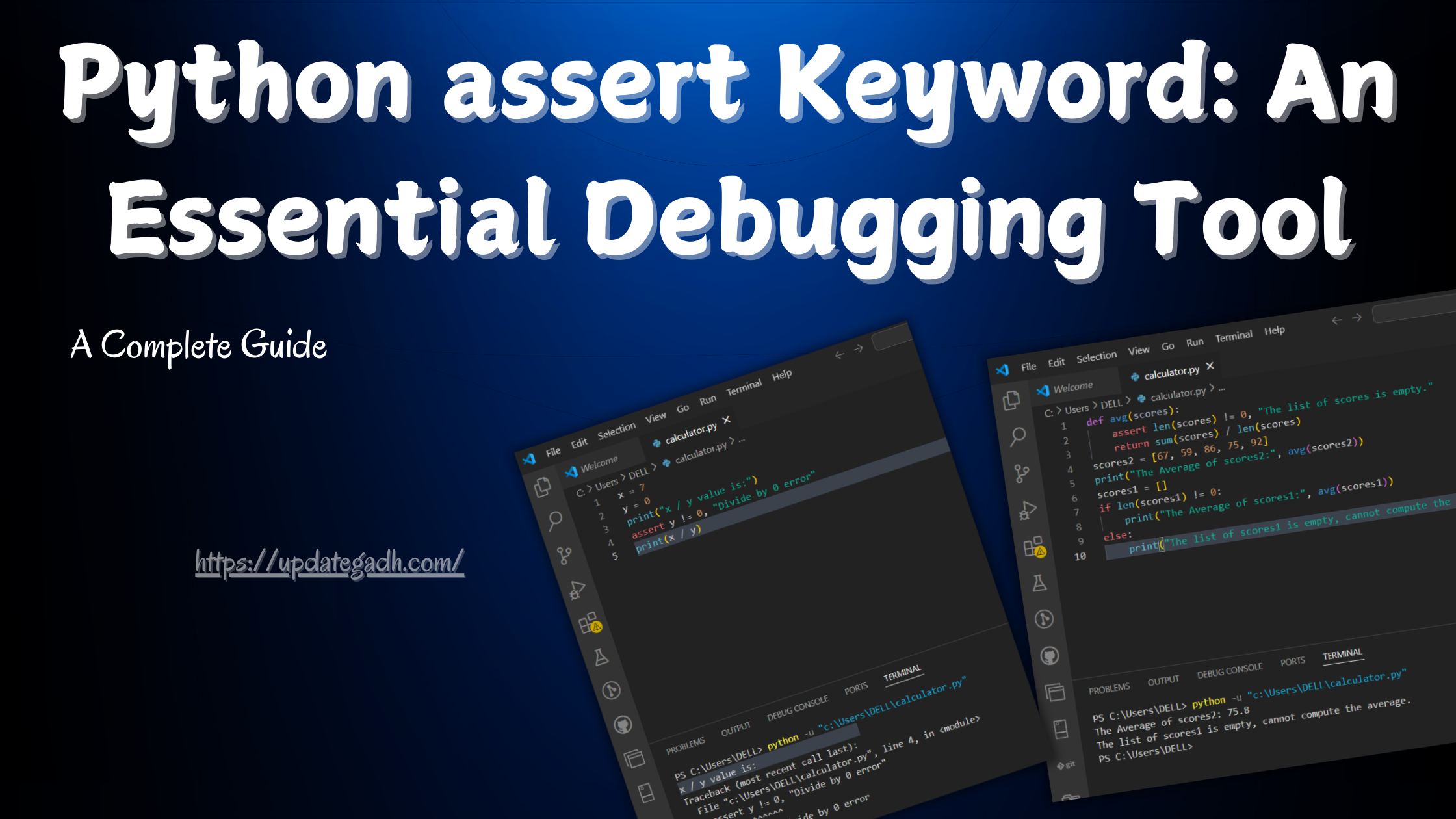
Example 1: Calculating the Average Score
In this example, an assertion is used to ensure that a list of scores is not empty before calculating the average.
def avg(scores):
    assert len(scores) != 0, "The list of scores is empty."
    return sum(scores) / len(scores)

scores2 = [67, 59, 86, 75, 92]

print("The Average of scores2:", avg(scores2))

scores1 = []

if len(scores1) != 0:
    print("The Average of scores1:", avg(scores1))
else:
    print("The list of scores1 is empty, cannot compute the average.")
Output:
The Average of scores2: 75.8
AssertionError: The list of scores is empty.
The assertion inside the avg() function checks whether the supplied list contains values. When a valid list such as scores2 is provided, the condition succeeds and the average is calculated.
The example also demonstrates how an empty list can represent an invalid condition for the calculation. The assertion provides a clear message indicating that the list of scores is empty.
Example 2: Preventing Division by Zero
The following example uses assert to check that the divisor is not zero before performing division.
x = 7
y = 0

print("x / y value is:")

assert y != 0, "Divide by 0 error"

print(x / y)
Output:
x / y value is:
AssertionError: Divide by 0 error
Here, y contains the value 0. The assertion checks whether y is different from zero. Because the condition is false, Python raises an AssertionError with the message Divide by 0 error.
This example shows how an assertion can act as an internal checkpoint before an operation is performed.
AssertionError in Python
When an assertion condition evaluates to False, Python raises an AssertionError. This error indicates that the assumption represented by the assertion was not satisfied.
A custom message can make the error easier to understand:
age = 15

assert age >= 18, "Age must be 18 or above"
If the condition is false, the supplied message is included with the assertion error, helping developers understand which assumption failed.
Important Point About assert
Assertions are primarily useful for debugging and checking internal assumptions during development and testing. They should be used thoughtfully when designing application logic because assertions can be disabled when Python is executed with optimization options.
For conditions that must always be enforced during normal program execution, other error-handling approaches may be more appropriate. The main purpose of assert is to communicate and verify assumptions about how the code should behave.
Benefits of Python assert
The assert keyword provides a simple way to detect unexpected conditions. It keeps checks close to the code that depends on those conditions and can make debugging easier.
- Helps identify logical problems early.
- Provides immediate feedback when an assumption fails.
- Supports clearer debugging messages.
- Can be useful while testing functions and program logic.
- Acts as an internal checkpoint within Python programs.
Complete Advance AI Topics: Click Here
SQL Tutorial: Click Here
YT:- DecodeIT
Conclusion
The Python assert keyword is a simple but useful debugging feature for checking assumptions and expected conditions. When the condition is true, program execution continues normally. When the condition is false, Python raises an AssertionError, optionally accompanied by a custom message.
In this guide, we explored the syntax of assert, its purpose, common use cases, and examples involving average calculation and division by zero. Assertions can help developers discover unexpected conditions and logical problems during development and testing.
When used appropriately, assertions provide valuable internal checks and make it easier to understand where an expected condition has failed.
FAQs
1. What is the assert keyword in Python?
The assert keyword is used to test whether a specified condition is true. If the condition is false, Python raises an AssertionError.
2. What is the syntax of assert in Python?
assert condition, "optional_error_message"The condition is evaluated first, while the message is optional.
3. What happens when an assert condition is true?
If the condition evaluates to True, Python continues executing the next statement without raising an error.
4. What happens when an assert condition is false?
If the condition evaluates to False, Python raises an AssertionError and includes the optional custom message if one was supplied.
5. Can assert have a custom error message?
Yes. A custom message can be added after the condition using a comma, making the assertion failure easier to understand.
6. Where is assert commonly used?
Assertions are commonly used for debugging, checking function results, validating expected conditions, and testing program logic.
7. Can assert be used to check multiple conditions?
Yes. Multiple conditions can be combined into one Boolean expression using Python operators such as and and or.
8. Why is assert useful for debugging?
It works as an internal checkpoint and immediately reports when an expected condition is not satisfied, helping developers identify logical problems during development.
Keywords: Python assert Keyword, python assert with message, python assert examples, python assert keyword example, python3 assert, python assert type, python assert multiple conditions, python assert in production code, python assert documentation, Python assert keyword tutorial