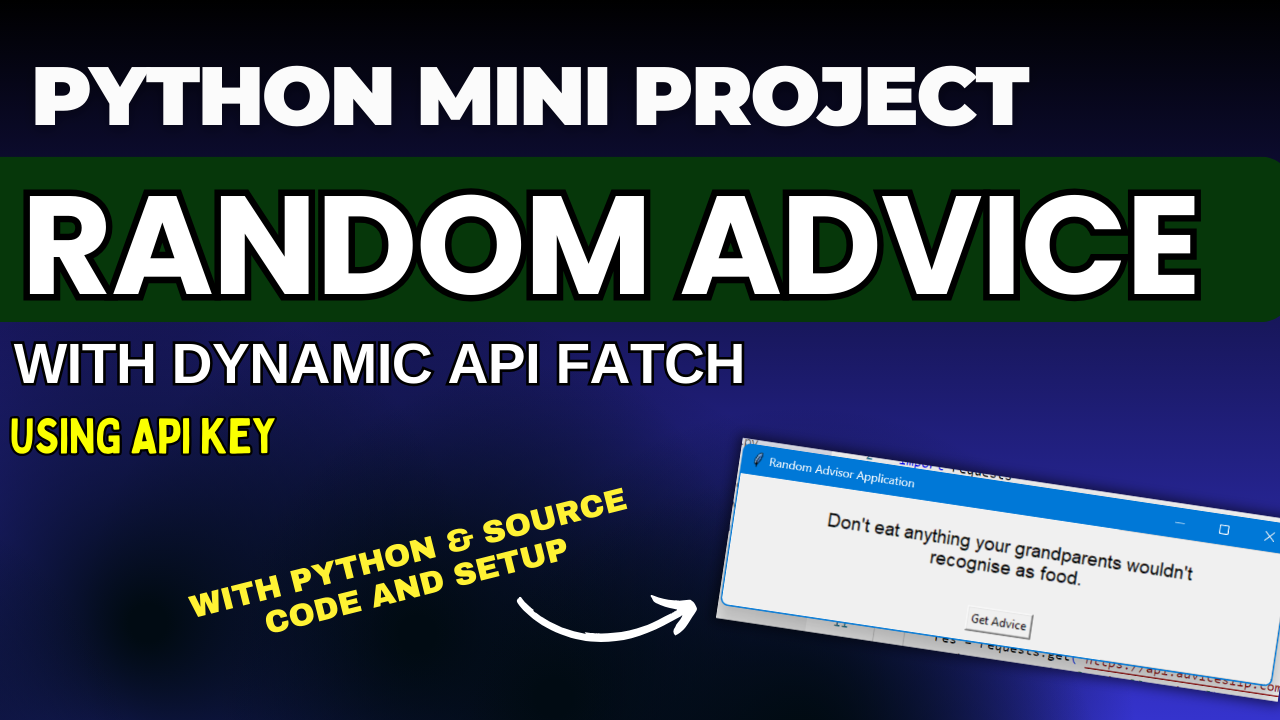
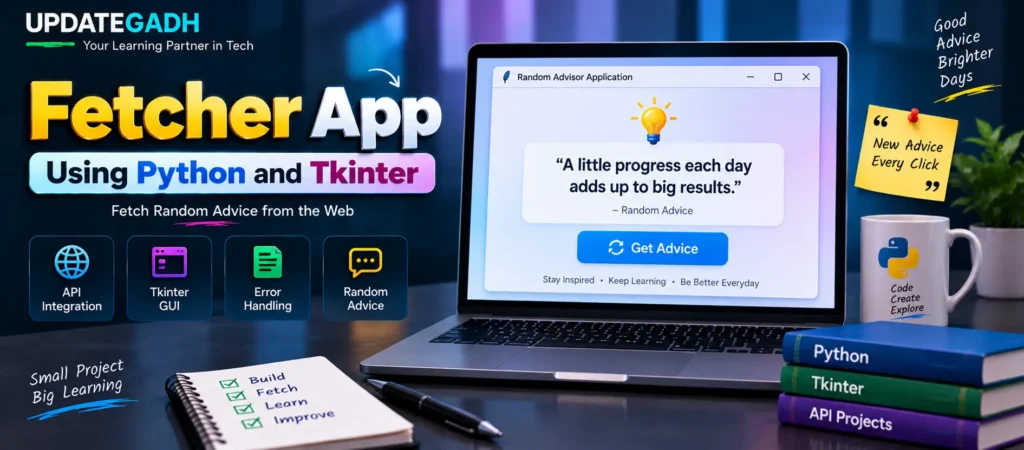
Fetcher App Using Python and Tkinter
Python is widely used for building desktop applications, automation tools, API-based programs, and many other practical projects. In this tutorial, we will create a simple Fetcher App Using Python and Tkinter. The application connects to an online advice API, retrieves random advice, and displays the result inside a graphical interface.
This project is useful for beginners who want to understand how Python can communicate with a web API while also creating a desktop GUI. The application combines the requests library with Tkinter to provide a simple and interactive experience.
What Will You Learn?
After completing this project, you will understand how to:
- Send an HTTP request to a public API using Python.
- Read JSON data returned by an API.
- Create a basic desktop interface using Tkinter.
- Update GUI content dynamically.
- Handle network-related errors with exception handling.
- Connect a button click with a Python function.
Project Plan
The Fetcher App follows a simple workflow. When the application starts, it contacts the Advice Slip API and retrieves an advice message. That message is then displayed in the Tkinter window. Whenever the user presses the Get Advice button, another request is made and a new piece of advice is displayed.
Prerequisites
Before running the project, make sure Python is installed on your computer. The application requires the following components:
- Python: Used to write and execute the application.
- requests: Used for sending HTTP requests to the advice API.
- tkinter: Used to create the graphical user interface. It is normally included with standard Python installations.
Install the requests package using:
pip install requestsComplete Python Code
The following program creates the complete Fetcher App. It requests random advice from the API and places the returned text inside the application window.
import requests
import tkinter as tk
from tkinter import messagebox

# Fetching advice from the advice API
def advice():
    try:
        res = requests.get(
            "https://api.adviceslip.com/advice"
        ).json()

        advice_text.set(res["slip"]["advice"])

    except requests.exceptions.RequestException:
        messagebox.showerror(
            "Error",
            "Failed to fetch advice. Please check your internet connection."
        )

# Create the main window
root = tk.Tk()
root.title("Random Advisor Application")

# Create and configure widgets
advice_text = tk.StringVar()

advice_label = tk.Label(
    root,
    textvariable=advice_text,
    wraplength=400,
    font=("Arial", 14)
)

get_advice_button = tk.Button(
    root,
    text="Get Advice",
    command=advice
)

# Pack widgets
advice_label.pack(pady=20)
get_advice_button.pack(pady=10)

# Initial advice fetching
advice()

# Run the main event loop
root.mainloop()
How the Fetcher App Works
1. Importing Required Libraries
The project begins by importing three important components. The requests library handles communication with the web API. The tkinter module provides the graphical interface, while messagebox is used to show an error message when the API request cannot be completed.
2. Fetching Advice from the API
The advice() function is responsible for obtaining the information. It sends a GET request to the Advice Slip API. The response is converted into JSON data, and the application reads the advice value from the returned object.
The extracted message is assigned to the advice_text variable. Because the label uses this variable, the displayed text changes automatically when new advice is received.
3. Handling API Errors
Internet-based applications can encounter connection problems. The program therefore uses a try-except block around the request. If a RequestException occurs, a Tkinter error dialog informs the user that the advice could not be retrieved and suggests checking the internet connection.
4. Creating the Tkinter Window
The main application window is created with tk.Tk(). The title is set to Random Advisor Application, giving the user a clear indication of what the program does.
5. Displaying Dynamic Advice
A StringVar named advice_text is created to store the current advice. The Tkinter label is connected to this variable through the textvariable option. This makes it possible to update the label whenever a new API response is received.
The wraplength option allows longer advice messages to appear across multiple lines instead of extending beyond the application window.
6. Adding the Get Advice Button
The application contains a button labeled Get Advice. Its command property is connected to the advice() function. Therefore, each time the user clicks the button, the program requests another piece of advice.
7. Starting the Application
The first call to advice() fetches an initial message as soon as the application launches. Finally, root.mainloop() starts Tkinter’s event loop and keeps the window active so that the user can interact with it.
Features of the Fetcher App
- Random Advice: The application retrieves advice from an online API.
- Simple GUI: Tkinter provides an easy-to-understand graphical interface.
- Dynamic Content: The displayed message changes whenever fresh data is requested.
- API Integration: The project demonstrates how Python can communicate with an external web service.
- Error Handling: Connection failures are handled using an error message.
- Interactive Button: Users can request another result without restarting the program.
Running the Application
Follow these steps to execute the project:
- Install Python on your computer.
- Install the required
requestspackage. - Create a Python file, for example
advice_app.py. - Copy the complete program into the file.
- Open Command Prompt or Terminal in the project directory.
- Run the application using the command below:
python advice_app.pyAfter execution, the Tkinter window will appear with an advice message. Press Get Advice whenever you want to retrieve another message.
Possible Extensions
The basic Fetcher App can be expanded with additional functionality. You can customize the interface with different colors and fonts, add images, or provide an option for saving favorite advice. The same project structure can also be adapted to work with other APIs that provide jokes, quotations, facts, or other types of information.
Complete Advance AI Topics: Click Here
SQL Tutorial: Click Here
YT:- DecodeIT
Conclusion
The Fetcher App Using Python and Tkinter is a practical beginner-friendly project that demonstrates API integration and desktop GUI development together. By combining requests, Tkinter widgets, JSON data, and exception handling, you can create an application that retrieves live information from the web and presents it through a simple interface.
This project is also a useful starting point for learning how Python applications interact with external services. Once the basic workflow is understood, the same concepts can be applied to larger API-based desktop applications.
Frequently Asked Questions (FAQ)
1. What is the Fetcher App in Python?
The Fetcher App is a Python Tkinter application that retrieves random advice from an online API and displays it in a graphical interface.
2. Which API is used in this project?
The project uses the Advice Slip API to obtain random advice messages.
3. Which Python library is required for API requests?
The requests library is used to send HTTP GET requests to the API.
4. Is Tkinter required separately?
Tkinter is normally included with standard Python installations. It is used here to create the application’s graphical user interface.
5. How does the Get Advice button work?
The button is connected to the advice() function. When clicked, the function sends another request to the API and updates the displayed message.
6. What happens if there is no internet connection?
The request can fail when the application cannot reach the API. The program catches the request exception and displays an error message using Tkinter’s message box.
7. Can this project be customized?
Yes. You can modify the fonts, colors, window layout, and widgets. You can also extend the application with features such as saving favorite advice.
8. Which concepts are demonstrated by this project?
The project demonstrates API requests, JSON response handling, Tkinter GUI development, button events, dynamic variables, and basic exception handling.
Keywords: Fetcher App Using Python and Tkinter, Python Fetcher App, Fetcher App Python, Python Tkinter project, Tkinter API project, Python API project, random advice app Python, Advice Slip API Python, Python requests API example, Tkinter GUI project, Python desktop application, Python API integration, Python Tkinter tutorial, Python project for beginners