AI-Powered Real Estate Management System Using MERN Stack
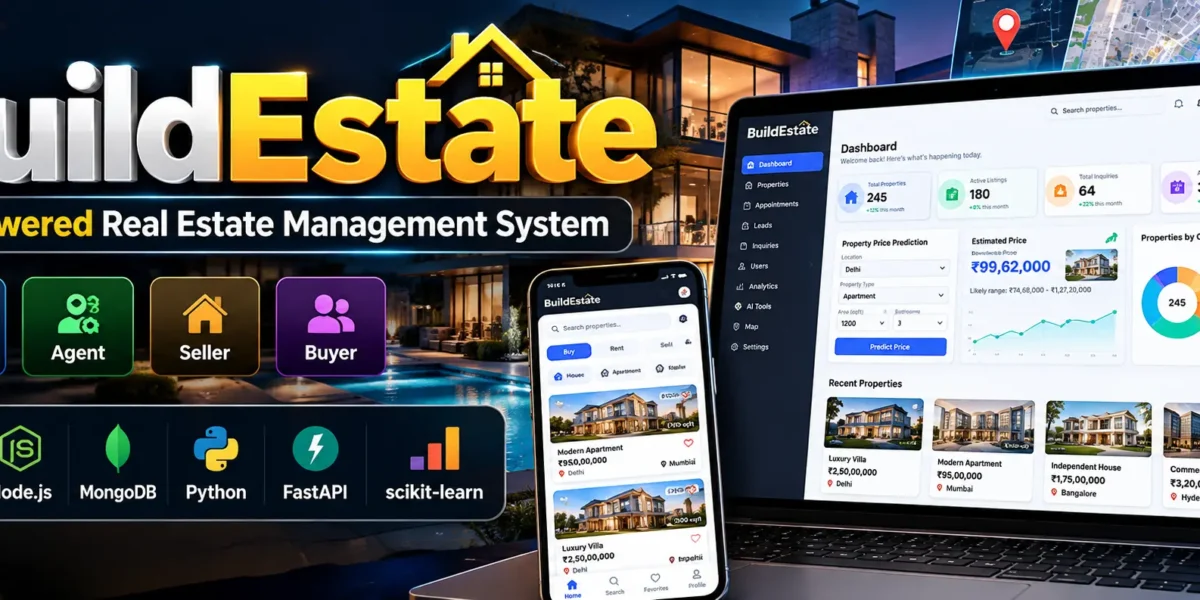
BuildEstate is an AI-powered real estate management system developed using React, Node.js, Express.js, MongoDB, and Python Machine Learning. It provides a centralized platform for managing properties, buyers, sellers, agents, appointments, inquiries, and property valuations.
The application supports four roles: Admin, Agent, Seller, and Buyer. It combines property management, interactive maps, machine learning-based price estimation, analytics, and reporting in a responsive web interface.
Table of Contents
Project Overview
| Project Detail | Description |
|---|---|
| Project Name | BuildEstate – AI-Powered Real Estate Management System |
| Frontend | React, Vite, Tailwind CSS |
| Backend | Node.js and Express.js |
| Database | MongoDB with Mongoose |
| Machine Learning | Python, FastAPI, scikit-learn |
| Charts | Recharts |
| Maps | Leaflet and OpenStreetMap |
| Authentication | JWT and bcrypt |
| Project Type | Full-Stack Web Application |
Available Features
1. Admin Dashboard
- Manage users and create agent or administrator accounts.
- Approve or reject property listings.
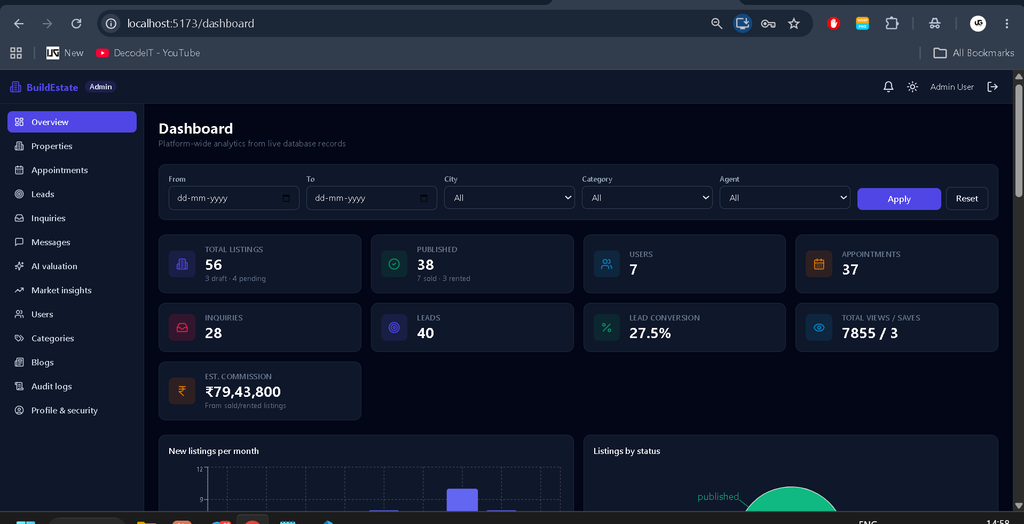
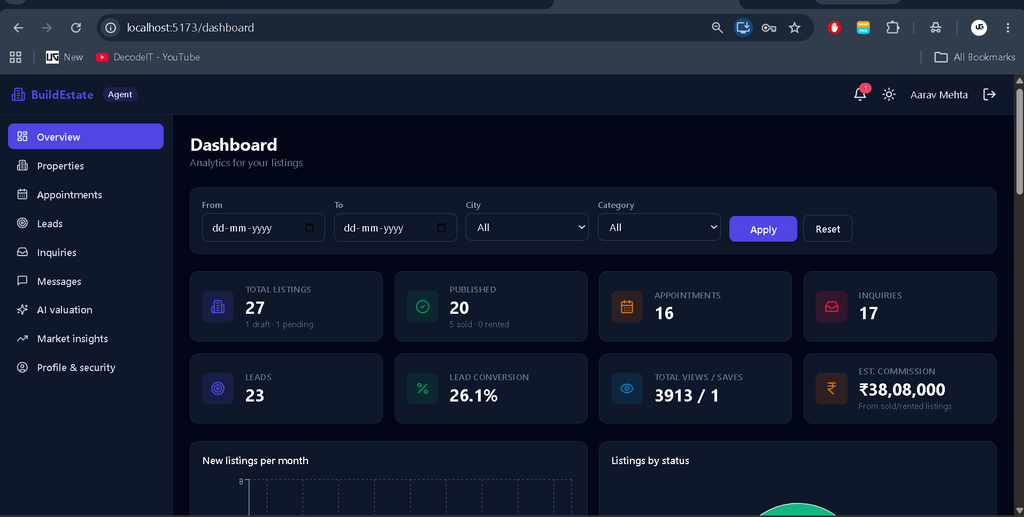
- Monitor appointments, inquiries, leads, and business analytics.
- Review administrative audit logs.
Complete Advance AI Topics: Click Here
Real Time Projects on YouTube:- DecodeIT
2. Property Management
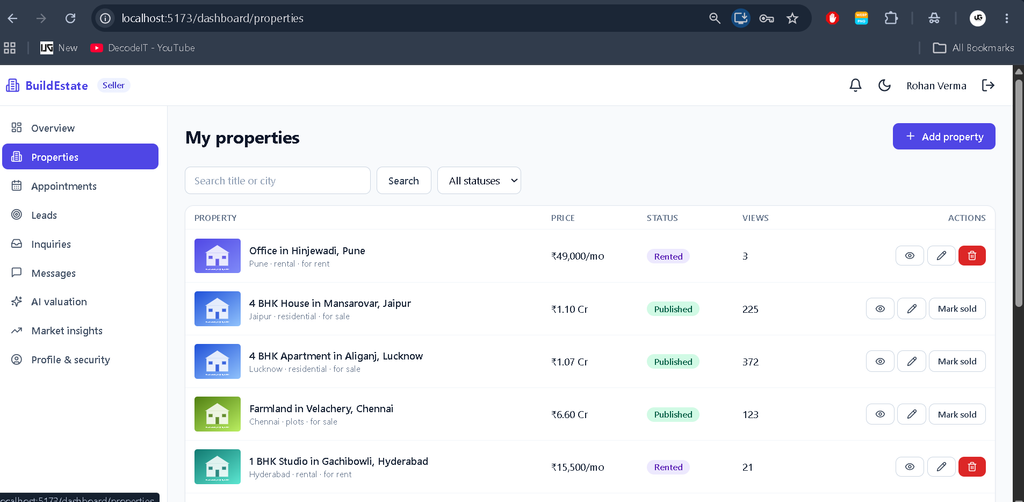
- Create, edit, publish, and manage property listings.
- Upload up to 15 JPG, PNG, or WEBP images per listing, with a maximum file size of 5 MB each.
- Select cover images and property locations using an interactive map.
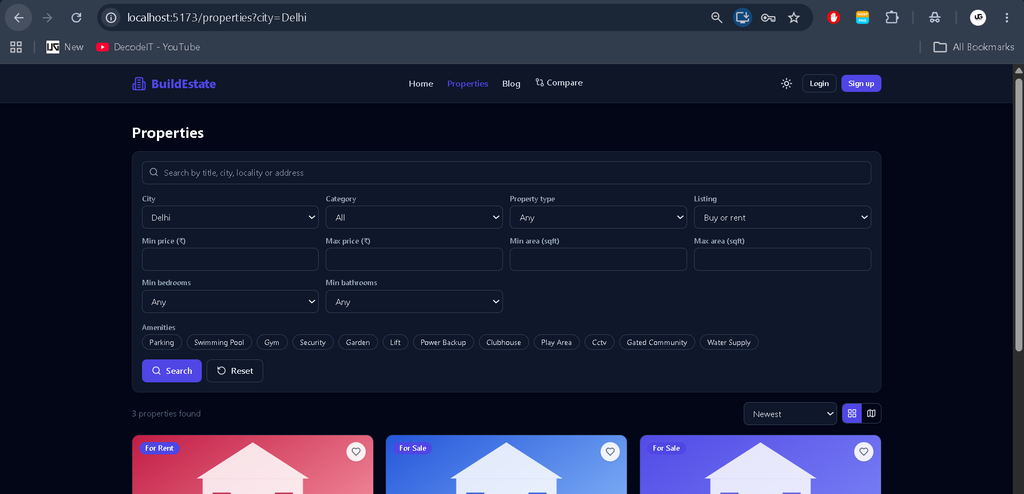
- Filter properties by location, price, type, area, bedrooms, and amenities.
- Use grid and map views, favorites, saved searches, and recently viewed properties.
- Compare up to four properties.
- Manage listing approval and sold or rented status workflows.
3. AI Property Valuation
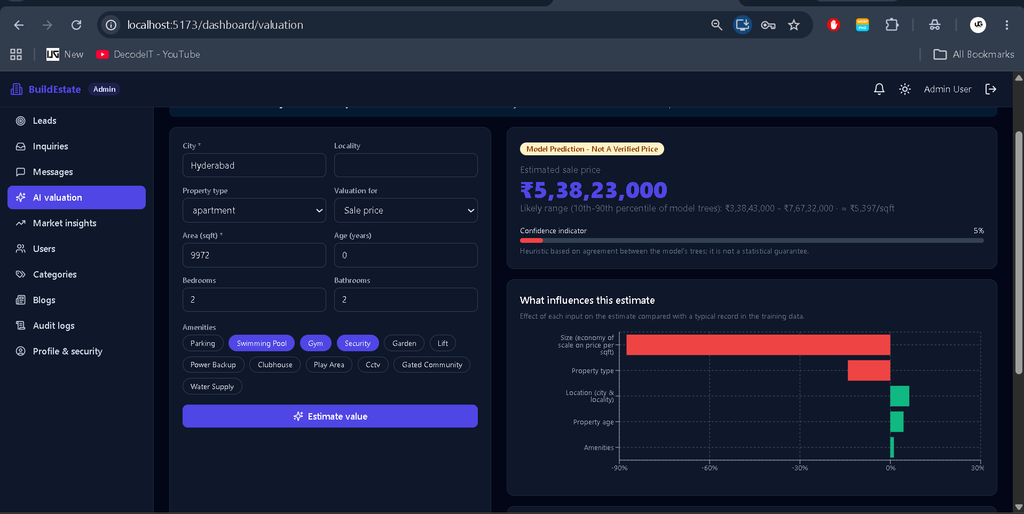
The Python ML service uses a Random Forest model trained on log-transformed price-per-square-foot values. Inputs include city, locality, property type, listing type, area, bedrooms, bathrooms, property age, and amenities. The valuation interface displays an estimated price, a 10th–90th percentile prediction range, a heuristic confidence indicator, and factor-impact information.
The system identifies synthetic training data and distinguishes platform listing comparisons from verified sale prices. Predictions are estimates, not guaranteed market valuations.
4. AI Descriptions and Market Analysis
- Generate property descriptions through an OpenAI-compatible API or a labelled template generator.
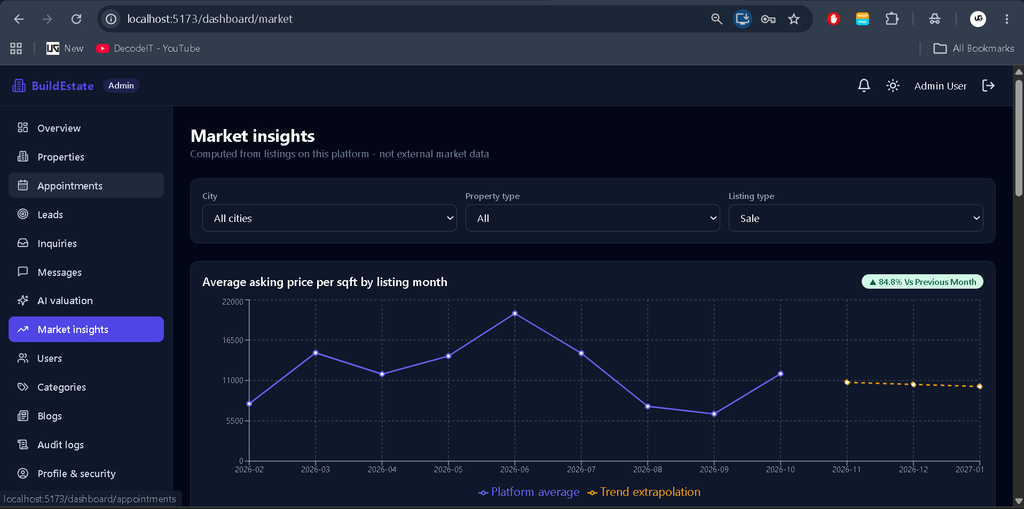
- Analyze platform listing trends and show labelled trend extrapolations.
- Identify potential investment opportunities when asking prices are at least 5% below model estimates.
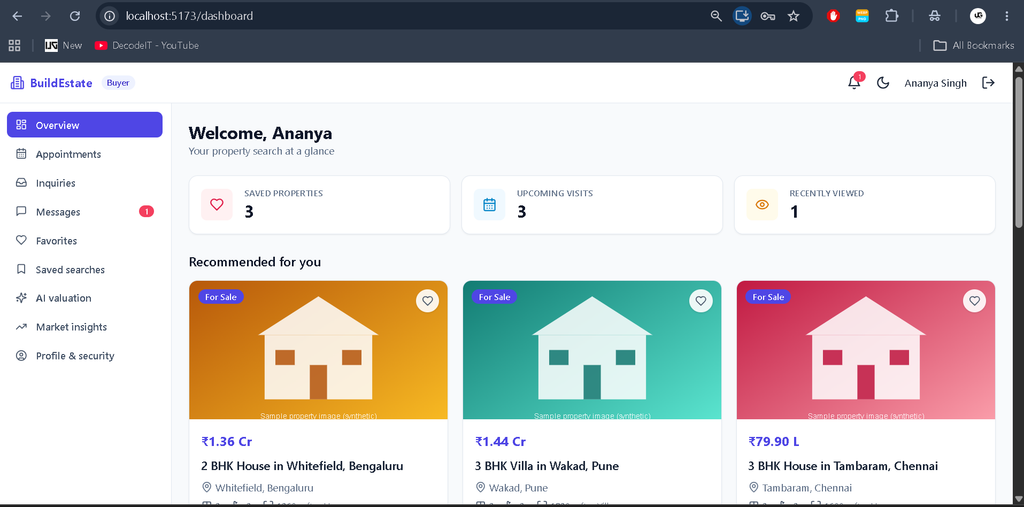
- Recommend properties using buyer preferences and browsing activity.
5. Appointments and Communication
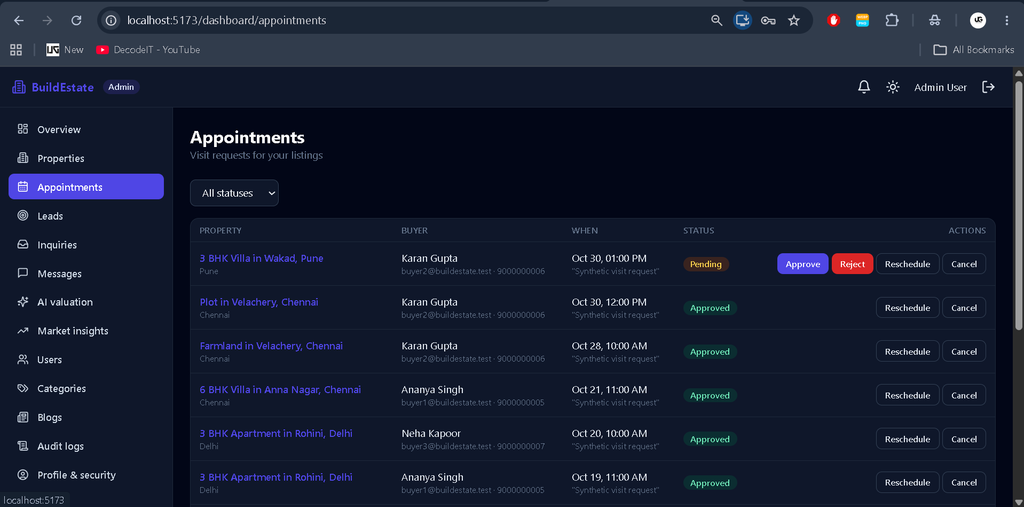
- Book one-hour property visit slots and prevent scheduling conflicts.
- Approve, reject, reschedule, cancel, and complete appointments.
- Provide in-app notifications and configured email notifications.
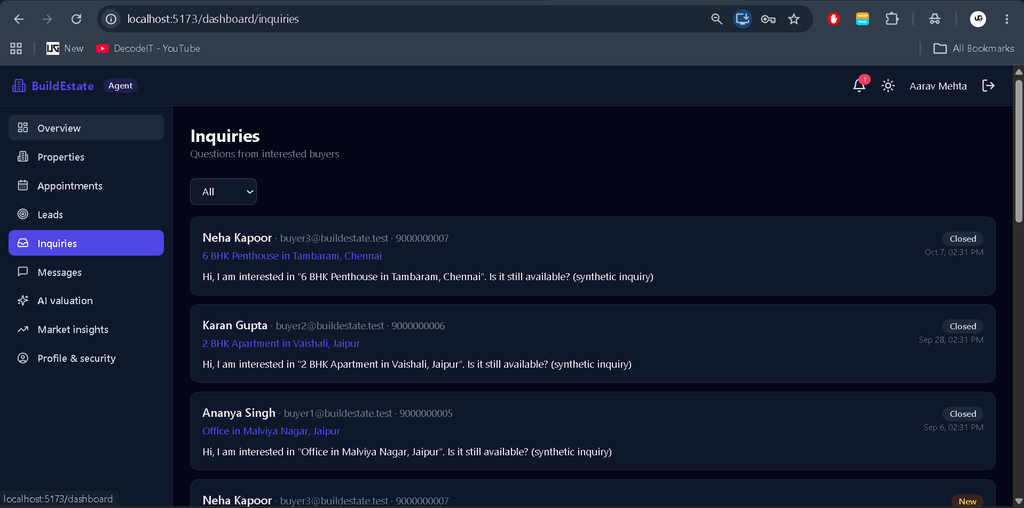
- Manage leads, inquiry replies, follow-up dates, and notes.
- Use polling-based in-app chat, with buyers starting conversations and staff replying.
- Send appointment reminders through a scheduled background task.
6. Analytics, Reports, and Security
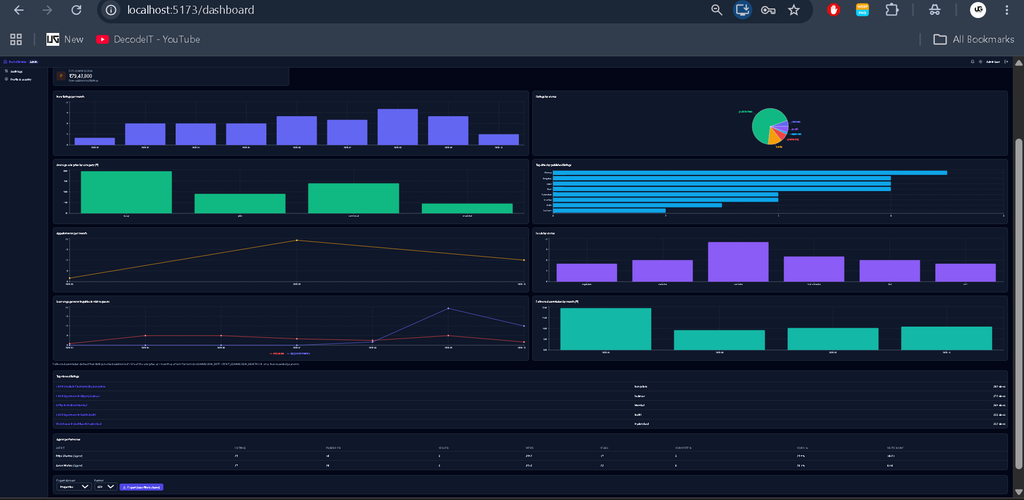
- View analytics filtered by date, city, category, and agent.
- Export property, appointment, lead, and inquiry reports as CSV or PDF.
- Use role-based access control, JWT authentication, and password hashing.
- Support email verification, password-reset flows, and email OTP-based MFA when SMTP is configured.
- Apply request rate limits, input validation, secure HTTP headers, and upload restrictions.
- Use dark and light themes, responsive layouts, pagination, notifications, and PWA support.
Technology Stack
- Frontend: React, Vite, Tailwind CSS, React Router, Axios.
- Backend: Node.js, Express.js, Mongoose, JWT, Nodemailer.
- Database: MongoDB.
- Machine Learning: Python, FastAPI, scikit-learn, pandas, NumPy, joblib.
- Visualization: Recharts.
- Mapping: Leaflet and OpenStreetMap.
Software and Tools Required
- Visual Studio Code
- Node.js 18 or later; Node.js 20 or 22 is recommended
- Python 3.10 or later
- MongoDB installed locally or a MongoDB Atlas connection
- Web browser and terminal
How to Download
The complete package is available so you can run, study, and submit it with confidence. It includes:
- Full Source Code
- Project Report
- Synopsis
- PPT Presentation
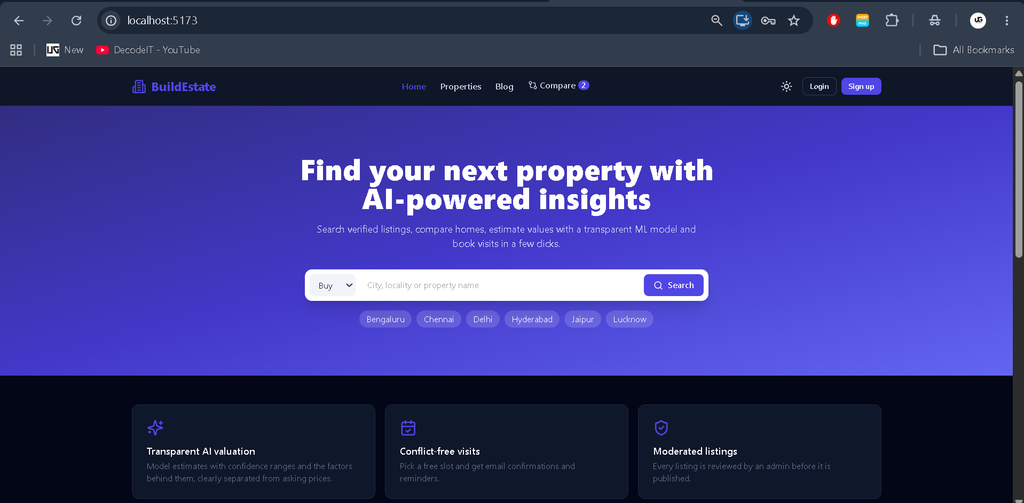
Screenshot
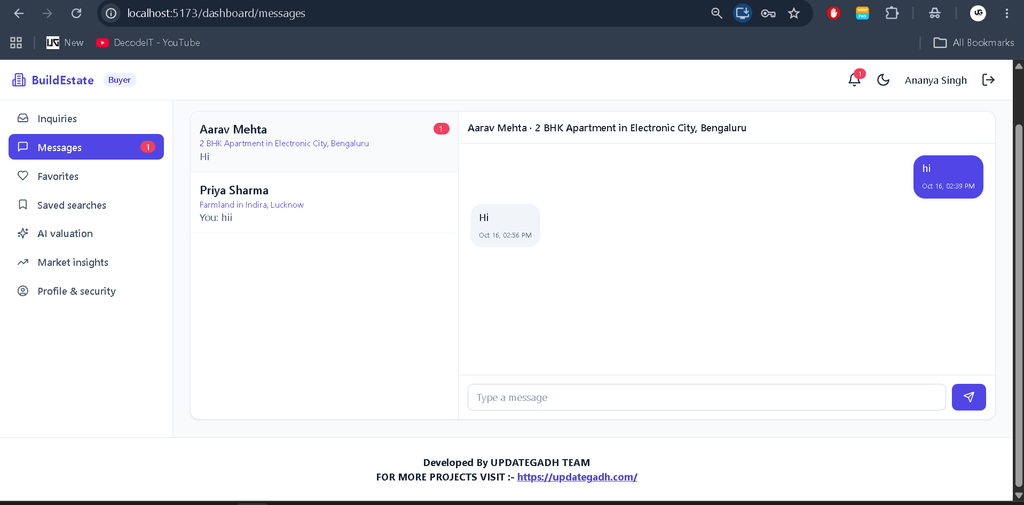
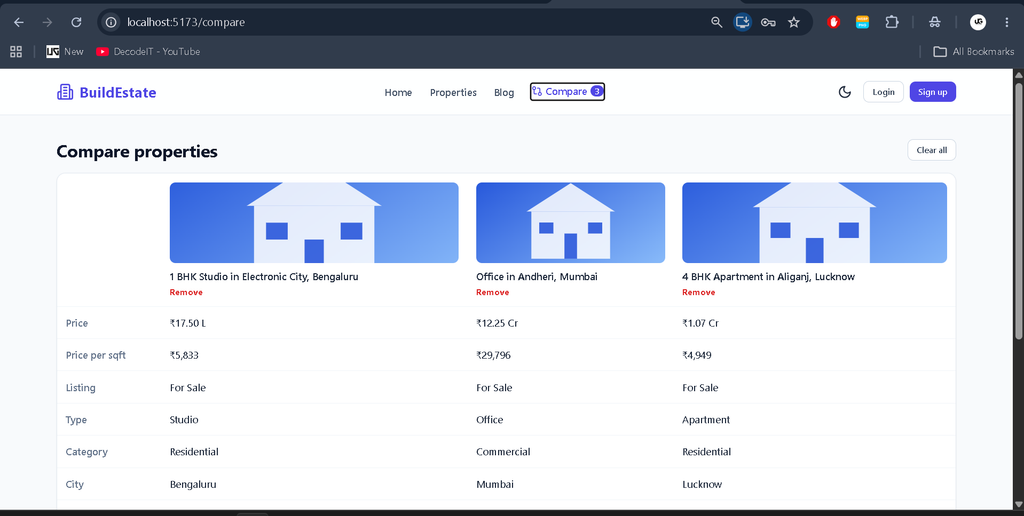
Installation Guide in VS Code
Step 1: Extract and Open the Project
Extract the ZIP file and open the buildestate folder in Visual Studio Code. Start MongoDB locally on port 27017 or prepare a MongoDB Atlas connection. Open three separate terminals.
Step 2: Set Up the Python ML Service
cd ml-service
python -m venv .venv
.venv\Scripts\activate
pip install -r requirements.txt
python generate_data.py
python train.py
uvicorn app:app --port 8000
On macOS or Linux, activate the environment using source .venv/bin/activate. The training commands generate the synthetic dataset and model files.
Step 3: Configure and Start the Backend
cd backend
npm install
copy .env.example .env
npm run seed
npm run dev
On macOS or Linux, replace the copy command with cp .env.example .env. Edit backend/.env and configure the MongoDB URI and a secure JWT secret before running the application. The seed command resets the specified demo collections and inserts synthetic data.
Backend address: http://localhost:5000
Step 4: Start the Frontend
cd frontend
npm install
npm run dev
Open http://localhost:5173 in your browser. Keep all three services running while using the application.
Demo Login Credentials
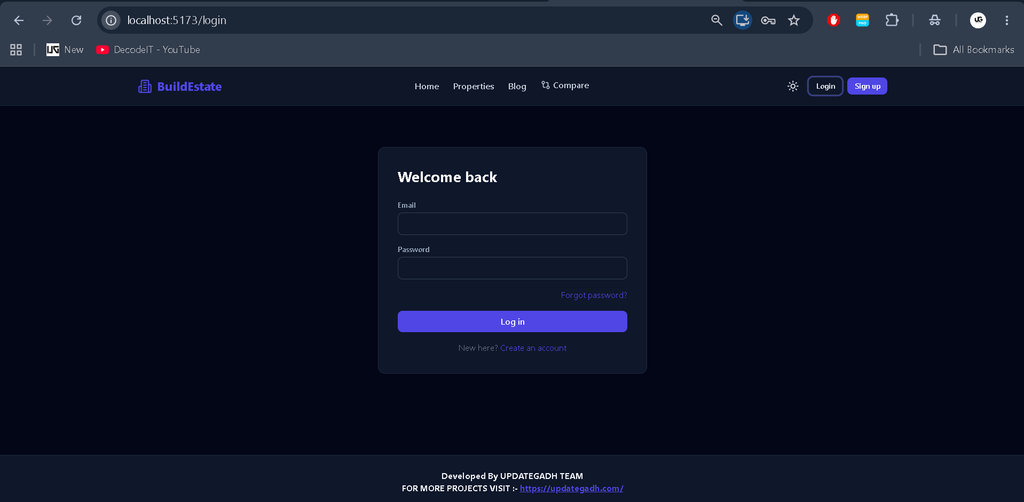
After running the backend seed command, use the following demo accounts. The password for all seeded accounts is Password@123.
| Role | |
|---|---|
| Admin | admin@buildestate.test |
| Agent | agent1@buildestate.test |
| Agent | agent2@buildestate.test |
| Seller | seller@buildestate.test |
| Buyer | buyer1@buildestate.test |
Note: All seeded records are synthetic demonstration data. Do not use these demo credentials in a production deployment.
Configuration and Model Training
Configure SMTP settings in backend/.env to enable email delivery, verification, password-reset messages, and email OTP-based MFA. Configure AI_DESCRIPTION_API_URL, AI_DESCRIPTION_API_KEY, and AI_DESCRIPTION_MODEL to use a compatible AI endpoint. Without these settings, the description generator uses templates.
To train the model using platform closed listings, run:
cd backend
npm run export:training
cd ../ml-service
python train.py --data data/platform_closed_listings.csv
The documentation recommends roughly 500 or more closed listings for a useful model. Model quality still depends on data quality, representativeness, and validation results.
Usage Guide
- Admin: Manage users, property approvals, audit logs, and analytics.
- Agent: Handle property-related inquiries, appointments, and leads.
- Seller: Submit and manage property listings and descriptions.
- Buyer: Explore, filter, compare, and save properties, and request visits.
Project Benefits
- Combines real estate workflows with a separate Python ML service.
- Demonstrates role-based authentication and database-backed management.
- Includes interactive mapping, reporting, communication, and analytics.
- Provides practical experience with MERN Stack development and machine learning integration.
Frequently Asked Questions (FAQs)
1. What is the BuildEstate AI-Powered Real Estate Management System?
BuildEstate is a full-stack real estate management application that helps manage property listings, buyers, sellers, agents, appointments, inquiries, and property valuations.
2. Which technologies are used in BuildEstate?
The project uses React, Tailwind CSS, Node.js, Express.js, MongoDB, Python, FastAPI, scikit-learn, Recharts, and Leaflet.
3. What are the main user roles in BuildEstate?
The system supports four roles: Admin, Agent, Seller, and Buyer. Each role has specific permissions and features for managing real estate activities.
4. How does the AI property price prediction feature work?
The system uses a Random Forest machine learning model that considers property location, type, area, bedrooms, bathrooms, age, and amenities to estimate property prices. Predictions are estimates and may differ from actual market prices.
5. Can BuildEstate be run locally using Visual Studio Code?
Yes. You can run the project locally by installing Node.js, Python, and MongoDB, configuring the environment variables, and starting the frontend, backend, and ML service in separate terminals.
Final Thoughts
BuildEstate is a comprehensive educational project demonstrating how a real estate management platform can combine the MERN Stack with Python Machine Learning. Its property workflows, role-based dashboards, interactive maps, appointment management, analytics, and valuation tools make it suitable for students exploring full-stack application development. For practical valuation use, replace synthetic training data with representative real-world records and evaluate the model carefully.
Keywords: BuildEstate AI-Powered Real Estate Management System, Real Estate Management System MERN Stack, Property Price Prediction Python, MERN Stack Project, FastAPI Machine Learning Project, Real Estate Web Application,Real Estate Management System, Real Estate Management System – Google Search, real estate management system project, real estate management system project PDF, real estate management system project in PHP GitHub, real estate management system GitHub, real estate management system CodeCanyon, real estate management system project GitHub, real estate management system project documentation PDF, real estate management system website, real estate management system ER diagram, AI-powered real estate management system, MERN Stack real estate project, property price prediction system using machine learning, real estate website project using React, Python ML real estate project