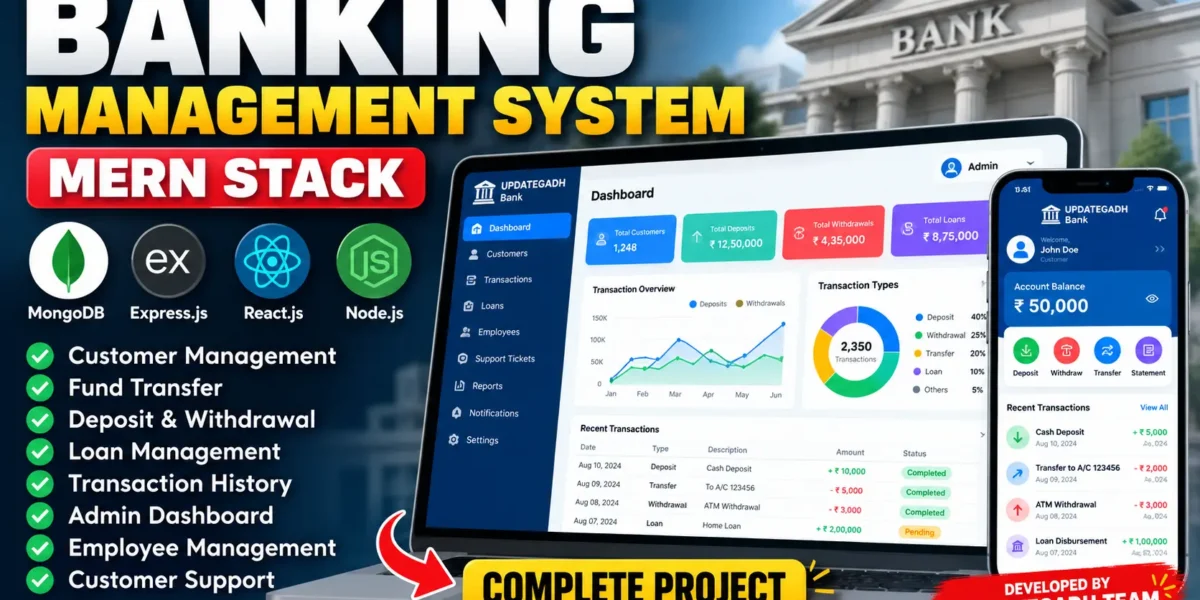
The Banking Management System using MERN Stack is a full-stack web application designed to simulate essential banking operations in a digital environment. Developed using MongoDB, Express.js, React.js, and Node.js, this project provides separate interfaces for customers, employees, and administrators.
The system helps manage customer accounts, deposits, withdrawals, fund transfers, transaction history, loan applications, notifications, and customer support requests. It also includes administrative dashboards, transaction verification, and reporting features.
Complete Advance AI Topics: Click Here
Real Time Projects on YouTube:- DecodeIT
Project Overview
| Project Details | Description |
|---|---|
| Project Name | Banking Management System |
| Language/s Used | JavaScript, HTML, CSS |
| Frontend | React.js |
| Backend | Node.js, Express.js |
| Database | MongoDB |
| Architecture | MERN Stack |
| Project Type | Full-Stack Web Application |
Available Features of Banking Management System
1. Admin Dashboard
- View customer accounts and transaction activities.
- Monitor deposits, withdrawals, and fund transfers.
- Track pending transaction verifications and loan applications.
- View customer support tickets and banking statistics.
- Analyze transaction activity through graphical reports.
2. Customer Account Management
- Search customers by name or email.
- View customer details, account numbers, and balances.
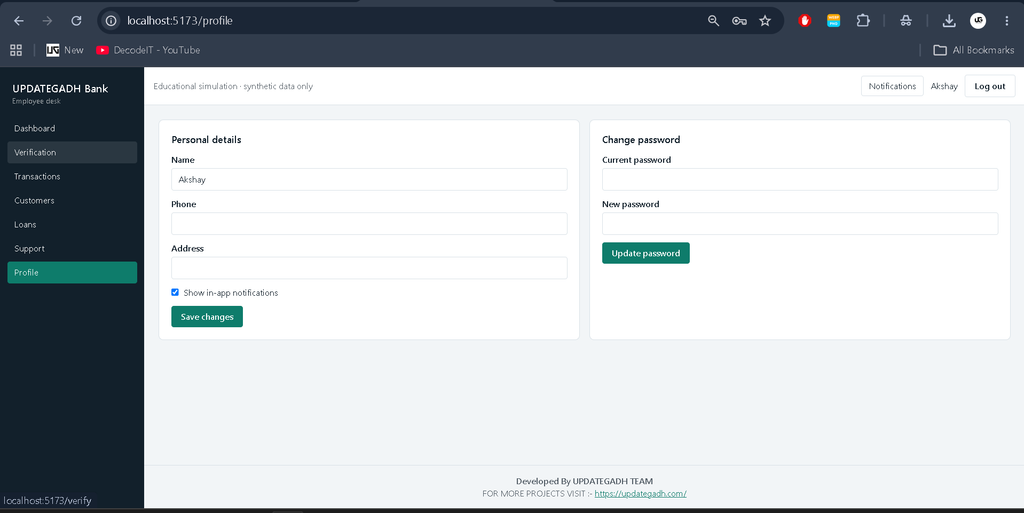
- Update customer information, including phone numbers and addresses.
- Manage eligible account activation, suspension, and closure operations.
- Record deposits and withdrawals through authorized workflows.
3. Banking Transaction Management
- Manage deposits and withdrawals.
- Transfer funds between eligible accounts.
- Generate transaction reference numbers.
- Verify or reject transactions through authorized workflows.
- Reverse eligible completed transfers.
- View transaction history with filtering options.
- Download transaction statements in CSV format.
- Generate PDF transaction receipts.
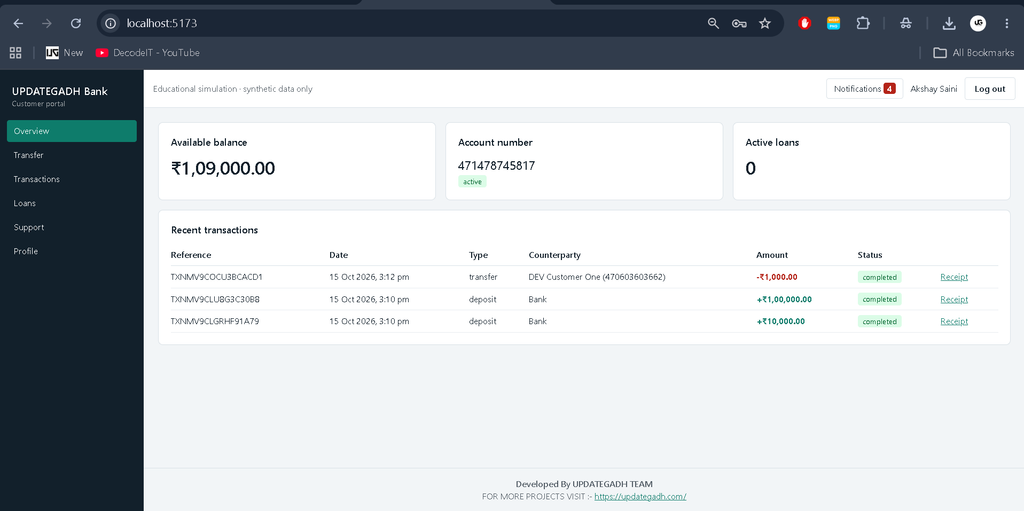
4. Customer Banking Portal
- View account information and current balance.
- Transfer funds to valid recipient accounts.
- View transaction history and transaction statuses.
- Filter transactions by date, type, status, and reference.
- Download transaction statements and PDF receipts.
- View account-related notifications.
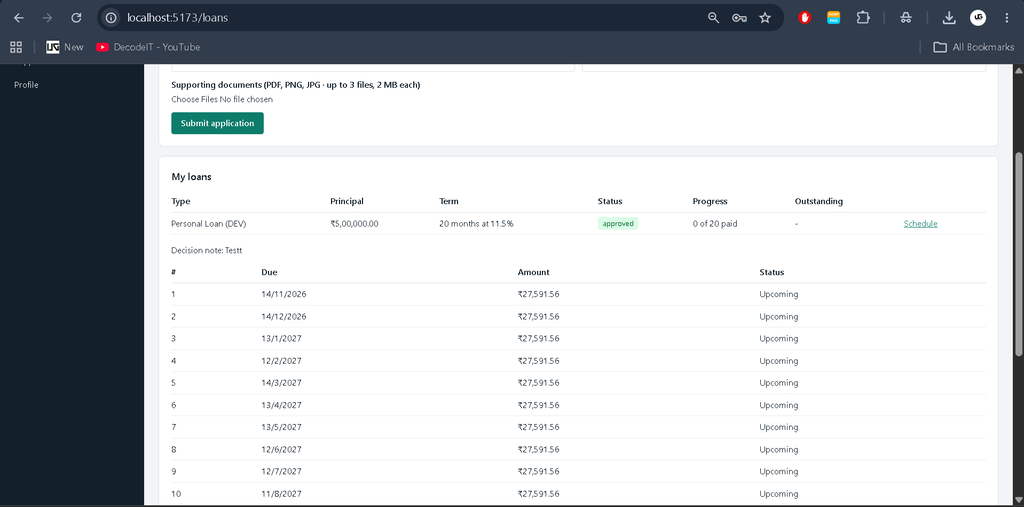
5. Loan Management System
- View available loan types.
- Submit loan applications with amount and repayment period.
- Enter loan purposes and upload supporting documents.
- Calculate estimated monthly installments.
- Track loan application status.
- Allow authorized staff to approve or reject applications.
- Manage loan disbursement and installment payments.
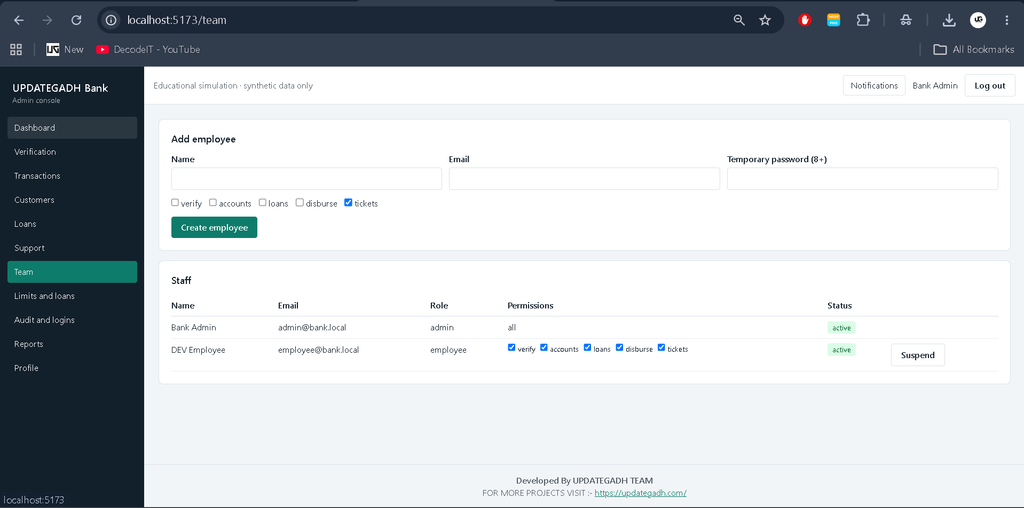
6. Employee Management
- Create and manage employee accounts.
- Assign permissions to employees.
- Control access to account management and transaction verification.
- Manage loan applications and customer support tickets.
- Provide separate access for customers, employees, and administrators.
7. Customer Support and Notifications
- Create customer support tickets.
- Send messages within support conversations.
- Track support ticket status.
- Allow authorized staff to respond to customer queries.
- View notifications related to banking activities.
- Mark notifications as read.
8. Authentication and Security Controls
- Role-based access restrictions.
- Protected backend API routes.
- Password hashing.
- Configurable JWT authentication.
- Input validation for supported operations.
- Transaction idempotency support.
- Audit and login history functionality for administrative workflows.
Technology Stack
- Frontend: React.js, Vite, JavaScript, HTML, CSS, and Recharts for dashboard visualizations.
- Backend: Node.js and Express.js for API development and server-side processing.
- Database: MongoDB with Mongoose for storing application records.
- Additional Tools: npm, PDFKit for PDF receipts, and Multer for document uploads.
Software and Tools Required
- Node.js 18 or a compatible newer version.
- npm package manager.
- MongoDB installed locally or a MongoDB Atlas connection.
- Visual Studio Code.
- A web browser.
How to Download
The complete package is available so you can run, study, and submit it with confidence.
Screenshot
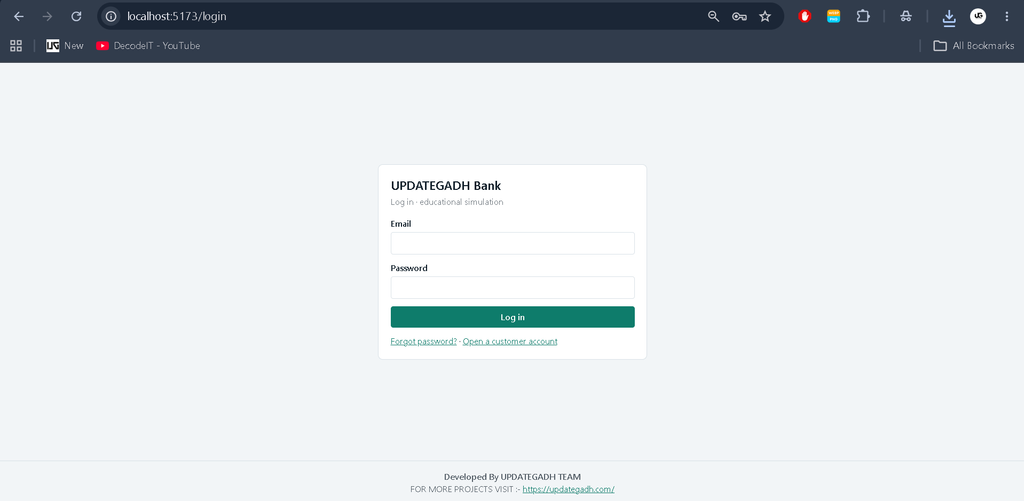
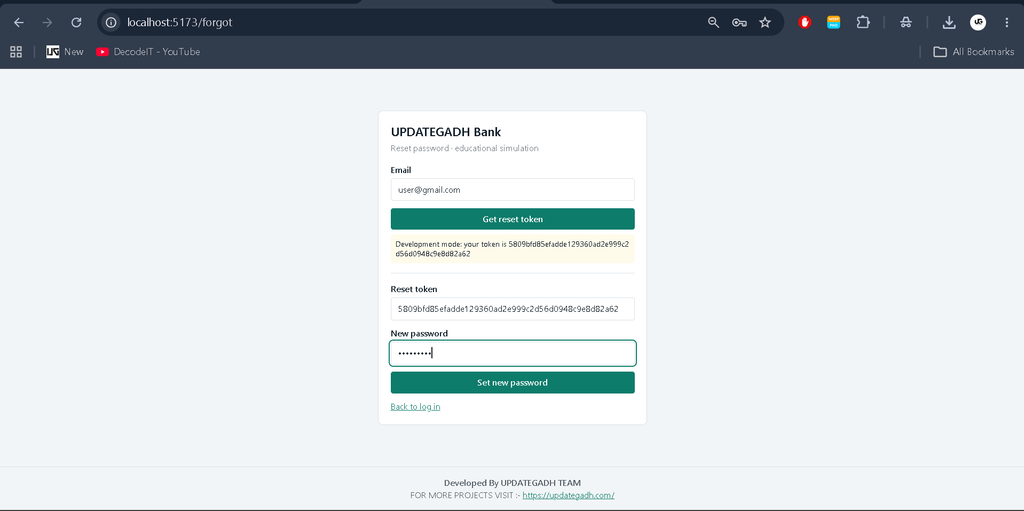
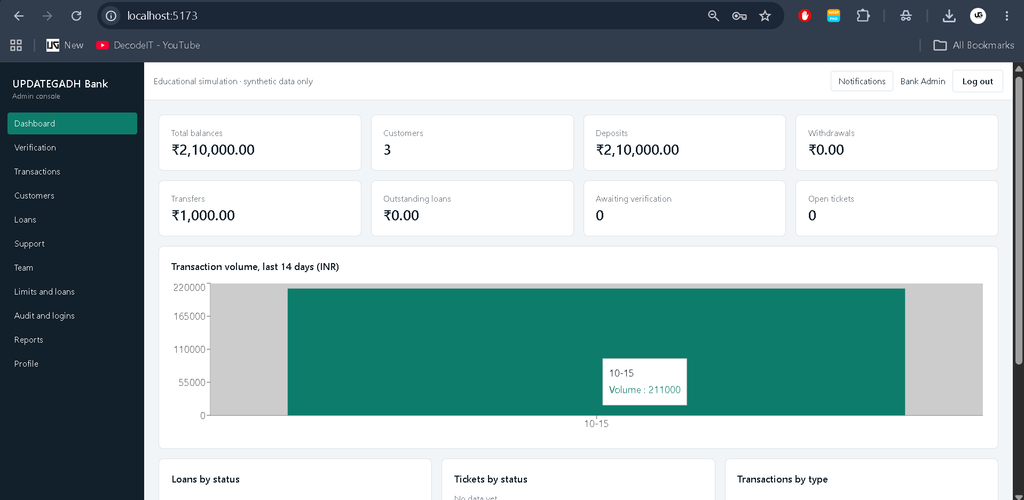
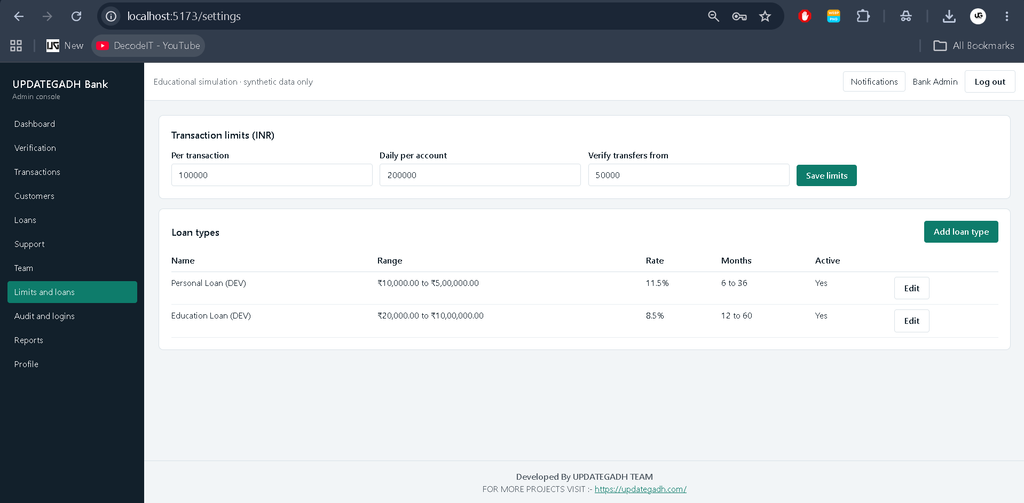
Installation Guide for VS Code
Step 1: Extract the Project
Extract the downloaded project ZIP file and open the project folder in Visual Studio Code. The project contains two main directories: server for the backend and client for the frontend.
Step 2: Configure the Backend
Open the VS Code terminal and navigate to the backend directory:
cd serverCreate the environment configuration file using Windows Command Prompt:
copy .env.example .envAlternatively, use PowerShell:
Copy-Item .env.example .envOpen the .env file and configure the MongoDB connection, JWT secret, and administrator credentials, including ADMIN_PASSWORD where required by the project configuration.
Install the backend dependencies:
npm installStep 3: Prepare Development Data
Run the following command from the server directory to seed the development database:
npm run seedUse only synthetic data for development and testing.
Step 4: Start the Backend Server
Start the backend development server:
npm run devThe API runs on port 5000, according to the project configuration. Keep this terminal open.
Step 5: Configure the Frontend
Open a second terminal from the project root and navigate to the frontend directory:
cd clientCreate the frontend environment file using Command Prompt:
copy .env.example .envAlternatively, use PowerShell:
Copy-Item .env.example .envInstall the frontend dependencies:
npm installStep 6: Run the Frontend
Start the React development server:
npm run devOpen the following URL in your browser:
Keep both the frontend and backend servers running while using the application.
Step 7: Development Test Accounts
After seeding the database, the documented development accounts are:
- Employee: employee@bank.local
- Customer: customer1@bank.local
- Customer: customer2@bank.local
- Test Password: Test@1234
The administrator account uses the credentials configured through the backend environment variables. These credentials are for development only and must not be used in production.
Transaction Configuration
The project supports optional MongoDB transactions. Set USE_TRANSACTIONS=true only when MongoDB is configured as a replica set, such as a suitable MongoDB Atlas deployment or a local replica set.
Without this option, debit operations use atomic conditional updates to help prevent negative balances and duplicate spending. These mechanisms do not replace the complete accounting and financial controls required by a real banking system.
Important Project Limitations
- Multi-factor authentication and appropriate session security.
- KYC verification and regulatory compliance.
- Encryption at rest and secure secrets management.
- HttpOnly cookie sessions and CSRF protection where applicable.
- Malware scanning and secure document upload handling.
- Email and SMS delivery infrastructure.
- A double-entry general ledger and financial reconciliation.
- Monitoring, incident response, backups, and independent security audits.
Project Benefits
The Banking Management System helps students understand full-stack web development through a practical financial application. It demonstrates React frontend development, REST API integration, database operations, authentication, transaction workflows, dashboard charts, document handling, and role-based access control.
Final Thoughts
The Banking Management System using MERN Stack is a useful educational project for students who want to explore banking workflows and full-stack application development. Its customer portal, administrative dashboard, transaction management, loan processing, and support features provide practical experience with MongoDB, Express.js, React.js, and Node.js.
Keywords: Banking Management System using MERN Stack, MERN Stack Banking Project, Banking Management System Project, React Banking Application, Node.js Banking Project, MongoDB Banking System, Full Stack Banking Project, Banking Project for Students,Banking Management System,Banking Management System Using MERN Stack,Banking Management System Using python,Banking Management System Using PHP