
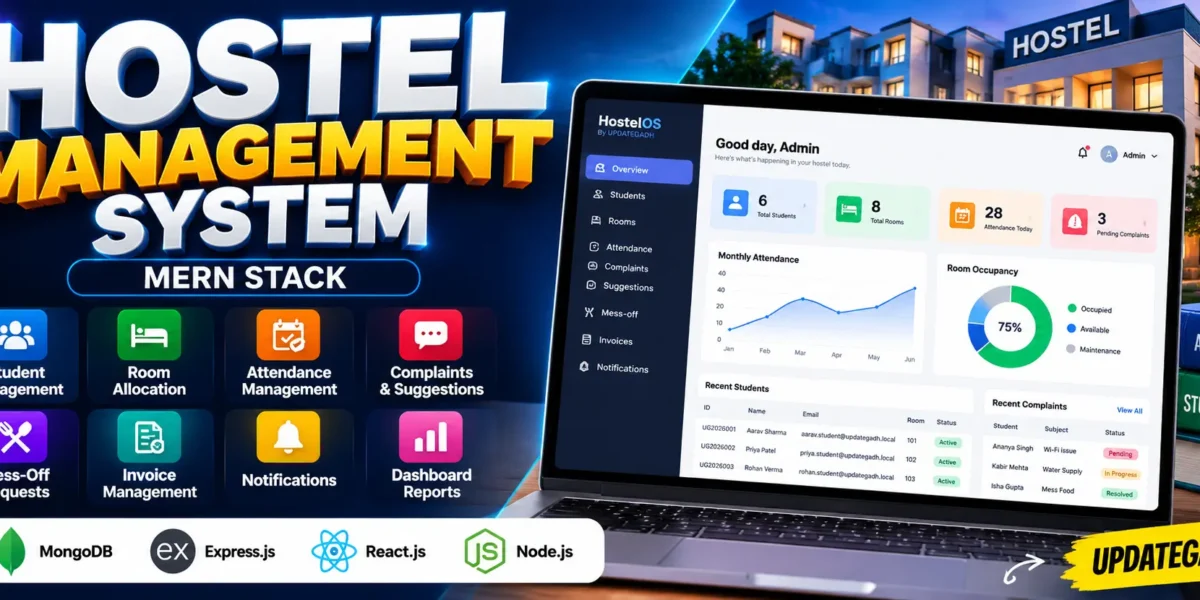
Attendance Management System Using MERN Stack
The Hostel Attendance Management System Using MERN Stack is a web-based application designed to simplify hostel administration, student management, attendance tracking, room allocation, complaint handling, mess-off requests, and invoice management. Developed using MongoDB, Express.js, React.js, and Node.js, this project provides a centralized platform for managing essential hostel activities.
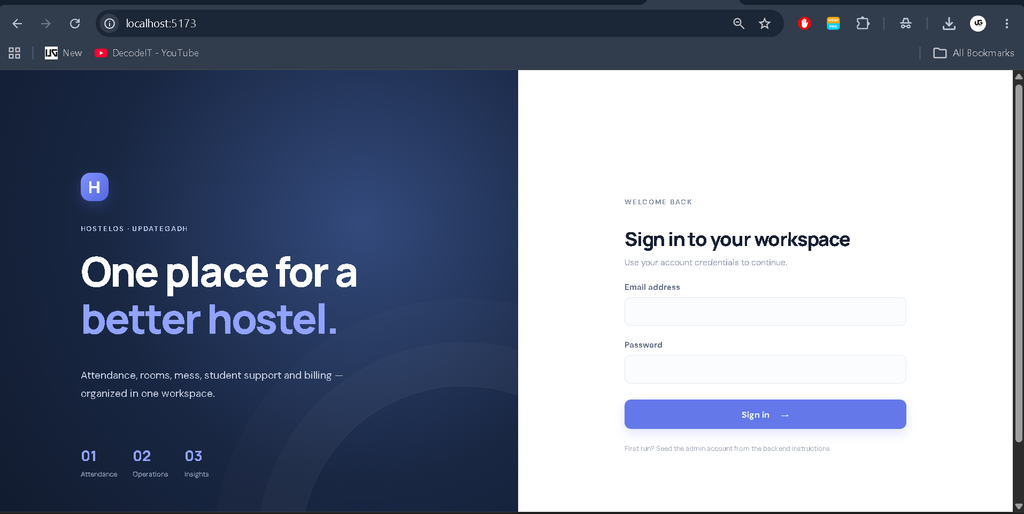
The application supports separate Admin and Student roles. Administrators can manage students, rooms, attendance, and other hostel operations, while students can access relevant information and submit requests through their accounts. JWT-based authentication helps manage secure access to the application.
Complete Advance AI Topics: Click Here
Real Time Projects on YouTube:- DecodeIT
Project Overview
| Project Detail | Description |
|---|---|
| Project Name | Hostel Attendance and Management System |
| Frontend | React.js |
| Backend | Node.js, Express.js |
| Languages Used | JavaScript, HTML, CSS |
| Database | MongoDB |
| Authentication | JWT Authentication |
| Project Type | Full-Stack Web Application |
| User Roles | Admin and Student |
Project Objectives
The main objective of this project is to bring important hostel management activities together in one application. Instead of maintaining separate records for attendance, rooms, complaints, and invoices, administrators can manage these operations through a centralized dashboard.
The system also provides students with an online interface for accessing hostel-related information and interacting with the administration.
Available Features
1. Admin Dashboard
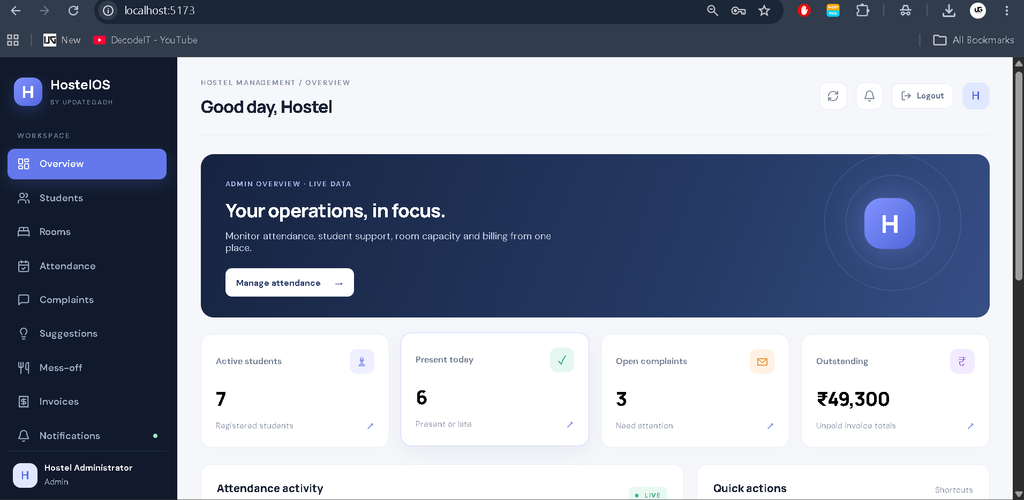
The administrator dashboard displays summaries of hostel operations. It helps administrators monitor student records, attendance activity, complaints, outstanding invoices, room information, and other available operational statistics.
2. Student Management
Administrators can register students and maintain records such as names, email addresses, student IDs, and contact details through the administrative interface.
3. Room Management and Allocation
The room management module allows administrators to create and manage hostel rooms. Room records include room numbers, floors, capacity, monthly hostel charges, and mess charges. Room allocation connects a student with an available room.
4. Attendance Management
The attendance module maintains student attendance records. Administrators can record statuses such as Present, Absent, Late, and On Leave. Attendance information can also be exported through the available CSV export functionality.
5. Complaint Management
Students can submit complaints related to hostel facilities and other concerns. Administrators can review complaints, update their status, and provide responses.
6. Suggestions Management
Students can submit suggestions for hostel improvements. Administrators can review submitted ideas and update their statuses.
7. Mess-Off Requests
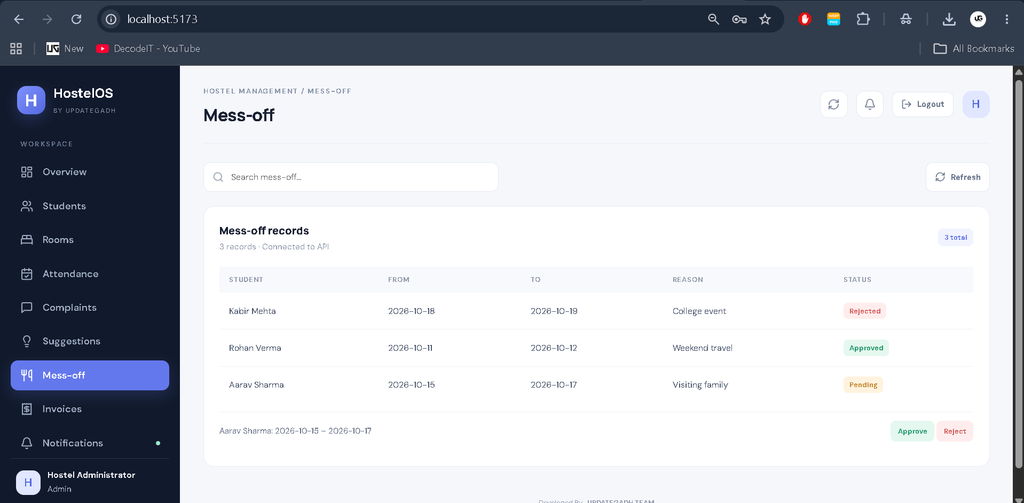
Students can submit mess-off requests by providing dates and a reason. Administrators can review pending requests and approve or reject them.
8. Invoice Management
The system supports generating monthly invoices and tracking billing records. Administrators can review invoice information and outstanding amounts. Payments are maintained as administrative records; the project does not include an integrated payment gateway.
9. Notifications
The notification module displays relevant messages and updates within the application, making hostel-related information accessible to users.
10. CSV Reports and Dashboard Summaries
The application provides CSV exports for supported records and dashboard summaries based on information returned by the backend API.
User Roles
Admin
- Register and manage student records.
- Create and manage hostel rooms.
- Allocate rooms to students.
- Manage attendance records.
- Review complaints and suggestions.
- Approve or reject mess-off requests.
- Generate monthly invoices and review billing records.
- Access dashboard summaries and supported CSV reports.
Student
- Log in using student credentials.
- View available dashboard information and attendance records.
- Access assigned room information when a room has been allocated.
- Submit complaints and suggestions.
- Submit mess-off requests.
- View invoice records and notifications.
Technology Stack
- MongoDB: Stores application data.
- Express.js: Handles backend routes and API requests.
- React.js: Builds the interactive user interface.
- Node.js: Runs the backend application.
- JWT: Supports authentication.
- Recharts: Displays dashboard charts.
- Vite: Runs the frontend development server.
Software and Tools Required
- Node.js 20 or later
- MongoDB 7 or later, locally installed or through MongoDB Atlas
- Visual Studio Code
- A modern web browser
- Terminal or command prompt
How to Download
The complete package is available so you can run, study, and submit it with confidence. It includes:
- Full Source Code
- Project Report
- Synopsis
- PPT Presentation
Screenshot
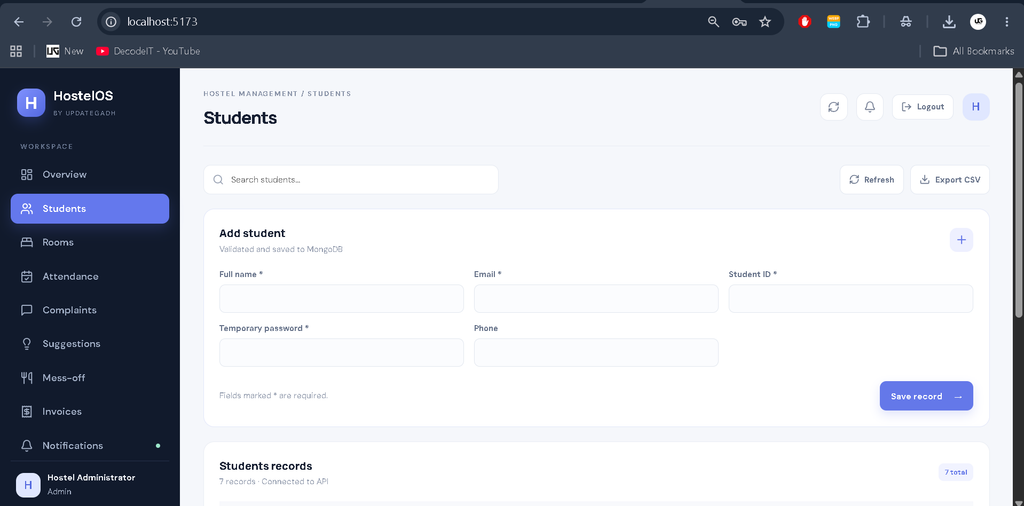
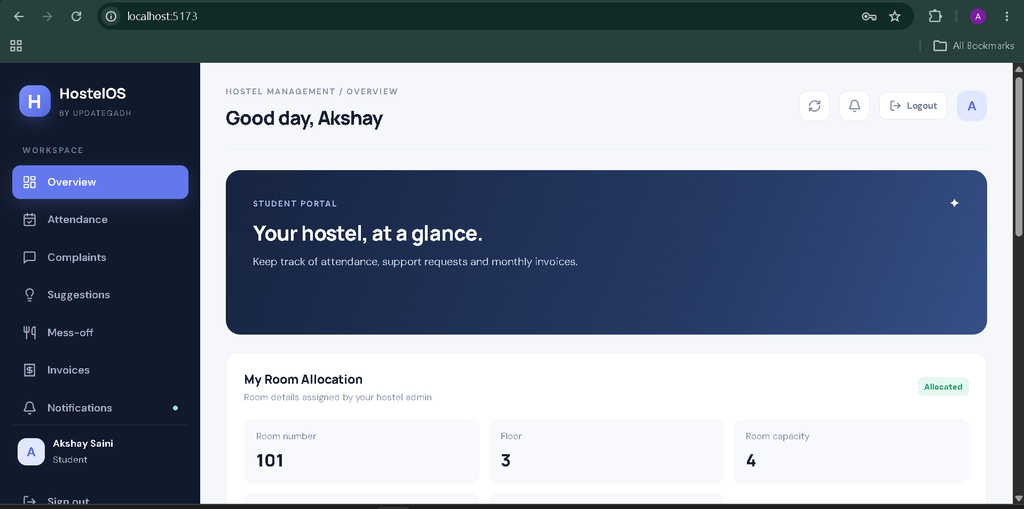
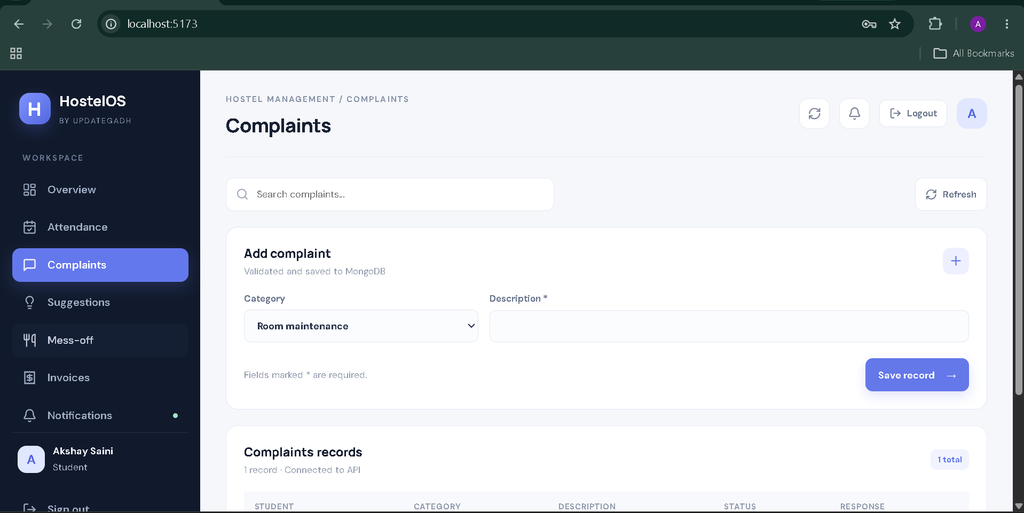
Installation Guide in VS Code
Step 1: Open the Project
Extract the project ZIP file and open the project folder in Visual Studio Code.
Step 2: Configure the Backend
Open the terminal and run:
cd backend
copy .env.example .env
npm install
Open backend/.env and configure your MongoDB URI, JWT secret, admin email, admin password, and demo student password.
Step 3: Create the Admin Account
npm run seed:adminStep 4: Add Demo Data
npm run seed:demoThe demo seed script creates sample records for local development.
Step 5: Start the Backend
npm run devKeep this terminal running.
Step 6: Configure the Frontend
Open a second terminal in VS Code and run:
cd frontend
copy .env.example .env
npm install
npm run dev
Step 7: Open the Application
Open the Vite URL shown in the terminal. It is usually:
Usage Guide
After starting both servers, log in using the credentials configured in the backend environment file. Administrators can manage students, rooms, attendance, complaints, suggestions, mess-off requests, and invoices. Students can access their own portal to review available records and submit requests.
To display room information in a student account, first create a room in the Admin Panel and allocate it to the correct student. Demo accounts and records are intended for local development only.
Final Thoughts
The Hostel Attendance and Management System Using MERN Stack is a practical full-stack project for students who want to understand how frontend interfaces, backend APIs, authentication, and database operations work together. Its modules demonstrate common hostel administration workflows and provide a foundation for further development.
Keywords: Hostel Attendance and Management System Using MERN Stack, Hostel Management System MERN, Hostel Management Project, Student Attendance System, MERN Stack Project, Room Allocation System,Attendance Management System Attendance Management System attendance management system project attendance management system nhm attendance management system project in java attendance management system using face recognition attendance management system project with source code attendance management system project in python attendance management system github attendance management system app attendance management system free download
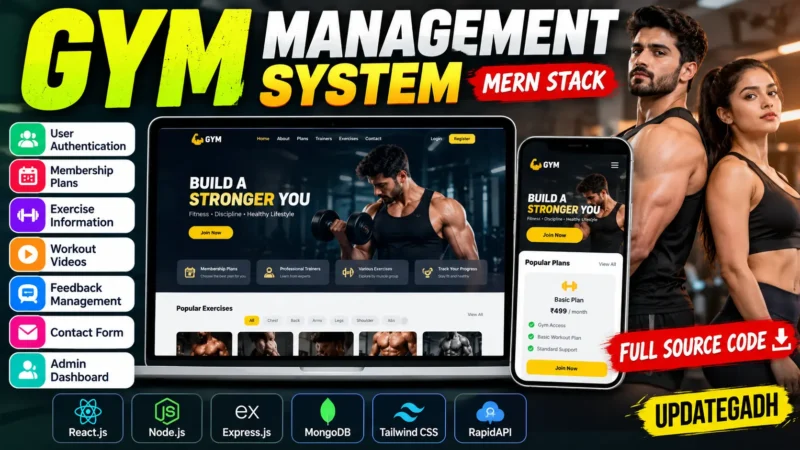

[…] Hostel Attendance Management System Using MERN Stack :- Click Here […]