Node.js MongoDB Create a Database
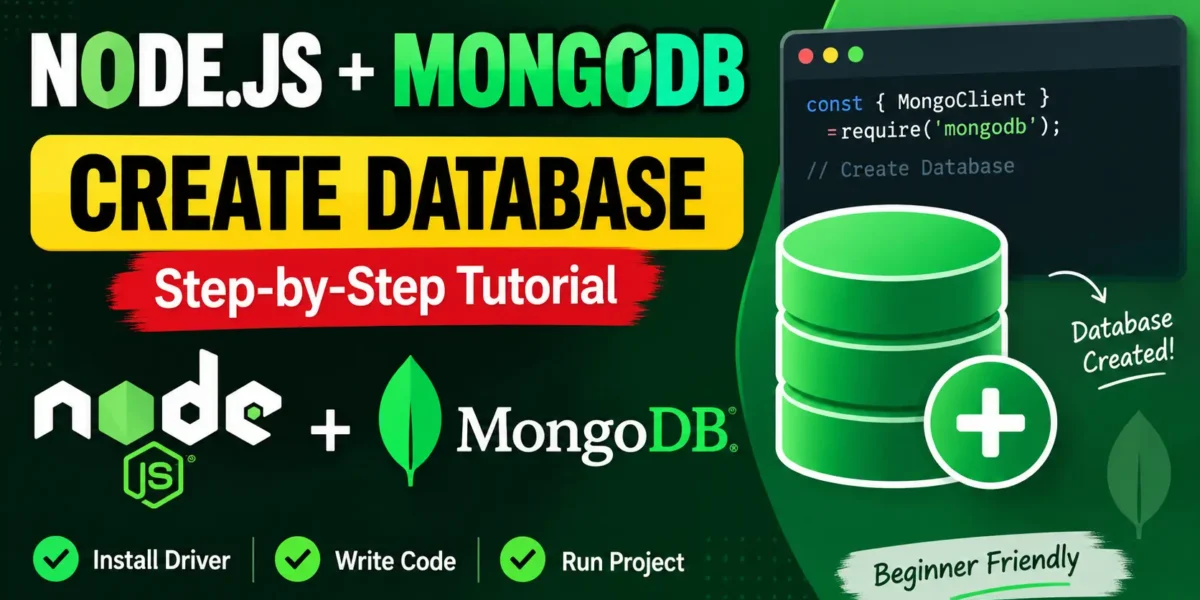
Creating a MongoDB database using Node.js is simple. With the official MongoDB driver, you can connect to your MongoDB server using MongoClient and work with a database easily.
Steps to Create a MongoDB Database
- Create a project folder, for example
MongoDatabase. - Create a JavaScript file named
createdatabase.js. - Install the MongoDB Node.js driver using
npm install mongodb. - Connect to MongoDB and select the database you want to use.
Install MongoDB Driver
npm install mongodbNode.js MongoDB Create Database Example
Use the following code to connect to MongoDB and select a database named MongoDatabase:
More:- UPDATEGADH
const { MongoClient } = require('mongodb');

const url = "mongodb://localhost:27017";

MongoClient.connect(url, function(err, client) {
  if (err) throw err;

  const db = client.db("MongoDatabase");

  console.log("Database ready!");

  client.close();
});
Run the Program
Run the JavaScript file using Node.js:
node createdatabase.jsOutput:
Database ready!Create Database Using Async/Await
For modern Node.js applications, async/await provides a cleaner and easier way to work with MongoDB.
const { MongoClient } = require('mongodb');

async function run() {
  const client = new MongoClient("mongodb://localhost:27017");

  await client.connect();

  const db = client.db("MongoDatabase");

  await db.collection("init").insertOne({
    created: new Date()
  });

  console.log("Database ready!");

  await client.close();
}

run().catch(console.error);
Important Note About MongoDB Databases
YT:- DecodeIT
MongoDB creates a database when you start using it, but the database may not appear in the show dbs command until it contains at least one document.
That is why the async/await example creates an init collection and inserts a document. This ensures that the MongoDatabase database is actually stored and visible in MongoDB.
Conclusion
Creating a MongoDB database with Node.js is straightforward. You need to connect to MongoDB using MongoClient, select the database with client.db(), and insert a document if you want the database to become visible in MongoDB.
Keywords: Node.js MongoDB create database, MongoDB database Node.js, create MongoDB database using Node.js, Node.js MongoClient, MongoDB Node.js tutorial, MongoDB async await, Node.js database tutorial