YouTube Video Downloader Using Python and Django
A simple project based on a YouTube Video Downloader using Python and Django Framework. This project is designed to help users download YouTube videos or audio files directly through a clean and user-friendly web interface. By using the pytube library, the system fetches YouTube content and allows users to download it in their preferred format, such as video or audio.
The application has an intuitive frontend built with Django templates, ensuring that users can easily paste a YouTube link, select their desired format, and download the file within seconds. It eliminates the need for third-party websites or tools, providing a secure and efficient way to handle downloads.
For students, this project is an excellent opportunity to learn about API usage, backend integration, handling media files, and template rendering in Django. It also demonstrates how external libraries like pytube can be integrated into a Django project to add real-world functionality.
Overall, the YouTube Video Downloader Project is both practical and educational. It not only gives students hands-on experience with Django and Python but also shows how to build tools that solve everyday problems in a simple and efficient manner.
Available Features
-
Video Download Options
The system provides multiple choices for downloading YouTube content. Users can download videos in different resolutions such as 1080p, 720p, and 360p, depending on their preference or internet speed. In addition, there is an option to download only the audio in MP3 format, which is perfect for users who just want songs, podcasts, or speeches without video. -
User-Friendly Interface
The project comes with a clean and responsive frontend built using Django templates. Users simply need to paste the YouTube URL into the input box and select their desired download option. If an invalid or unsupported link is entered, the system instantly shows an error message, making it reliable and easy to use for everyone. -
Real-Time Processing
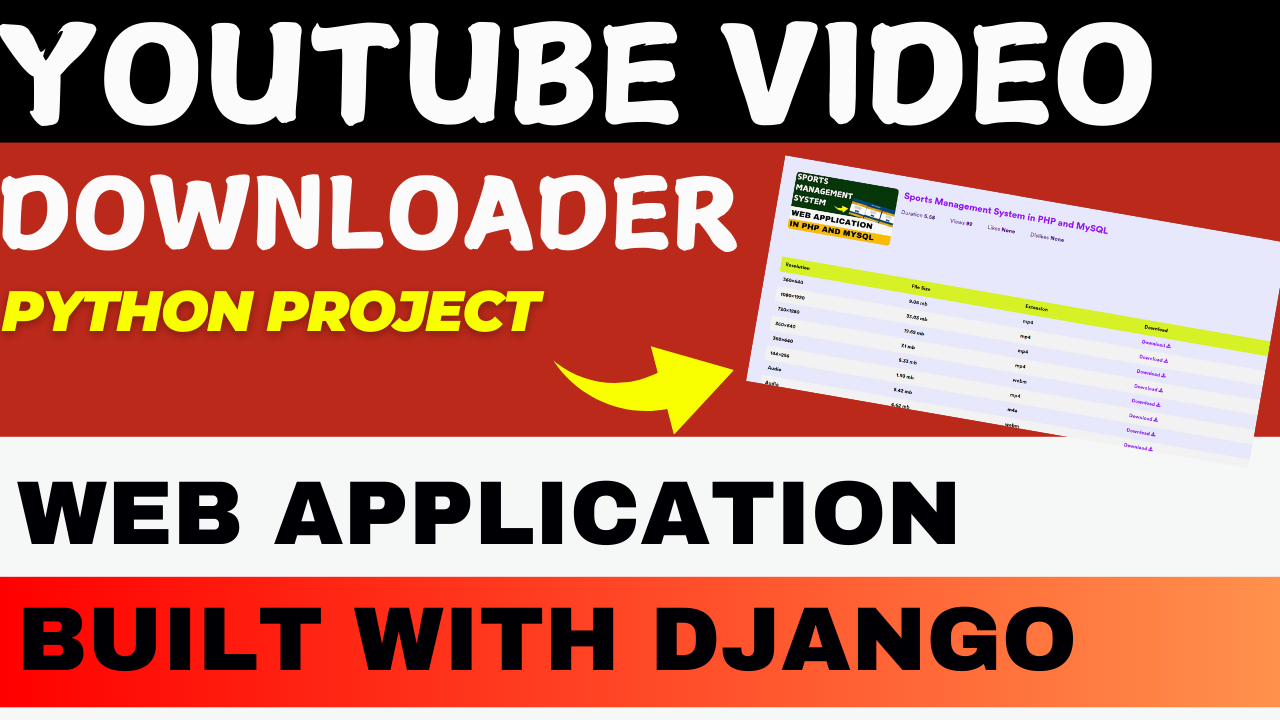
Once a YouTube link is submitted, the application quickly fetches all the important details like the video title, thumbnail, and duration. These details are displayed on the page, and the user is provided with download links for various available formats. This real-time update ensures smooth and interactive usage. -
Secure and Efficient
The system validates YouTube URLs before processing to make sure only correct and safe links are handled. All the backend logic runs through Django views, ensuring that the application performs downloads efficiently without interruptions. This makes the project both secure and dependable for practical use.
How It Works
Step 1: User Input
- Users input a valid YouTube video URL into a search box on the homepage.
Step 2: Fetch Video Data
- The application uses the pytube library to fetch video details such as:
- Video title
- Thumbnail
- Available resolutions and formats
Step 3: Download Options
- Once video data is fetched, users can choose:
- Resolution (e.g., 1080p, 720p).
- Format (e.g., MP4 for video, MP3 for audio).
Step 4: File Download
- Upon selecting the desired format, the file is downloaded to the users local system.
Technology Stack
- Backend: Python (Django Framework)
- Frontend: HTML, CSS, Bootstrap (for responsive design)
- Database: SQLite (for user download logs, optional)
- YouTube API: Pytube library for processing video content
Installation and Setup
-
Install Dependencies
Install required Python packages using pip:pip install django pytube -
Set Up the Django Project
- Run migrations to set up the database:
python manage.py makemigrations python manage.py migrate - Start the Django development server:
python manage.py runserver
- Run migrations to set up the database:
-
Access the Application
Open your browser and navigate to.
Sample Use Case
Scenario: A user wants to download a tutorial video from YouTube.
- They paste the YouTube URL into the input field and click “Fetch Video.”
- The system retrieves the video details (title, thumbnail, available resolutions).
- The user selects “720p” resolution and clicks “Download.”
- The video is downloaded to their system in the chosen format.