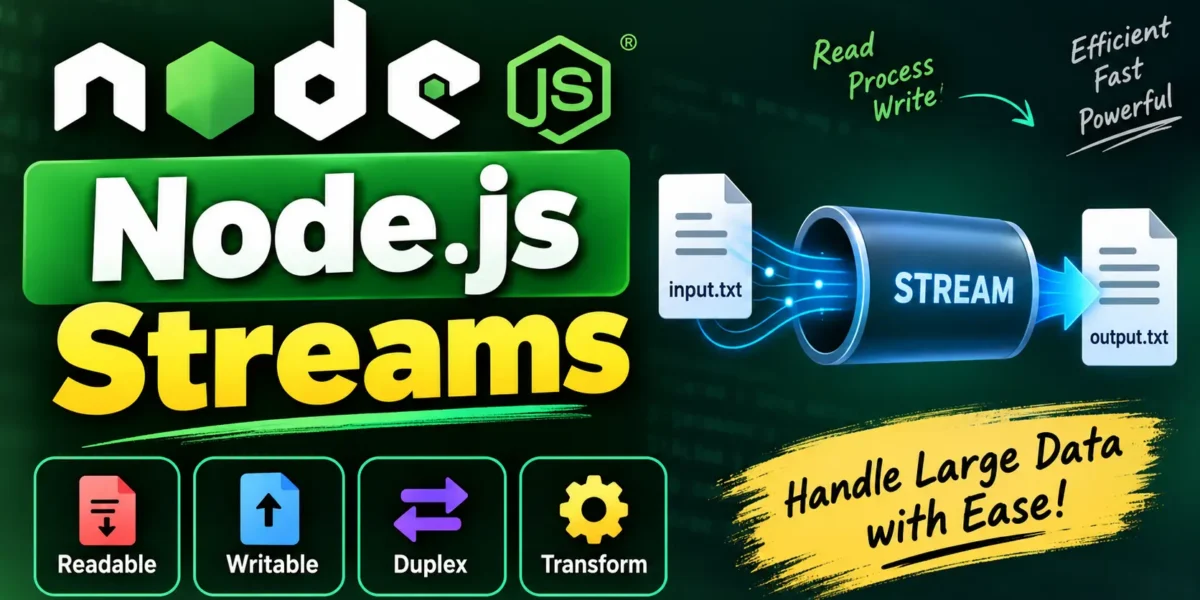
Node.js Streams are powerful objects that allow data to be read from a source and written to a destination efficiently. Instead of loading the entire data into memory at once, streams process data in smaller chunks. This makes them especially useful when working with large files, network data, and real-time applications.
Types of Streams in Node.js
Node.js provides four main types of streams:
- Readable: Used to read data from a source.
- Writable: Used to write data to a destination.
- Duplex: Supports both reading and writing data.
- Transform: A type of duplex stream where the output is generated or modified based on the input.
Complete Advance AI Topics: Click Here
SQL Tutorial: Click Here
Stream Events
Streams in Node.js are instances of EventEmitter and can emit different events during their operation. Some commonly used stream events are:
- data: Fired when a chunk of data is available to read.
- end: Fired when there is no more data available.
- error: Fired when an error occurs during the stream operation.
- finish: Fired when all data has been flushed to the destination.
Reading from a Stream
First, create a file named input.txt and add the following content:
UpdateGadh is one of the best online tutorial websites to learn different technologies in an easy and efficient manner.Now create a JavaScript file named main.js and add the following code:
var fs = require("fs");

var data = '';

// Create a readable stream
var readerStream = fs.createReadStream('input.txt');

// Set encoding
readerStream.setEncoding('UTF8');

// Handle stream events
readerStream.on('data', function(chunk) {
   data += chunk;
});

readerStream.on('end', function() {
   console.log(data);
});

readerStream.on('error', function(err) {
   console.log(err.stack);
});

console.log("Program Ended");
Run the Program
node main.jsThe contents of input.txt will be displayed in the console.
Writing to a Stream
Streams can also be used to write data to a file. Create a main.js file with the following code:
var fs = require("fs");

var data = 'A Solution for all Technology';

// Create a writable stream
var writerStream = fs.createWriteStream('output.txt');

// Write data with UTF8 encoding
writerStream.write(data, 'UTF8');

// Mark the end of the file
writerStream.end();

// Stream events
writerStream.on('finish', function() {
    console.log("Write completed.");
});

writerStream.on('error', function(err) {
   console.log(err.stack);
});

console.log("Program Ended");
Run the Program
node main.jsThis creates an output.txt file containing the data written through the stream.
Piping Streams
Piping allows the output of one stream to be directly connected to another stream’s input. It is commonly used to transfer data between files or other sources and destinations.
The following example copies the contents of input.txt into output.txt:
var fs = require("fs");

// Read from input.txt and write to output.txt
var readerStream = fs.createReadStream('input.txt');
var writerStream = fs.createWriteStream('output.txt');

readerStream.pipe(writerStream);

console.log("Program Ended");
After running the program, output.txt will contain the same data as input.txt.
Chaining Streams
Chaining streams allows multiple stream operations to be connected together. It is particularly useful for tasks such as file compression and decompression.
Compress a File
The following example reads input.txt, compresses it using Gzip, and saves the compressed data as input.txt.gz:
var fs = require("fs");
var zlib = require("zlib");

// Compress input.txt to input.txt.gz
fs.createReadStream('input.txt')
  .pipe(zlib.createGzip())
  .pipe(fs.createWriteStream('input.txt.gz'));

console.log("File Compressed.");
Run the Program
node main.jsThis creates a compressed file named input.txt.gz.
Decompress a File
YT:- DecodeIT
You can use the following code to decompress input.txt.gz and restore the original input.txt file:
var fs = require("fs");
var zlib = require("zlib");

// Decompress input.txt.gz to input.txt
fs.createReadStream('input.txt.gz')
  .pipe(zlib.createGunzip())
  .pipe(fs.createWriteStream('input.txt'));

console.log("File Decompressed.");
Run the Program
node main.jsThis restores the original input.txt file from the compressed file.
Conclusion
Node.js Streams provide an efficient way to work with data without loading everything into memory at once. Readable, Writable, Duplex, and Transform streams can be used for reading, writing, transferring, compressing, and processing data efficiently. Piping and stream chaining make it easier to build powerful data-processing workflows.
Keywords
Node.js Streams, Node.js stream, Readable Stream, Writable Stream, Duplex Stream, Transform Stream, Node.js piping, Node.js stream events, Node.js file streams, Node.js compression, Node.js zlib, Node.js tutorial