Node.js Command Line Options
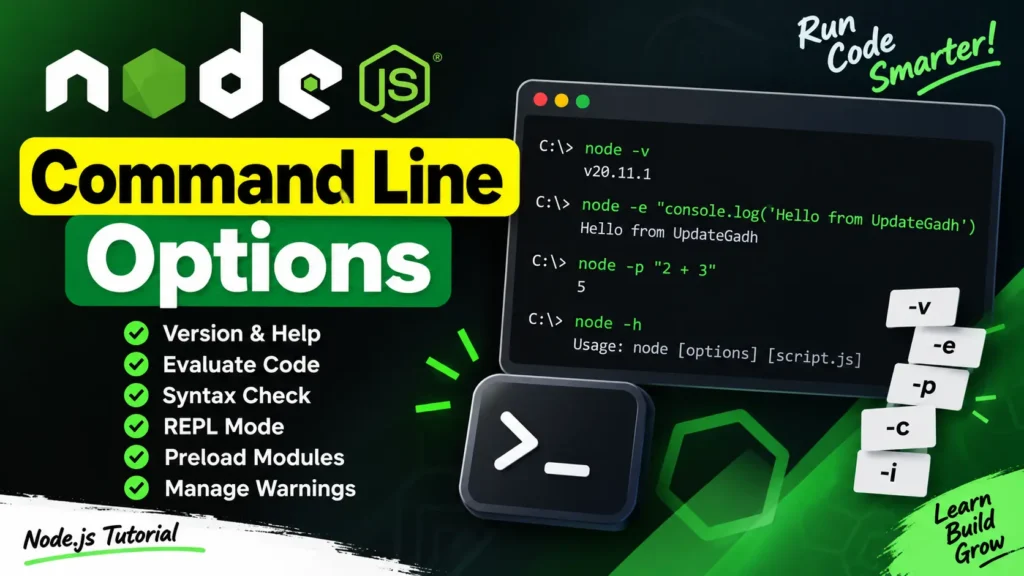
Node.js provides a wide range of command line options that make development more flexible and efficient. These options allow you to execute JavaScript code directly, check syntax, open the REPL, preload modules, manage warnings, and perform other useful tasks.
Table of Contents
Complete Advance AI Topics: Click Here
SQL Tutorial: Click Here
Most Useful Command Line Options
-v, --version– Prints the installed Node.js version.-h, --help– Displays available Node.js command line options.-e, --eval "script"– Executes the provided JavaScript code.-p, --print "script"– Executes JavaScript and prints the result.-c, --check– Checks the syntax of a JavaScript file without executing it.-i, --interactive– Opens the Node.js REPL for interactive JavaScript execution.-r, --require module– Preloads a module before starting the application.--no-warnings– Suppresses process warnings.--trace-warnings– Displays stack traces for process warnings.
Node.js Command Line Options Examples
1. Check Node.js Version
You can use the -v or --version option to check the installed Node.js version.
node -v
# or
node --version
2. Get Node.js Help
The -h option displays the available command line options and usage information.
node -h3. Evaluate JavaScript Code
The -e option allows you to execute JavaScript directly from the command line without creating a separate file.
node -e "console.log('Hello from UpdateGadh')"4. Evaluate and Print a Result
The -p option works similarly to -e, but it also prints the evaluated result.
node -p "2 + 3"The output will be:
55. Open the Node.js REPL
The -i option starts the Node.js interactive REPL, where you can execute JavaScript statements and test code interactively.
node -i6. Check Syntax Without Running the Script
The -c option checks a JavaScript file for syntax errors without actually executing it.
node -c app.jsDownload New Real Time Projects:- Click here
Final Thoughts
Node.js command line options are useful tools for everyday development. They can help you check your Node.js version, execute JavaScript quickly, test syntax, work with the REPL, preload modules, and troubleshoot warnings. Understanding these options can make your Node.js development workflow faster and more efficient.
Keywords: Node.js Command Line Options, Node.js CLI, Node.js Command Line, Node.js Options, Node.js Commands, Node.js REPL, Node.js Tutorial