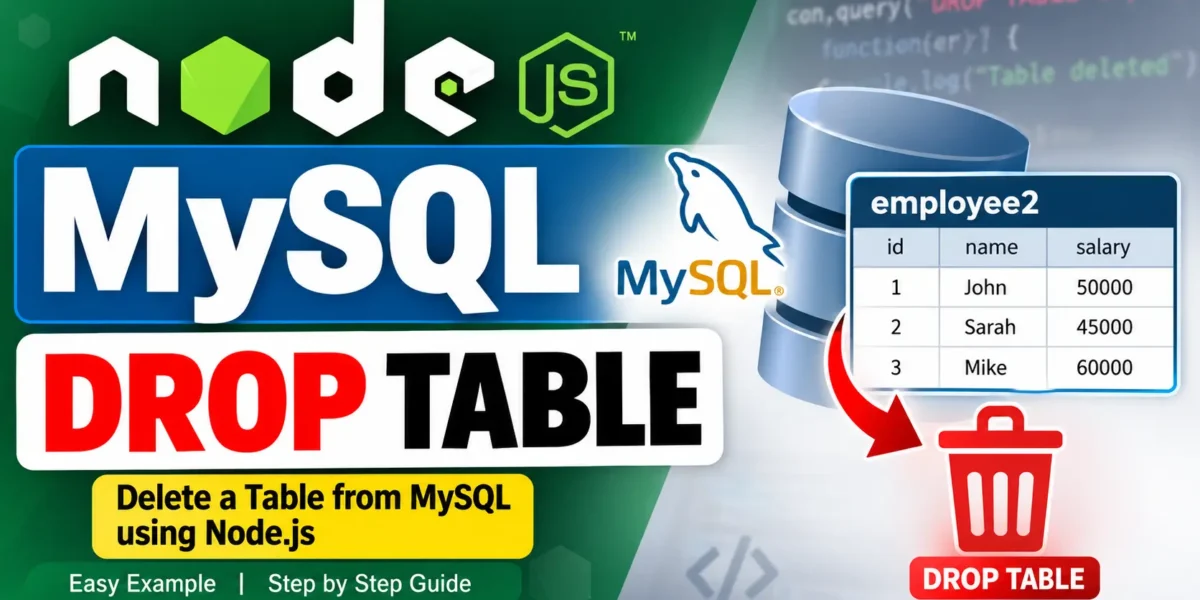
Node.js MySQL Drop Table
The DROP TABLE command in MySQL permanently removes a table from the database, including all the data stored inside it. In this guide, you will learn how to drop a MySQL table from Node.js using the mysql package.
Example: Drop the employee2 Table
More:- UPDATEGADH
// delete.js
var mysql = require('mysql');

var con = mysql.createConnection({
  host: "localhost",
  user: "root",
  password: "12345",
  database: "updategadh"
});

con.connect(function(err) {
  if (err) throw err;
  con.query("DROP TABLE employee2", function (err) {
    if (err) throw err;
    console.log("Table deleted");
  });
});
Run It
node delete.js

// Output:
// Table deleted
Safer: DROP TABLE IF EXISTS
You can use DROP TABLE IF EXISTS to prevent an error when the specified table does not exist.
con.query("DROP TABLE IF EXISTS employee2", function (err) {
  if (err) throw err;
  console.log("Done");
});
This is useful when running scripts where the table may have already been deleted.
Verify in MySQL
SHOW TABLES;After running the command, the employee2 table should no longer appear in the list.
YT:- DecodeIT
Caution
The DROP TABLE command permanently deletes the table and its data. There is no simple undo operation. Always back up important data and double-check the table name before running this command, especially when working with production databases.
Conclusion
Dropping a MySQL table from Node.js requires only a single query, but it permanently removes the table and its data. Using IF EXISTS can make the operation safer when the table may not exist. Always verify the table name and create a backup before performing this operation.
Keywords: Node.js MySQL Drop Table, MySQL DROP TABLE Node.js, Node.js MySQL Tutorial, Drop MySQL Table, DROP TABLE IF EXISTS, MySQL Database Tutorial, Node.js Database Operations