Node.js Web Module
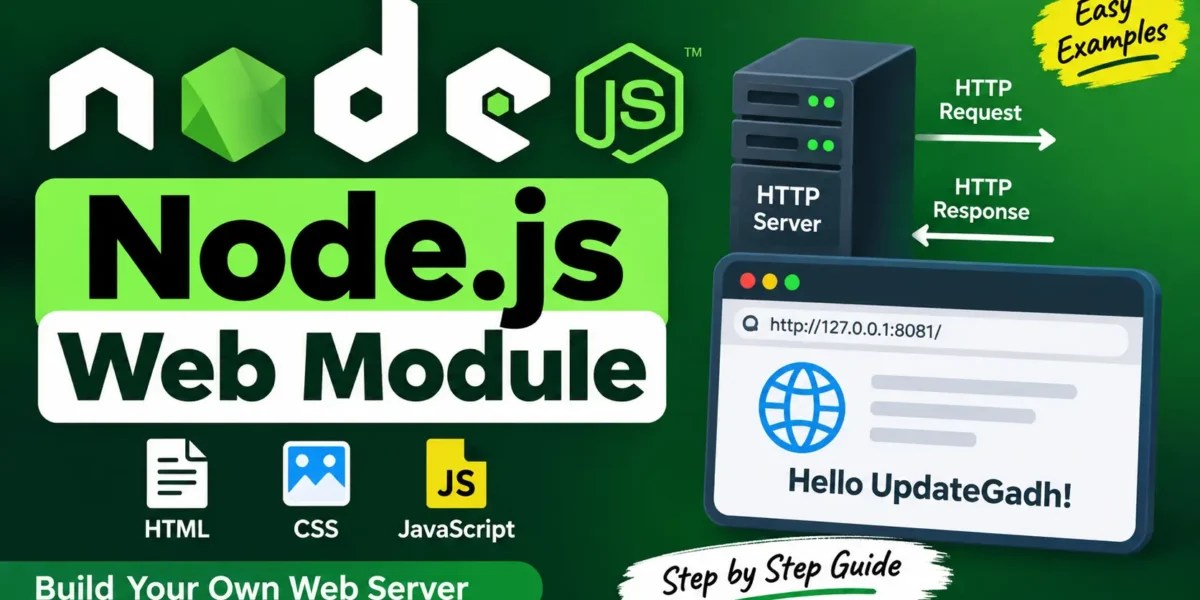
A Web Server is a software program that handles requests from web browsers and sends the required web pages or other content back to the user. It then sends the requested web content back to the client, including HTML pages and resources such as images, CSS, and JavaScript files.
Web servers can also support server-side scripting. This allows applications to perform tasks such as database queries, data processing, and other server-side operations before sending a response to the client.
In many web application architectures, the web server forwards requests to an application server. The application server is responsible for executing the application’s logic, working with data, and preparing the final response that is delivered to the client through the web server.
Apache is a popular open-source web server used to host and deliver websites and web applications. It has been widely adopted for web hosting across the internet.
Web Application Architecture
A typical web application architecture can be divided into four main layers:
- Client Layer: This layer consists of browsers and client applications that initiate requests and communicate with the web server.
- Server Layer: This layer handles incoming requests and delivers the required web content or response to the client.
- Business Layer: This layer manages the application’s core operations. It processes requests, performs necessary calculations, and interacts with databases or external services.
- Data Layer: This layer is responsible for storing and retrieving application data using databases and other data storage systems.
Node.js Web Layer
Node.js makes it easy to create web servers using its built-in HTTP module. With just a few lines of code, developers can create a basic web server that receives requests and serves web pages.
The following example creates a simple Node.js web server:
var http = require('http');
var fs = require('fs');
var url = require('url');

http.createServer(function (request, response) {

   var pathname = url.parse(request.url).pathname;

   console.log("Request for " + pathname + " received.");

   // Serve index.html for root request
   if (pathname === "/" || pathname === "/index.html") {
      pathname = "/index.html";
   }

   // Ignore favicon.ico requests
   if (pathname === "/favicon.ico") {
      response.writeHead(204);
      return response.end();
   }

   fs.readFile(pathname.substr(1), function (err, data) {

      if (err) {
         console.log(err);

         response.writeHead(404, {
            'Content-Type': 'text/html'
         });

         response.write("<h1>404 Not Found</h1>");

      } else {

         response.writeHead(200, {
            'Content-Type': 'text/html'
         });

         response.write(data.toString());
      }

      response.end();
   });

}).listen(8081);

console.log('Server running at http://127.0.0.1:8081/');
Creating a Sample HTML Page
In the same directory where your server.js file is located, create a new file named index.html.
Complete Advance AI Topics: Click Here
SQL Tutorial: Click Here
Add the following HTML code:
<html>
<head>
   <title>Sample Page</title>
</head>

<body>
   Hello UpdateGadh!
</body>
</html>
Running the Node.js Web Server
Follow these steps to start the server:
- Open the Node.js command prompt.
- Navigate to the directory containing your server.js file.
- Run the following command:
node server.jsAfter starting the server, open your web browser and visit:
http://127.0.0.1:8081/You should see a web page displaying:
YT:- DecodeIT
Hello UpdateGadh!Conclusion
The Node.js HTTP module provides a simple way to create and run web servers. By combining the HTTP module with the file system module, you can handle HTTP requests and serve HTML files directly from a Node.js application.
Keywords
Node.js Web Module, Node.js Web Server, Node.js HTTP Module, Node.js Server, Node.js Web Application, Node.js HTTP Server, Node.js Tutorial, Node.js Web DevelopmentNode.js Web Module, Node.js Web Server, Node.js HTTP Module, Node.js Server, Node.js Web Application, Node.js HTTP Server, Node.js Tutorial, Node.js Web Development, Create Web Server in Node.js, Node.js HTTP Request, Node.js HTTP Response, Node.js Web Server Tutorial