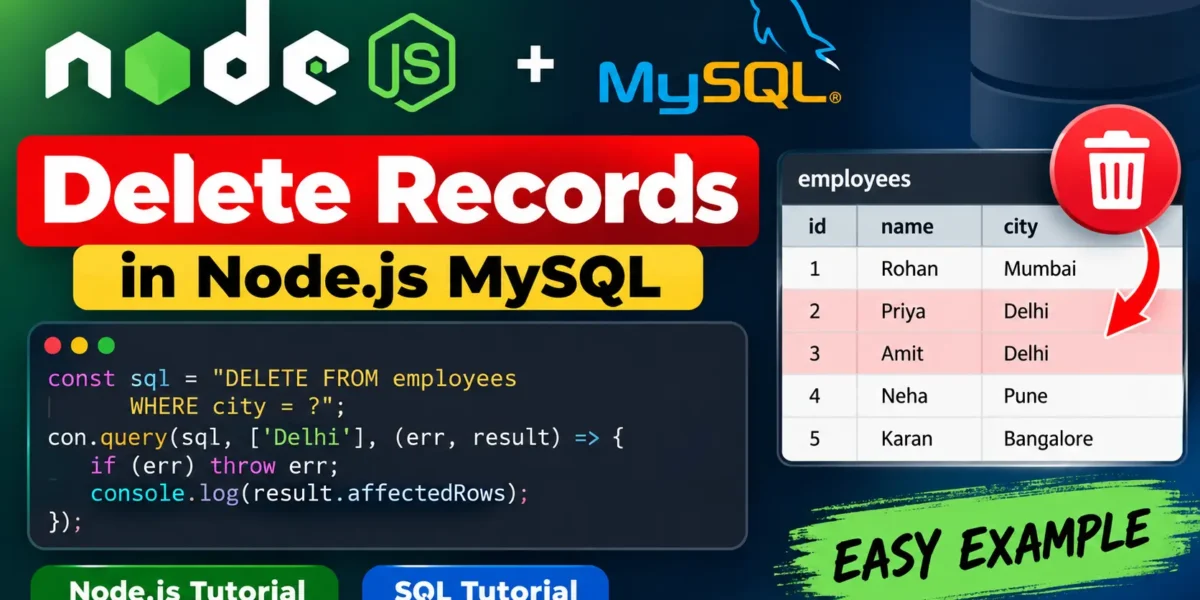
Node.js MySQL Delete Records
The MySQL DELETE FROM command is used to remove one or more records from a table. It is an important part of CRUD operations. In this guide, you will learn how to delete MySQL records from Node.js using the mysql package.
Example: Delete Records by City
// delete.js
var mysql = require('mysql');

var con = mysql.createConnection({
  host: "localhost",
  user: "root",
  password: "12345",
  database: "updategadh"
});

con.connect(function(err) {
  if (err) throw err;

  const sql = "DELETE FROM employees WHERE city = 'Delhi'";

  con.query(sql, function (err, result) {
    if (err) throw err;

    console.log("Records deleted:", result.affectedRows);
  });
});
Run the Node.js File
Complete Advance AI Topics: Click Here
SQL Tutorial: Click Here
Save the code as delete.js and run it using the following command:
node delete.jsParameterized DELETE Query
Using a parameterized query is a safer approach because it helps prevent SQL injection when working with user-provided values.
const sql = "DELETE FROM employees WHERE city = ?";

con.query(sql, ['Delhi'], (err, result) => {
  if (err) throw err;

  console.log(`${result.affectedRows} deleted`);
});
Verify Deleted Records
You can use a SELECT query to check the remaining records in the table:
SELECT * FROM employees;
-- The Delhi rows should be gone
Important
Be careful when using the DELETE command without a WHERE clause. Without a condition, all records in the table will be deleted.
Always use a WHERE condition unless you intentionally want to remove every record from the table.
Download New Real Time Projects:- Click here
Conclusion
Deleting MySQL records from Node.js can be done using a simple DELETE query. Parameterized queries are recommended when working with dynamic values, and checking affectedRows helps confirm how many records were deleted.
Keywords
Node.js MySQL Delete Records, Node.js MySQL DELETE query, MySQL DELETE FROM Node.js, delete MySQL records using Node.js, Node.js MySQL CRUD, MySQL delete query, parameterized DELETE query Node.js, Node.js MySQL tutorial Node.js MySQL Delete Records, Node.js MySQL DELETE Query, MySQL DELETE FROM Node.js, Delete MySQL Records, Node.js MySQL CRUD, MySQL Delete Query, Node.js Database Tutorial, MySQL Tutorial, Node.js Tutorial, Delete Records Using Node.js, Parameterized DELETE Query, Node.js MySQL Example, MySQL CRUD Operations, Node.js Database Operations, MySQL Database Tutorial