Node.js Package Manager
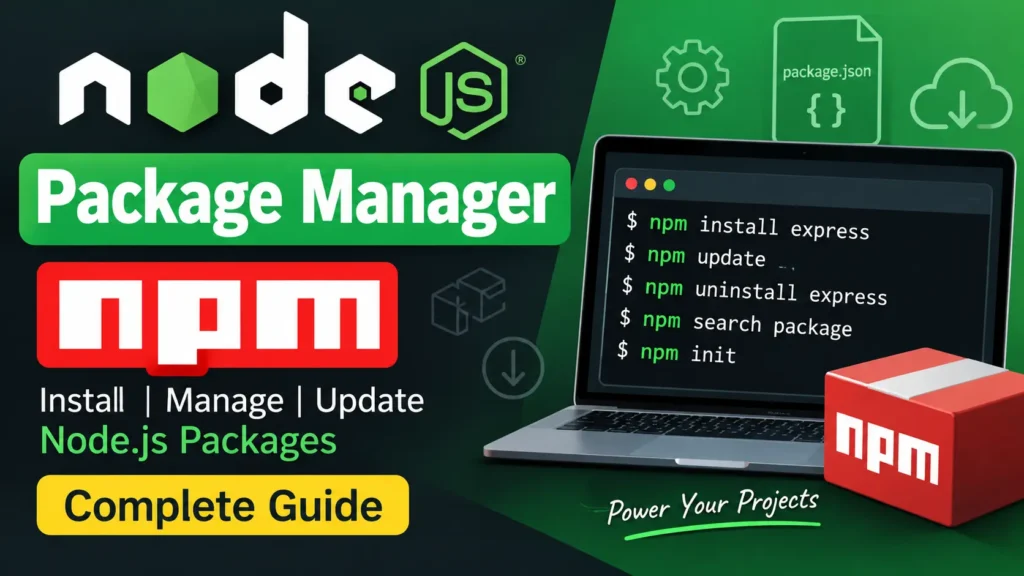
npm (Node Package Manager) is an essential tool for Node.js developers. It provides access to a large repository of packages and modules while also offering a command-line interface for installing packages, managing dependencies, and handling different package versions.
npm is included with Node.js, making it readily available when you install Node.js on your system.
Table of Contents
Complete Advance AI Topics: Click Here
SQL Tutorial: Click Here
Check npm Version
You can check the installed npm version by running:
npm versionInstalling Modules
The npm install command is used to install packages or modules in a Node.js project.
npm install <module-name>

# Example
npm install express
This command installs the specified package and adds it to the project’s dependencies.
Global vs Local Installation
By default, npm installs packages locally inside the project’s node_modules directory. Packages can also be installed globally using the -g option.
npm install express        # local
npm install express -g     # global
npm ls                     # list installed modules
Local installation is generally preferred for project dependencies because each project can maintain its own package versions.
Uninstalling and Searching Packages
You can remove an installed package with npm uninstall. The npm search command can be used to search for packages available through npm.
npm uninstall express
npm search express
package.json and Useful npm Commands
The package.json file contains important information about a Node.js project, including its dependencies and project configuration. npm provides several commands for managing it.
npm init– Creates apackage.jsonfile for a new project.npm install– Installs dependencies listed inpackage.json.npm update– Updates installed packages according to the version ranges defined by the project.npm install pkg --save-dev– Adds a package as a development dependency.
Download New Real Time Projects:- Click here
Conclusion
npm makes it easier to install, update, remove, and manage dependencies in Node.js projects. Understanding npm commands, local and global installations, and the role of package.json is fundamental for effective Node.js development.
Keywords: Node.js Package Manager (npm), npm, Node.js npm, npm commands, npm install, npm modules, package.json, Node.js packages, npm dependencies, npm tutorial