Node.js MySQL Select Records
Retrieving records from a MySQL database using Node.js is simple with the mysql package. In this tutorial, you will learn how to connect Node.js with MySQL and execute a basic SELECT query to retrieve data.
Install the MySQL Package
First, install the MySQL package in your Node.js project:
npm install mysqlExample: Select All Employees
Create a file named select.js inside a folder called DBexample:
Complete Advance AI Topics: Click Here
SQL Tutorial: Click Here
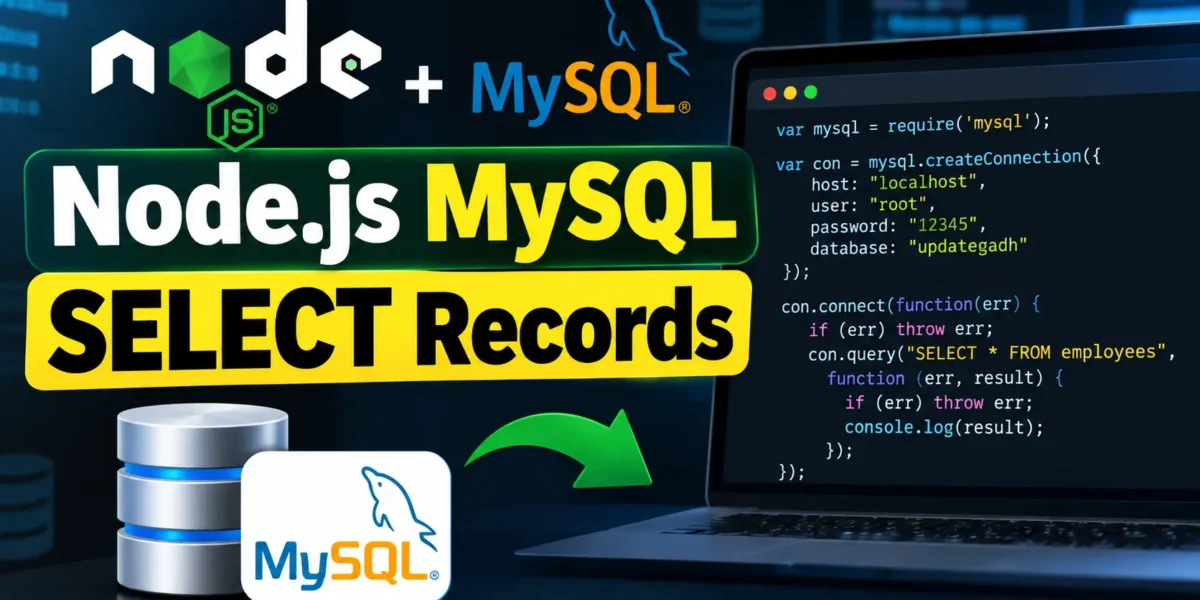
var mysql = require('mysql');

var con = mysql.createConnection({
  host: "localhost",
  user: "root",
  password: "12345",
  database: "updategadh"
});

con.connect(function(err) {
  if (err) throw err;

  con.query("SELECT * FROM employees", function (err, result) {
    if (err) throw err;
    console.log(result);
  });
});
Run the Script
Run the following command in your terminal:
node select.jsThe script connects to the MySQL database and displays all records from the employees table in the terminal.
SELECT Specific Columns
You can select only the columns you need instead of retrieving every column from the table:
con.query("SELECT name, salary FROM employees", function (err, result) {
  if (err) throw err;

  result.forEach(row => console.log(`${row.name}: ${row.salary}`));
});
SELECT with WHERE (Parameterized Query)
To retrieve records based on a specific condition, use the WHERE clause. Parameterized queries should be used when working with user-provided values to help prevent SQL injection.
const city = "Mumbai";

con.query(
  "SELECT * FROM employees WHERE city = ?",
  [city],
  function (err, result) {
    if (err) throw err;
    console.log(result);
  }
);
Download New Real Time Projects: Click here
Conclusion
Selecting records from MySQL using Node.js requires only a few lines of code. You can retrieve all records, select specific columns, or filter results using the WHERE clause. For better security, use parameterized queries when working with dynamic values.
Keywords
node js mysql select records w3schools, node js mysql select example, node js mysql query return result, nodejs mysql query with parameters, connect mysql with node js express, nodejs mysql crud, nodejs mysql connection pool, node.js mysql select query example node js mysql select records, node js mysql select example, nodejs mysql select query, node js mysql query example, nodejs mysql query with parameters, mysql select query in node js, node js mysql database tutorial, nodejs mysql crud, node js mysql connection, nodejs mysql tutorial, mysql database with node js, node js mysql where clause, node js mysql retrieve data, mysql select records, node.js mysql select query example