Node.js MySQL SELECT Unique Record
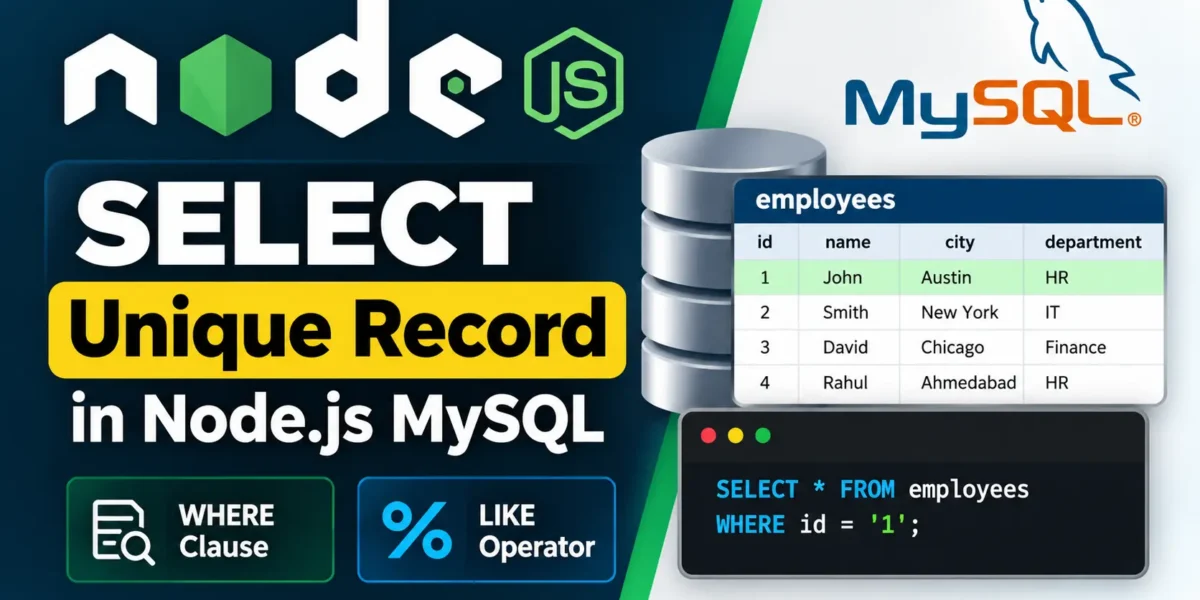
In this tutorial, you will learn how to retrieve specific or unique records from a MySQL table using Node.js. We will use the WHERE clause to find a record based on a specific condition and the LIKE operator with wildcards to search for records that match a particular pattern.
More:- UPDATEGADH
1. Retrieving a Unique Record Using WHERE Clause
First, create a JavaScript file named selectwhere.js inside a folder called DBexample. This script connects Node.js to a MySQL database and retrieves a specific record from the employees table using an employee ID.
Example
var mysql = require('mysql');

var con = mysql.createConnection({
  host: "localhost",
  user: "root",
  password: "12345",
  database: "updategadh"
});

con.connect(function(err) {
  if (err) throw err;

  con.query("SELECT * FROM employees WHERE id = '1'", function (err, result) {
    if (err) throw err;

    console.log(result);
  });
});
Explanation
- First, we import the MySQL module using
require('mysql'). - Next,
mysql.createConnection()is used to connect Node.js with the updategadh database. - The
SELECTquery uses theWHEREclause to find the employee whose id is equal to 1. - The retrieved record is displayed in the terminal using
console.log(result).
To execute the file, open the terminal, navigate to the DBexample folder, and run:
node selectwhere.jsThe command will display the employee record with id = 1 in the console.
2. Retrieving Records Using Wildcard with LIKE Operator
You can also use the SQL LIKE operator to retrieve records that match a specific pattern. Create another file named selectwildcard.js inside the same DBexample folder.
YT:- DecodeIT
Example
var mysql = require('mysql');

var con = mysql.createConnection({
  host: "localhost",
  user: "root",
  password: "12345",
  database: "updategadh"
});

con.connect(function(err) {
  if (err) throw err;

  con.query("SELECT * FROM employees WHERE city LIKE 'A%'", function (err, result) {
    if (err) throw err;

    console.log(result);
  });
});
Explanation
- The
LIKEoperator is used for pattern matching in SQL queries. - The query
SELECT * FROM employees WHERE city LIKE 'A%'retrieves employee records where the city name starts with the letter A. - The
%wildcard represents any number of characters after the letter A.
Run the script using the following command:
node selectwildcard.jsThis will retrieve and display all employee records where the city name begins with A.
Summary
In this tutorial, you learned how to use Node.js with MySQL to retrieve records from a database. You learned how to use the WHERE clause to retrieve a specific record and the LIKE operator with wildcards to perform pattern-based searches.
These techniques are useful for creating database-driven applications that need to search and retrieve information efficiently.
Keywords
Node.js MySQL SELECT, Node.js MySQL select unique record, MySQL WHERE clause, MySQL LIKE operator, MySQL wildcard, Node.js database connection, Node.js MySQL tutorial, MySQL record selection Node.js MySQL SELECT Unique Record Node.js MySQL SELECT Node.js MySQL SELECT query Node.js MySQL select record Node.js MySQL SELECT WHERE Node.js MySQL database tutorial