Node.js TTY Module
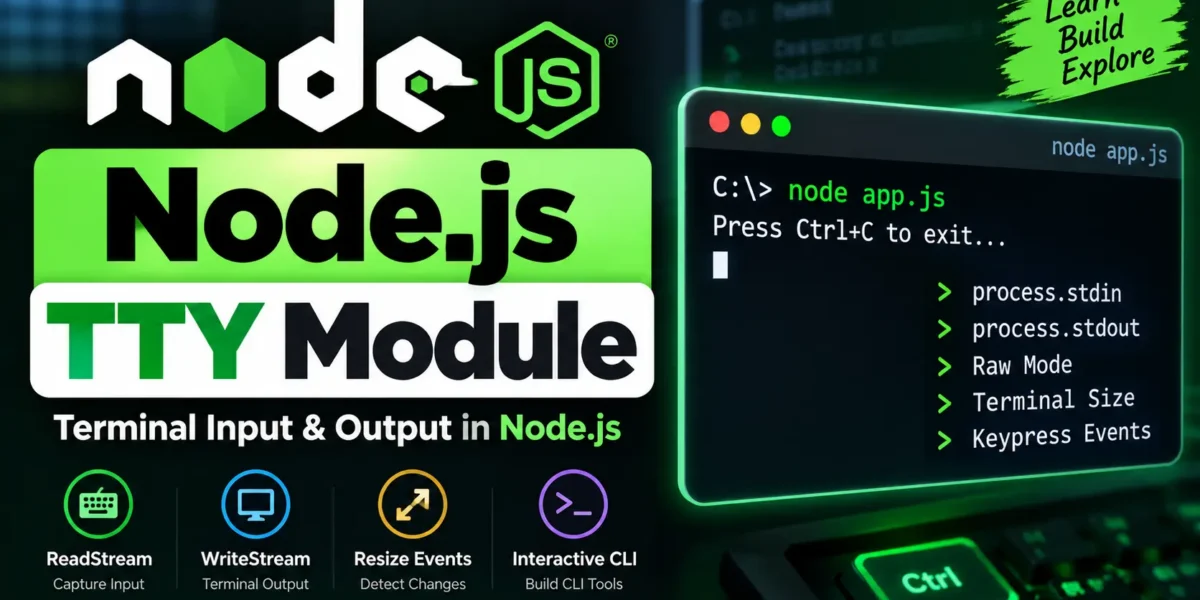
The Node.js TTY (Teletype) module provides functionality for working with terminal-based input and output. It is especially useful when building CLI applications, interactive command-line tools, and terminal-based programs.
The module provides two important classes: tty.ReadStream for reading terminal input and tty.WriteStream for writing output to the terminal.
Accessing the TTY Module
To use the TTY module in a Node.js application, import it using the following code:
const tty = require('tty');When Node.js is running inside a TTY environment, process.stdin is automatically represented as a tty.ReadStream, while process.stdout is represented as a tty.WriteStream.
Check if You Are in a TTY
You can check whether the standard output is connected to an interactive terminal by using the isTTY property.
node -p -e "Boolean(process.stdout.isTTY)"If the command returns true, the output is connected to a terminal. If it returns false, the application may be running in another environment, such as a pipe or redirected output.
ReadStream and Raw Mode
The tty.ReadStream can be used to receive input directly from the terminal. Raw mode allows the application to process input one character or byte at a time without waiting for the user to press Enter.
Complete Advance AI Topics: Click Here
SQL Tutorial: Click Here
process.stdin.setRawMode(true);
process.stdin.resume();
Raw mode is useful for interactive CLI applications where individual keypresses need to be detected immediately.
WriteStream and Resize Events
The tty.WriteStream provides information about the terminal and can also emit a resize event whenever the terminal window size changes.
process.stdout.on('resize', () => {
  console.log('Terminal resized!');
  console.log(`${process.stdout.columns} x ${process.stdout.rows}`);
});
This allows CLI applications to respond dynamically when the terminal is resized.
Useful TTY Properties and Methods
| Property / Method | Description |
|---|---|
process.stdout.columns | Returns the current width of the terminal. |
process.stdout.rows | Returns the current height of the terminal. |
process.stdin.isTTY | Indicates whether standard input is connected to a TTY. |
process.stdin.setRawMode(true) | Enables raw mode for terminal input. |
Example: Detect Ctrl+C
The TTY functionality can be used to create interactive terminal applications. For example, you can detect when the user presses Ctrl+C and then exit the application.
process.stdin.setRawMode(true);
process.stdin.resume();

console.log('Press Ctrl+C to exit');

process.stdin.on('keypress', (char, key) => {
  if (key && key.ctrl && key.name === 'c') {
    process.exit();
  }
});
This type of functionality can be useful when developing interactive command-line tools that need to respond to keyboard input.
Download New Real Time Projects:- Click here
Conclusion
The Node.js TTY module provides useful features for creating interactive CLI applications. With TTY streams, you can work with terminal input, enable raw mode, detect keyboard interactions, monitor terminal dimensions, and respond to terminal resize events.
These features make the TTY module useful for building powerful and interactive command-line tools with Node.js.
Keywords
Node.js TTY Module, Node.js TTY, TTY Module in Node.js, Node.js Terminal, Node.js CLI, Node.js ReadStream, Node.js WriteStream, process.stdin, process.stdout, Node.js Raw Mode, Node.js Terminal Input, Node.js CLI Applications Node.js TTY Module, Node.js TTY, TTY Module in Node.js, Node.js Terminal, Node.js CLI, Node.js ReadStream, Node.js WriteStream, Node.js Raw Mode, process.stdin, process.stdout, Node.js Terminal Input, Node.js CLI Applications, Node.js TTY Tutorial