Node.js MySQL Create Database
Creating a MySQL database using Node.js is a common task when building database-driven applications. With the mysql package, you can connect to a MySQL server and execute the SQL CREATE DATABASE statement directly from your Node.js application.
Install the MySQL Package
First, install the MySQL package in your Node.js project using npm:
npm install mysqlExample: Create a MySQL Database
Complete Advance AI Topics: Click Here
SQL Tutorial: Click Here
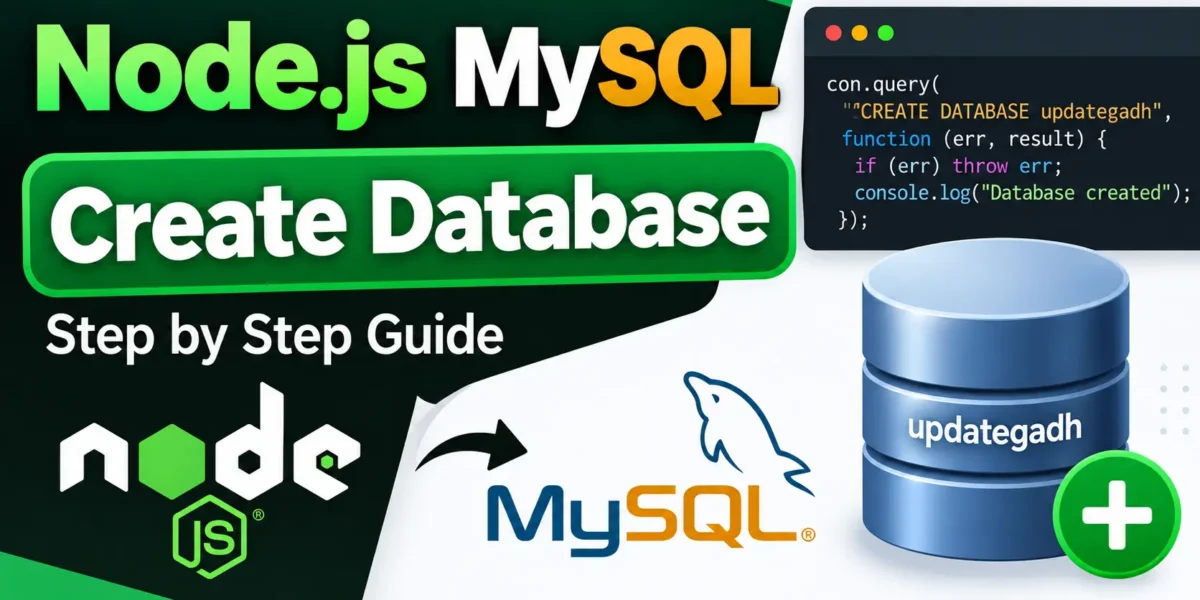
In this example, we will create a database named updategadh. Create a file named updategadh.js inside your DBexample folder.
var mysql = require('mysql');

var con = mysql.createConnection({
  host: "localhost",
  user: "root",
  password: "12345"
});

con.connect(function(err) {
  if (err) throw err;

  console.log("Connected!");

  con.query("CREATE DATABASE updategadh", function (err, result) {
    if (err) throw err;

    console.log("Database created");
  });
});
Run the Node.js Script
Run the following command in your terminal:
node updategadh.jsIf the connection and database creation are successful, you will see:
Connected!
Database created
Verify the Database in MySQL
You can verify that the database was created by running the following SQL command in MySQL:
SHOW DATABASES;The updategadh database should appear in the list of available databases.
Using CREATE DATABASE IF NOT EXISTS
YT:- DecodeIT
If there is a possibility that the database already exists, it is safer to use CREATE DATABASE IF NOT EXISTS. This prevents MySQL from returning an error when the database is already present.
con.query("CREATE DATABASE IF NOT EXISTS updategadh", function (err) {
  if (err) throw err;

  console.log("Database ready");
});
Conclusion
Using Node.js with the MySQL package, you can easily create a database by executing the MySQL CREATE DATABASE statement. Using IF NOT EXISTS is recommended when you want your application to avoid errors if the database has already been created.
Keywords
Node.js MySQL, Node.js create database, MySQL create database, CREATE DATABASE Node.js, Node.js database connection, MySQL database with Node.js, mysql npm package, Node.js MySQL tutorial, create MySQL database using Node.js