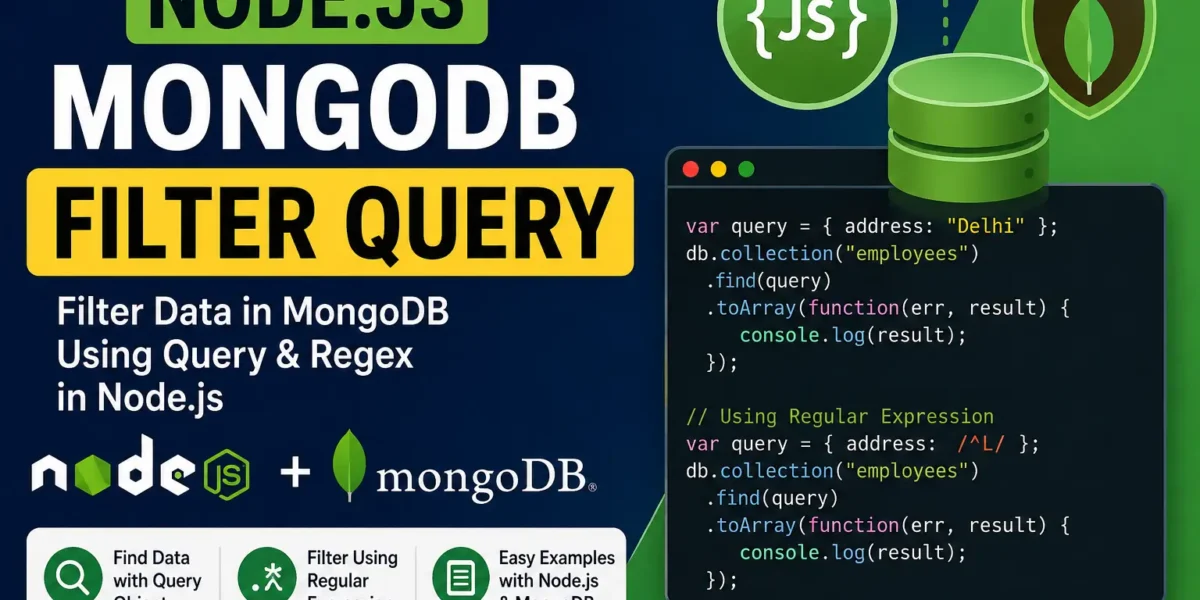
Node.js MongoDB Filter Query
When working with MongoDB in Node.js, filtering data from a collection is a common task. MongoDB provides the find() method to retrieve documents, and you can use a query object to filter the results according to specific conditions.
In this tutorial, we will learn how to filter MongoDB documents in Node.js using an exact match and regular expressions.
Filtering Data Using a Query Object
You can use the find() method with a query object to filter documents based on a particular field. MongoDB returns only those documents that match the specified condition.
For example, suppose we want to retrieve the details of employees whose address is Delhi.
Example: Retrieve Employees from Delhi
Create a file named query1.js and add the following code:
var http = require('http');
var MongoClient = require('mongodb').MongoClient;

var url = "mongodb://localhost:27017/MongoDatabase";

MongoClient.connect(url, function(err, db) {
  if (err) throw err;

  var query = { address: "Delhi" };

  db.collection("employees").find(query).toArray(function(err, result) {
    if (err) throw err;

    console.log(result);
    db.close();
  });
});
Now, open your terminal and run the following command:
node query1.jsThis script connects to the MongoDatabase, searches the employees collection, and retrieves all employee documents where the address field is equal to Delhi.
Filtering Data Using Regular Expressions
MongoDB also allows you to use regular expressions to perform pattern-based searches on string fields. Regular expressions are useful when you want to find records where a field starts with, ends with, or contains a particular character or pattern.
Example: Retrieve Employees Whose Address Starts with L
Create another file named query2.js and add the following code:
var http = require('http');
var MongoClient = require('mongodb').MongoClient;

var url = "mongodb://localhost:27017/MongoDatabase";

MongoClient.connect(url, function(err, db) {
  if (err) throw err;

  var query = { address: /^L/ };

  db.collection("employees").find(query).toArray(function(err, result) {
    if (err) throw err;

    console.log(result);
    db.close();
  });
});
Run the file using the following command:
node query2.jsThis program fetches all employee records where the address field begins with the letter L. The regular expression /^L/ ensures that only addresses starting with L are returned.
More:- UPDATEGADH
Understanding the MongoDB Filter Query
The query object defines the condition that MongoDB uses to filter the documents.
var query = { address: "Delhi" };In this example, MongoDB checks the address field and returns documents whose value matches Delhi.
For pattern-based filtering, a regular expression can be used:
var query = { address: /^L/ };Here, the ^ symbol represents the beginning of the string. Therefore, the query returns documents where the address starts with the letter L.
Conclusion
MongoDB filtering in Node.js allows you to retrieve specific documents from a collection based on defined conditions. The find() method can be used with a query object for exact matches, while regular expressions can be used for pattern-based searches.
YT:- DecodeIT
By using MongoDB filter queries effectively, you can search and retrieve the required data from your database more efficiently in Node.js applications.
SEO Details
SEO Title: Node.js MongoDB Filter Query – Find and Filter Data
Meta Description: Learn how to filter MongoDB data in Node.js using the find() method, query objects, exact matches, and regular expressions with simple examples.
Keywords: Node.js MongoDB filter query, MongoDB filter, MongoDB find Node.js, Node.js MongoDB find, MongoDB findOne Node.js, Node.js MongoDB query, MongoDB query filter, MongoDB filter query example, Node.js MongoDB filter example, MongoDB regular expression, MongoDB Node.js tutorial, MongoDB find query example