Node.js MySQL Create Table
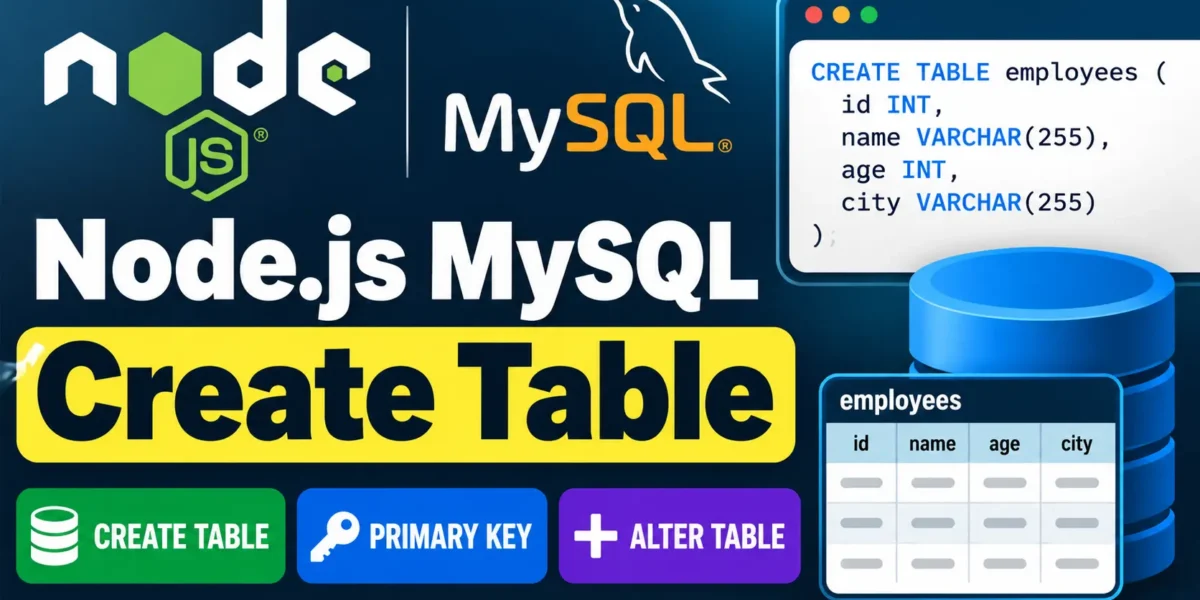
The MySQL CREATE TABLE statement is used to create a new table inside a database. In Node.js, you can execute this SQL statement using the mysql package.
Example: Create an Employees Table
In this example, we will create a table named employees with columns for ID, name, age, and city.
Create a JavaScript file named employees.js inside your DBexample folder and add the following code:
var mysql = require('mysql');

var con = mysql.createConnection({
  host: "localhost",
  user: "root",
  password: "12345",
  database: "updategadh"
});

con.connect(function(err) {
  if (err) throw err;

  console.log("Connected!");

  var sql = "CREATE TABLE employees (id INT, name VARCHAR(255), age INT, city VARCHAR(255))";

  con.query(sql, function (err, result) {
    if (err) throw err;

    console.log("Table created");
  });
});
Run the Node.js File
Complete Advance AI Topics: Click Here
SQL Tutorial: Click Here
Open your command prompt or terminal and execute:
node employees.jsIf the connection and query are successful, the employees table will be created in the specified MySQL database.
Verify the Table
You can use the following MySQL command to display all tables in the selected database:
SHOW TABLES;To view the structure of the employees table, use:
DESC employees;Creating a Table with a Primary Key
You can also define a primary key while creating a MySQL table. In the following example, the id column is defined as the primary key.
Create a file named employee2.js inside the DBexample folder:
var mysql = require('mysql');

var con = mysql.createConnection({
  host: "localhost",
  user: "root",
  password: "12345",
  database: "updategadh"
});

con.connect(function(err) {
  if (err) throw err;

  console.log("Connected!");

  var sql = "CREATE TABLE employee2 (id INT PRIMARY KEY, name VARCHAR(255), age INT, city VARCHAR(255))";

  con.query(sql, function (err, result) {
    if (err) throw err;

    console.log("Table created");
  });
});
Run the File
Execute the following command in the terminal:
node employee2.jsVerify the Primary Key
To confirm that the table has been created, run:
SHOW TABLES;To check the table structure and verify the primary key, use:
DESC employee2;The Key column in the output will indicate that id is the primary key.
Adding Columns to an Existing Table
The MySQL ALTER TABLE statement allows you to modify an existing table. For example, you can use it to add a new column.
Here, we will add a salary column to the employee2 table.
YT:- DecodeIT
Replace the content of employee2.js with the following code:
var mysql = require('mysql');

var con = mysql.createConnection({
  host: "localhost",
  user: "root",
  password: "12345",
  database: "updategadh"
});

con.connect(function(err) {
  if (err) throw err;

  console.log("Connected!");

  var sql = "ALTER TABLE employee2 ADD COLUMN salary INT";

  con.query(sql, function (err, result) {
    if (err) throw err;

    console.log("Table altered");
  });
});
Run the Command
Execute the JavaScript file again:
node employee2.jsVerify the New Column
To check whether the salary column has been added successfully, run:
DESC employee2;You should now see the salary column in the table structure.
Conclusion
In this tutorial, we learned how to create MySQL tables using Node.js, define a primary key, verify table structures, and add new columns using the ALTER TABLE statement. The Node.js mysql package makes it straightforward to execute these MySQL operations from a JavaScript application.
Keywords
Node.js MySQL Create Table, Node.js MySQL, CREATE TABLE MySQL, MySQL Create Table using Node.js, Node.js Database, Node.js MySQL Tutorial, MySQL Primary Key, ALTER TABLE MySQL, Node.js MySQL Example, MySQL Database