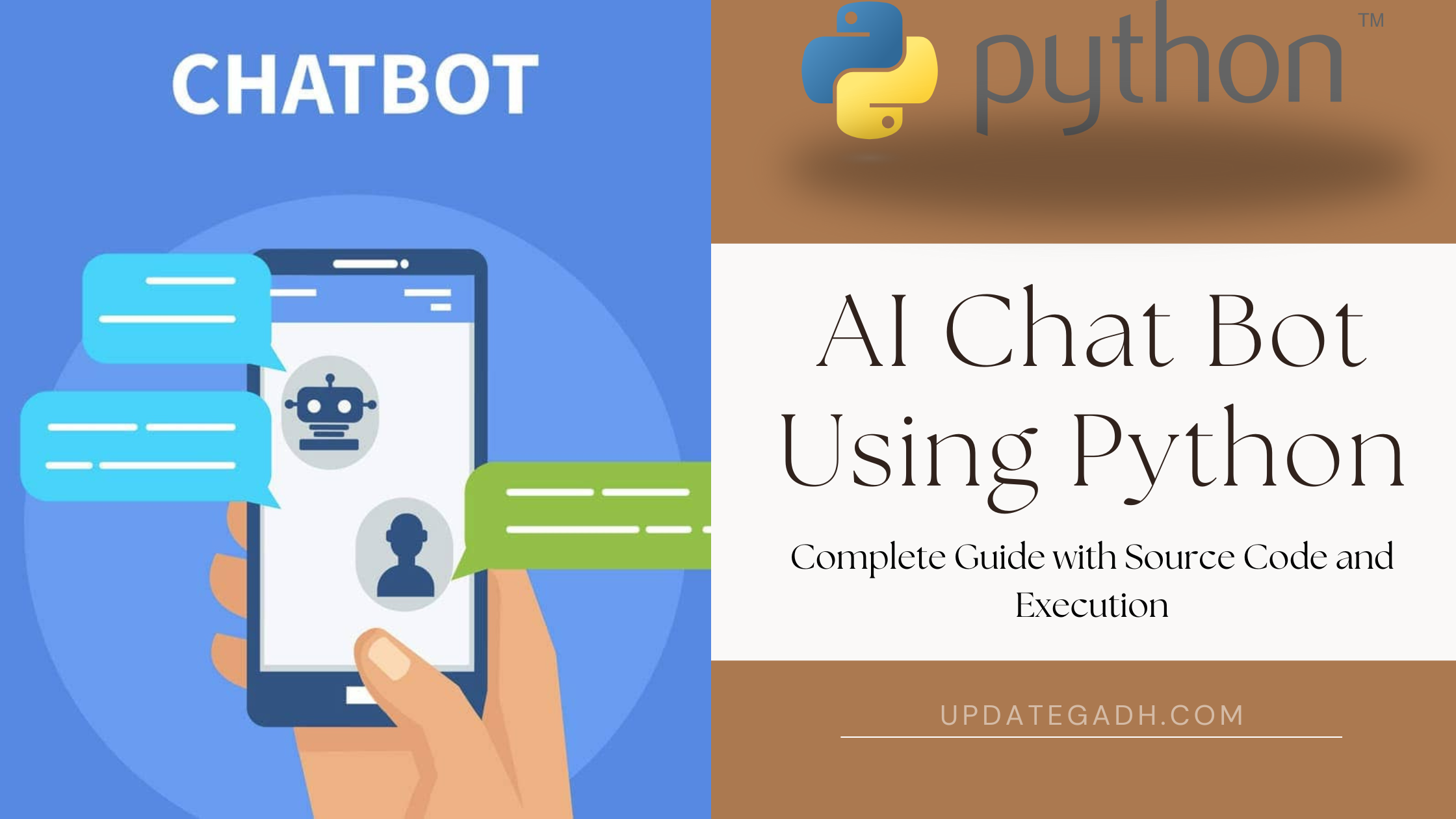
AI Chat Bot Using Python
In todays digital age, AI-powered chatbots are revolutionizing how businesses and individuals interact. They automate customer service, enhance user engagement, and offer personalized experiences. This blog post walks you through the process of building an AI chatbot using Python, including its source code and execution steps.
Lets dive into the fascinating world of AI chatbot development and see how you can create one with minimal hassle!
Download New Real Time Projects :-Click here
AI chatbots bring a multitude of benefits, including:
- 24/7 Availability: Always ready to assist users, reducing response time.
- Cost Efficiency: Automates repetitive tasks, freeing up resources for other operations.
- Enhanced Engagement: Provides personalized responses, improving customer satisfaction.
- Learning Capabilities: Modern chatbots can learn and improve with user interactions using machine learning.
Technologies Used
Well use the following libraries in Python:
- NLTK (Natural Language Toolkit): For tokenization and text preparation.
- TensorFlow/Keras: For building and training the chatbots model.
- Flask: To deploy the chatbot as a web application.
- SQLite: For storing user data or chatbot logs (optional).
Key Features of the Chatbot
- Understands user input using NLP.
- Provides contextually relevant responses.
- Learns from conversations (basic training module included).
- User-friendly interface using Flask.
Step 1: Setting Up the Environment
Install the required Python libraries. Enter the following command in the command prompt or terminal:
pip install nltk tensorflow flask
Step 2: Writing the Code
The full Python code for the chatbot may be found below:
import nltk
from nltk.stem import WordNetLemmatizer
import numpy as np
import tensorflow as tf
from tensorflow.keras.models import Sequential
from tensorflow.keras.layers import Dense, Dropout
import json
import random
from flask import Flask, request, jsonify
nltk.download('punkt')
nltk.download('wordnet')
# Data preprocessing
lemmatizer = WordNetLemmatizer()
# Load intents file
with open('intents.json') as file:
    intents = json.load(file)
words = []
classes = []
documents = []
ignore_words = ['?', '!']
for intent in intents['intents']:
    for pattern in intent['patterns']:
        # Tokenize words
        word_list = nltk.word_tokenize(pattern)
        words.extend(word_list)
        documents.append((word_list, intent['tag']))
        if intent['tag'] not in classes:
            classes.append(intent['tag'])
# Lemmatize and sort words
words = [lemmatizer.lemmatize(w.lower()) for w in words if w not in ignore_words]
words = sorted(list(set(words)))
classes = sorted(list(set(classes)))
# Training data preparation
training = []
output_empty = [0] * len(classes)
for document in documents:
    bag = []
    word_patterns = document[0]
    word_patterns = [lemmatizer.lemmatize(w.lower()) for w in word_patterns]
    for word in words:
        bag.append(1) if word in word_patterns else bag.append(0)
    output_row = list(output_empty)
    output_row[classes.index(document[1])] = 1
    training.append([bag, output_row])
training = np.array(training)
train_x = list(training[:, 0])
train_y = list(training[:, 1])
# Build the model
model = Sequential([
    Dense(128, input_shape=(len(train_x[0]),), activation='relu'),
    Dropout(0.5),
    Dense(64, activation='relu'),
    Dropout(0.5),
    Dense(len(train_y[0]), activation='softmax')
])
model.compile(loss='categorical_crossentropy', optimizer='adam', metrics=['accuracy'])
model.fit(np.array(train_x), np.array(train_y), epochs=200, batch_size=5, verbose=1)
model.save('chatbot_model.h5')
# Flask app for deployment
app = Flask(__name__)
@app.route("/chat", methods=["POST"])
def chat():
    msg = request.json['message']
    ints = predict_class(msg)
    res = get_response(ints, intents)
    return jsonify({"response": res})
# Helper functions
def predict_class(sentence):
    sentence_words = nltk.word_tokenize(sentence)
    sentence_words = [lemmatizer.lemmatize(word.lower()) for word in sentence_words]
    bag = [0] * len(words)
    for s in sentence_words:
        for i, w in enumerate(words):
            if w == s:
                bag[i] = 1
    res = model.predict(np.array([bag]))[0]
    ERROR_THRESHOLD = 0.25
    results = [[i, r] for i, r in enumerate(res) if r > ERROR_THRESHOLD]
    results.sort(key=lambda x: x[1], reverse=True)
    return [{"intent": classes[r[0]], "probability": str(r[1])} for r in results]
def get_response(intents_list, intents_json):
    tag = intents_list[0]['intent']
    for i in intents_json['intents']:
        if i['tag'] == tag:
            return random.choice(i['responses'])
if __name__ == "__main__":
    app.run(port=5000)
Step 3: Intents JSON File
Create a file named intents.json to define the chatbot’s behavior:
{
    "intents": [
        {
            "tag": "greeting",
            "patterns": ["Hi", "Hello", "How are you?", "Is anyone there?"],
            "responses": ["Hello!", "Hi there!", "Greetings!", "How can I assist you?"]
        },
        {
            "tag": "goodbye",
            "patterns": ["Bye", "See you later", "Goodbye"],
            "responses": ["Goodbye!", "See you later!", "Take care!"]
        },
        {
            "tag": "thanks",
            "patterns": ["Thanks", "Thank you", "That's helpful"],
            "responses": ["You're welcome!", "Happy to help!", "My pleasure!"]
        }
    ]
}
Step 4: Running the Chatbot
- Save
intents.jsonand the Python script in the same directory. - Run the Python script:
python chatbot.py - Access the chatbot using
POSTrequests to. Use tools like Postman or build a simple UI to interact.
PHP PROJECT:-
chatbot project in python with source code
chatgpt
chatbot project in python pdf
chatbot in python code
ai chat bot using python github
ai chat bot using python
ai chat bot using python github
ai chatbot benefits
ai chat bot using python
ai chat python
ai chat bot using python tutorial
ai chat bot python code
ai chatbot for python coding
create ai chatbot using python
ai chatbot using python source code
ai chatbot for customer service