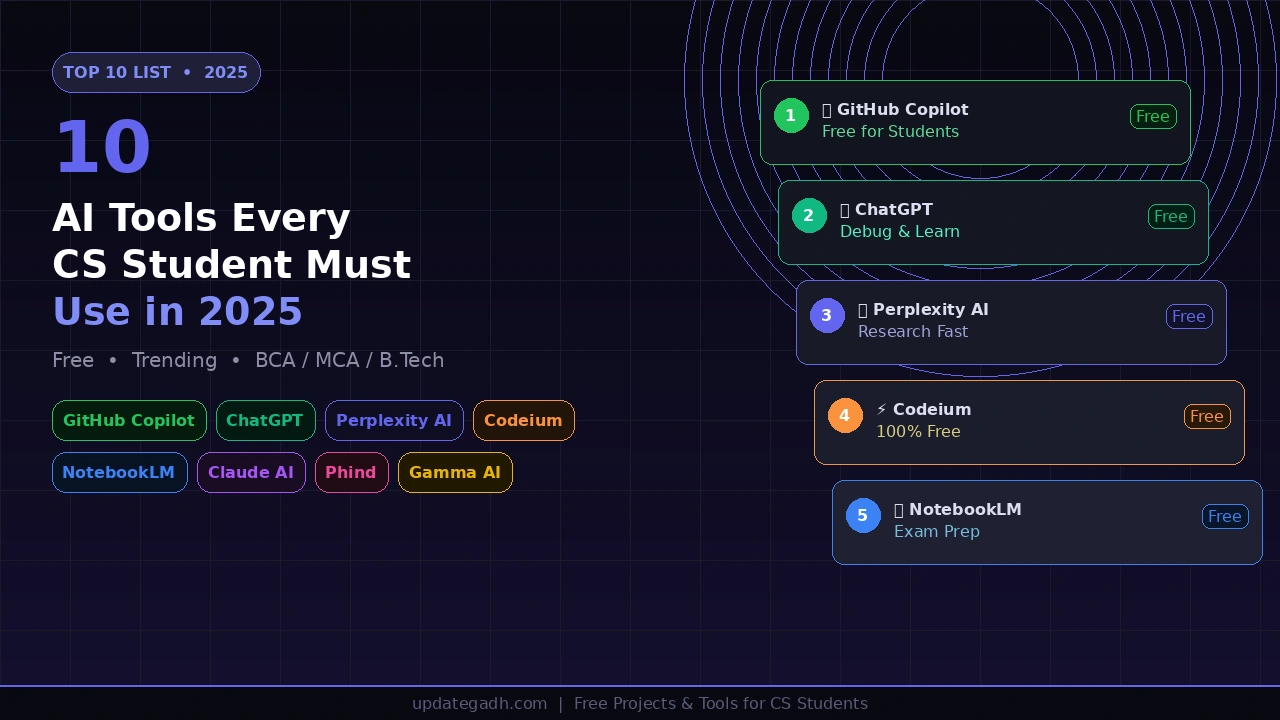
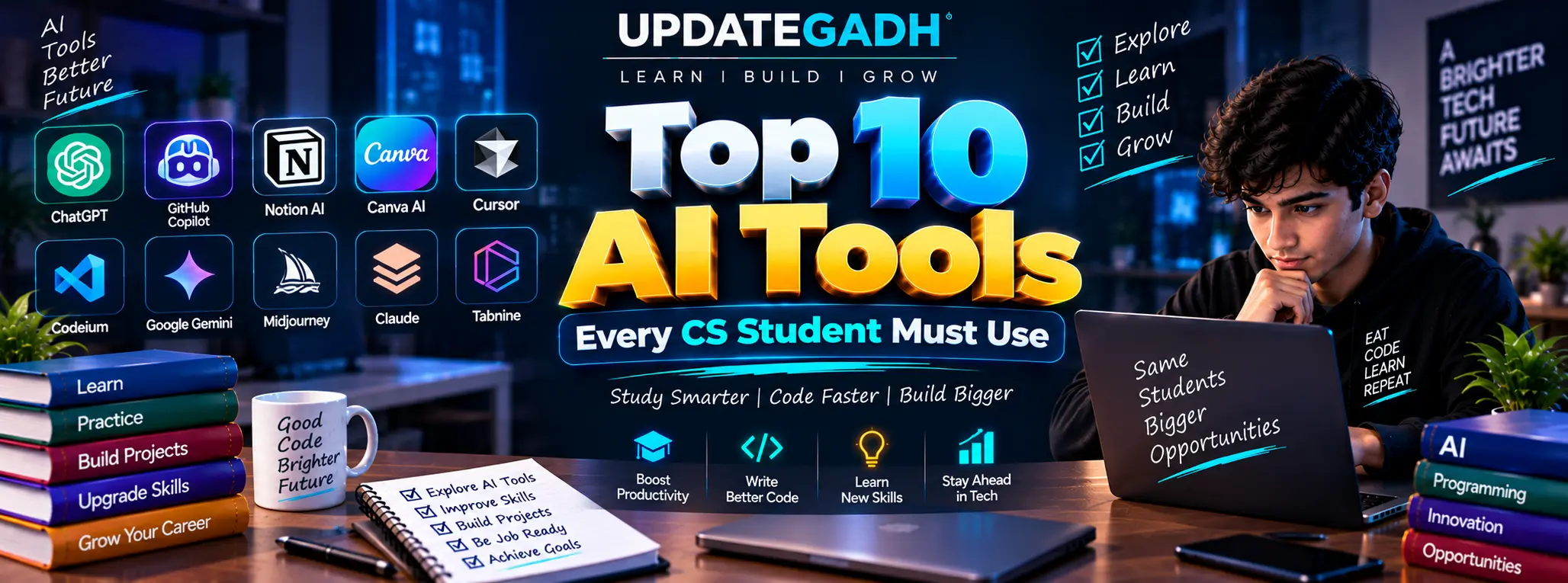
Looking for the top 10 AI tools for CS students in 2026? Every computer science student is still using Google and Stack Overflow, but the top-performing students are using free AI tools that cut learning time in half, debug code in seconds, and help build projects that actually impress interviewers. If you are still coding without AI assistance, you are working ten times harder than you need to.
Top 10 AI Tools CS Student
In this post, we have listed the top 10 AI tools every BCA, MCA, and B.Tech CS student must use in 2026 – all completely free or freemium. These are not generic writing tools. Every tool on this list is chosen specifically because it helps you code faster, build better projects, crack your viva, and get placed.
Table of Contents
Complete Advance AI Topics: Click Here
SQL Tutorial: Click Here
1. GitHub Copilot – Your AI Pair Programmer
GitHub Copilot is the single most powerful AI coding tool a CS student can use right now. It sits inside your VS Code editor and suggests complete lines and functions as you type – like autocomplete, but for entire blocks of code.
The best part? GitHub Copilot is completely free for students through the GitHub Student Developer Pack. You do not need to pay a single rupee.
- Autocompletes entire functions based on your comment or function name
- Works with Python, JavaScript, Java, C++, PHP, and 10+ more languages
- Explains what your code does when you ask it in comments
- Helps you write boilerplate code 10x faster
- Integrates directly into VS Code, JetBrains, and Neovim
How to get it free: Apply at education.github.com/pack with your college email. Approval usually takes 24-48 hours.
2. ChatGPT – The Ultimate Study and Coding Partner
You already know ChatGPT, but most students use only 10 percent of what it can do. For CS students, ChatGPT works as a full-time coding tutor, debugger, and viva preparation assistant available at 2 AM before your exam.
Paste your error message and ask “why is this error happening and how do I fix it?” – you will often get a better answer than Stack Overflow.
- Debug any error by pasting your code and error message
- Explain any concept in simple language – “explain JWT like I am 10”
- Generate complete project boilerplate code in seconds
- Prepare for viva – ask it to quiz you on your project
- Write README files, documentation, and project reports
- Convert code from one language to another instantly
Pro tip for students: Start every session with “You are a senior developer. I am a BCA student building [your project]. Help me with…” – you will get much better answers.
3. Perplexity AI – Research Without Wasting Hours
Writing a project report or literature review? Perplexity AI is an AI-powered search engine that gives you direct answers with cited sources, not just a list of links. It is what Google should have been.
For final year students writing project documentation, seminar reports, or research papers, Perplexity saves hours every single day.
- Gives direct answers with citations you can actually reference
- Searches the web in real time – no outdated training data
- Ask follow-up questions in the same thread
- Great for finding recent research papers and articles
- Free to use at perplexity.ai
4. Google Gemini – Best Free ChatGPT Alternative
Google Gemini is now one of the strongest AI assistants available, and it is completely free. For CS students already using Google tools, Gemini integrates with Gmail, Drive, and Docs, making it incredibly practical.
Gemini is especially strong at generating code with explanations, understanding long documents, and summarising large study materials.
- Generates and explains Python, Java, and JavaScript code for free
- Analyses uploaded PDFs – great for reading textbooks fast
- Integrates with Google Workspace – Docs, Sheets, Gmail
- Deep Research mode for long-form project research
- Try it at gemini.google.com
5. Codeium – 100% Free GitHub Copilot Alternative
Not every student gets GitHub Copilot approved. Codeium is the best completely free alternative – the same AI code completion experience, with no student verification needed, working right inside VS Code.
It supports 70+ programming languages and offers basic suggestions even with limited connectivity.
- Free forever – no credit card, no student email required
- Works in VS Code, IntelliJ, PyCharm, Vim, and more
- AI chat inside the editor – ask questions without leaving VS Code
- Supports Python, Java, C++, JavaScript, PHP, SQL, and 65+ more
- Install at codeium.com in under 2 minutes
6. NotebookLM – Turn Your PDFs Into a Smart Study Assistant
NotebookLM by Google is a game-changer for exam preparation. Upload your lecture notes, textbook PDFs, or research papers, then ask questions – it answers directly from your uploaded material with source references.
Instead of reading 200 pages the night before your exam, upload your notes and ask “What are the key concepts in Chapter 4?” – done in 5 minutes.
- Upload up to 50 sources – PDFs, Google Docs, YouTube videos, URLs
- Ask questions and get answers with exact source citations
- Generate study guides and summaries from your own notes
- Creates audio podcast-style summaries of your documents
- Completely free at notebooklm.google.com
AI-Powered English Learning App using React
7. Tabnine – Privacy-First AI Code Completion
Tabnine is the AI code completion tool that can run locally on your machine, meaning your code does not have to be sent to a server. For students working on confidential projects or college lab work, this is the safest option.
It learns from your own codebase over time, so the more you code, the smarter its suggestions become for your style.
- AI code completion that works without an internet connection
- Learns your coding patterns and style over time
- Works in VS Code, JetBrains, Eclipse, and Sublime Text
- Supports all major languages including Python, Java, and C++
- Free plan available at tabnine.com
8. Claude AI – Best for Understanding Long Code
Claude by Anthropic can handle extremely long code files in one go – something many free AI plans struggle with. Paste your entire project file and ask “explain this code” or “find bugs in this”, and Claude reads all of it without cutting off.
For final year students who need to understand large codebases or get detailed code reviews, Claude is one of the best free options available.
- Handles very long code files – entire projects at once
- Gives detailed, thoughtful code explanations
- Excellent for finding logical errors and security issues
- Strong at explaining complex algorithms in simple terms
- Free to use at claude.ai
https://www.youtube.com/@Decodeit2
9. Phind – AI Search Engine Built for Developers
Phind is what happens when you build a search engine specifically for programmers. Search any coding problem and it gives you a direct answer with code examples, not just links to documentation pages you have to dig through.
For debugging, understanding new frameworks, or implementing a specific feature, Phind is faster than Stack Overflow and more focused than Google.
- Searches developer-specific sources – GitHub, docs, Stack Overflow
- Gives working code examples with every answer
- No signup needed to start using
- Supports follow-up questions in the same thread
- Try it free at phind.com
10. Gamma AI – Create Project Presentations in 30 Seconds
Every CS student dreads making the PowerPoint presentation for their final year project. Gamma AI generates a complete, professional presentation from just a text description in under 30 seconds.
Type “Make a 10-slide presentation about my Hospital Management System project in MERN Stack” and Gamma builds the whole thing with design, content, and formatting already done.
- Generates full presentations from a single text prompt
- Professional design themes – no design skills needed
- Export as PDF or PowerPoint for college submission
- Edit any slide easily after generation
- Free plan at gamma.app with free credits on signup
Full Comparison Table
| Tool | Primary Use | Works in VS Code | Free Plan | Best For |
| GitHub Copilot | Code completion | Yes | Free for students | Coding faster |
| ChatGPT | Code + study help | No | Yes | Everything |
| Perplexity AI | Research | No | Yes | Project reports |
| Google Gemini | Code + research | No | Yes | Google users |
| Codeium | Code completion | Yes | Yes (fully free) | No student ID needed |
| NotebookLM | Study from PDFs | No | Yes | Exam prep |
| Tabnine | Code completion | Yes | Yes | Offline / private code |
| Claude AI | Long code review | No | Yes | Large codebases |
| Phind | Developer search | No | Yes | Debugging quickly |
| Gamma AI | Presentations | No | Yes | Project PPT |
Which AI Tool Should You Start With?
Do not try to use all 10 at once. Start with the right tool for where you are right now:
- Building a project? Install Codeium in VS Code today – free, instant, no approval needed.
- Got a college email? Apply for GitHub Copilot via the Student Developer Pack immediately.
- Preparing for viva? Use ChatGPT to quiz yourself on your project.
- Writing your project report? Use Perplexity for research and NotebookLM for your notes.
- Making your final presentation? Use Gamma AI – your full PPT in 30 seconds.
- Debugging a tough error? Paste your code into Phind or Claude for the fastest fix.
The students who start using these free AI tools for coding and study now will have a massive advantage in placements, projects, and interviews. Your classmates who are not using AI are spending 5 hours on what you can do in 30 minutes.
Frequently Asked Questions (FAQ)
Which is the best free AI tool for CS students in 2026?
For coding, GitHub Copilot (free via the Student Developer Pack) and Codeium are the best. For study and viva preparation, ChatGPT and NotebookLM are the most useful free options.
Is GitHub Copilot really free for students?
Yes. Students can get GitHub Copilot completely free through the GitHub Student Developer Pack by verifying with a college email at education.github.com/pack.
Which AI tool is best for final year project presentations?
Gamma AI generates a complete, professionally designed presentation from a single text prompt and lets you export it as PDF or PowerPoint for college submission.
Can I use these AI tools without paying anything?
Yes. Every tool on this list has a genuinely usable free plan. Codeium, Phind, and NotebookLM are effectively free with no payment required at all.
Which AI tool is best for debugging code?
For quick fixes, Phind gives direct answers with working code examples. For long files and full project review, Claude AI handles entire codebases in one go.
Is it cheating to use AI tools as a student?
No – as long as you use them to learn and build, not to blindly copy. Companies expect freshers to know AI-assisted development in 2026, so learning these tools is a placement advantage, not a shortcut.