Skip to content
  • SiteMap
  • Our Services
  • Frequently Asked Questions (FAQ)
  • Support
  • About Us

UpdateGadh

Update Your Skills.

  • Home
  • Projects
    •  Blockchain projects
    • Python Project
    • Data Science
    •  Ai projects
    • Machine Learning
    • PHP Project
    • React Projects
    • Java Project
    • SpringBoot
    • JSP Projects
    • Java Script Projects
    • Code Snippet
    • Free Projects
  • Tutorials
    • Ai
    • Machine Learning
    • Advance Python
    • Advance SQL
    • DBMS Tutorial
    • Data Analyst
    • Deep Learning Tutorial
    • Data Science
    • Nodejs Tutorial
  • Blog
  • Contact us
  • Toggle search form
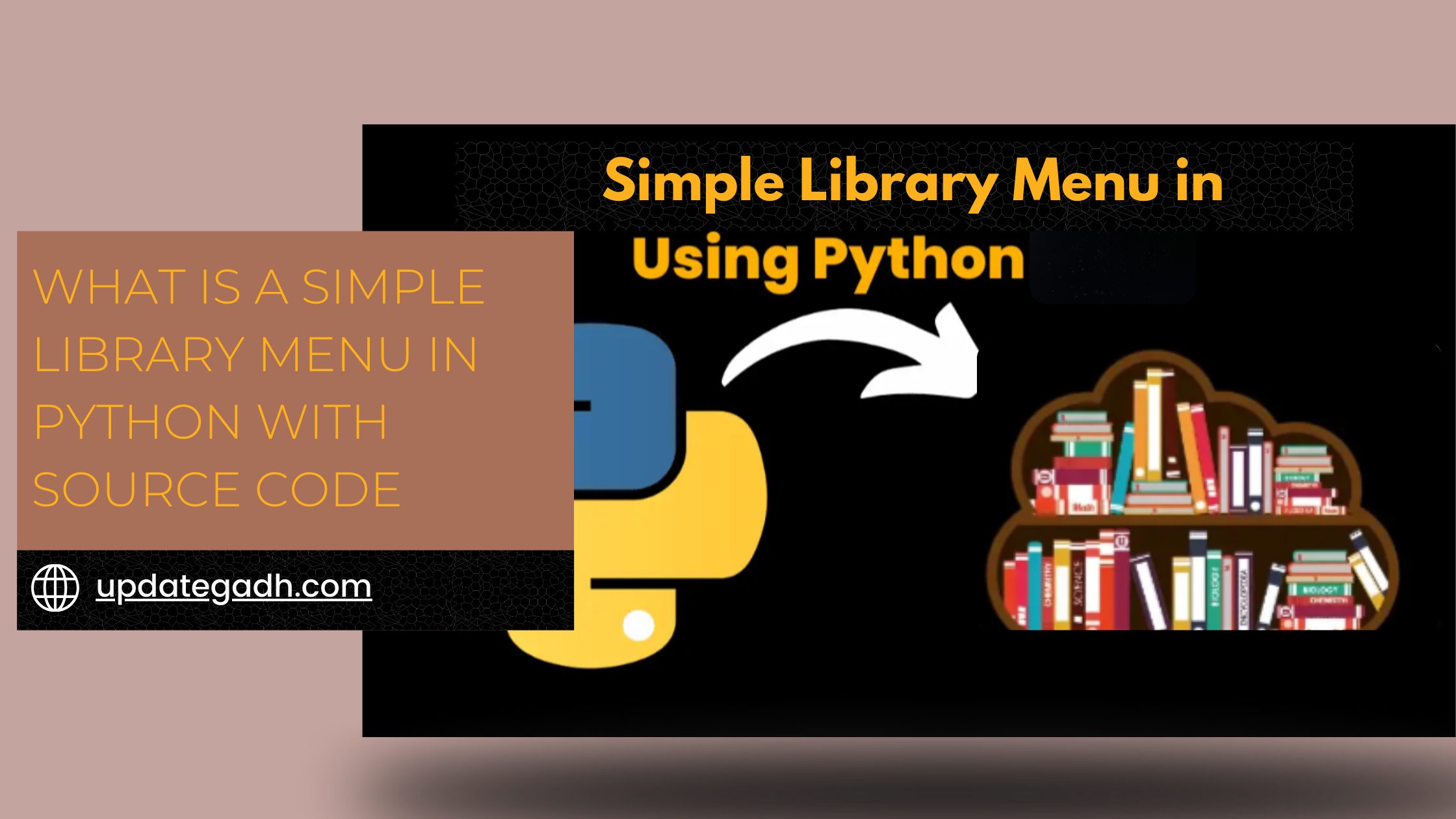
Library Menu in Python with Free Source Code - What is a Simple Library Menu in Python with Source Code

Library Menu in Python with Free Source Code

Posted on September 13, 2024January 16, 2026 By Rishabh saini No Comments on Library Menu in Python with Free Source Code

Library Menu in Python

Creating a library menu in Python involves designing a simple interface that allows users to interact with a list of options, such as borrowing or returning books. It’s like building a small catalog system, where users can select from a few options and see different results based on their choices.

This project might seem simple, but it covers a lot of important programming concepts, like functions, loops, conditionals, and user input handling.

Components of Library Menu

To create a simple library menu in Python, you’ll need to focus on a few essential components:

  1. A list of available books: You need a list or a similar structure to represent the books in the library.
  2. Menu options: A clear and simple menu, offering choices such as borrowing a book, returning a book, or viewing all books.
  3. User input handling: Efficient handling of what the user selects to execute the right action.
  4. Functions: Each menu option should be tied to a function that performs a specific task.

Online File Sharing System Using PHP and MySQL: A Step-by-Step Guide

Build Menu in Python

Menu Display

def display_menu():
    print("Welcome to the Library!")
    print("1. View all books")
    print("2. Borrow a book")
    print("3. Return a book")
    print("4. Exit")

Handling User Input

User input is collected using Python’s built-in input() function. This allows you to grab the user’s choice and respond accordingly.

user_choice = input("Please select an option: ")

Library Menu in Python

Library Menu in Python

Source Code

Below is the complete source code for a simple Python-based library menu system:

# List of books in the library
books = ["The Great Gatsby", "1984", "To Kill a Mockingbird", "Pride and Prejudice"]

# Function to display the menu
def display_menu():
    print("\nLibrary Menu:")
    print("1. View all books")
    print("2. Borrow a book")
    print("3. Return a book")
    print("4. Exit")

# Function to view books
def view_books():
    print("\nAvailable books:")
    for book in books:
        print(f"- {book}")

# Function to borrow a book
def borrow_book():
    book = input("Enter the name of the book you want to borrow: ")
    if book in books:
        books.remove(book)
        print(f"You have borrowed '{book}'.")
    else:
        print("Sorry, that book is not available.")

# Function to return a book
def return_book():
    book = input("Enter the name of the book you want to return: ")
    books.append(book)
    print(f"You have returned '{book}'.")

# Main loop
while True:
    display_menu()
    choice = int(input("\nSelect an option: "))

    if choice == 1:
        view_books()
    elif choice == 2:
        borrow_book()
    elif choice == 3:
        return_book()
    elif choice == 4:
        print("Thank you for using the library system. Goodbye!")
        break
    else:
        print("Invalid choice. Please select a valid option.")

Breakdown the Code

1. The Book List

At the start, we have a simple list that stores book names:

books = ["The Great Gatsby", "1984", "To Kill a Mockingbird", "Pride and Prejudice"]

You can modify this list to add or remove books based on what your library offers.

2. The Menu Display

The display_menu function prints out the available options for the user.

3. Viewing Books

The view_books function iterates through the books list and prints out each available book.

4. Borrowing and Returning Books

The borrow_book function checks if a book is available and, if it is, removes it from the list. On the other hand, return_book adds the book back to the list.

5. The Main Loop

The while loop keeps the menu running until the user selects “Exit”.

Creating a simple library menu in Python is an excellent beginner project. It’s practical, easy to understand, and helps reinforce fundamental programming concepts. Whether you’re just starting your coding journey or looking to add a fun project to your portfolio, this library menu is a great stepping stone.

New Project :-https://www.youtube.com/@Decodeit2


Post Views: 1,352
PythonFreeProject Tags:Collage Project, Python, tkinter in python

Post navigation

Previous Post: Online File Sharing System Using PHP and MySQL: A Step-by-Step Guide
Next Post: Blood Pressure Monitoring Management System Using PHP and MySQL with Guide

More Related Articles

Password Generator in GUI Python With Free Source Code - Password Generator in GUI Python With Free Source Code Password Generator in GUI Python With Free Source Code PythonFreeProject
Building a CLI Wordle Game in Python: A Step-by-Step Guide - CLI Wordle Game in Python Building a CLI Wordle Game in Python: A Step-by-Step Guide PythonFreeProject
Animal Prediction System Animal Prediction System Using Python & Django – Final Year Paid Project PythonFreeProject

Leave a Reply Cancel reply

Your email address will not be published. Required fields are marked *

You may also like

  1. E-commerce Website using Django With Free Source Code
  2. Detecting Malicious URLs with Django
  3. Contact Management System In PYTHON
  4. 🔍 Best Django Project for Beginners: Department Store Management System (Free to Use)
  5. Hotel Price Prediction Machine Learning
  6. Best Money Management System Using Python – A Django & MySQL Based Personal Finance Management System

Most Viewed Posts

  1. Top Large Language Models in 2025
  2. Online Shopping System using PHP, MySQL with Free Source Code
  3. login form in php and mysql , Step-by-Step with Free Source Code
  4. Flipkart Clone using PHP And MYSQL Free Source Code
  5. News Portal Project in PHP and MySql Free Source Code
  6. User Login & Registration System Using PHP and MySQL Free Code
  7. Top 10 Final Year Project Ideas in Python
  8. Online Bike Rental Management System Using PHP and MySQL
  9. E learning Website in php with Free source code
  10. E-Commerce Website Project in Java Servlets (JSP)
  • AI
  • ASP.NET
  • Blockchain
  • ChatCPT
  • code Snippets
  • Collage Projects
  • Data Science Project
  • Data Science Tutorial
  • DBMS Tutorial
  • Deep Learning Tutorial
  • Final Year Projects
  • Free Projects
  • How to
  • html
  • Interview Question
  • Java Notes
  • Java Project
  • Java Script Notes
  • JAVASCRIPT
  • Javascript Project
  • JSP JAVA(J2EE)
  • Machine Learning Project
  • Machine Learning Tutorial
  • MySQL Tutorial
  • Node.js Tutorial
  • PHP Project
  • Portfolio
  • Python
  • Python Interview Question
  • Python Projects
  • PythonFreeProject
  • React Free Project
  • React Projects
  • Spring boot
  • SQL Tutorial
  • TOP 10
  • Uncategorized
  • Online Examination System in PHP with Source Code
  • AI Chatbot for College and Hospital
  • Job Portal Web Application in PHP MySQL
  • Online Tutorial Portal Site in PHP MySQL — Full Project with Source Code
  • Online Job Portal System in JSP Servlet MySQL

Most Viewed Posts

  • Top Large Language Models in 2025 (8,613)
  • Online Shopping System using PHP, MySQL with Free Source Code (5,215)
  • login form in php and mysql , Step-by-Step with Free Source Code (4,867)

Copyright © 2026 UpdateGadh.

Powered by PressBook Green WordPress theme