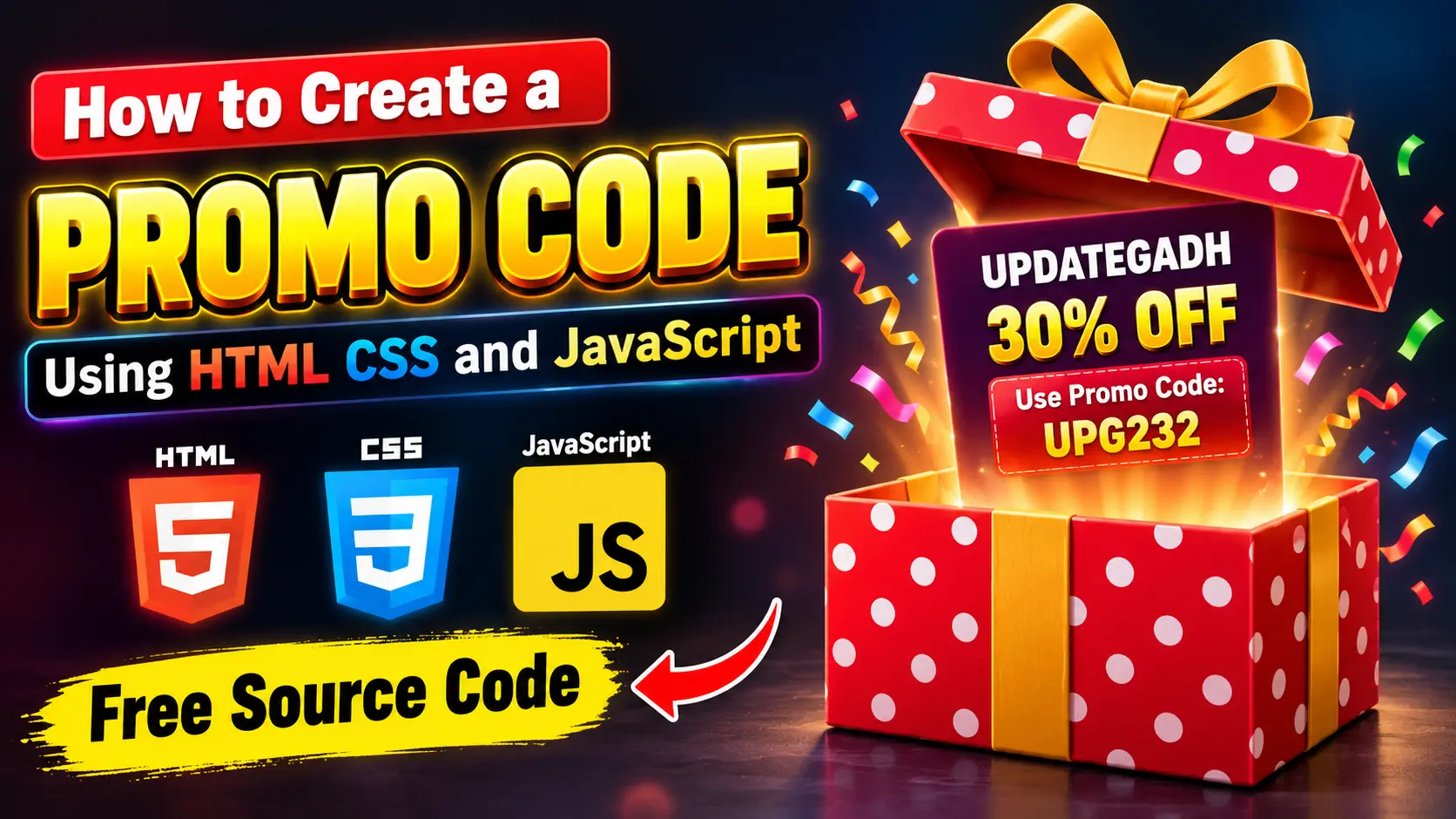
How to Create a Promo Code Using HTML, CSS and JavaScript
In this tutorial, we will learn how to create a modern and interactive Promo Code component using HTML, CSS, and JavaScript. This project displays a promotional gift box that reveals a discount offer when the user interacts with it. JavaScript is also used to trigger a confetti animation when the promo code is opened or touched.
This type of promo code component can be used on e-commerce websites, landing pages, product websites, discount pages, and promotional campaigns. The project is beginner-friendly and can be created using only three files: HTML, CSS, and JavaScript.
Complete Advance AI Topics: Click Here
Real Time Projects on YouTube:- DecodeIT
Project Overview
| Project Name | Promo Code Using HTML CSS and JavaScript |
| Technologies | HTML, CSS, JavaScript |
| Database | Not Required |
| Type | Frontend Web Project |
Features
- Interactive promotional gift box
- Responsive design
- Animated gift box lid
- Discount offer display
- Promo code presentation
- Mouse interaction
- Touch interaction for mobile devices
- Confetti animation
- Modern CSS design
- No database required
How the Promo Code Works
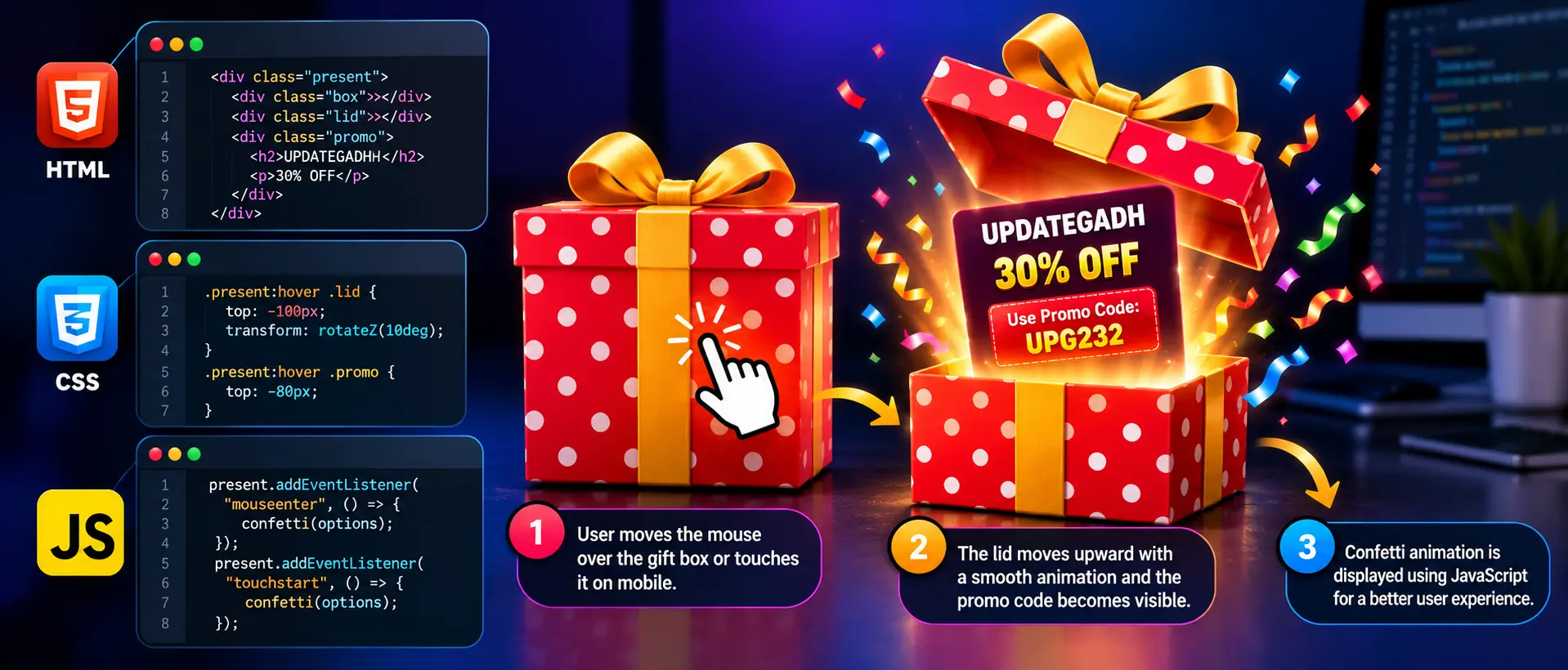
The project uses HTML to create the promotional box structure, CSS to create the gift-box design and animations, and JavaScript to add interactive behavior.
When the user moves the mouse over the promotional box, the lid moves upward and the discount information becomes visible. On supported devices, touching the promotional box also triggers the JavaScript interaction and confetti effect.
Step-by-Step Project Setup
Step 1: Create the Project Folder
Create a new folder named promo-code. Inside this folder, create the following three files:
promo-code/
├── index.html
├── style.css
└── script.js
Step 2: Create the HTML File
Open index.html and add the following complete code:
<!-- ***** FOR MORE REAL TIME PROJECTS VISIT :- https://updategadh.com/ ***** -->

<!DOCTYPE html>
<html lang="en">
<head>
    <meta charset="UTF-8">
    <meta name="viewport" content="width=device-width, initial-scale=1.0">
    <title>Promo Code</title>
    <link rel="stylesheet" href="style.css">
</head>

<body>

    <div class="present" id="present">

        <div class="box">
            <span></span>
            <span></span>
        </div>

        <div class="lid">
            <span></span>
        </div>

        <div class="promo">
            <h2>UPDATEGADH</h2>
            <p>30% OFF</p>
            <p>Use Promo Code: <strong>UPG232</strong></p>
        </div>

    </div>

    <script src="https://cdn.jsdelivr.net/npm/canvas-confetti@1.4.0/dist/confetti.browser.min.js"></script>
    <script src="script.js"></script>

</body>
</html>
Step 3: Add CSS Styling
Now open style.css. This file controls the complete appearance, gift-box design, responsive layout, and animation.
/* ***** FOR MORE REAL TIME PROJECTS VISIT :- https://updategadh.com/ ***** */

@import url("https://fonts.googleapis.com/css2?family=Itim&display=swap");

* {
    box-sizing: border-box;
}

body {
    margin: 0;
    min-height: 100vh;
    display: flex;
    justify-content: center;
    align-items: center;
    background: linear-gradient(to top, #414345, #232526);
    font-family: "Itim", cursive;
    overflow: hidden;
}

.present {
    width: 410px;
    max-width: 90vw;
    margin: auto;
    cursor: pointer;
    position: relative;
}

.box {
    width: 400px;
    max-width: 90vw;
    height: 250px;
    position: relative;
    margin: 0 auto;

    background:
        radial-gradient(white 15%, transparent 15.1%),
        radial-gradient(white 15%, transparent 15.1%),
        rgb(240, 58, 58);

    background-position: 0 0, 25px 25px;
    background-size: 50px 50px;
}

.lid {
    width: 400px;
    max-width: 90vw;
    height: 70px;
    position: relative;
    margin: 0 auto;
    z-index: 2;

    background:
        radial-gradient(white 15%, transparent 15.1%),
        radial-gradient(white 15%, transparent 15.1%),
        rgb(216, 52, 52);

    background-position: 0 0, 25px 25px;
    background-size: 50px 50px;

    box-shadow: 1px 2px 5px rgba(0, 0, 0, 0.3);

    transition:
        top 0.5s ease-out,
        left 0.5s ease-out,
        transform 0.5s ease-out;
}

.box span,
.lid span {
    position: absolute;
    display: block;
    background: rgba(235, 199, 0, 0.9);
    box-shadow: 1px 2px 3px rgba(0, 0, 0, 0.1);
}

.box span:first-child {
    width: 100%;
    height: 60px;
    top: 80px;
}

.box span:last-child,
.lid span {
    width: 60px;
    height: 100%;
    left: 50%;
    transform: translateX(-50%);
}

.promo {
    position: absolute;
    width: 100%;
    top: 20px;
    left: 0;
    text-align: center;
    color: white;
    z-index: 1;
    transition: all 0.7s ease-out;
}

.promo h2 {
    margin: 0;
    font-size: 38px;
}

.promo p {
    margin: 5px 0;
    font-size: 22px;
}

.promo strong {
    color: #ffe600;
}

.present:hover .lid {
    top: -100px;
    left: 10px;
    transform: rotateZ(10deg);
}

.present:hover .promo {
    top: -80px;
}

@media (max-width: 500px) {

    .box,
    .lid {
        width: 90vw;
    }

    .box {
        height: 220px;
    }

    .promo h2 {
        font-size: 30px;
    }

    .promo p {
        font-size: 18px;
    }
}
Step 4: Add JavaScript Functionality
Finally, open script.js. JavaScript is used to detect mouse and touch interaction and display the confetti animation.
// ***** FOR MORE REAL TIME PROJECTS VISIT :- https://updategadh.com/ *****

const present = document.getElementById("present");

const confettiOptions = {
    particleCount: 120,
    spread: 80,
    startVelocity: 30,
    colors: [
        "#34D963",
        "#068C2C",
        "#FF5757",
        "#8C1414",
        "#D9D74A",
        "#1E91D9",
        "#1B608C"
    ]
};

function showConfetti() {
    if (typeof confetti === "function") {
        confetti(confettiOptions);
    }
}

present.addEventListener("mouseenter", showConfetti);

present.addEventListener("touchstart", function () {
    showConfetti();
}, { passive: true });
How to Run the Project
- Create the promo-code folder.
- Create index.html, style.css, and script.js.
- Copy the respective code into each file.
- Save all files.
- Open index.html in your browser.
- Move your mouse over the gift box to view the promo animation.
- On mobile, touch the gift box to trigger the interaction.
How to Customize the Promo Code
You can easily change the promotional information directly inside the HTML file. For example, change 30% OFF to your required discount and replace UPG232 with your own promo code.
You can also modify the background colors, gift-box colors, font sizes, animation speed, and confetti colors from the CSS and JavaScript files.
Project Benefits
This project is useful for learning DOM manipulation, CSS animations, responsive web design, JavaScript events, and third-party JavaScript libraries. It can also be integrated into promotional sections of e-commerce websites and landing pages.
Final Thoughts
Creating an interactive Promo Code component is a simple way to practice HTML, CSS, and JavaScript together. The project demonstrates how a basic promotional design can be converted into an engaging interactive component with animations and JavaScript events. Students can further customize the design and integrate it into their own web projects.
Keywords: How to Create a Promo Code Using HTML CSS and JavaScript, Promo Code using HTML CSS JavaScript, JavaScript Promo Code, HTML CSS JavaScript Project, Promo Code UI