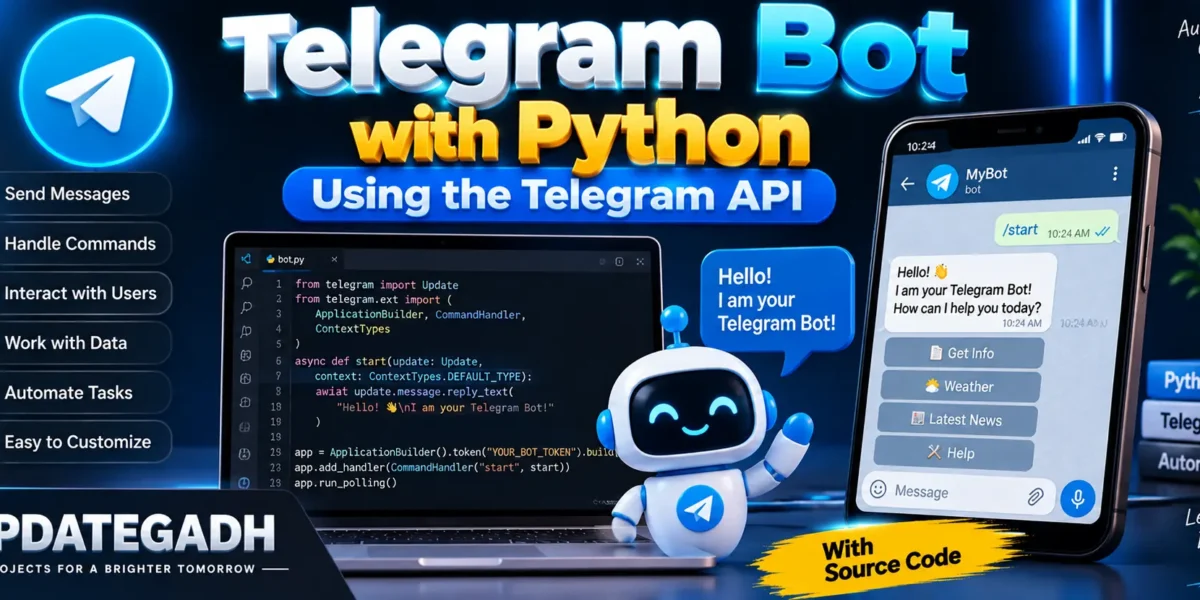
Telegram Bot with Python
Bots are sophisticated software programs that are made to carry out certain activities on their own. These automated devices replicate or replace human behavior by following preprogrammed instructions. They are extensively employed in many different applications, including task automation, alerts, and customer service. This post will explain how to use Python and the Telegram API to build a basic Telegram bot.
Complete Advance AI Topics: Click Here
Real Time Projects:- DecodeIT
Getting
Before starting with Python, we need to follow a few steps to get the Telegram Bot API key. Here’s how you can do it:
- Create a Telegram Account: Download the app and create an account if you don’t already have one for Telegram.
- Search for BotFather: BotFather is an official bot that helps create other bots. Look it up on the Telegram application.
- Start a Chat with BotFather: Open the chat with BotFather and type
/start. You’ll be given a set of instructions. - Build a New Bot: After typing /newbot, submit it. You are going to be asked to give your bot a name. Select a name that embodies the goal of your bot.
- Set a Username: Next, you’ll be asked to provide a username for your bot. The username, such as my_awesome_bot, must be unique and finish in “bot.”
- Get the API Key: Once you’ve successfully named your bot, BotFather will send you a unique API key. This key will be essential for connecting your Python code to the Telegram bot.
Now that you have the API key, lets move on to building the bot.
Setting Up the Environment for Python
To start building the bot in Python, we need the python-telegram-bot package, which can be installed using pip:
pip install python-telegram-botAfter installing the package, lets move on to coding.
Writing the Telegram Bot in Python
Now, we will create a simple Telegram bot that responds to commands using Python. The first thing we need is to import the necessary modules and initialize the bot using the API key provided by BotFather.
import telegram
from telegram.ext import Updater, CommandHandler, MessageHandler, Filters

# Replace 'TOKEN' with your actual bot token
bot = telegram.Bot(token='YOUR_API_KEY')

# Set up the updater and dispatcher
updater = Updater(token='YOUR_API_KEY', use_context=True)
dispatcher = updater.dispatcher
Creating a Simple Hello World Command
Let’s follow the tradition and create a simple Hello, World! command. We will define a function that sends a message in response to the /hello command.
def hello(update, context):
    context.bot.send_message(chat_id=update.effective_chat.id, text="Hello, World!")

# Add the command handler to the dispatcher
hello_handler = CommandHandler('hello', hello)
dispatcher.add_handler(hello_handler)
Starting the Bot
Now, we need to start polling, which allows the bot to continuously check for new updates (such as messages and commands) from Telegram.
# Start the bot
updater.start_polling()
With this code, once you type /hello in the chat with your bot, it will respond with “Hello, World!”.
Creating a COVID-19 Summary Bot
Now that weve covered a simple bot, lets enhance its functionality by building a bot that provides real-time COVID-19 updates using an API. This will demonstrate how to make your bot more interactive and useful.
First, install the requests library, which will allow us to fetch data from an API:
pip install requestsNext, import the necessary modules and set up a function to retrieve COVID-19 data:
import requests
import json

def summary(update, context):
    # Fetching data from the COVID-19 API
    response = requests.get('https://api.covid19api.com/summary')

    if response.status_code == 200:
        data = response.json()
        global_data = data['Global']

        # Sending the global COVID-19 stats to the user
        message = f"COVID-19 Global Summary:\nNew Confirmed: {global_data['NewConfirmed']}\nTotal Confirmed: {global_data['TotalConfirmed']}\nNew Deaths: {global_data['NewDeaths']}\nTotal Deaths: {global_data['TotalDeaths']}\nNew Recovered: {global_data['NewRecovered']}\nTotal Recovered: {global_data['TotalRecovered']}"
        context.bot.send_message(chat_id=update.effective_chat.id, text=message)
    else:
        context.bot.send_message(chat_id=update.effective_chat.id, text="Error retrieving data.")
Now, add this functionality to the dispatcher so users can get COVID-19 updates by typing /summary:
corona_summary_handler = CommandHandler('summary', summary)
dispatcher.add_handler(corona_summary_handler)
Running the COVID-19 Bot
To run the bot, simply use the same updater.start_polling() command as before:
# Start the COVID-19 bot
updater.start_polling()
Now, when you type /summary in your Telegram chat, your bot will fetch and display the latest global COVID-19 statistics.

Frequently Asked Questions (FAQ)
1. What is a Telegram Bot in Python?
A Telegram Bot in Python is a program that automatically interacts with Telegram users. It can receive messages, respond to commands, send information, and perform automated tasks.
2. What is the Telegram API?
The Telegram API provides the communication interface that allows developers to connect their applications and bots with Telegram’s platform.
3. How can I create a Telegram Bot?
You can create a bot through BotFather on Telegram. After creating it, BotFather provides a bot token that your Python application can use to communicate with the Telegram Bot API.
4. Which Python library can be used to build a Telegram bot?
A popular option is the python-telegram-bot library, which provides tools for handling updates, commands, messages, and other bot interactions.
5. What can a Python Telegram Bot do?
Depending on how it is programmed, a bot can respond to commands, send messages, provide buttons, collect user input, retrieve information from APIs, and automate repetitive tasks.
6. Do I need a Telegram account to create a bot?
Yes. You need a Telegram account to interact with BotFather and create and manage your bot.
7. Can I run a Telegram bot on my local computer?
Yes. During development, you can run the Python bot on your local computer. For continuous availability, you can later deploy it to a suitable server or cloud platform.
8. Is this project suitable for Python beginners?
Yes. A basic Telegram bot is a useful beginner project for learning Python functions, APIs, event handling, user input, and automation.
9. Is the Telegram Bot API free to use?
Telegram provides the Bot API for developers to create bots without a separate API usage fee from Telegram. However, hosting your bot on a server or using external services may involve costs.