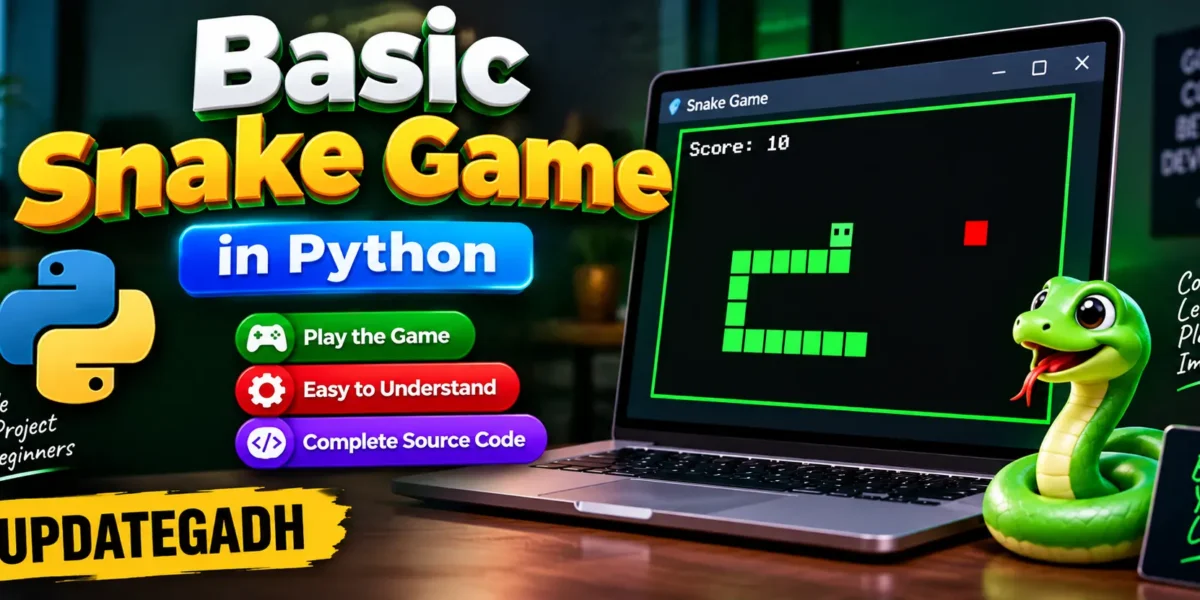
Basic Snake Game in Python
Not many games have endured as long as Snake. From early versions on Nokia phones to modern adaptations, Snake has remained a simple, addictive classic. If you’re a beginner or an aspiring Python developer, creating a Snake game is a fun project that helps you understand the essentials of game development.
Complete Advance AI Topics: Click Here
Real Time Projects:- DecodeIT
Build a Snake Game?
Snake is an excellent introductory project for several reasons:
- Simple Concept: The mechanics of the game are easy to understand, making it a great learning tool.
- Game Logic: You’ll learn about controlling objects (the snake), handling collisions, and updating the game screen.
- Input Handling: You’ll gain experience managing user inputs like key presses to move the snake.
Lets dive into the code and see how we can build the Snake game from scratch.
Step 1: Setting Up the Environment
Make sure you have Python and Pygame installed before we begin coding. If you dont have Pygame installed yet, you can install it via pip:
pip install pygameStep 2: The Basic Structure of the Game
Our game will involve:
- A snake that moves around the screen.
- Food that appears randomly, which the snake will “eat” to grow.
- Collision detection to end the game when the snake runs into the wall or itself.
Lets start by setting up the game window and the snake.
import pygame
import time
import random

# Initialize the Pygame library
pygame.init()

# Define game window size
window_width = 600
window_height = 400

# Set up display
game_window = pygame.display.set_mode((window_width, window_height))
pygame.display.set_caption("Snake Game")

# Define colors
black = pygame.Color(0, 0, 0)
white = pygame.Color(255, 255, 255)
red = pygame.Color(255, 0, 0)
green = pygame.Color(0, 255, 0)

# Set game clock for controlling speed
clock = pygame.time.Clock()

# Snake settings
snake_size = 10
snake_speed = 15
snake_body = [[100, 50], [90, 50], [80, 50]]

# Initial snake direction
direction = 'RIGHT'
change_to = direction

# Food settings
food_position = [random.randrange(1, (window_width // snake_size)) * snake_size,
                 random.randrange(1, (window_height // snake_size)) * snake_size]
food_spawned = True
Step 3: Game Mechanics – Moving the Snake
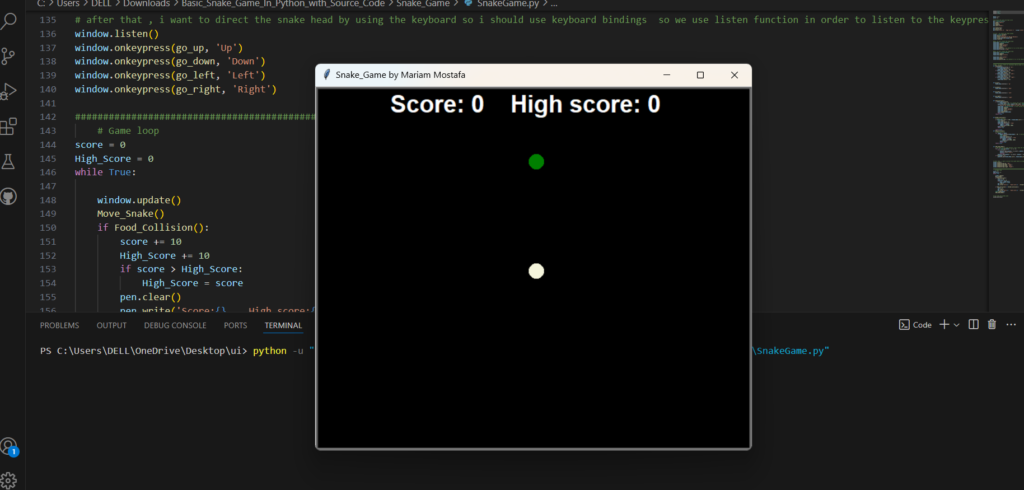
Well control the snake using arrow keys, allowing it to move up, down, left, or right. In this section, we’ll set up how the snake moves and grows when it eats food.
PHP PROJECT:-
Complete Code
Step 4: Game Loop
Any game’s central component is the game loop. It runs continuously, updating the game state and rendering the graphics on the screen. Here, we’ll include:
- Input handling: Responding to key presses.
- Movement: Updating the snake’s position.
- Collision detection:determining if the game is finished.
Step 5: Explanation of the Code
- Pygame Initialization:
- We use
pygame.init()to initialize all the Pygame modules. This prepares the game for rendering and user input.
- Game Window:
- The game window is created with a size of 600×400 pixels, and we use the
set_mode()function to display it.
- Snake Movement:
- The snake moves by updating its position in the
move_snake()function. We adjust the snakes head based on the direction and handle boundary and self-collisions incheck_collision().
- Game Loop:
- The main game loop continuously checks for user input, updates the snakes position, checks for collisions, and renders the game.
- Game Over Handling:
- If the snake runs into itself or the walls, the game over screen is displayed, and the game restarts.
Step 6: Enhancing the Snake Game
Here are some ideas to make your Snake game more exciting:
- Scoring: Include a score counter that rises with each meal the snake consumes.
- Levels: Increase the snakes speed as the game progresses to make it more challenging.
- Obstacles: Introduce obstacles that the snake must avoid.
- Multiplayer Mode: Give separate snakes to each of the two players to control on the same screen.
Frequently Asked Questions (FAQ)
1. What is the Basic Snake Game in Python?
The Basic Snake Game is a beginner-friendly Python project where the player controls a snake, eats food, and increases the score.
2. Which programming language is used for the Snake Game?
The game is developed using Python.
3. Is the complete source code included?
Yes, the project includes the complete source code required to create and run the Basic Snake Game.
4. What is the main objective of the game?
The objective is to control the snake, eat the food, increase the score, and avoid collisions.
5. Is this project suitable for beginners?
Yes. The project is simple and can help beginners understand Python programming and basic game logic.
6. Does the Snake Game require a database?
No. The basic game does not require MySQL, SQLite, MongoDB, or any other database.
7. What concepts can I learn from this project?
You can practice Python programming, game logic, keyboard controls, conditions, loops, variables, and score handling.
8. Can I run the project on my computer?
Yes. After setting up Python and the required project files, you can run the game on your computer.
9. How do I run the Snake Game?
Open the project folder in the terminal and run the Python file using:
python filename.py10. Is this project useful for students?
Yes. It can be used as a simple Python practice project or as a beginner-level college project.