Student Result Management System Using Python and Django
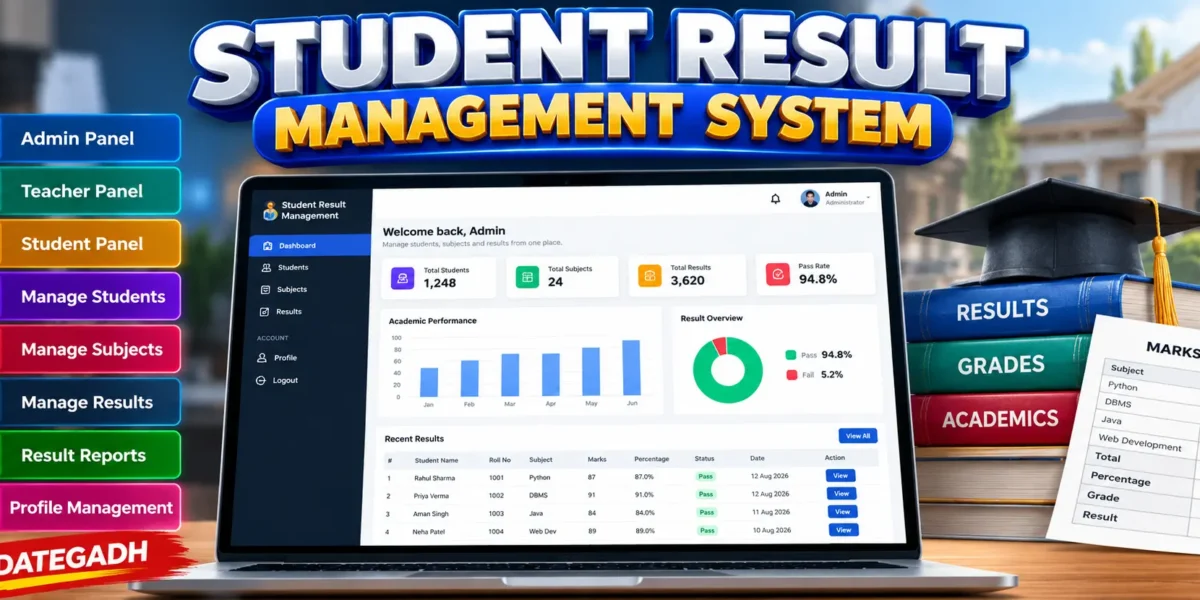
A professional Student Result Management System built with Django, Python, HTML, CSS, JavaScript, and SQLite that helps schools, colleges, and institutes manage student records, subjects, marks, and academic results digitally.
The system is designed to replace manual result management with a centralized web application where administrators, teachers, and students can perform their respective tasks through separate role-based panels. The application provides a professional management dashboard with a sidebar, top navigation, statistics cards, performance information, tables, forms, search, filters, and responsive layouts.
Complete Advance AI Topics: Click Here
Real Time Projects on YouTube:- DecodeIT
Project Overview
| Attribute | Details |
|---|---|
| Project Name | Student Result Management System |
| Language/s Used | Python, HTML, CSS, JavaScript |
| Framework | Django |
| Database | SQLite3 |
| Type | Web Application |
Available Features
Admin Panel
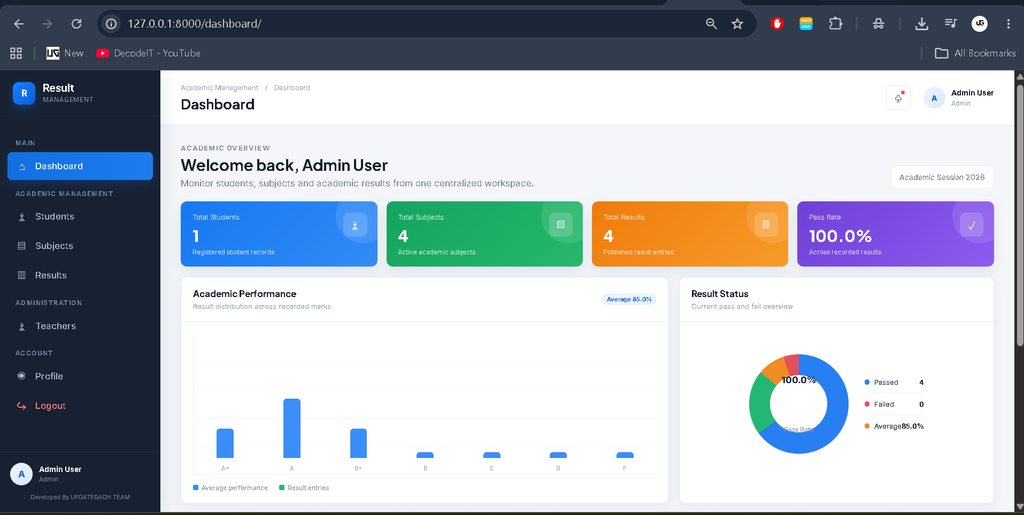
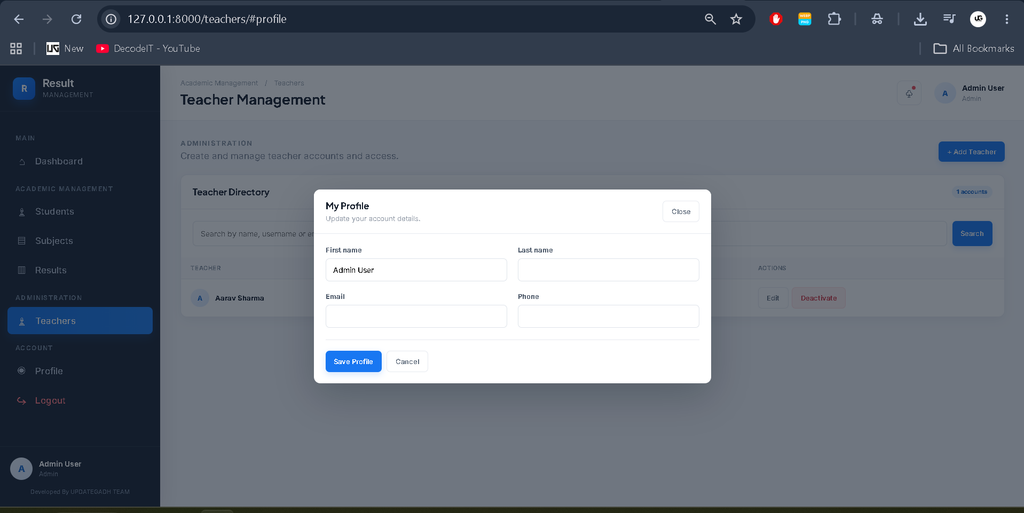
The system provides a dedicated custom Admin panel for managing the complete result management workflow. Administrators can access the dashboard and manage student, subject, and result information.
The Admin dashboard provides important statistics along with recent result information and academic performance data.
Administrators can:
- Manage students
- Manage subjects
- Manage results
- View result information
- Search and filter records
- View dashboard statistics
- Manage their profile
- Edit profile information
- Change password
Teacher Panel
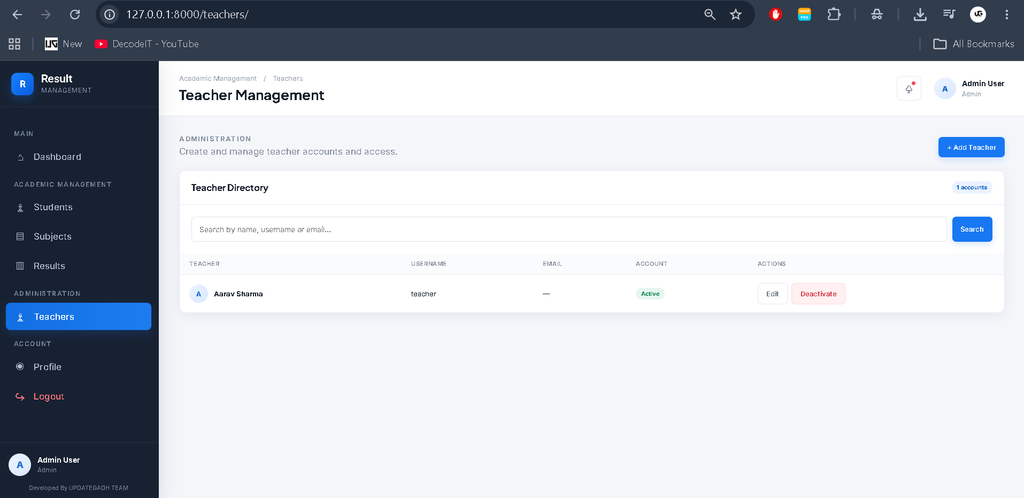
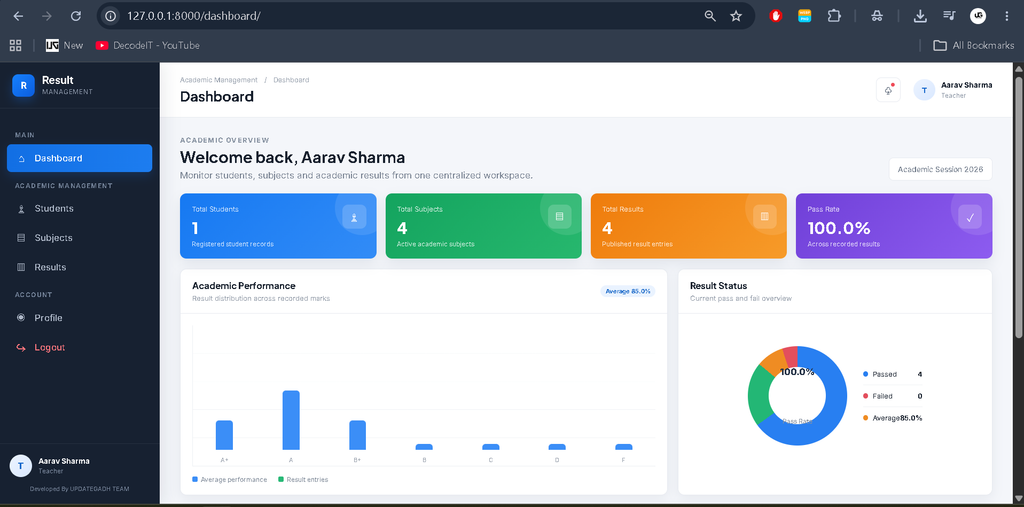
The Teacher panel provides a dedicated interface for academic result management. Teachers can work with student result information, enter and update marks, view relevant records, and manage their own account information.
Teacher features include:
- View student information
- Enter marks
- Update marks
- View results
- Search records
- Manage profile
- Edit profile
- Change password
Student Panel
Students have their own dedicated dashboard to access their academic performance.
Students can:
- View their personal information
- View examination results
- View subject-wise marks
- View total marks
- View percentage
- View grade
- View pass/fail status
- View their result details
- Manage profile
- Edit profile
- Change password
Student Management
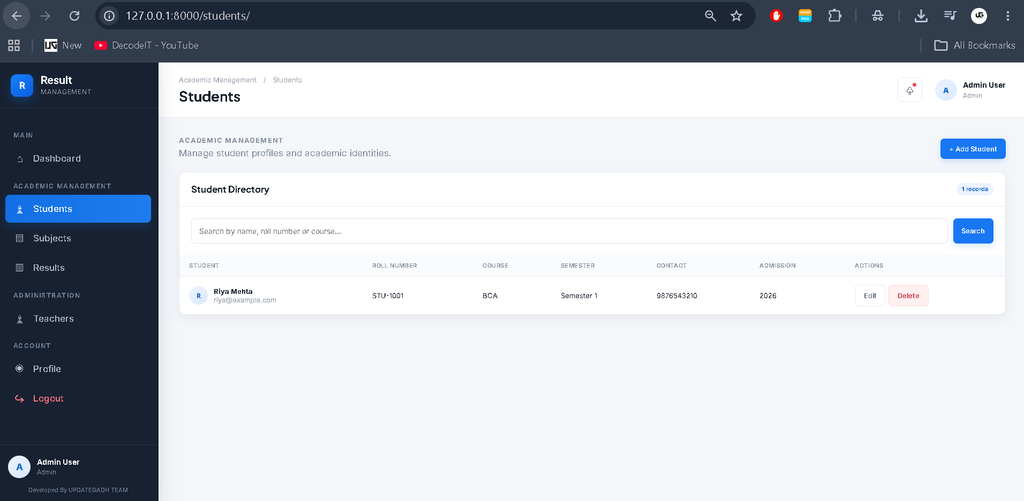
The Student Management module allows authorized users to maintain student records digitally.
The system supports:
- Add student
- View student
- Edit student
- Delete student
- Search students
- Filter student records
- View student details
Student information is stored in the SQLite database and can be updated whenever required.
Subject Management
The Subject Management module is used to maintain the subjects required for result processing.
Authorized users can:
- Add subjects
- View subjects
- Edit subjects
- Delete subjects
- Manage subject information
Result Management
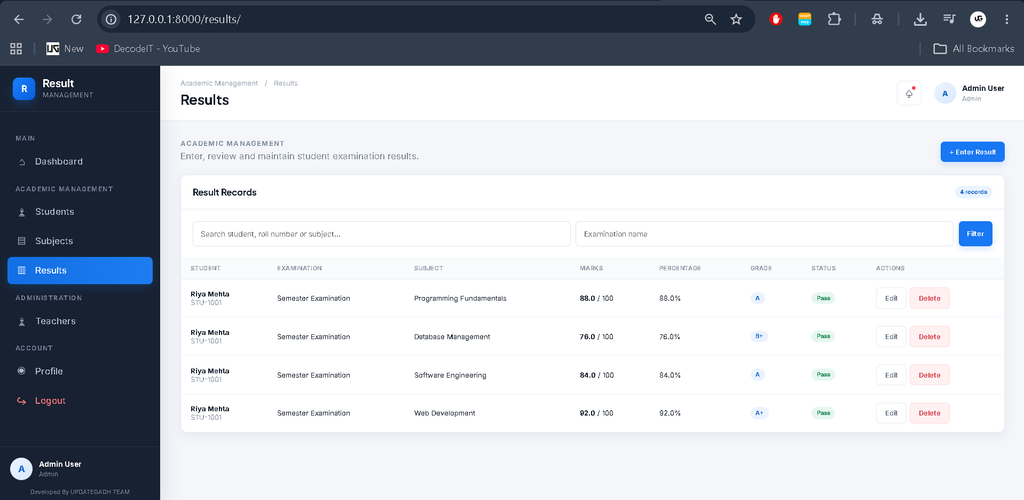
The Result Management module allows authorized users to enter and maintain student marks.
The system provides a dedicated result-entry interface where marks can be entered and updated for individual students and subjects. Result information is stored in the database and can be accessed whenever required.
- Enter student marks
- Update marks
- View result records
- Calculate total marks
- Calculate percentage
- Display grade
- Display pass/fail status
- View complete result details
Result View
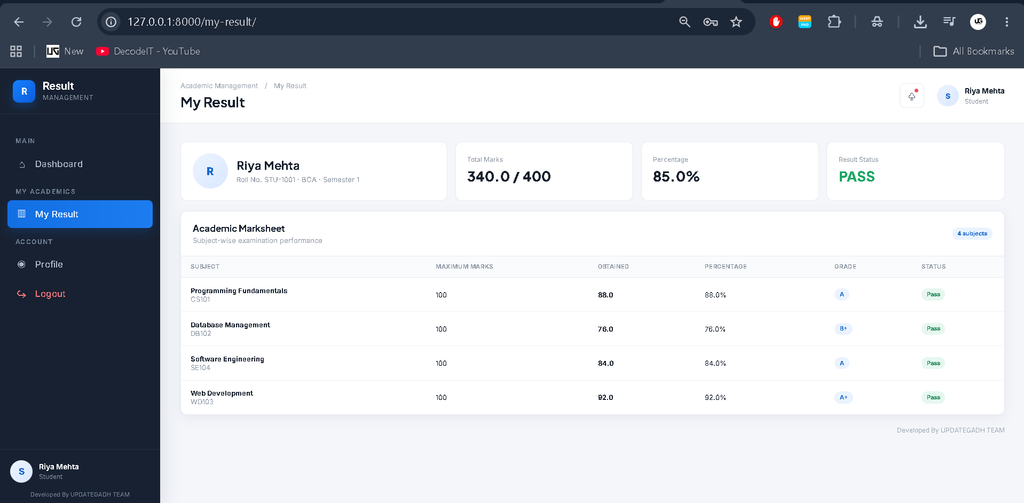
Students can view their academic results through their dedicated dashboard. The result interface presents subject-wise marks along with total marks, percentage, grade, and overall result status.
This provides students with quick access to their academic performance without depending on manually prepared result sheets.
Authentication System
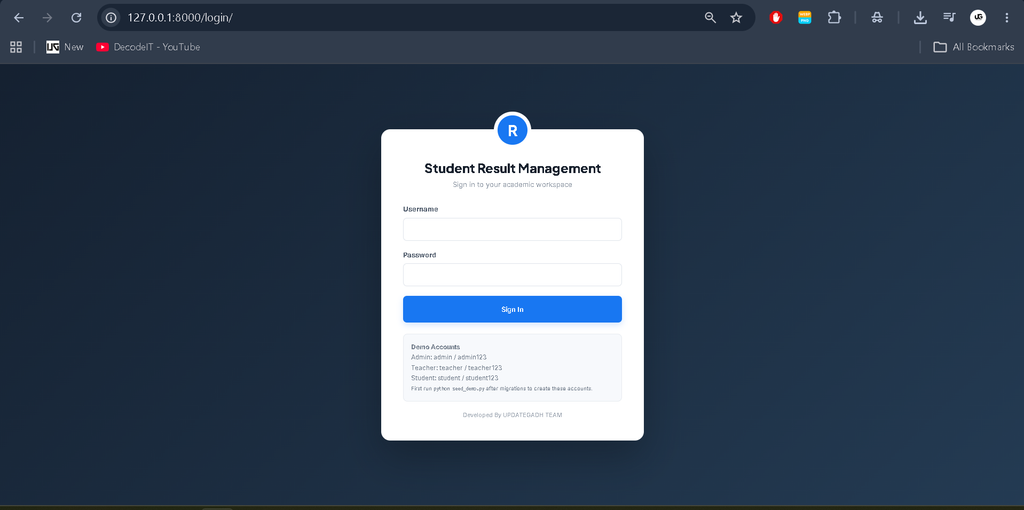
The application includes authentication and role-based access for Admin, Teacher, and Student users. Each user can access only the sections permitted for their role.
The authentication system helps protect academic information and prevents unauthorized users from accessing restricted application areas.
Profile Management
Profile Management is available within each user panel. Users can view their account information, update permitted profile details, and securely change their password.
Responsive UI
The application uses a professional responsive management-dashboard interface with a sidebar, top navigation, dashboard cards, tables, forms, filters, and academic result information. The interface adapts to desktop, tablet, and mobile screen sizes.
How to Download
The complete package is available so you can run, study, and submit it with confidence. It includes:
- Full Source Code
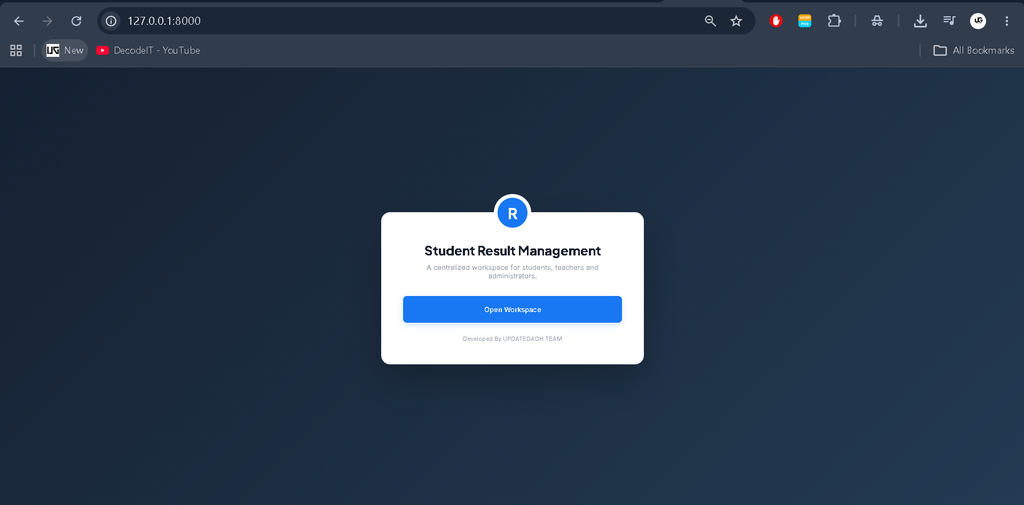
Screenshot
Installation Guide (VS Code)
Download and Extract ProjectExtract the project folder on your computer.
Open Project in VS CodeOpen the extracted project folder using Visual Studio Code.
Create Virtual Environmentpython -m venv venv
Activate Virtual EnvironmentWindows:
venv\Scripts\activatemacOS/Linux:source venv/bin/activate
Install Dependenciespip install -r requirements.txt
Apply Migrationspython manage.py makemigrations
python manage.py migrate
Run the Projectpython manage.py runserver
Open the ApplicationOpen the local server address shown in the terminal in your web browser.
Usage
The Student Result Management System provides separate role-based panels so that each user can perform the tasks related to their responsibilities.
Admin
The Admin manages student records, subjects, and results through the custom management dashboard. The Admin can add, update, view, search, and delete relevant records and can also manage their own profile and password.
Teacher
The Teacher can access student and result information and enter or update marks through the Teacher panel. Teachers can also manage their profile information and password.
Student
The Student can log in to the Student panel and view personal information and academic results. The student can view subject-wise marks, total marks, percentage, grade, and result status.
Final Thoughts
As a student, I found the Student Result Management System useful because it demonstrates how Django can be used to solve a practical academic management problem. The project combines authentication, role-based access, database management, CRUD operations, result processing, and responsive dashboard design in one application.
Student Result Management System Student Result Management System student result management system project student result management system project report pdf student result management system github student result management system er diagram student result management system project report student result management system use case diagram student result management system project github student result management system images student result management system project in python
![Food Management System in Python [Django Framework ]](https://updategadh.com/wp-content/uploads/2024/06/Food-Management-System-in-Python-Django-Framework-.png)