Project Introduction
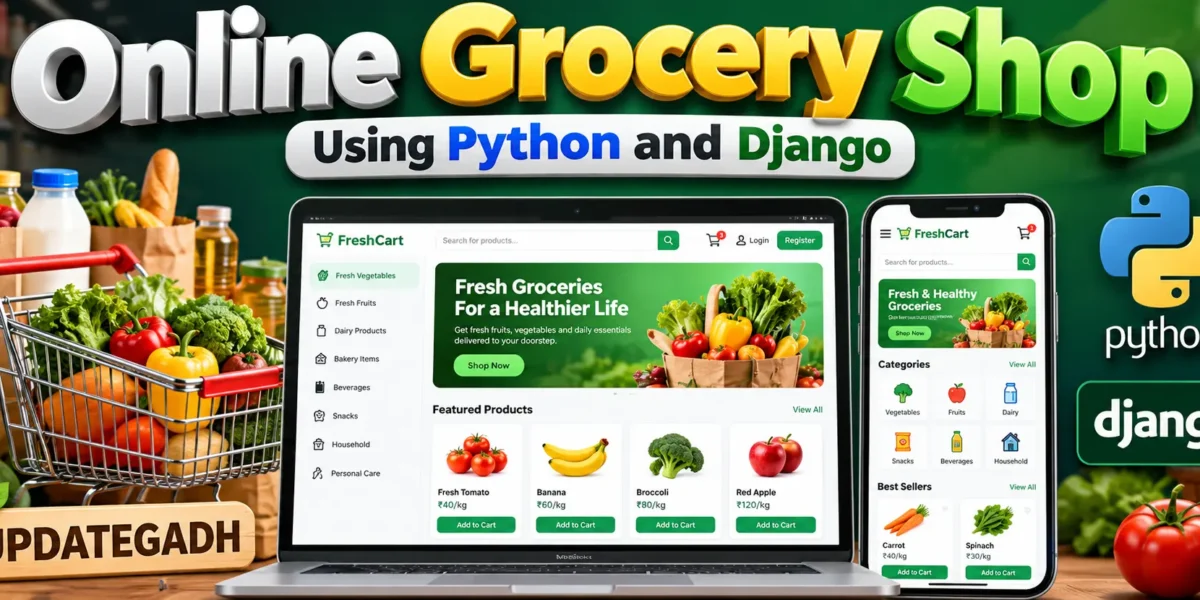
Online grocery shopping combines product discovery, customer accounts, cart management, stock control and order processing in one connected workflow. This advanced Online Grocery Shop Using Python and Django project is developed with Python and Django to demonstrate how a real-world grocery platform can be organized beyond a basic CRUD application. The system provides a customer shopping experience together with custom operational panels for store management, inventory work and order processing.
Complete Advance AI Topics: Click Here
Real Time Projects on YouTube:- DecodeIT
Project Overview
| Project Name | Online Grocery Shop Using Python and Django |
|---|---|
| Language/s Used | Python, HTML, CSS, JavaScript |
| Framework | Django |
| Database | SQLite |
| Type | Web Application |
The main purpose of this project is to manage an online grocery catalog and the operational workflow behind customer orders. Customers can browse active products, search the catalog, filter by category, add products to a cart, review quantities and place orders. Staff members can manage the business side of the platform through custom application pages instead of depending on Django Admin.
User Roles
Store Manager
The Store Manager has the broadest operational access. This role can work with products, categories, orders and users and can view store reports. The manager dashboard provides a broader overview of store activity and important operational statistics.
Inventory Staff
Inventory Staff focuses on product, category and stock maintenance. This role can manage grocery catalog information and keep product availability updated according to the permitted operations.
Order Staff
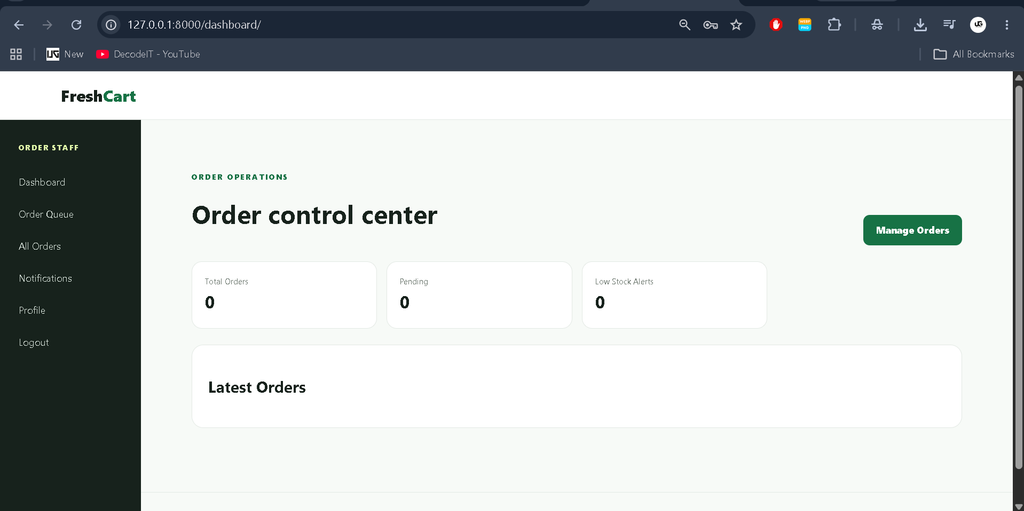
Order Staff manages the order queue and updates the order lifecycle. This role is responsible for processing customer purchases and moving orders through their operational statuses.
Customer
Customer accounts are focused on shopping, checkout, personal orders and profile management. Customers can browse products, maintain their cart, place orders and view their own order information.
These roles are functional. Protected views check the authenticated user’s role, the navigation changes by role, and restricted management URLs are rejected for unauthorized users.
Key Features
- Customer Registration and Login
- Role-Based Access Control
- Role-Specific Dashboards
- Custom Management Panel
- Product Management
- Category Management
- Product Search
- Category Filtering
- Shopping Cart Management
- Checkout and Order Creation
- Stock Validation
- Order Status Management
- Order History
- Notifications
- Activity History
- Profile Management
- Change Password
- Store Reports
- Responsive Interface
Project Modules
Authentication and Profile Management
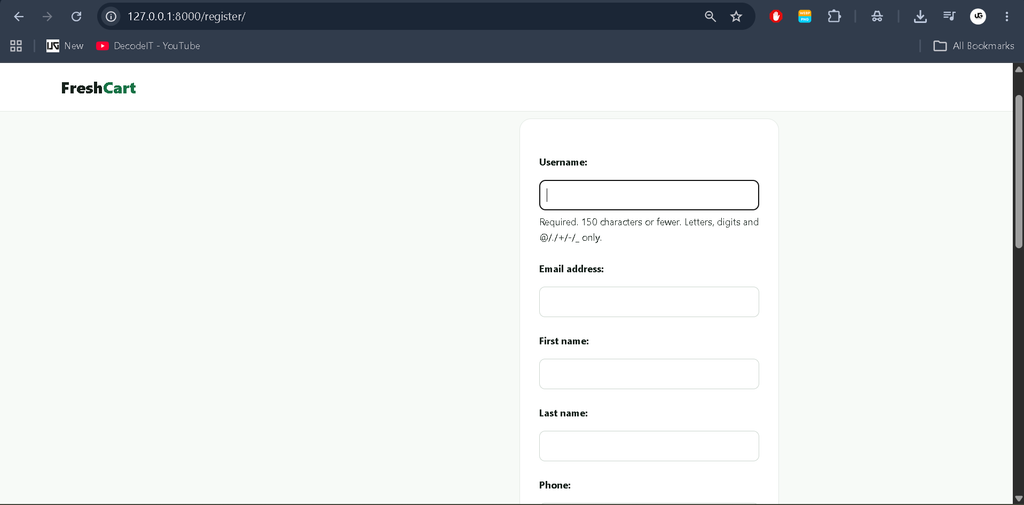
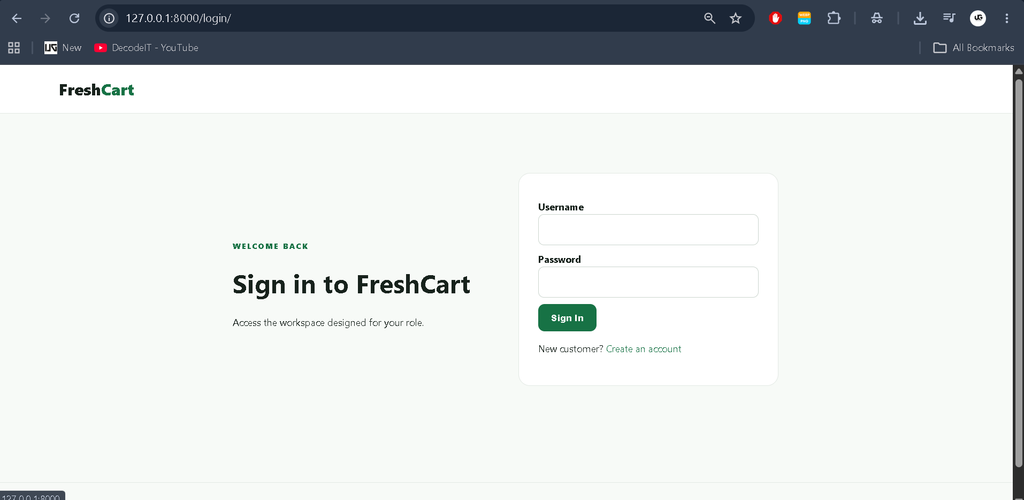
The authentication module handles login, logout, registration, role identification and protected routes. Users are redirected to the dashboard associated with their role after authentication. Profile management allows users to edit permitted information and change their password without exposing privileged account settings.
Product Catalog
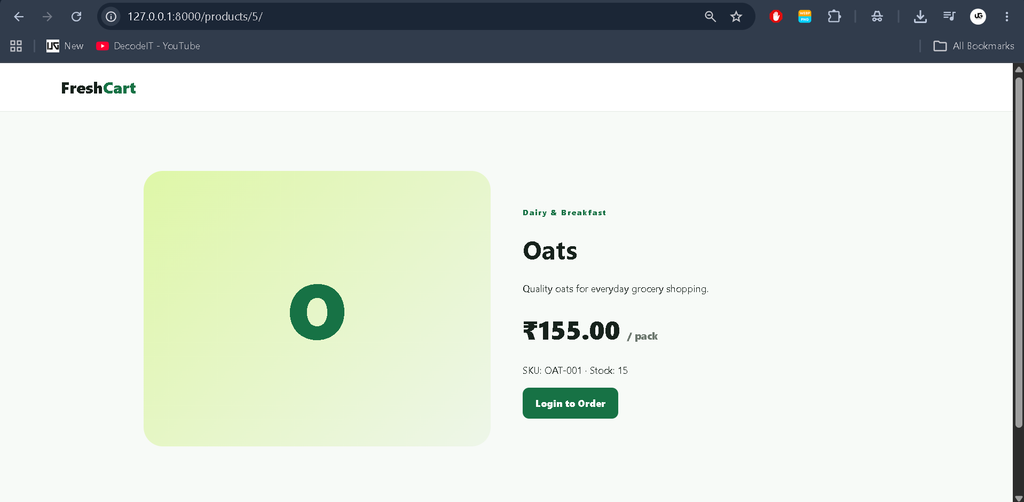
The Product Catalog module stores product names, SKU values, descriptions, prices, units, stock quantities and active status. Customers can browse available products, while authorized staff can manage catalog information through the custom application interface.
Category Management
Category Management organizes grocery products into meaningful groups. Authorized staff can maintain categories and connect products with their appropriate grocery category.
Cart and Checkout
The Cart and Checkout module keeps customer cart items linked to their account. Customers can add products, update quantities and remove items before checkout. During checkout, the system validates available stock, creates the order and its order items, reduces inventory and clears the cart.
This creates a connected transaction instead of treating cart and order pages as separate demonstrations.
Order Management
Order Management provides a defined lifecycle with statuses including Pending, Confirmed, Packing, Out for Delivery, Delivered and Cancelled. Authorized staff can update order statuses, while customers can view their own order information.
Notifications and Activity History
Notifications are created for important order events and updates. Activity logs record meaningful actions performed inside the application, helping the management side maintain a useful operational history.
How to Download
The complete package is available so you can run, study, and submit it with confidence. It includes:
- Full Source Code
Screenshot
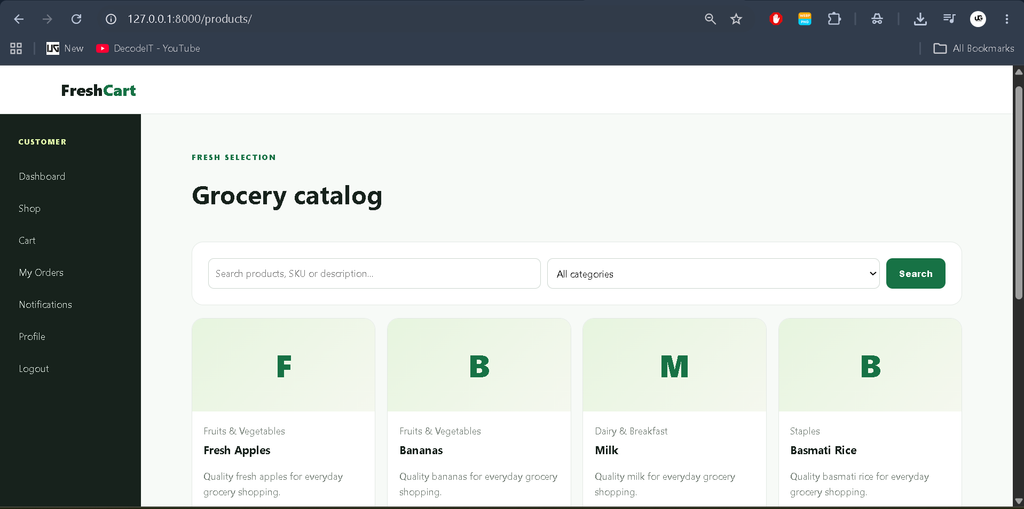
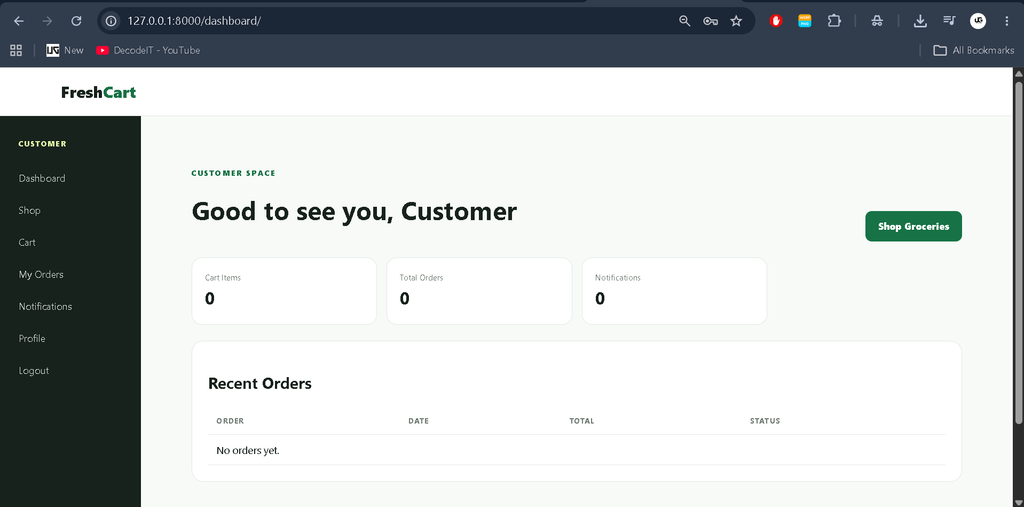
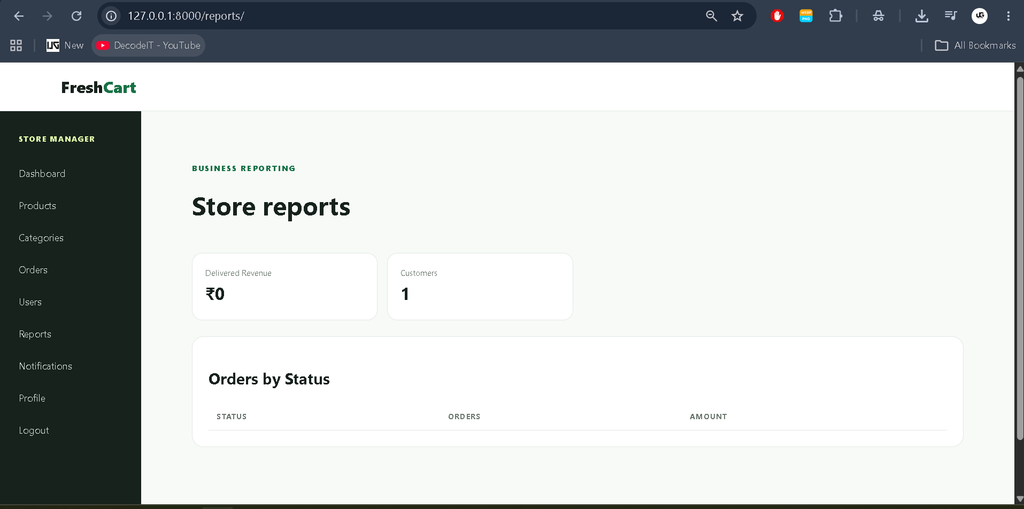
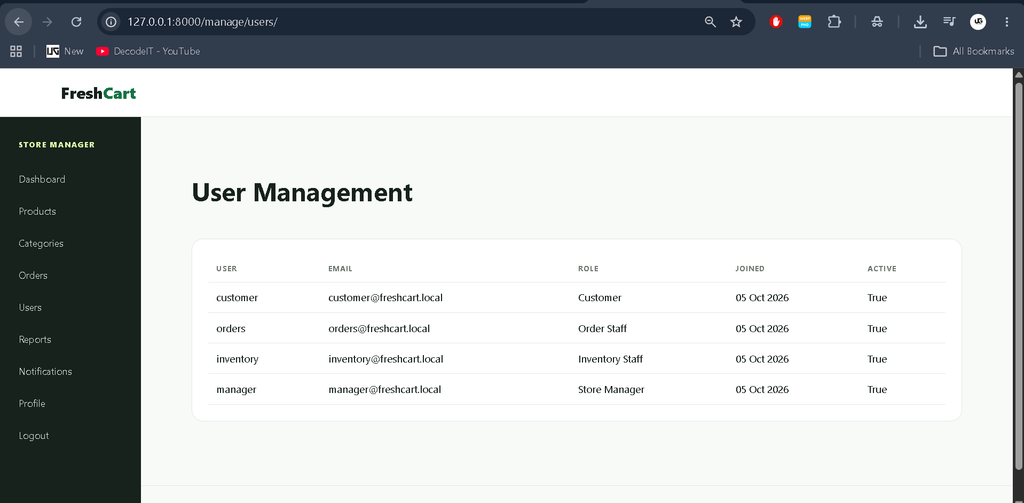
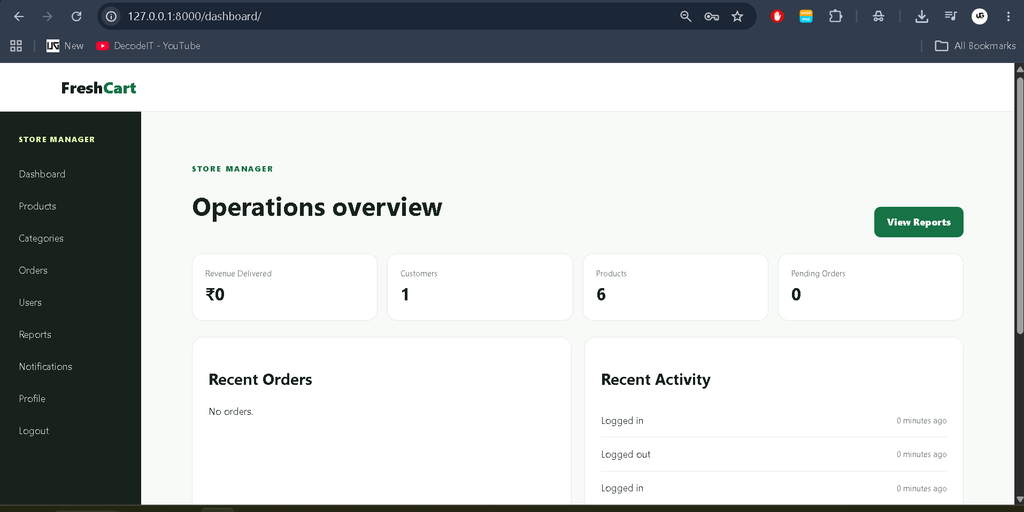
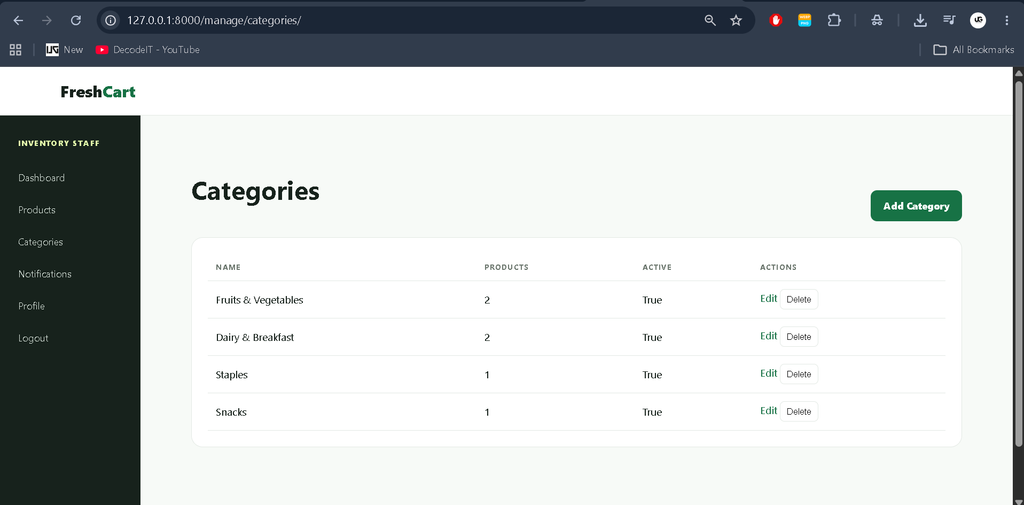
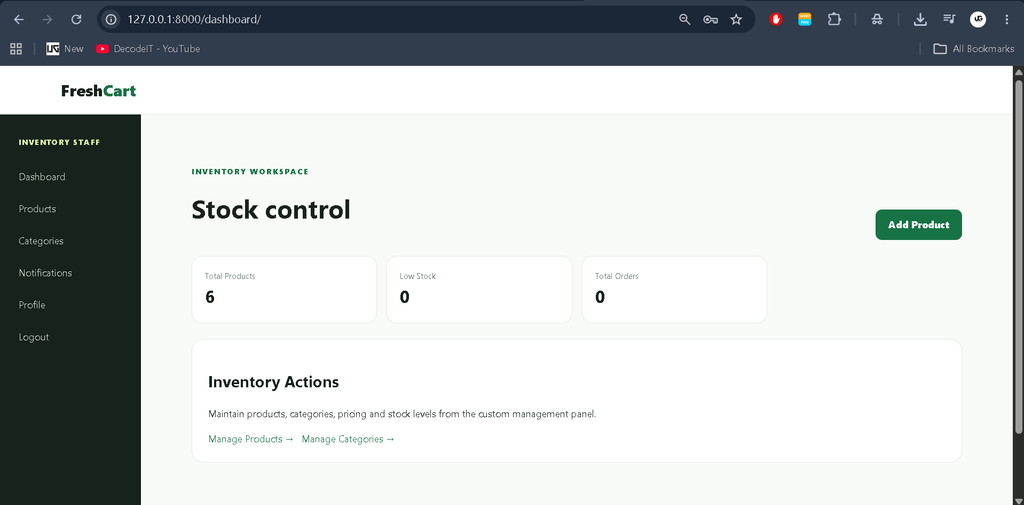
Dashboard and Custom Application Panel
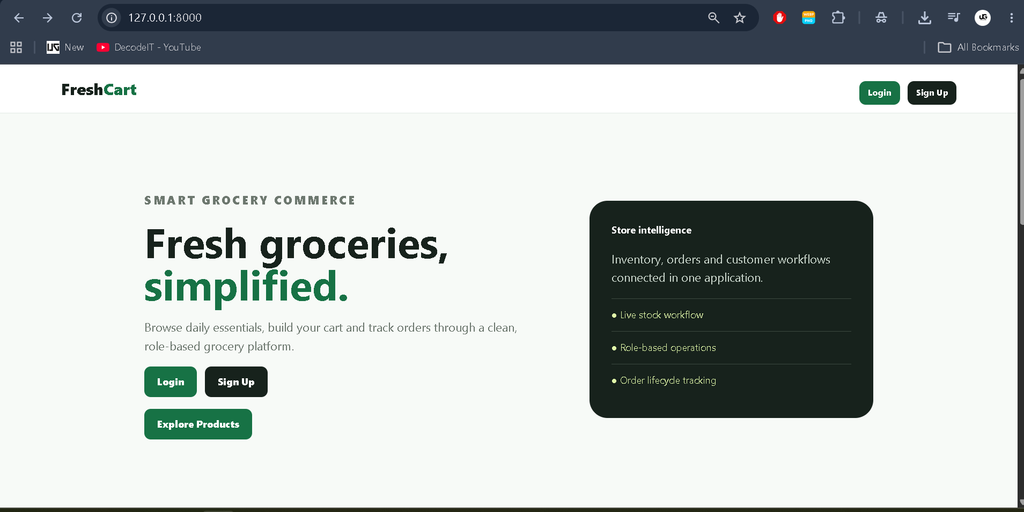
Each role has a dedicated dashboard. Customers see cart and order information, Inventory Staff see product and stock indicators, Order Staff see order operations, and Store Managers see broader store statistics and recent activity. The sidebar is also role-specific, so users are not presented with irrelevant management sections.
The management interface is custom-built with Django views and templates. Normal application operations do not require the default Django Admin interface. Tables, forms, buttons and status controls are connected to actual database operations rather than being decorative placeholders.
How the System Works
A customer first registers or signs in. After authentication, the system identifies the user’s role and sends the user to the corresponding dashboard. A customer can browse products, add available products to a cart and adjust quantities. At checkout, the system requires delivery information and verifies stock before creating the order.
Once an order is created, inventory is reduced according to the purchased quantities. Store and order staff can then process the order through its status workflow. Customers can return to their order history to see the current status. This end-to-end flow connects catalog, inventory, cart, checkout, order management and notifications.
Technology Stack
The backend is built with Python and Django. Django provides URL routing, authentication support, forms, ORM-based database operations, sessions and CSRF protection. HTML templates form the presentation layer, while CSS provides the responsive visual design. SQLite is used for local development and learning because it is simple to configure and works well for a project of this scale.
Database Design
The database contains a custom User model with role and profile information, Category and Product records, CartItem records for active shopping carts, Order and OrderItem records for transactions, Notification records for user-specific updates and ActivityLog records for meaningful system events.
Foreign-key relationships connect these records so that customer orders, product stock and operational actions can be traced through the application.
Installation and Setup
Install Python and Visual Studio Code, extract the project and open the folder in VS Code. Create and activate a virtual environment, then install the dependencies with pip install -r requirements.txt.
python -m venv env
env\Scripts\activate
pip install -r requirements.txt
python manage.py migrate
python manage.py runserver
The included seed command can create sample roles and grocery products for testing. Start the application with python manage.py runserver and open the local development address in a browser.
The seed command includes demo accounts for all four roles. These credentials are intended for local demonstration and should be changed before deployment.
Usage
Customers use the public catalog and their customer dashboard to shop and track orders. Inventory Staff use product and category management to maintain the catalog and stock. Order Staff use the order queue to process customer purchases and update statuses. Store Managers use the broader management panel and reports to oversee the application. Every role also has access to its own profile and password management features.
Security and Validation
Authentication and server-side role checks protect workflows. Django handles password storage, forms provide validation, and CSRF protection is enabled. Checkout checks stock before completing the transaction. Restricted application operations are protected at the backend instead of relying only on hiding buttons from users.
Frequently Asked Questions
What is the purpose of this project?
It demonstrates a complete grocery shopping and management workflow using Django, including customer shopping, inventory operations and order processing.
Which database is used?
SQLite is included for local development and learning.
Does the project require Django Admin?
No. Core application management is provided through custom application views and templates.
Which users are supported?
Store Manager, Inventory Staff, Order Staff and Customer roles are included.
Can customers track orders?
Yes. Customers can view their order history and current order status.
Future Scope
- Online payment processing
- Delivery partner management
- Advanced sales analytics
- Product image uploads
- Discount and coupon rules
- Customer reviews and ratings
- Inventory purchase workflows
- Production-grade deployment configuration
These are future enhancements and are not presented as current functionality.
Conclusion
The Online Grocery Shop Using Python and Django project provides a strong example of how a student-focused application can be developed into a structured real-world software product. Instead of stopping at product CRUD and a basic login page, the project connects customer shopping, inventory, order processing, notifications, reporting and role-based operations.
Online Grocery Shop Project Online Grocery Shop Project – Google Search online grocery shopping project source code online grocery shopping project report pdf online grocery shopping project in php github online grocery store project github online grocery store project in java github online grocery store project report pdf free download online grocery store project report pdf india online grocery shopping website project online grocery shopping system project