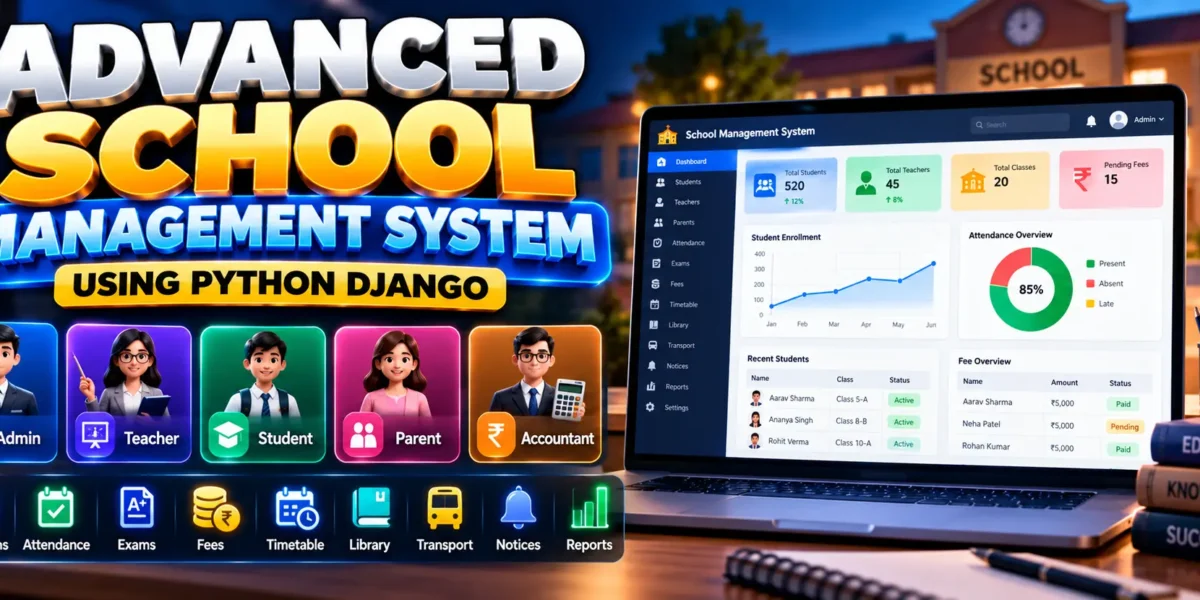
Advanced School Management System Using Python Django
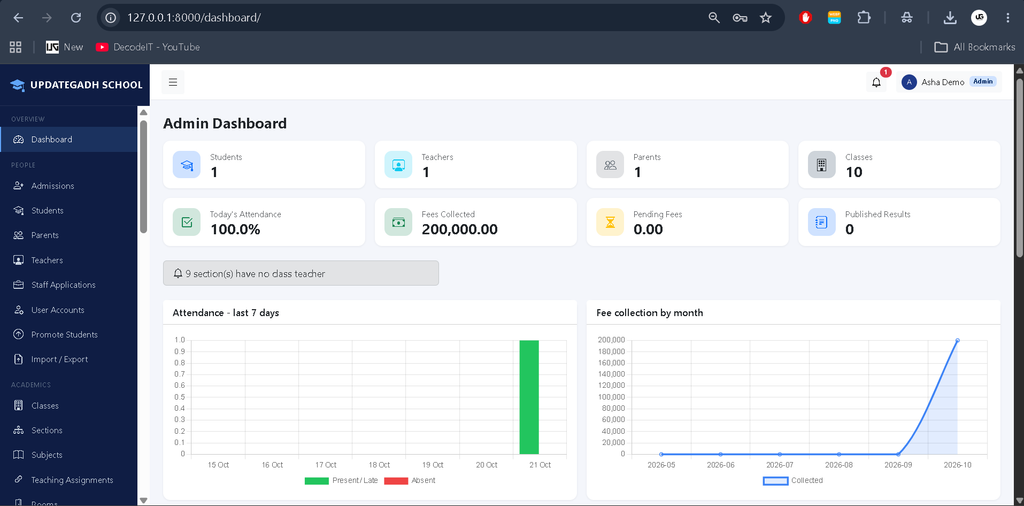
The Advanced School Management System Using Python Django is a web-based application designed to manage school administration, academics, student records, attendance, examinations, fees, and campus activities. Developed using Django 5, SQLite, and Bootstrap 5, the project provides five role-based panels for Admin, Teacher, Student, Parent, and Accountant.
The system uses live database queries to display information and applies role-based permissions to control access to school records. It is suitable for students who want to understand how a multi-module school management application works using Python and Django.
Complete Advance AI Topics: Click Here
Real Time Projects on YouTube:- DecodeIT
Project Overview
| Project Details | Description |
|---|---|
| Project Name | Advanced School Management System |
| Language/s Used | Python, HTML, CSS, JavaScript |
| Framework | Django 5 |
| Database | SQLite |
| Frontend Framework | Bootstrap 5 |
| Type | Web-Based Application |
| User Roles | Admin, Teacher, Student, Parent, Accountant |
Available Features
The Advanced School Management System includes the following features for managing school administration, academic activities, student records, and financial operations.
1. Role-Based Dashboard Management
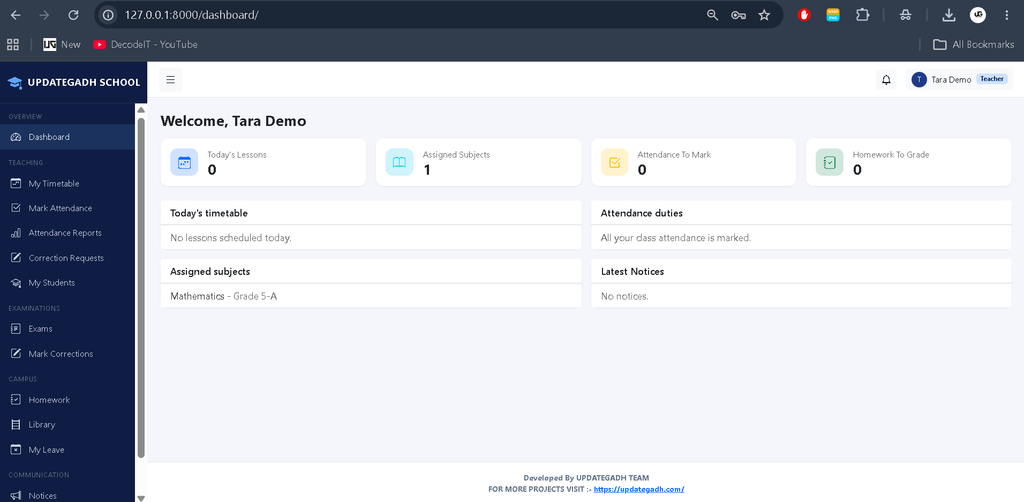
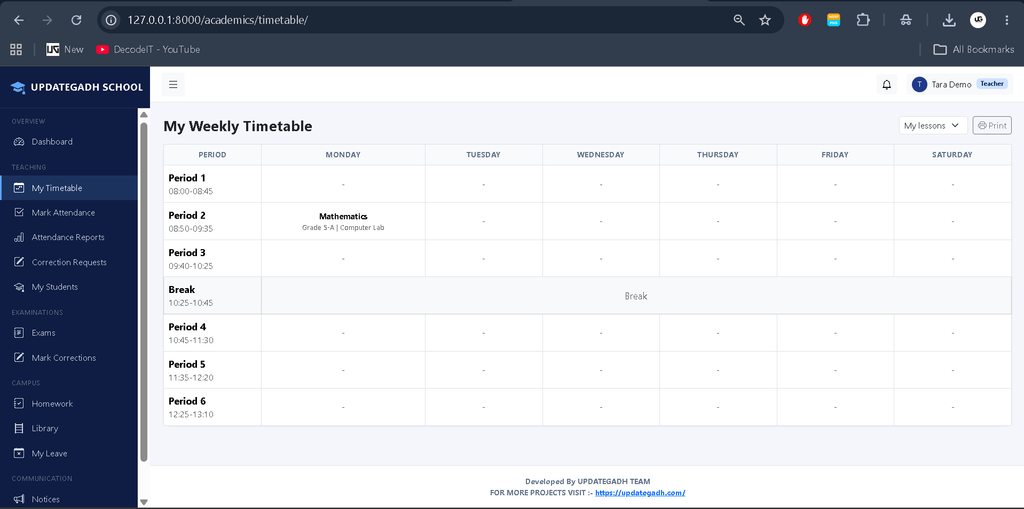
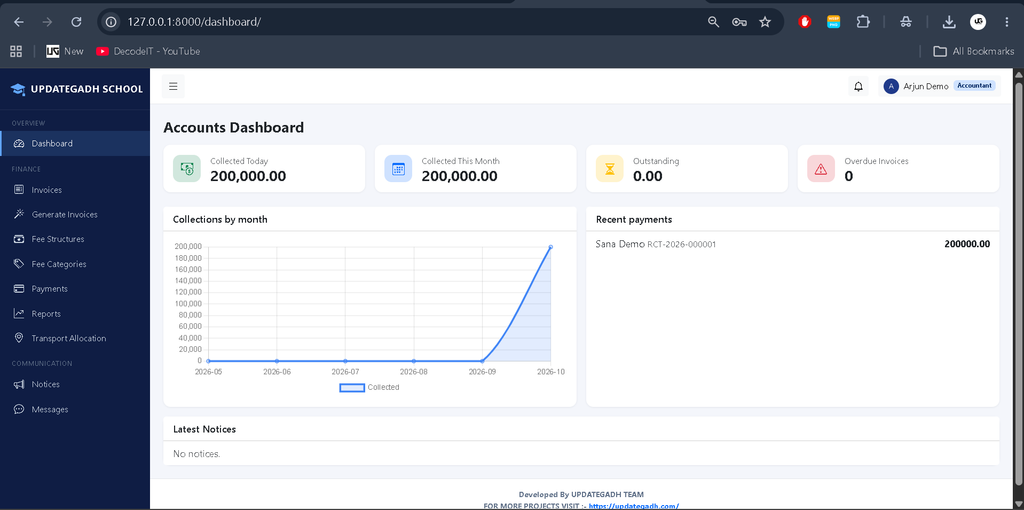
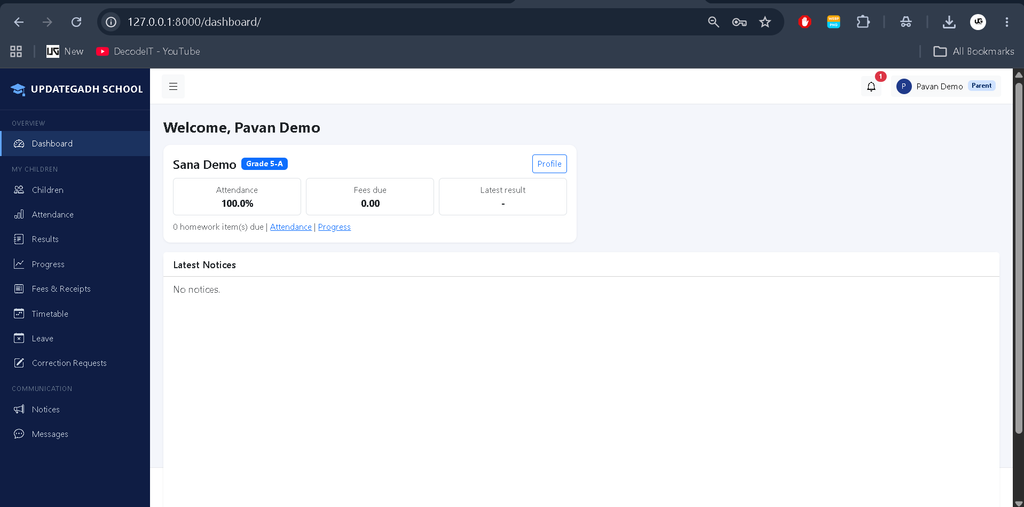
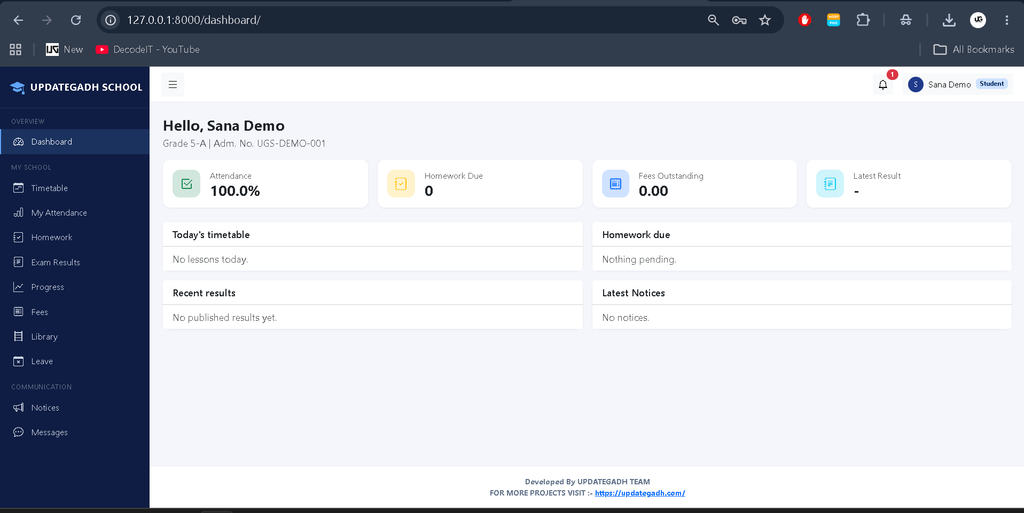
The system provides five separate panels for Admin, Teacher, Student, Parent, and Accountant. Each dashboard displays information according to the user’s role and permissions using live database queries.
2. School Settings Management
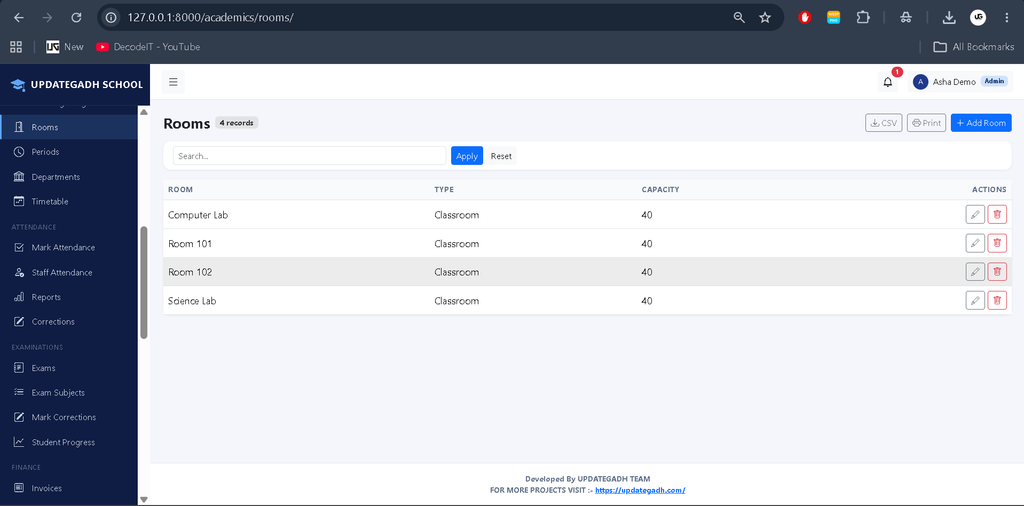
Administrators can manage school settings and initialize the academic year, grades, sections, period schedules, subjects, fee categories, departments, and rooms.
3. User Accounts and Profile Management
The accounts module supports login, user profiles, and role-based access control. Superusers automatically receive the Admin role.
4. Admission Management
Applicants can submit admission applications through a public application page and track their application status. Admins can approve applications, after which the system creates student and parent accounts and displays one-time credentials.
5. Student Management
The system maintains student records, supports student listing and management, and includes student promotion and CSV import and export functionality.
6. Teacher Management
The application supports teacher records and restricts teachers to their assigned academic sections and permitted operations.
7. Parent Management
Parent accounts can be created during admission approval. If a guardian email already exists, the existing parent account can be reused. Parents can access information only for their linked children.
8. Academic Year, Class, and Section Management
The academic module supports academic years, grades, classes, sections, and related school records.
9. Subject Management
Administrators can organize subjects as part of the school’s academic structure.
10. Timetable Management
The system manages period schedules and timetables. It prevents duplicate use of a section, teacher, or room on the same day and during the same period.
11. Attendance Management
Teachers can mark attendance for the current day for their assigned classes and sections. Past-date changes require a correction request approved by Admin.
12. Attendance Reports and Percentage Calculation
The system calculates attendance percentages using present, late, and absent records. Approved leave days are excluded from the calculation.
13. Parent Absence Notifications
Parents receive notifications when new student absences are recorded.
14. Examination Management
The examination module supports examination records, marks entry, grade calculation, student rankings, result publication, and PDF report cards.
15. Grade Calculation
The system uses the following grading rules:
- A+: 90 marks and above
- A: 80–89 marks
- B+: 70–79 marks
- B: 60–69 marks
- C: 50–59 marks
- D: 40–49 marks
- F: Below 40 marks
16. Result Publication and Correction Requests
Results can be published after all required marks are entered. Publishing locks marks entry, and teachers must request corrections that require administrative approval. Students with tied results share the same rank.
17. Fee Structure Management
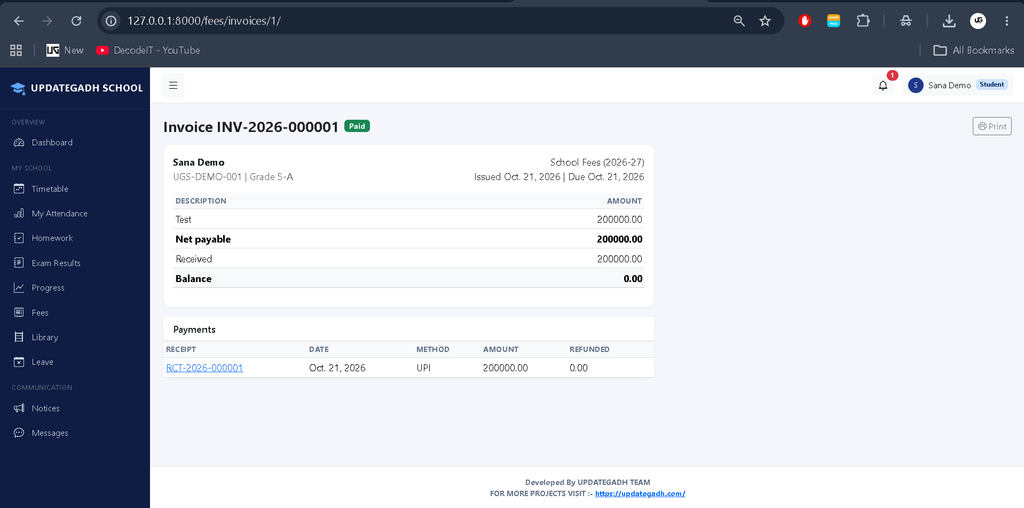
The fees module manages class-based fee structures and fee categories. Transport route fees can also be included when generating invoices.
18. Invoice Management
The system generates invoices from class fee structures and applicable transport fees. Accountants can manage invoices and access fee-related records.
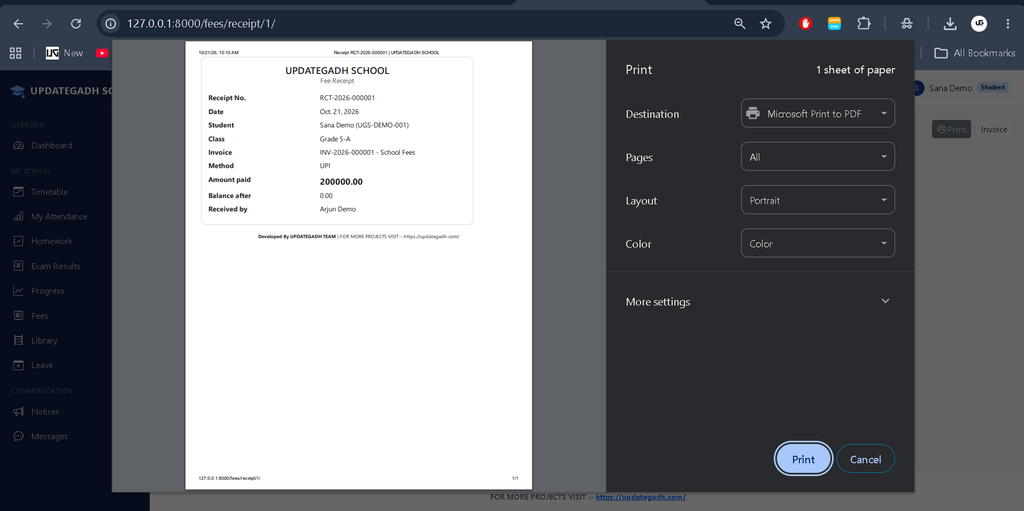
19. Fee Payments
The application supports fee payments and stores transaction references instead of card numbers. References resembling card numbers are rejected.
20. Discounts, Scholarships, and Concessions
The fee module supports discounts, scholarships, and concessions as part of fee adjustments.
21. Refund Management
The system supports refunds and processes payments, adjustments, and refunds inside database transactions. Overpayments are rejected.
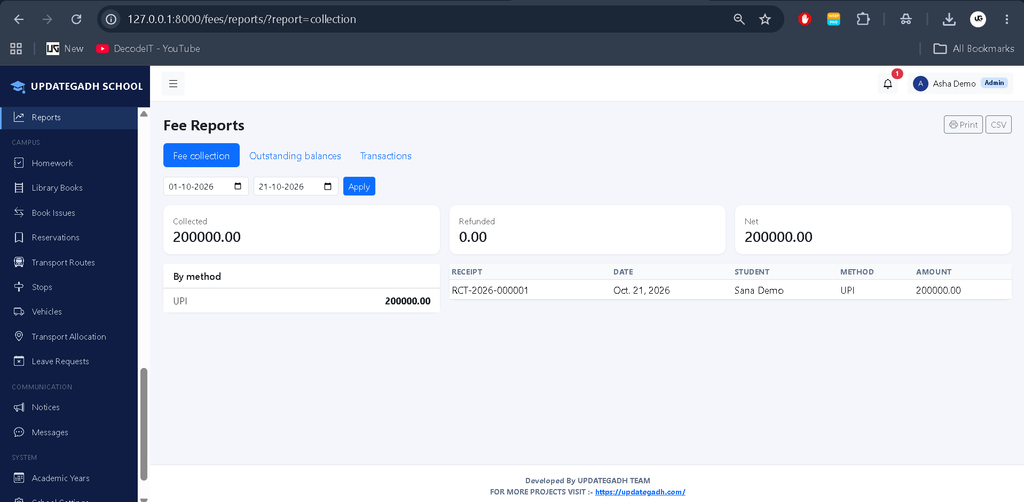
22. Fee Reports
Users with the required permissions can access fee reports for reviewing financial records.
23. Homework Management
The campus module includes homework-related functionality for academic activities.
24. Library Management
The system includes library-related functionality for managing school library activities.
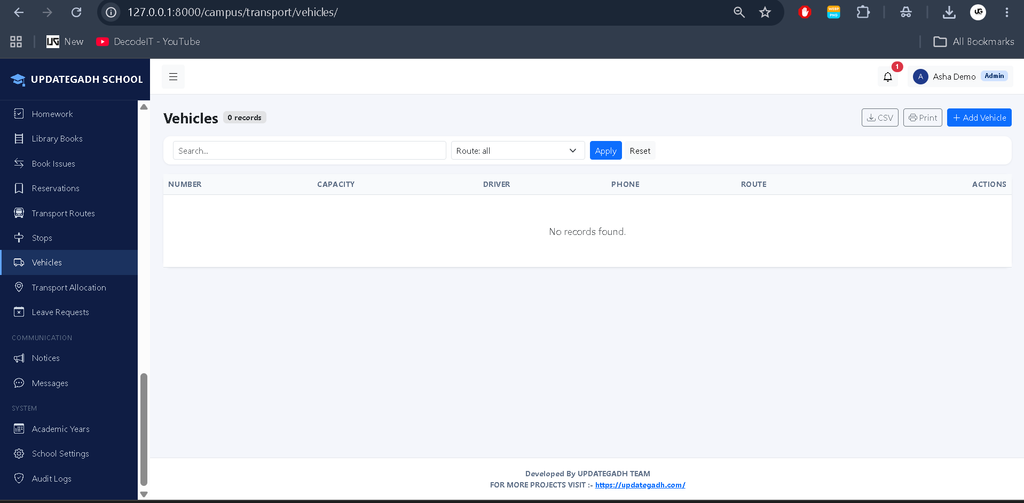
25. Transport Management
The campus module includes transport-related functionality. Transport route fees can be incorporated into fee invoices.
26. Leave Management
The application includes leave-related functionality. Approved leave days are excluded from attendance percentage calculations.
27. Internal Messaging
The campus module includes internal messaging functionality for communication within the system.
28. Notices Management
The core module includes notices that support the sharing of school-related information.
29. Notifications Management
The system manages notifications, including notifications related to student absences. Optional email notifications can also be configured.
30. Email Notification Configuration
Email settings can be configured through environment variables. Email notifications can be enabled separately, and email delivery failures are recorded on the notification rather than raised as errors.
31. Audit Logs
The core module includes audit logs for reviewing recorded administrative activity.
32. CSV Import and Export
The project includes CSV import and export functionality for supported school records.
33. PDF Report Cards
The examination module supports PDF report card generation for student results.
34. Role-Based Data Security
Every list and detail view is checked against user permissions. Parents can access only linked children, students can access only their own records, and teachers can access only their assigned sections.
35. Secure Password Handling
Passwords are not stored in plain text. Admission-related credentials are displayed once after approval.
36. ML-Powered AI Chatbot
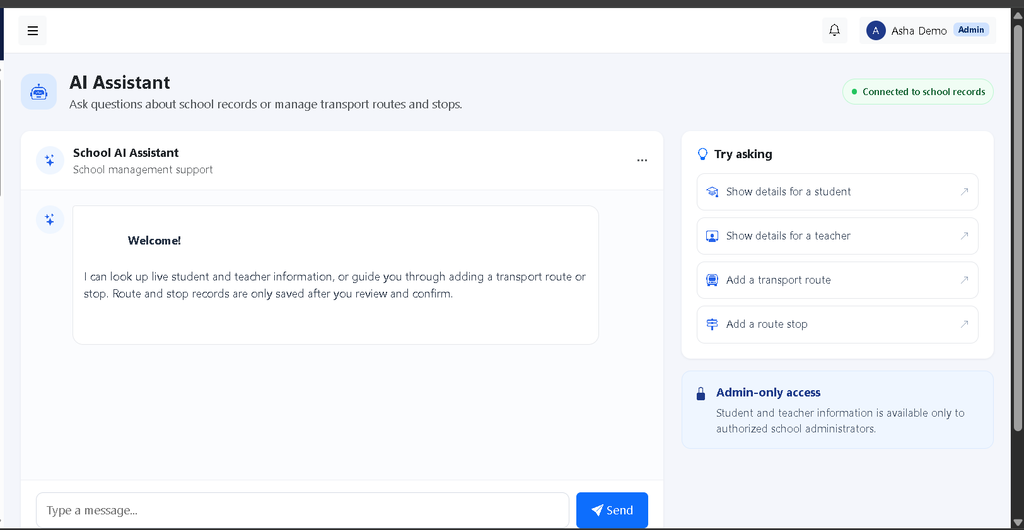
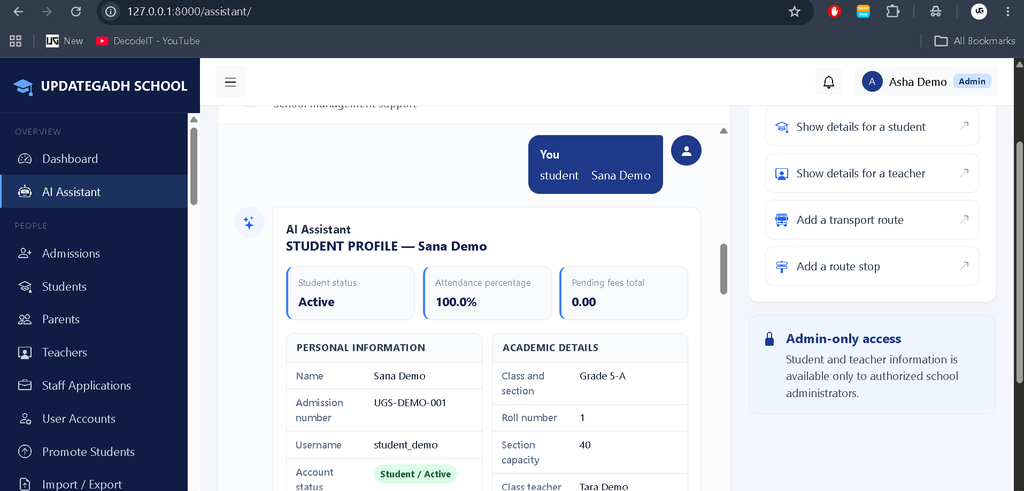
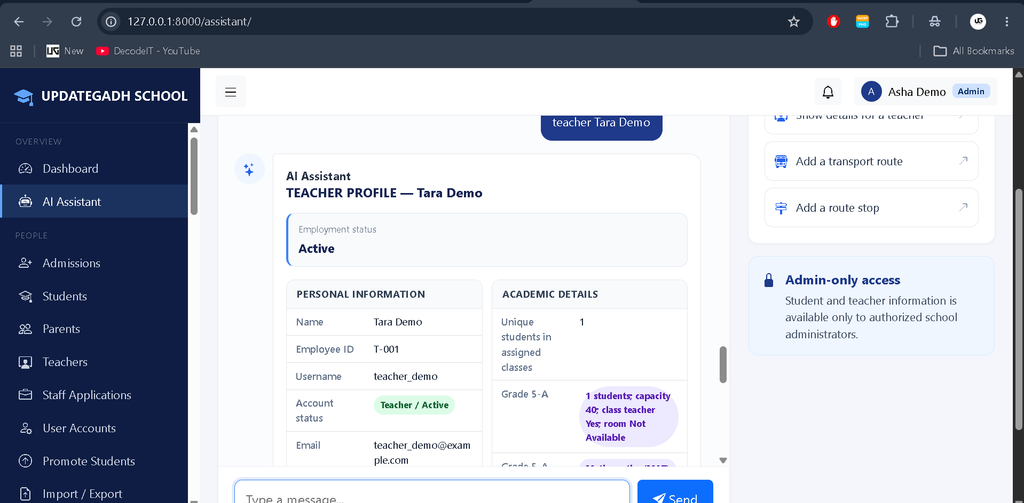
The system includes an ML-powered AI chatbot integrated into the custom Admin Dashboard. It retrieves complete student and teacher details from the live database, including personal information, classes, subjects, attendance, examination results, fees, transport, library records, and related information. It displays responses in a structured format with separate sections and tables.
The chatbot also supports conversational transport management. Admins can request route creation by providing the route name, description, and fee, or stop creation by providing the route, stop name, pickup time, and stop sequence. It validates inputs, requests confirmation before saving, and updates the database while respecting role-based permissions.
Technology Stack
| Technology | Purpose |
|---|---|
| Python | Backend programming |
| Django 5 | Web application framework |
| SQLite | Database storage |
| HTML, CSS, JavaScript | Frontend development |
| Bootstrap 5 | Responsive interface |
| Bootstrap Icons | Interface icons |
| Chart.js | Charts and data visualization |
Software and Tools Required
- Python 3.10 or higher
- Visual Studio Code
- Web Browser
How to Download
The complete package is available so you can run, study, and submit it with confidence. It includes:
- Full Source Code
- Project Report
- Synopsis
- PPT Presentation
Screenshot
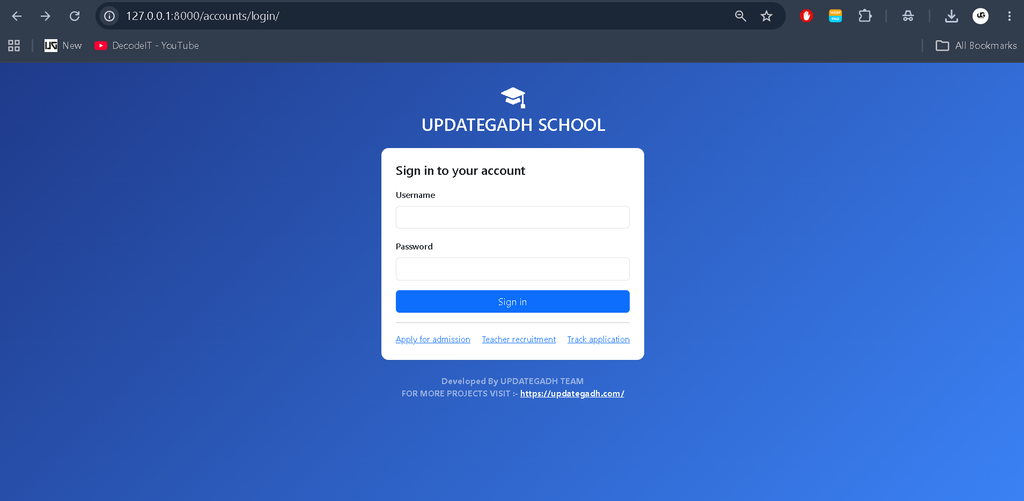
Installation Guide for VS Code
Step 1: Extract and Open the Project
Extract the ZIP file and open the updategadh_school folder in Visual Studio Code. Open the integrated terminal and run:
cd updategadh_schoolStep 2: Create a Virtual Environment
python -m venv venvStep 3: Activate the Environment
For Windows PowerShell, run:
venv\Scripts\Activate.ps1Step 4: Install Dependencies
pip install -r requirements.txtStep 5: Configure Environment Variables
copy .env.example .envOpen the .env file and configure the Django secret key, debug setting, allowed hosts, and email settings as required.
Step 6: Generate Database Migrations
python manage.py makemigrations accounts core academics people attendance exams fees campusStep 7: Apply Database Migrations
python manage.py migrateStep 8: Create an Administrator Account
python manage.py createsuperuserFollow the terminal prompts to create the account. Superusers automatically receive the Admin role.
Step 9: Initialize School Data
python manage.py setup_initialThis command initializes school settings, the current academic year, Grades 1–10 with Section A, period schedules, subjects, fee categories, departments, and rooms. It is safe to run again.
Step 10: Run the Project
python manage.py runserverOpen http://127.0.0.1:8000/ in your browser and sign in using the superuser credentials.
Optional: Load Demo Data
For local testing, run:
python manage.py seed_demoThis command creates demonstration accounts for all five roles with the password Demo@12345, along with a Grade 5-A timetable slot and a fee structure. These credentials are intended for local testing only.
Run the Tests
python manage.py testThe tests cover admission approval, role permissions, attendance and parent notifications, timetable conflicts, examination grades and rankings, result publication and PDFs, fee payments and refunds, parent access restrictions, notifications, CSV operations, and student promotion.
How to Use the School Management System
Admin: Manage school settings, academic records, admissions, users, notices, and administrative operations.
Teacher: Access assigned sections, record attendance, and manage permitted examination and academic activities.
Student: Access personal academic records and information available through the student panel.
Parent: View information related to linked children and receive absence notifications.
Accountant: Manage fee structures, invoices, payments, adjustments, refunds, and financial reports.
Important Configuration Notes
- Bootstrap, Bootstrap Icons, and Chart.js load from CDNs, so an internet connection is required for these resources.
- Uploaded files are stored in the
media/directory and are served only whenDEBUG=True. - For production, configure
DJANGO_DEBUG=False, a strong secret key, HTTPS, allowed hosts, and a production database. Use a suitable web server or object storage for uploaded files. - The
send_fee_remindersmanagement command sends overdue-invoice reminders and can be scheduled to run daily.
Why Is This Project Useful for Students?
This project helps students understand how to build a multi-role Django application with connected database models and access restrictions. It demonstrates practical concepts such as authentication, CRUD operations, attendance calculations, timetable conflict validation, examination processing, PDF report cards, CSV import and export, and transaction-based fee management.
Frequently Asked Questions
1. Which programming language is used in this project?
The backend is developed using Python with Django 5.
2. Which database is used?
The project uses SQLite as its configured database.
3. How many user roles are available?
There are five roles: Admin, Teacher, Student, Parent, and Accountant.
4. Does the project support PDF report cards?
Yes. The examination module supports PDF report cards.
5. How can demo accounts be created?
Run python manage.py seed_demo in the activated virtual environment. The command is intended for local testing only.
Final Thoughts
The Advanced School Management System using Python Django brings school administration, academics, attendance, examinations, fees, and campus activities together in one application. Its five role-based panels and permission checks make it a useful project for exploring how a school management platform organizes data and operations.
School Management System, School Management System, school management system project with source code, school management system dashboard template free download, school management system project, school management system template free download bootstrap 5, school management system in excel vba free download, school management system github, school management system login, school management system html template free download, school management system website