Project Overview
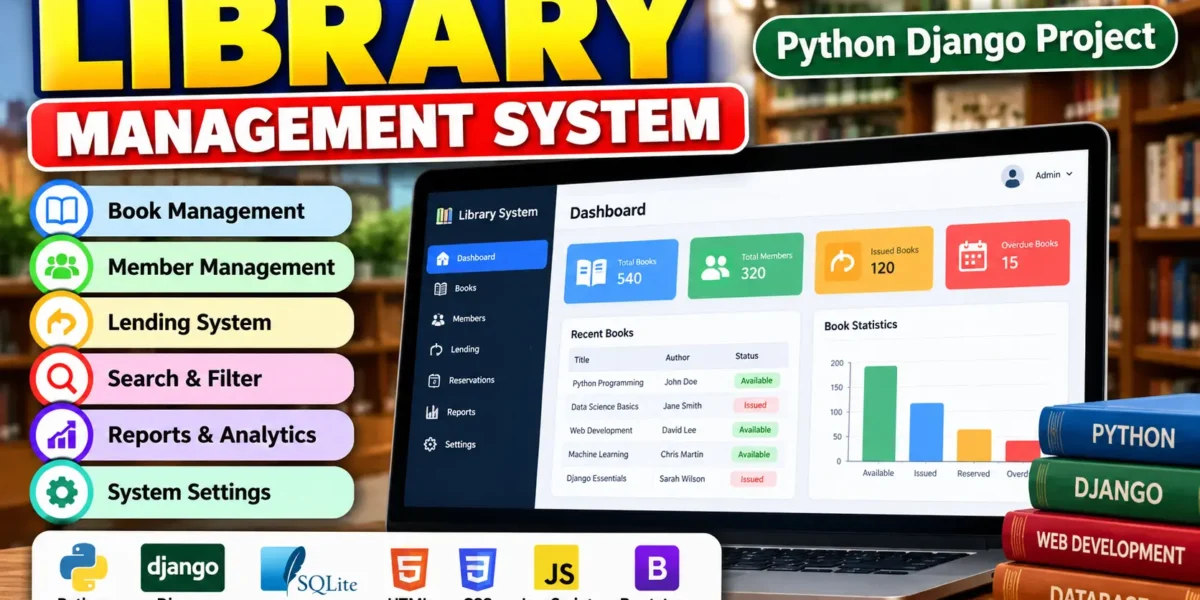
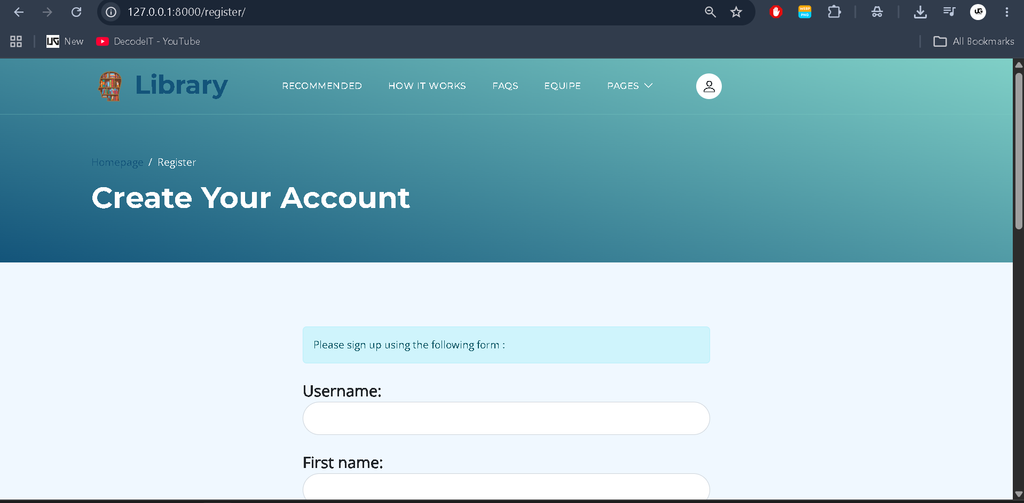
The Library Management System Using Django is a web application developed using Python (Django) and SQLite. It is designed to simplify library operations by providing features for book management, member registration, lending activities, and report generation. The system brings essential library functions together in one application, making it easier for librarians to maintain records and for members to access book-related information.
Managing a library involves keeping book records updated, registering members, tracking issued and returned books, monitoring due dates, and checking book availability. The Library Management System helps organize these activities through a structured web interface. Librarians can manage books and members, while members can browse the catalog, monitor borrowed books, reserve books online, and submit reviews and ratings.
Download New Real Time Projects: Click Here
Project Details
| Project Information | Details |
|---|---|
| Project Name | Library Management System |
| Languages Used | Python (Django) |
| Database | SQLite |
| Type | Web Application |
Complete Advance AI Topics: Click Here
Real Time Projects on YouTube:- DecodeIT
Available Features
The Library Management System includes features for librarians and members. Each user group has access to functions related to its library activities.
1. Librarian Features
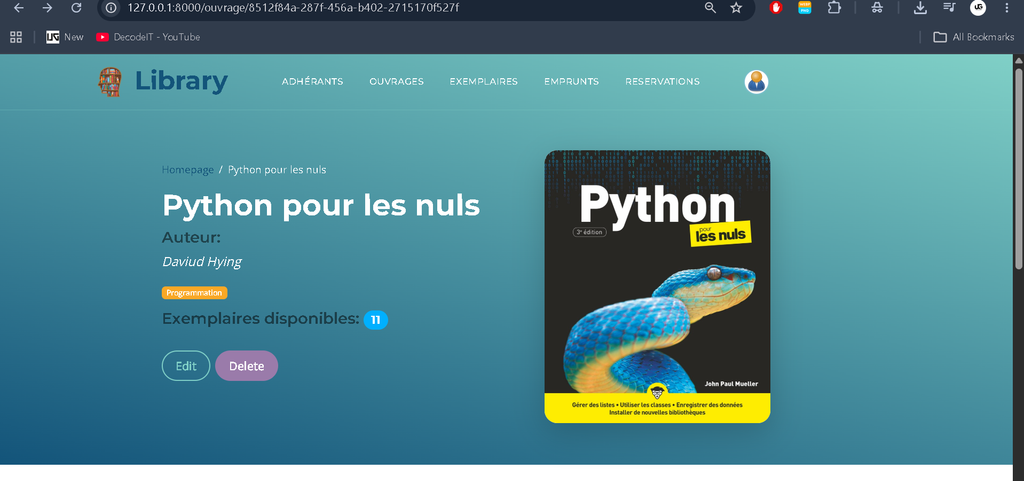
Book Management: Librarians can add new books, update existing book records, and delete records when required. Book information includes titles, authors, and availability details, helping librarians maintain organized catalog records.
Member Management: The system allows librarians to register new members, update their information, and remove inactive users. These functions help maintain member records in an organized manner.
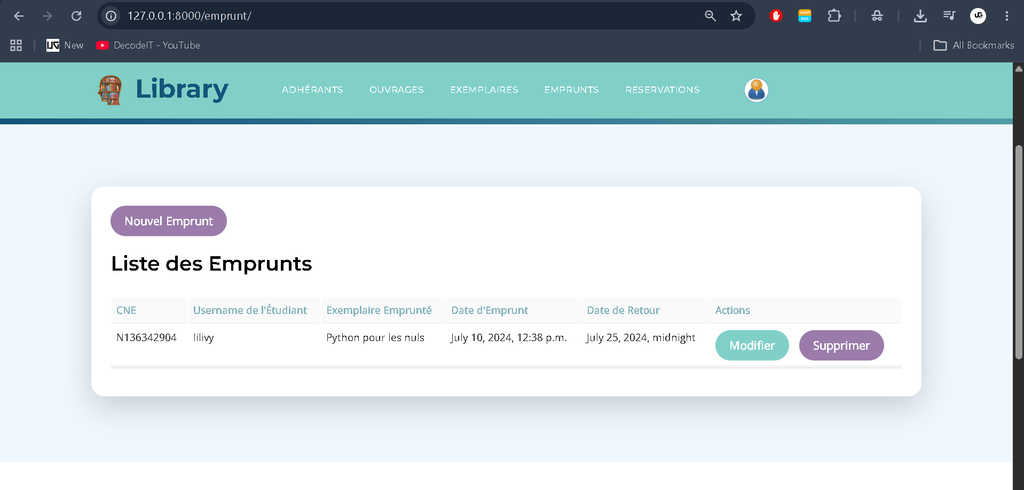
Lending System: Librarians can track issued and returned books and manage their due dates. The system also includes automatic overdue notifications to help monitor books that have not been returned on time.
Search and Filter: Search and filtering options help librarians find book and member records quickly. These functions make it easier to locate specific information without manually checking every record.
Reports and Analytics: The application supports report generation related to book usage, member activities, and revenue. These reports provide organized information about library operations.
System Settings: Librarians can manage currency settings, change passwords, and configure available system preferences. These options provide access to important application settings.
2. Member Features
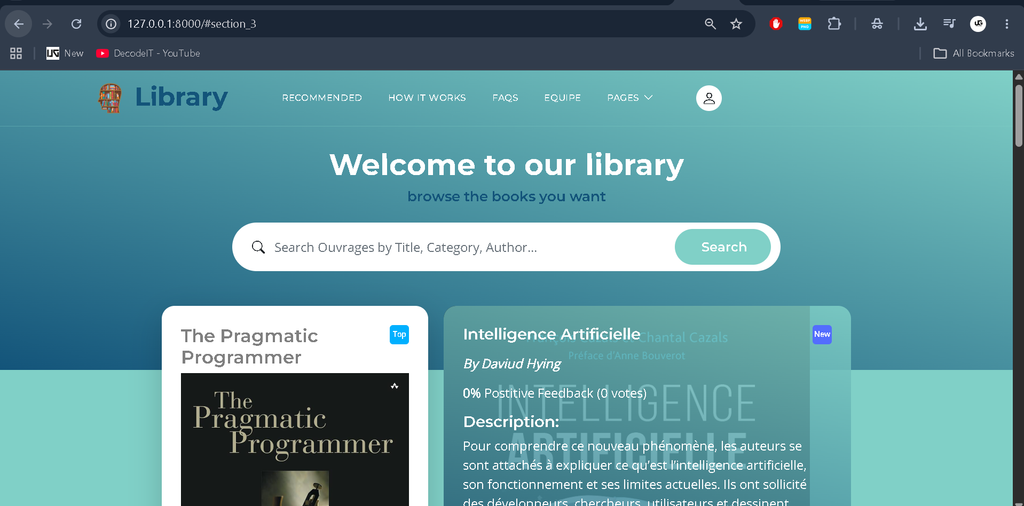
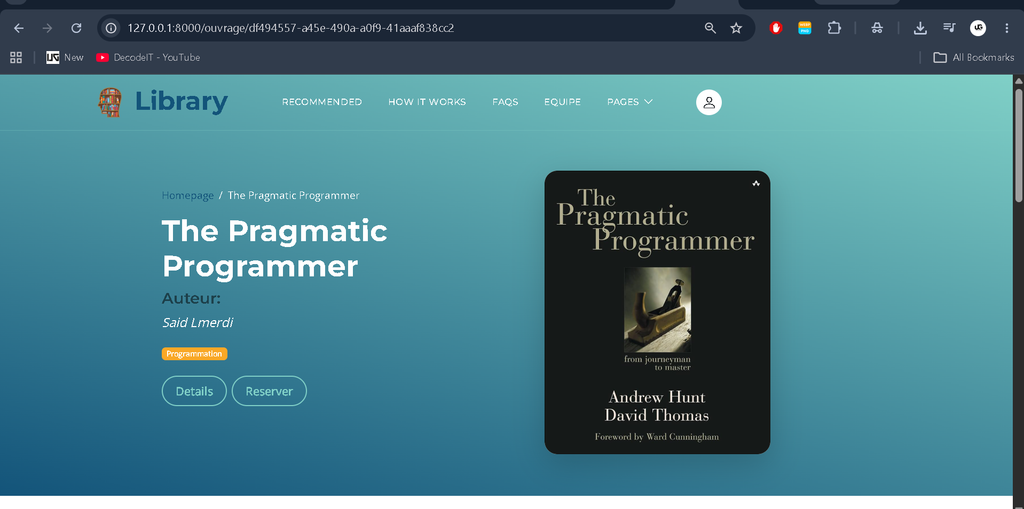
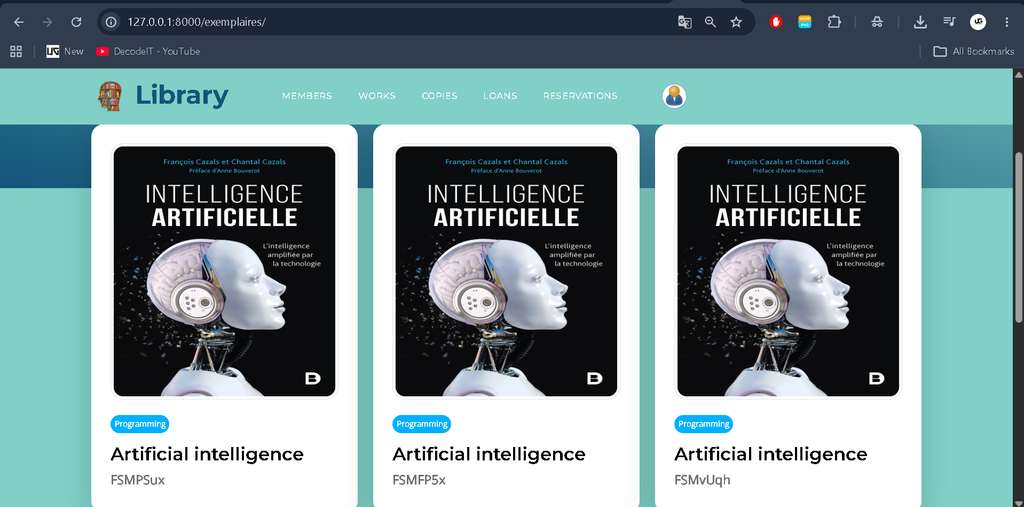
Browse Catalog: Members can browse the available book catalog, view book details, and check whether a book is available. This helps them identify books before making borrowing decisions.
Account Management: Members can monitor their borrowed books, check due dates, and review applicable fines. This feature helps them keep track of their borrowing activities.
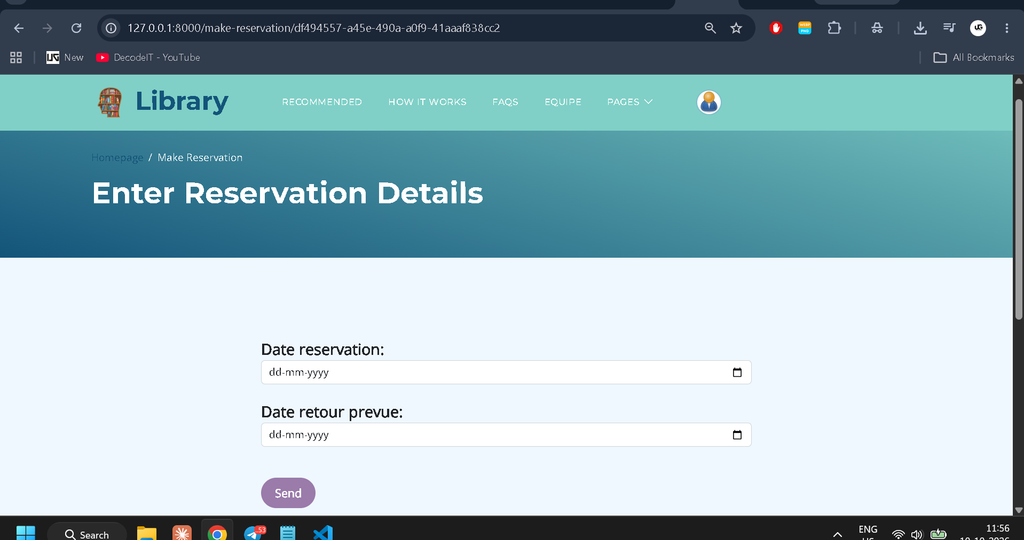
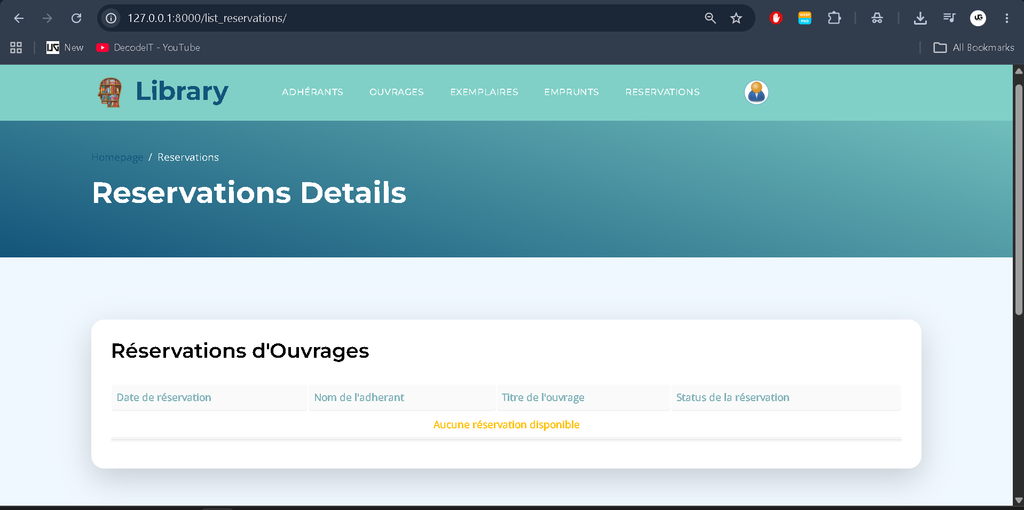
Book Reservations: Members can reserve books online and receive notifications. This makes the reservation process accessible through the web application.
Reviews and Ratings: Members can rate and review books. Their feedback helps other members learn about books and make suitable reading choices.
Technology Stack
- Backend: Python with the Django Framework for application development.
- Database: SQLite for storing and managing application data.
- Frontend: HTML, CSS, JavaScript, and Bootstrap for the user interface.
- Authentication: Django’s built-in user authentication system for user authentication.
Download complete source code
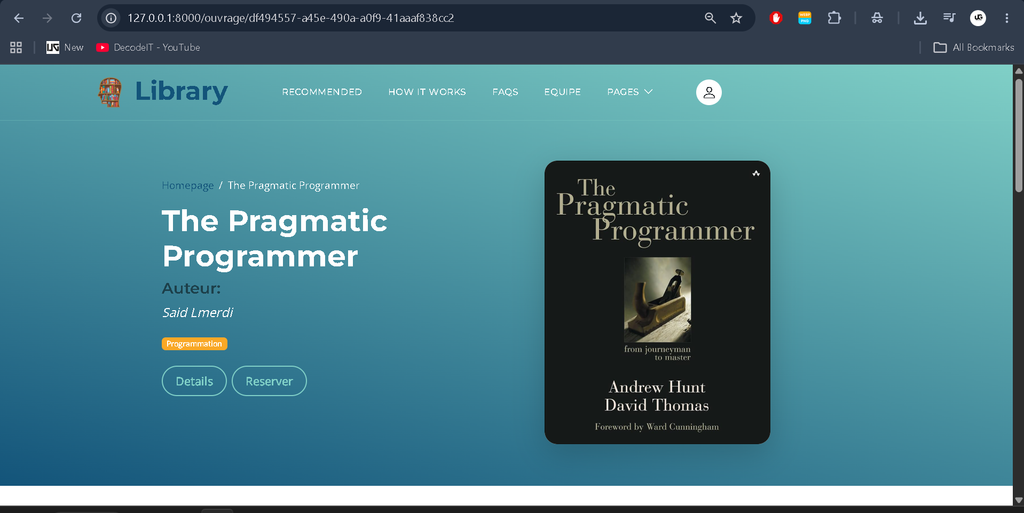
Screenshot
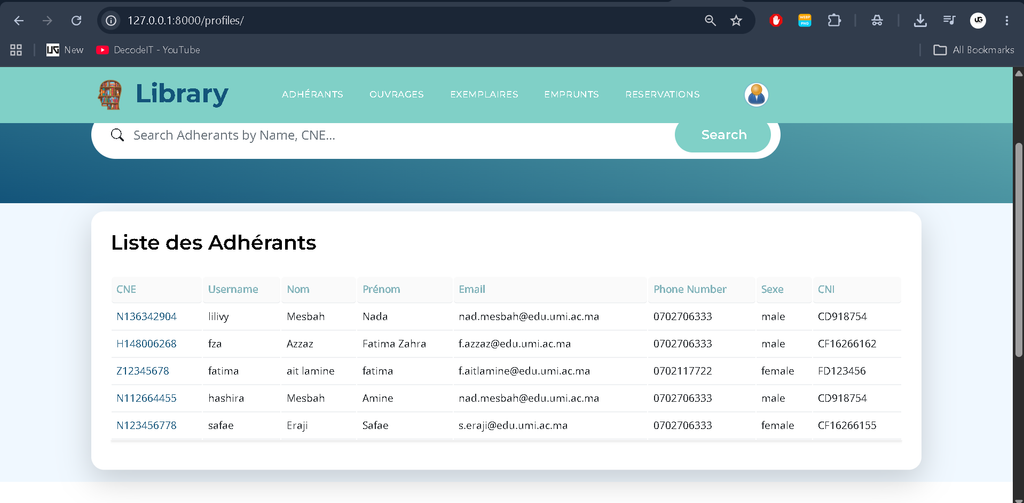
Installation and Setup
Prerequisites
Before installing the Library Management System, make sure Python 3.x and the Django Framework are available in your development environment. You should also have the project folder and its requirements.txt file ready for installation.
Step 1: Open the Project Directory
Open a terminal in your development environment and navigate to the project folder using the following command:
cd Library-Management-ProjectStep 2: Create a Virtual Environment
Create a virtual environment to manage the Python packages required by the project separately from other Python applications.
python -m venv envStep 3: Activate the Virtual Environment
On Windows, execute the following command:
env\Scripts\activateOn macOS or Linux, use this command:
source env/bin/activateStep 4: Install Dependencies
Install the required packages listed in the project’s requirements.txt file by running:
pip install -r requirements.txtStep 5: Run the Django Server
After installing the dependencies, start the Django development server with the following command:
python manage.py runserverStep 6: Open the Application
Open your web browser and visit the local development address displayed in the terminal. You can then access the application through the running Django server.
Why Choose This Library Management System?
Ready-to-Use Solution: The application provides an existing structure for managing library operations, helping reduce the time needed to develop the basic system from the beginning.
Well-Documented Code: The project is described as having well-documented code, making it easier for developers and students to understand and customize the application.
Secure Authentication: Django’s built-in authentication system supports the application’s user authentication requirements.
Responsive Interface: The frontend is designed to work across different devices, allowing users to access the web application through compatible browsers.
Comprehensive Features: The system combines book management, member records, lending operations, reservations, reviews, and reporting in one application.
Frequently Asked Questions (FAQs)
1. What is a Library Management System?
A Library Management System is a web application that helps organize library activities, including book management, member registration, lending, reservations, and report generation.
2. Which programming language is used in this project?
The project uses Python with the Django Framework for backend development. HTML, CSS, JavaScript, and Bootstrap are used for the frontend interface.
3. Which database is used in the Library Management System?
SQLite is used as the database to store and manage the application’s data.
4. What features are available for librarians?
Librarians can add, update, and delete book records, manage members, track issued and returned books, monitor due dates, search records, generate reports, and configure system settings.
5. What can members do in the Library Management System?
Members can browse the catalog, check book availability, monitor borrowed books and due dates, review applicable fines, reserve books online, and submit book reviews and ratings.
Conclusion
The Library Management System is a web-based application developed using Python, Django, and SQLite to organize essential library operations. It provides separate features for librarians and members, covering book records, member management, lending activities, reservations, reviews, and reports. With its structured backend, responsive frontend, and built-in authentication support, the project brings these library functions together in a single application.